
v0, the generator that actually writes code
v0 has become the go-to tool for developers who want to turn a text prompt into a working interface. The difference from most AI generators out there: v0 doesn't hand you a mockup to rebuild — it outputs production-ready React/Next.js code, built on the Shadcn UI system.
That's a different lane from what we've already covered in Google Stitch vs Figma Make or Figma Make, Framer and Lovable — those stay design-first tools (prototypes, Figma files, wireframes). v0 targets the next step: the moment a component actually has to run.
What sets v0 apart from prototype generators
A specialist, not a generalist
v0 was originally built by Vercel for its own internal needs before opening up to everyone. That detail matters: instead of a jack-of-all-trades AI, the tool goes deep on the web stack — JavaScript, HTML, CSS, and the quirks of modern frameworks.
The output follows Shadcn UI conventions, with reusable components rather than throwaway blocks. You can start from a standard date picker and ask the AI to adjust colors and spacing to match your brand, without breaking maintainability.
The element selector: sculpt instead of re-asking
v0's most powerful feature is direct selection on the generated interface. Instead of redescribing the whole page to fix one detail, you click the element in question and ask for a targeted change — turning a text block into an interactive button, hover states included.
That single move changes the workflow: you're no longer chatting with a bot that regenerates everything each round — you're editing one specific detail, the way you would in a regular editor.
The real test: from sketch to finished product
Steering with a screenshot instead of a description
The most effective starting point isn't always a long text prompt. Feeding a screenshot of a site you like — a Spotify-inspired music player, a landing page spotted on Godly or Mobbin — gives the AI an immediate visual hierarchy to match, instead of starting from a blank page.
For anyone with some development background, v0 also understands Tailwind CSS natively: injecting precise classes like size-4, or advanced properties like tabular-nums to align numbers in a table, short-circuits the AI's guesswork.
The winning combo: v0 for code, another AI for visuals
v0 still lags on pure visual-asset generation. The workaround seen across our sources: use Claude to write detailed prompts for Midjourney, then clean up the resulting backgrounds and logos before feeding them back into the v0 project.
It echoes what we described in Claude Design and the prototyping revolution: no single AI covers the whole pipeline, but orchestrating several specialized tools gets you further than any one of them alone.
v0 against Figma Make and Framer Workshop: the real comparison
Three philosophies, one shared challenge
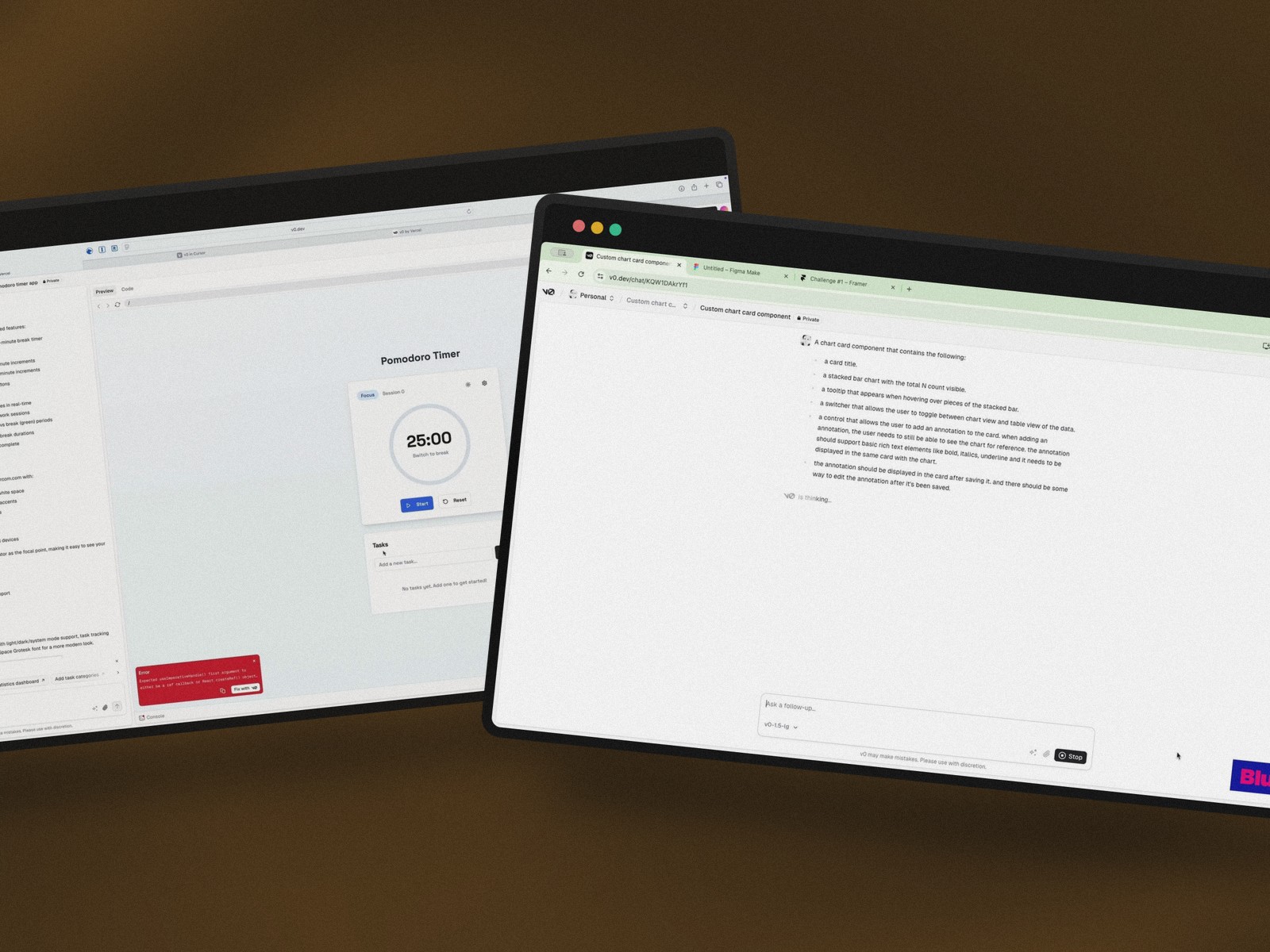
A blind test run by agency Blueshift pitted all three tools against the same demanding component: a dashboard card with a chart, a table, and annotations. Same starting prompt, two correction rounds max — identical rules for everyone.
- v0 → working code, but a syntax error on the very first render, one that had to be fixed before even judging the visuals
- Figma Make → smoother generation, better grasp of visual hierarchy, but tooltips and colors still needed touch-ups
- Framer Workshop → visual property editing that looks great on paper, but chaotic layout with overlapping elements
The shared weakness: inconsistency
The real lesson from this comparison isn't which tool "wins" — it's that none of them produce a stable result run after run. The same prompt can yield a flawless component in the morning and a critical error in the afternoon, a real problem for any team that needs repeatability, not just speed.
v0 in the developer workflow: beyond the browser
v0 straight inside Cursor or Windsurf
For a developer, staying tied to v0's web interface is its own friction. An API key lets you plug v0's model directly into your usual editor, by redirecting the OpenAI API base URL to Vercel's servers — a clever technical detour that lets you code at thinking speed without leaving your environment.
Assembling instead of rebuilding
The community library 21st.dev rounds things out: open-source components (nav bars, animations) you copy and paste, which v0 then blends into the rest of the project. You're not starting from zero anymore — you're assembling.
Conclusion
v0 doesn't replace Figma Make — it answers a different need: shipping deployable code, not a design file to hand off to a developer. For a team that wants to validate an idea and have it running in production the same day, it's a genuine time-saver — as long as a designer's eye stays on every iteration, since the AI remains an eager assistant, not an art director.
Further reading
This synthesis article is based on the following videos:
- Maîtriser V0 pour transformer vos concepts en interfaces web professionnelles et prêtes à l'emploi
- Comment v0 de Vercel transforme le développement web en un processus créatif assisté par l’IA
- Vercel V0 vs Figma Make vs Framer : le duel des IA pour le design d'interface
Articles generated via Vidiome, then merged and enriched.