Preview 1 of 4
AI and agent line icons: 48 icons (models, prompts, agents, generation, states, trust)
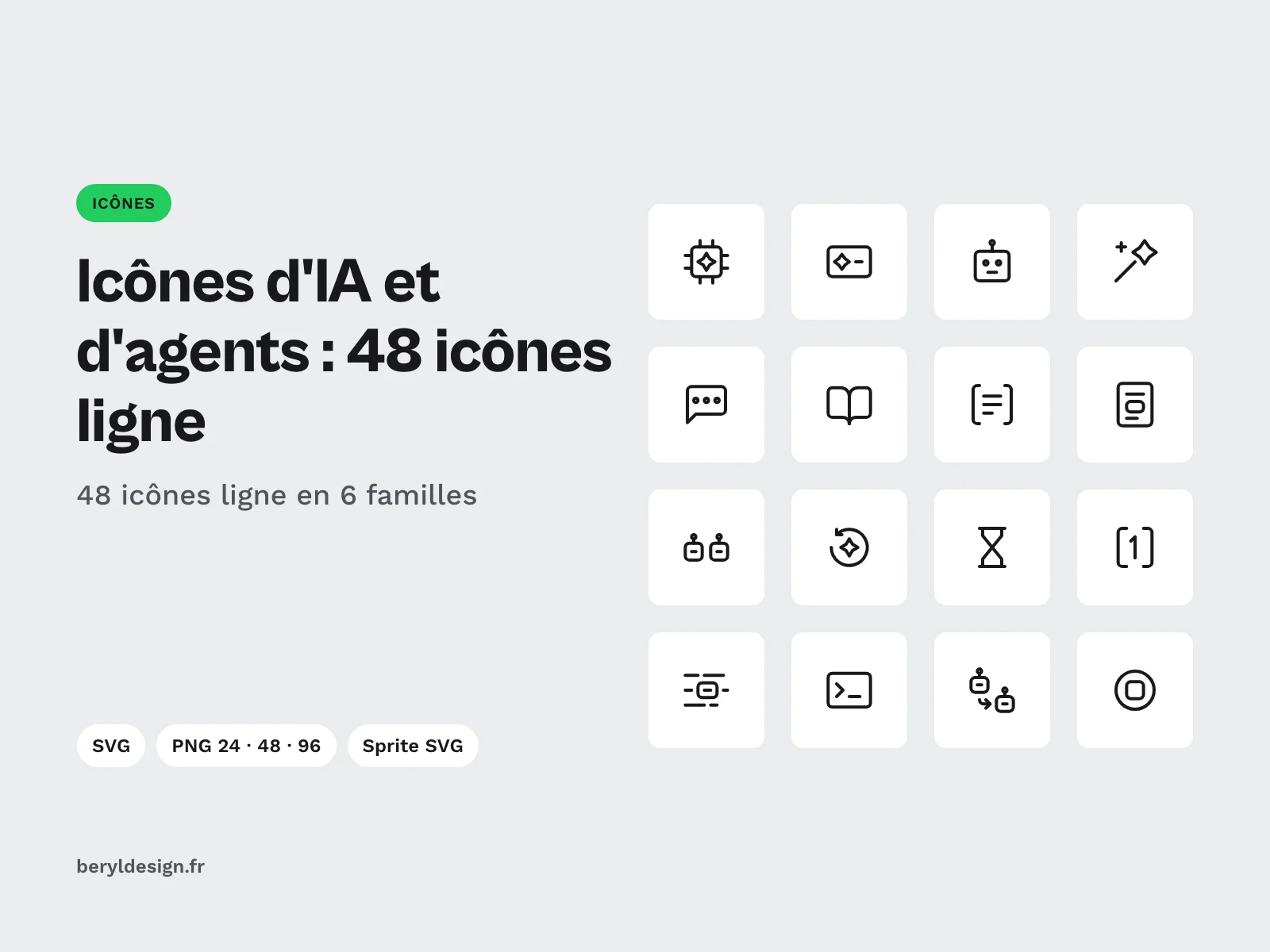
48 line icons for generative AI and agents as SVG, PNG and SVG sprite: models, prompts, agents, generation, states and trust. Under a commercial licence.
Overview
Description
This pack brings together 48 line icons for generative AI and agents, delivered as SVG, PNG and SVG sprite, under a commercial licence. It is for designers and developers who design the interface of a conversational assistant, an image generator, an agent platform or an internal tool built on a model: picking a model, writing and reusing a prompt, handing a task to an agent that plans and calls tools, starting, stopping or rerunning a generation, showing the state of a request, then showing where an answer comes from and which guardrails frame it. Each file has a plain English name (prompt, tool-call, human-in-loop) that you can reuse as is in your code. All icons share the same stroke, with no fill and rounded ends, so an input field, an agent panel and a generation history stay in one style.
The pack contains no brand: no assistant or model logo, no mascot, no sparkle taken from an existing logo. The concepts are redrawn to read outside any particular product.
Specifications
| Icons | 48, line style |
|---|---|
| Families | 6 of 8: models, prompts, agents, generation, states, trust |
| Formats | SVG, PNG 24, 48 and 96 px, SVG sprite, HTML demo page |
| Files | 194, plus the licence, credits and a README file |
| Licence | commercial |
| Version | 1.0.0 of 13 November 2026 |
Contents
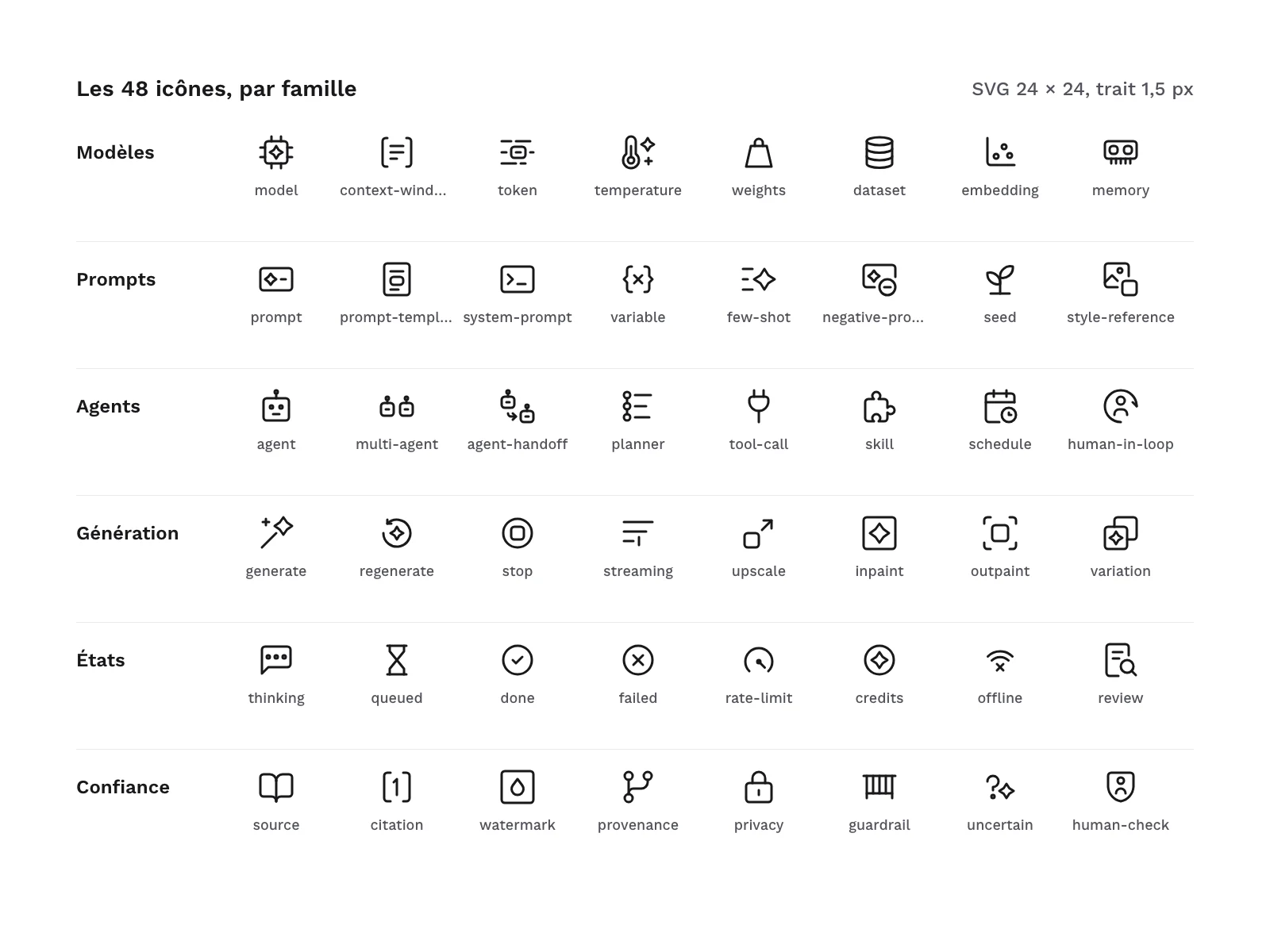
- 48 line icons, in 6 families of 8:
- Models (8):
model,context-window,token,temperature,weights,dataset,embedding,memory; - Prompts (8):
prompt,prompt-template,system-prompt,variable,few-shot,negative-prompt,seed,style-reference; - Agents (8):
agent,multi-agent,agent-handoff,planner,tool-call,skill,schedule,human-in-loop; - Generation (8):
generate,regenerate,stop,streaming,upscale,inpaint,outpaint,variation; - States (8):
thinking,queued,done,failed,rate-limit,credits,offline,review; - Trust (8):
source,citation,watermark,provenance,privacy,guardrail,uncertain,human-check.
- Models (8):
- 48 SVG files, one per icon.
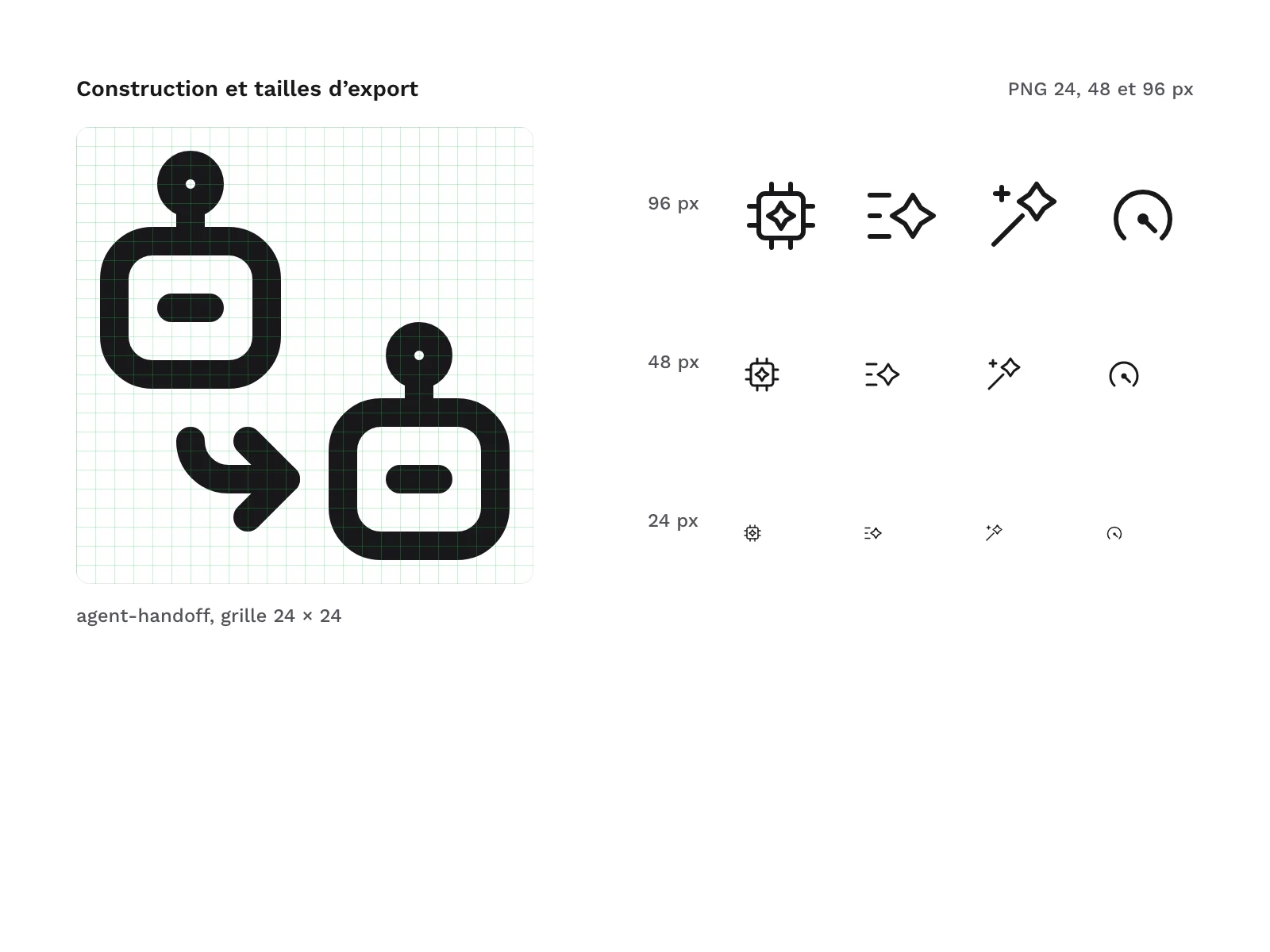
- 144 PNG files: each icon at 24, 48 and 96 px.
- 1 SVG sprite that gathers the 48 icons as symbols.
- 1 HTML demo page.
LICENCE.txt,CREDITS.txtandLISEZMOI.txt(README, in French) at the root of the archive.
A few drawing choices worth knowing before you buy. model is a chip, agent a simple robot head, which multi-agent repeats and agent-handoff links with an arrow. tool-call is a power plug and skill a puzzle piece: the agent plugs into a tool, it gains a skill. prompt, system-prompt and negative-prompt all start from an input field, to which a command prompt or a minus badge is added. generate is a wand surrounded by sparkles, without taking the sparkle of any logo. human-in-loop places a figure inside a circular arrow, human-check sets it on a shield.
Some concepts have no drawing that everyone recognises at first sight: token (a framed word among cut lines of text, which can also read as a highlight), context-window, rate-limit, human-in-loop, multi-agent, agent-handoff, negative-prompt and guardrail (a rail with posts). In an interface, pair them with a label or a tooltip: the file name already gives you the right word.
The pack follows the same grid as the other Beryl Design line icon packs: same stroke, same radii and same rounded ends. If you already use one of these packs, the icons combine in the same interface without any touch-up, and no file name is duplicated.
File structure:
LICENCE.txt
CREDITS.txt
LISEZMOI.txt
svg/
png/24/
png/48/
png/96/
sprite/ai-agent-line-icons.svg
demo/index.html
How it was made, and AI
The icons were drawn as SVG with an AI assistant, on the grid of the range, then rendered, measured and reviewed one by one: grid, stroke and live area checks, rendering on a sheet at 24 and 48 px, then a review of each icon. The drawings found ambiguous at the first review were redrawn and tested at small sizes before being kept. The pack contains no image produced by an image generator.
Formats and compatibility
- SVG: vectors with no fill whose stroke takes the text colour (
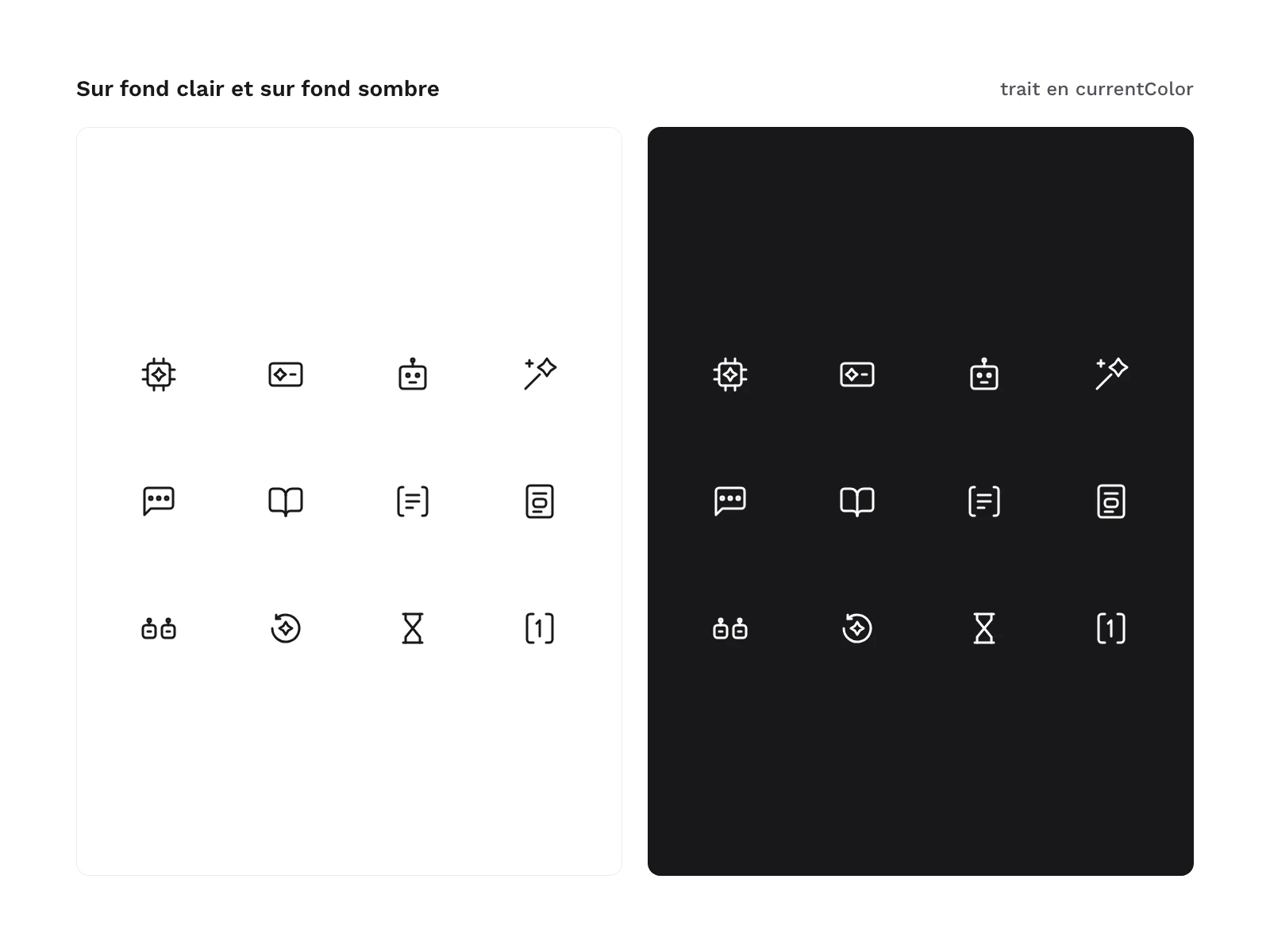
currentColor). You change the colour with the CSScolorproperty and the stroke width with thestroke-widthattribute, set once on the root tag. The files open in most design tools and can be used directly in code (HTML, components). - PNG 24, 48 and 96 px: black icons on a transparent background, for a presentation, a document, a mockup or software that does not import SVG.
- SVG sprite: a single file where each icon is a
<symbol>named after its file, called with<use href="#agent"/>. - HTML: a self-contained demo page, with no script or external resource, that shows the icons by family at 24, 48 or 96 px and in several colours, including on a dark background.
Licence
The icons come under a commercial licence: you can use them in your personal and professional projects, including for your clients and in products you sell, but you may not resell or redistribute the files, even for free.
Further reading
- Connecting an AI agent to your design system: the guide to the design agent and the MCP protocol.
- Generating an interface from a prompt: a comparison of two AI interface generators.
Version history
1.0.0 (13 November 2026): first version.