Introduction
In 2025, Figma's monopoly is over. With the release of Penpot 2.0 and its revolutionary "Code-to-Design" approach, the question is being asked seriously: should you migrate?
Penpot is no longer just an "open source alternative". It has become a mature tool that offers features Figma still doesn't have (like true CSS Grid). Here is the definitive comparison to help you choose.
Penpot vs Figma: The Summary (2025)
If you're in a hurry, here are the fundamental differences:
| Criterion | Penpot 2.0 🟢 | Figma 🔵 |
|---|---|---|
| Price | Free (SaaS & Self-hosted) | Paid (€15+/month/user) |
| Layout | CSS Grid + Flex (Web Standards) | Auto Layout (Proprietary) |
| Offline | Yes (via Docker/Self-hosted) | No (Internet connection required) |
| Code | Native SVG & CSS | Proprietary code translated |
Why Penpot 2.0 Changes the Game in 2025
1. THE CSS GRID LAYOUT: THE REVOLUTION
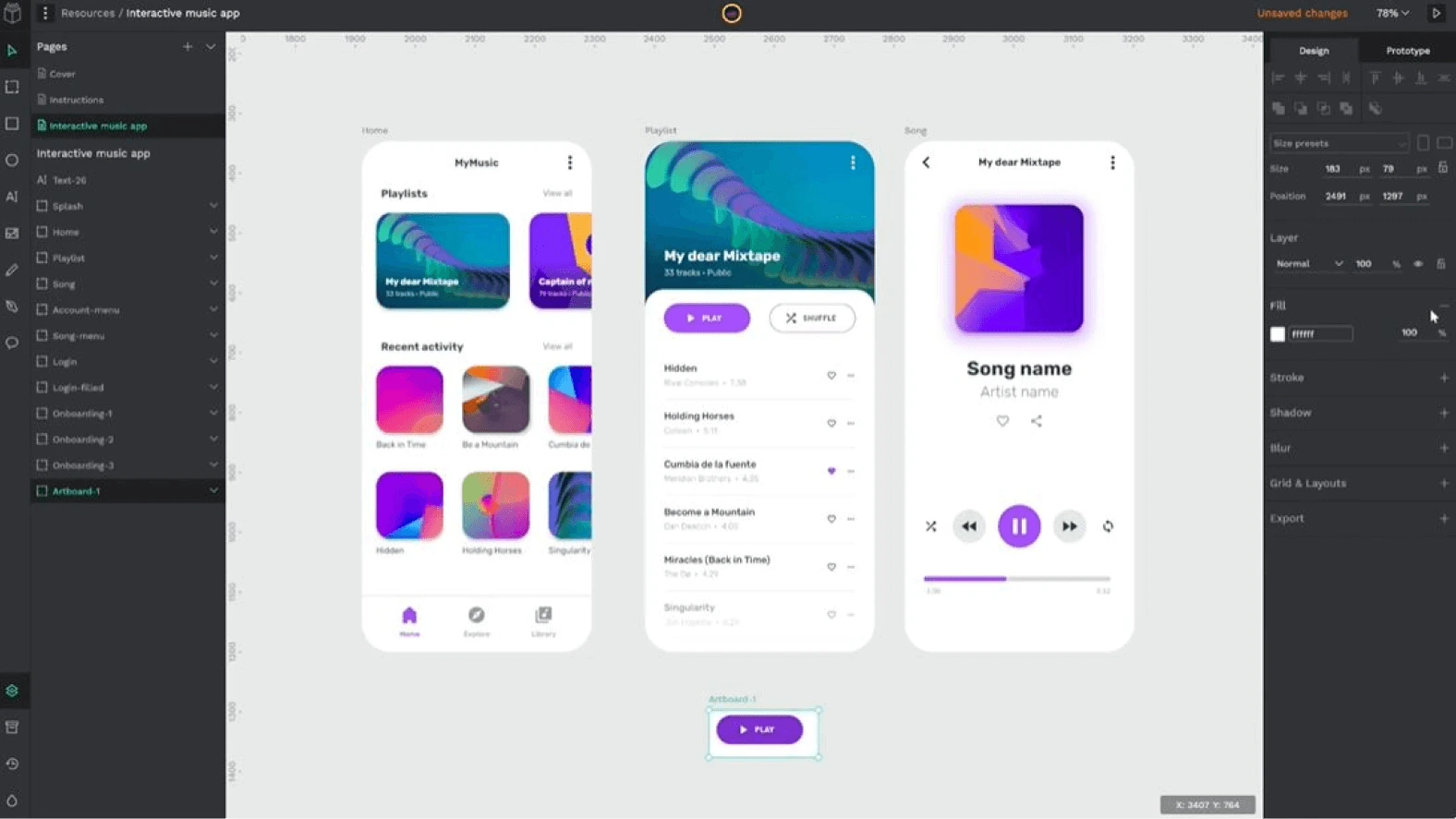
This is THE feature that hurts Figma. Penpot uses true web standards (CSS Grid). Concretely, you can create complex grids in 2 clicks that will be directly translatable into code by developers.
Say goodbye to the nightmare of "nested Auto Layouts" in Figma to try to simulate a grid. With Penpot, you design the way you code.
2. INDEPENDENCE (SELF-HOSTED)
In 2025, data sovereignty is crucial. Unlike Figma where everything is in the cloud (and belongs to Adobe/Figma), Penpot can be installed on your own servers.
- Your files truly belong to you.
- You can work offline (on your local instance).
- No risk of surprise price changes.
The Advantages That Remain
FINANCIAL ACCESSIBILITY
For a team of 10 designers, Figma costs about €1,800/year. Penpot costs €0. For agencies and freelancers, this is an irrefutable economic argument.
REAL-TIME COLLABORATION
Like Figma, Penpot allows multiple people to work on the same file in real time. The experience is smooth and has nothing to envy from its paid competitor.
The Limitations (Let's Be Honest)
THE PLUGIN ECOSYSTEM
This is Figma's strong point. Its community is huge and there is a plugin for everything. Penpot is progressing quickly, but its catalog of extensions is still far behind.
MARKET ADOPTION
Most job offers ask for "Figma". If you're looking for a job in an agency, you need to know Figma. But for your personal projects or your own studio, Penpot is an increasingly relevant choice.
2025 Verdict: Should You Migrate?
Stay on Figma if: You work in a large team already set up, or if you depend on specific plugins unavailable elsewhere.
Switch to Penpot if: You are a developer, freelancer, or an agency concerned with your margins and data independence. The CSS Grid alone is worth trying out the tool.