
Introduction
In the world of design and creation, collaboration is the key to success. With the advent of Penpot 2.0, this collaboration reaches new heights. Penpot 2.0 represents much more than a simple software update; it's a revolution in how creative teams work together to bring their ideas to life.
Evolution of Penpot
Since its inception, Penpot has established itself as a tool of choice for designers and creative teams worldwide. With its ease of use and powerful features, it has earned the trust of design professionals. And now, with Penpot 2.0, the collaborative design experience is about to take a new step.
Key Features
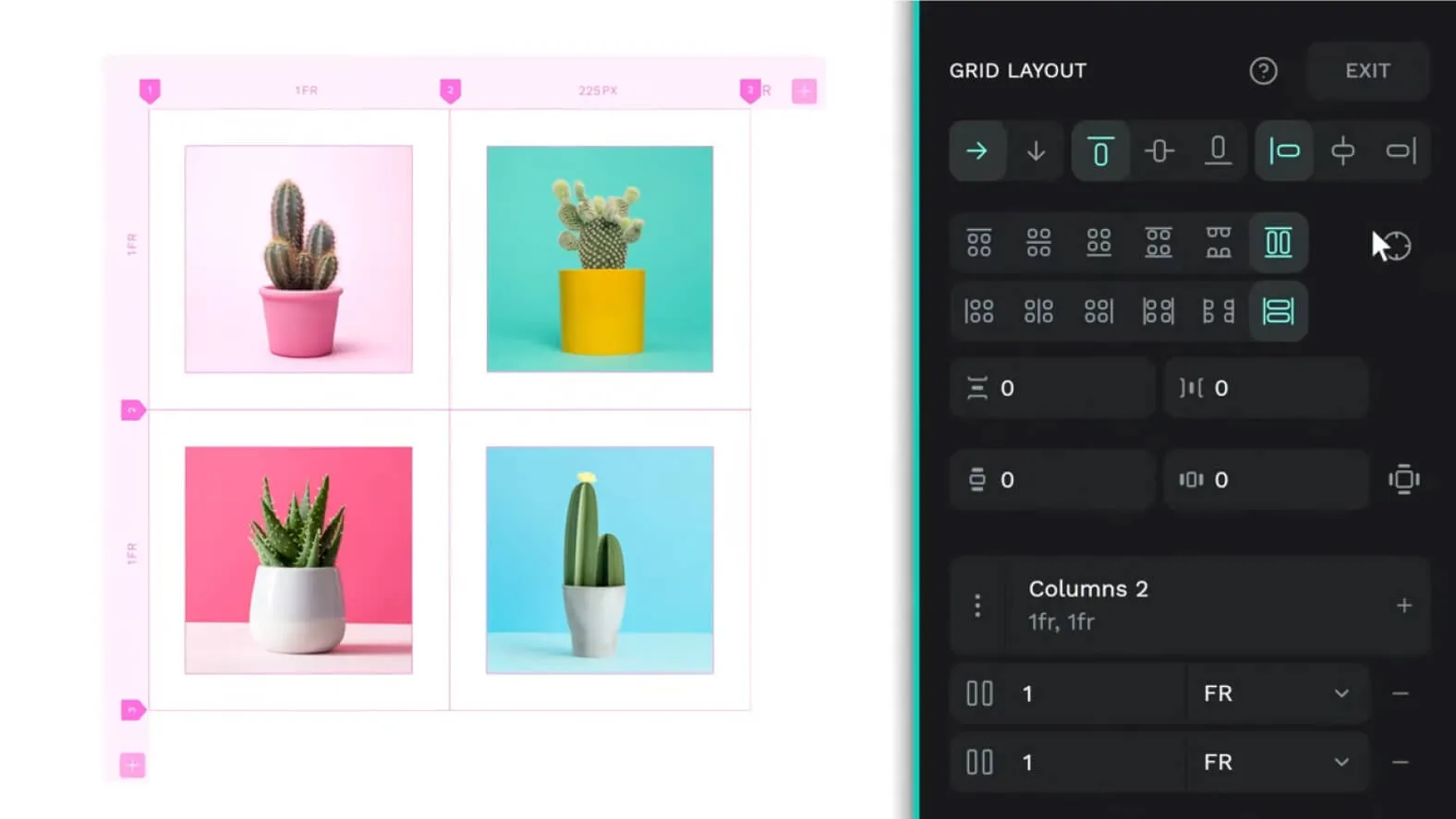
CSS GRID LAYOUT
The CSS Grid Layout system now allows users to distribute elements in a more responsive manner, using columns and rows. This simplifies and accelerates developers' work while offering a more advanced and flexible interface layout.
NEW COMPONENT SYSTEM
Penpot 2.0 introduces an entirely new and powerful component system, offering a systematic way to reuse elements across different projects. This approach allows, according to our experience, designing at scale, working faster while maintaining visual consistency.
USER INTERFACE REDESIGN
Penpot's new user interface offers smoother, more intuitive and agile navigation. By implementing best practices in accessibility, this redesign improves overall user experience, allowing users to focus more on their creativity.
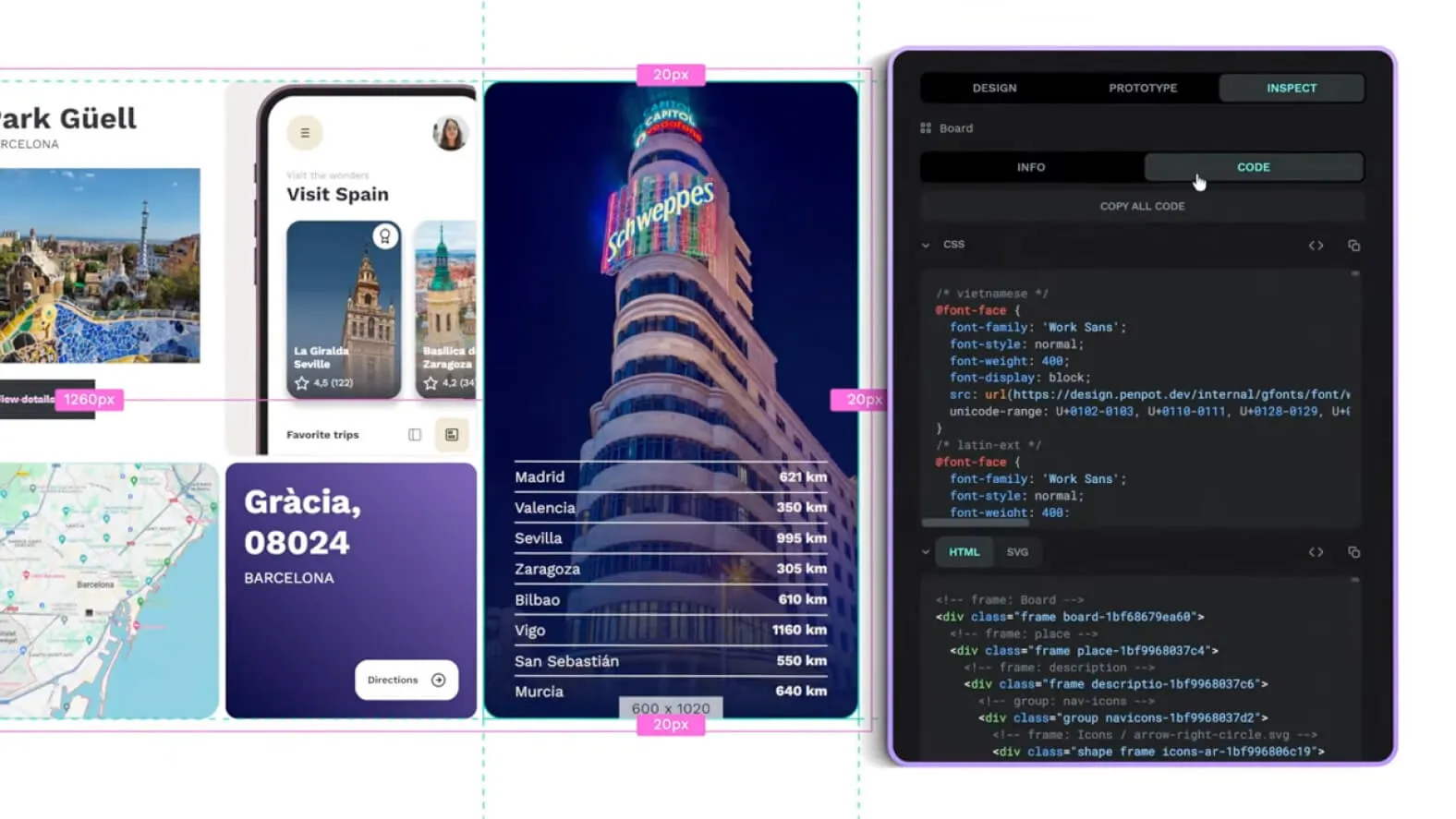
HTML CODE MARKUP
With Penpot 2.0, users can now get HTML code in the inspection tab. Additionally, images are treated as fill elements, which maintains their constant aspect ratio when resized. This is particularly useful for flexible designs, offering more precise control over the final rendering.
Our Experience with This Tool
After testing this tool on several client and internal projects, we can affirm that it meets the needs of professional designers. Our team uses it regularly in its daily workflow, which allows us, according to our experience, to validate its effectiveness under real production conditions.
Points Tested in Detail:
- Performance on large files (500+ frames)
- Compatibility with complex design systems
- Stability during intensive use
- Integration into team workflow
Points of Attention (Tested Under Real Conditions)
In the interest of transparency, here are the limitations we identified during our testing:
- Processing time that can be prolonged on very large files
- Requires a stable internet connection for certain features
- Learning curve for beginner users
Conclusion
With Penpot 2.0, the future of collaborative design has arrived. By combining advanced features such as CSS Grid Layout, the new component system, the user interface redesign, and HTML Markup code integration, Penpot 2.0 provides creative teams with the means to push the boundaries of creativity and innovation. Whether you're a professional designer or a design enthusiast, Penpot 2.0 gives you the tools you need to create exceptional projects and opens the way to a new era of creative collaboration.