Lottie Creator: the new revolution in animation creation
Introduction
In a world where animation has become an essential element of web and mobile design, tools that simplify the creation process are indispensable. Before the emergence of Lottie Creator, there was already a pioneer: the Figma Lottie Files plugin. This plugin paved the way for a new way of creating animations by allowing Figma designers to easily export their designs to the Lottie format, effortlessly creating interactive animations. However, this plugin was limited in its features and did not fully meet the needs of developers and designers.
This is where Lottie Creator comes in, as a natural and complementary evolution of the Figma Lottie Files plugin, offering advanced features, a user-friendly interface, and an extensive resource library to meet every animation creation requirement. In this article, we'll explore how Lottie Creator builds on the foundations laid by the Figma Lottie Files plugin to deliver a complete and powerful solution for creating animations.
What is Lottie Creator?
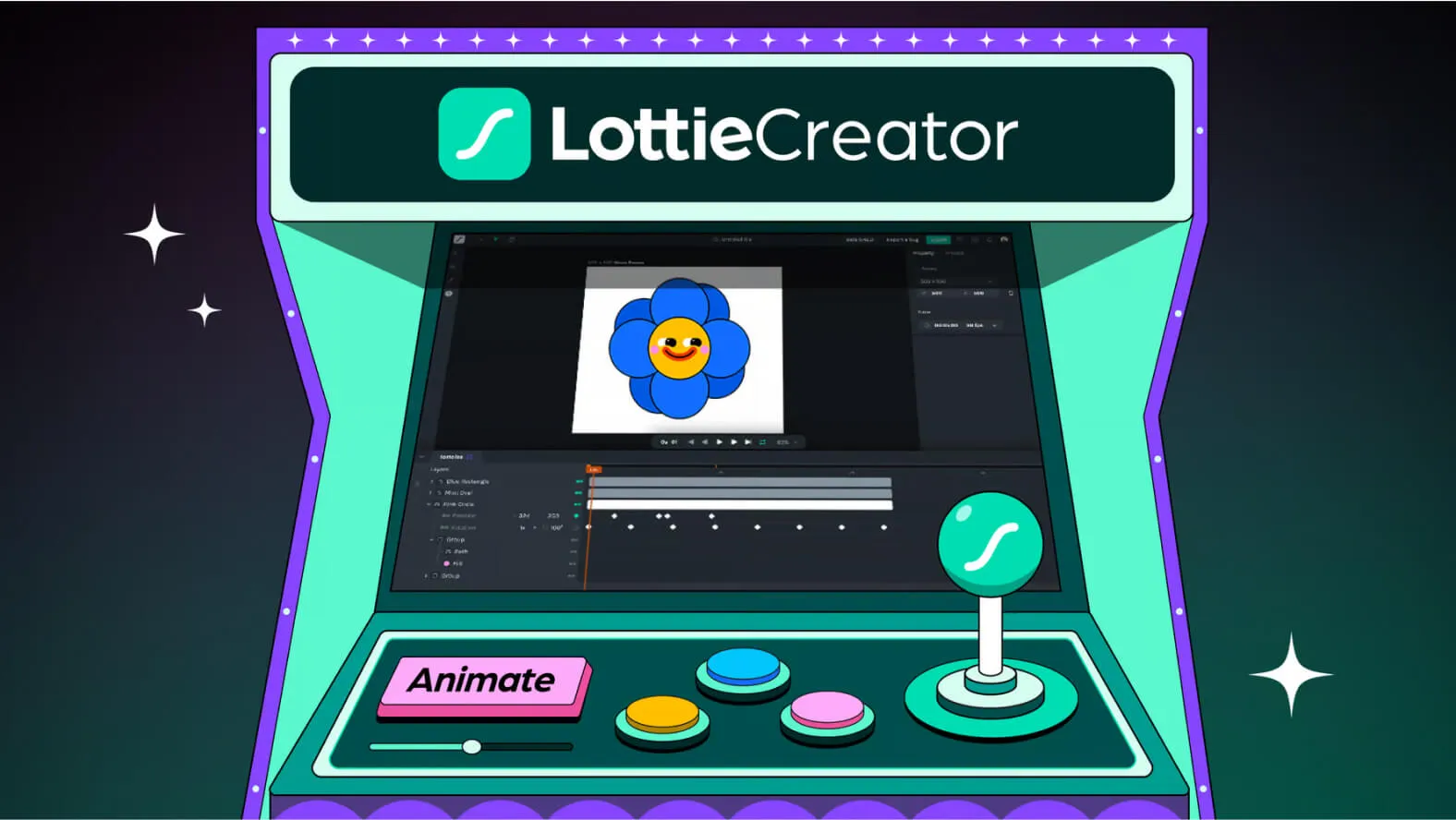
Lottie Creator represents a major step forward in animation creation for developers and designers. Building on Airbnb's Lottie technology, this innovative tool makes it easy, in our experience, to design interactive and highly customized animations, even without advanced expertise in animation or coding. Its user-friendly interface delivers a smooth experience at every skill level.
Thanks to intuitive features and easy-to-use tools, even beginners can create professional-quality animations in just a few clicks. What's more, Lottie Creator provides access to a vast resource library including pre-designed graphic elements and ready-made animation effects. This wealth of resources allows users to easily explore and integrate attractive visual elements into their projects, speeding up the creation process while boosting creativity.
Key features
Lottie Creator offers a range of powerful features that let users bring their ideas to life with ease and efficiency.
TIMELINE AND KEYFRAMES
With Lottie Creator, you can gain precise control over your animations by adjusting keyframes and creating smooth transitions. Keyframes act as markers for significant changes in properties such as position, scale, rotation, color, or opacity, throughout the animation's timeline.
ANIMATION PRESETS
Lottie Creator offers a wide range of animation presets, ideal for users who don't know where to start or those looking to quickly animate static designs. These presets let you bring elements into the frame, highlight specific layers or shapes within the frame, or move them out of the frame.
ACCESS TO OVER 100,000 LOTTIE ANIMATIONS
Lottie Creator gives you access to a vast library of more than 100,000 Lottie animations for every industry and use case. On top of that, you get access to new animations added daily.
SVG FILE IMPORT
Lottie Creator also lets you drag and drop your SVG files directly into the canvas. This allows you to import designs created with popular design tools such as Adobe Illustrator or Figma and add motion to them. You can change backgrounds and shapes, animate layers, and modify the overall look of the animation.
DOWNLOAD OPTIONS FOR DIFFERENT FILE FORMATS
You can download your finished animation in several formats for different applications. Here are the available formats (Lottie JSON, optimized Lottie JSON, dotLottie, optimized dotLottie, GIF, MP4, MOV, WebM).
Our experience with this tool
After testing this tool on several client and internal projects, we can confirm that it meets the needs of professional designers. Our team uses it regularly in its daily workflow, which allows us, in our experience, to validate its effectiveness in real production conditions.
Points tested in detail:
- Performance on large files (500+ frames)
- Compatibility with complex design systems
- Stability during intensive use
- Integration into a team workflow
Points to watch (tested in real conditions)
In the interest of transparency, here are the limitations we identified during our testing:
- Processing time can be longer on very large files
- Requires a stable internet connection for certain features
- Learning curve for beginner users
Conclusion
Lottie Creator emerges as a genuine revolution in the world of animation creation. By offering a simple, accessible, and powerful solution, this tool is a game-changer for developers and designers, allowing them to bring their ideas to life without the usual hassles that come with creating animations. With its advanced features such as precise keyframe manipulation, vast resource libraries, and extensive customization options, Lottie Creator opens up new creative horizons.
Users can now create interactive and highly customized animations in record time, without needing advanced animation or coding skills. By adopting Lottie Creator, professionals can not only gain efficiency in their creation processes, but also deliver dynamic and engaging user experiences. This platform therefore establishes itself as an essential tool in the arsenal of any modern animation creator.
USEFUL LINKS
Some links are affiliate links; if you make a purchase through them, we may earn a commission.

In the same notebook

Tools & Software
Framer vs Webflow in 2026: Which No-Code Tool Should You Choose in the AI Era?
Framer or Webflow in 2026? Design, AI (Wireframer, Workshop), CMS and pricing: our honest comparison to help you pick the right no-code tool.

Tools & Software
Figma Motion, Jitter, Rive, or Lottie: Which Animation Tool Should You Pick in 2026?
Can Figma Motion replace Jitter, Rive, and Lottie? A practical comparison to help you pick the right animation tool for your needs in 2026.

Tools & Software
Figma, Sketch or Penpot: Which Tool Should a Digital Agency Choose in 2026?
Figma, Sketch or Penpot for a digital agency in 2026? Real costs, self-hosting, design systems and developer handoff: our clear-cut comparison.