FigJam vs Miro: The Battle of the Digital Whiteboard Titans
Introduction
In the landscape of digital collaboration tools, FigJam and Miro stand out as essential solutions for teams eager to boost their creativity and productivity. This article introduces and compares these two giants of the digital whiteboard to help you choose the one that best fits your needs.
Platform Overview
FIGJAM
FigJam is an extension of Figma, renowned for its interactive design features. It offers a collaborative workspace where users can easily share ideas and create design prototypes. Its integration with Figma makes it a tool especially well suited to design teams.
MIRO
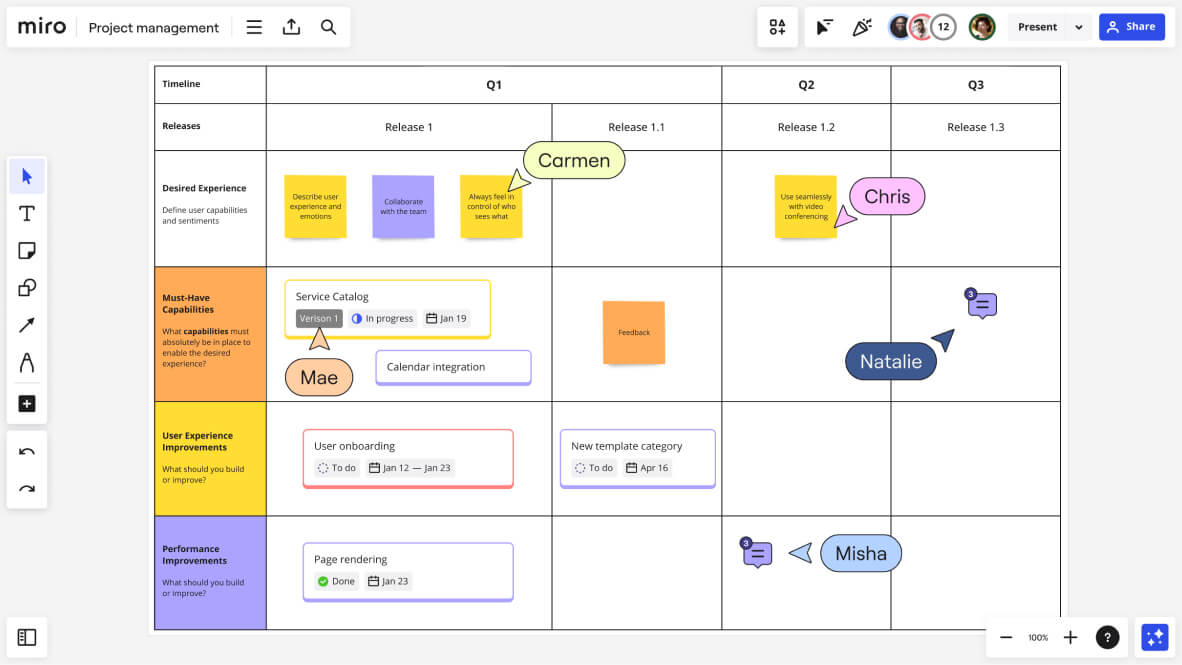
Miro, for its part, is a versatile digital whiteboard that adapts to a multitude of collaborative work scenarios. With its many templates and tools, Miro is designed to make project planning, brainstorming, and information management easier for all kinds of professional teams.
Feature Comparison
FIGJAM
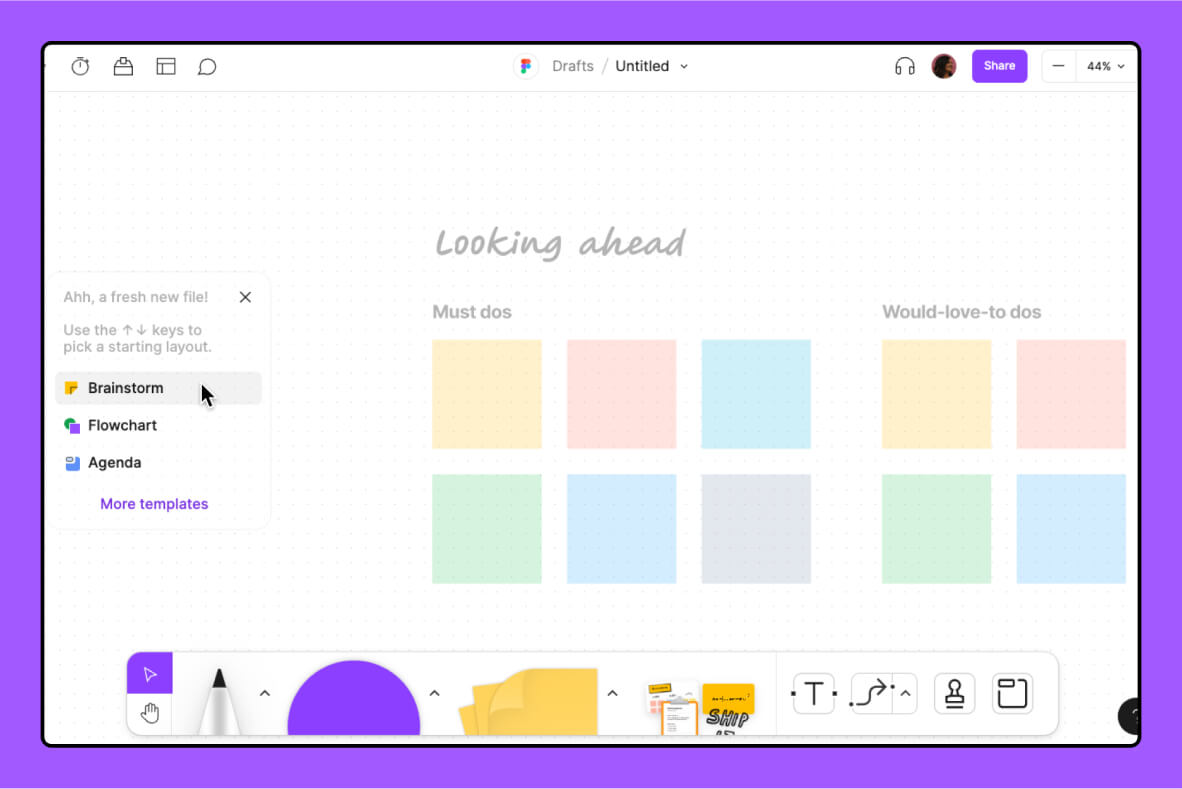
FigJam shines through its simplicity and its integration with Figma, which makes it ideal for collaborative sketching and design-focused ideation. It's intuitive and easy to get started with, even for non-designers.
MIRO
Miro, on the other hand, stands out with its broader set of tools, its extensive templates, and its wider collaboration capabilities. It's suited to a more varied range of collaborative activities beyond simple drawing. Miro is also recognized for its powerful platform, which integrates easily with other tools and offers robust enterprise-grade security.
User Experience
FIGJAM
FigJam's user experience is often praised for its ease of use and its clean interface. Users appreciate the way it makes real-time collaboration easier within a design environment.
MIRO
Miro, for its part, is valued for its flexibility and its ability to adapt to teams' different workflows. It offers a rich and diverse user experience, with features that support innovation and large-scale collaboration.
Security and Compliance
When it comes to security, Miro takes the lead with its set of advanced features that let companies roll out the tool at scale while maintaining compliance and security.
Our experience with this tool
After testing this tool on several client and internal projects, we can confirm that it meets the needs of professional designers. Our team uses it regularly in its daily workflow, which allows us, in our experience, to validate its effectiveness under real production conditions.
Points tested in detail:
- Performance on large files (500+ frames)
- Compatibility with complex design systems
- Stability during intensive use
- Integration into a team workflow
Points to watch (tested under real conditions)
In the interest of transparency, here are the limitations we identified during our tests:
- Processing time can be longer on very large files
- Requires a stable internet connection for certain features
- Learning curve for beginner users
Conclusion
In short, FigJam is the go-to tool for design teams looking for tight integration with Figma and an intuitive platform for brainstorming and prototyping.
Miro, with its more comprehensive platform and extensive collaboration capabilities, is better suited to teams that need a versatile tool able to integrate into various work processes and maintain high security standards. Each tool has its strengths, and the choice will ultimately depend on the specific needs of your team and your project.
Some links are affiliate links; if you make a purchase through them, we may earn a commission.
Frequently asked questions
What's the difference between FigJam and Miro?
FigJam is Figma's whiteboard, simple and geared toward design ideation; Miro is more versatile, with more tools and templates for project management and brainstorming.
Does FigJam integrate with Figma?
Yes, FigJam is an extension of Figma: the integration is native, which makes it ideal for teams already using Figma.
FigJam or Miro: which should you choose?
FigJam suits design teams looking for simplicity; Miro suits cross-functional teams that need a wide range of tools.

In the same notebook

Tools & Software
Framer vs Webflow in 2026: Which No-Code Tool Should You Choose in the AI Era?
Framer or Webflow in 2026? Design, AI (Wireframer, Workshop), CMS and pricing: our honest comparison to help you pick the right no-code tool.

Tools & Software
Figma Motion, Jitter, Rive, or Lottie: Which Animation Tool Should You Pick in 2026?
Can Figma Motion replace Jitter, Rive, and Lottie? A practical comparison to help you pick the right animation tool for your needs in 2026.

Tools & Software
Figma, Sketch or Penpot: Which Tool Should a Digital Agency Choose in 2026?
Figma, Sketch or Penpot for a digital agency in 2026? Real costs, self-hosting, design systems and developer handoff: our clear-cut comparison.