Introduction
When working on application or website development, the user interface (UI) is a crucial element for delivering an exceptional user experience. Two concepts that play an essential role in interface design are "UI kits" and "design systems." But what are the differences between these two tools and when should you use them? In this article, we'll explore these two concepts in depth to help you make informed decisions on your next design project.
Understanding the Concepts
DEFINITION AND ROLE OF A UI KIT
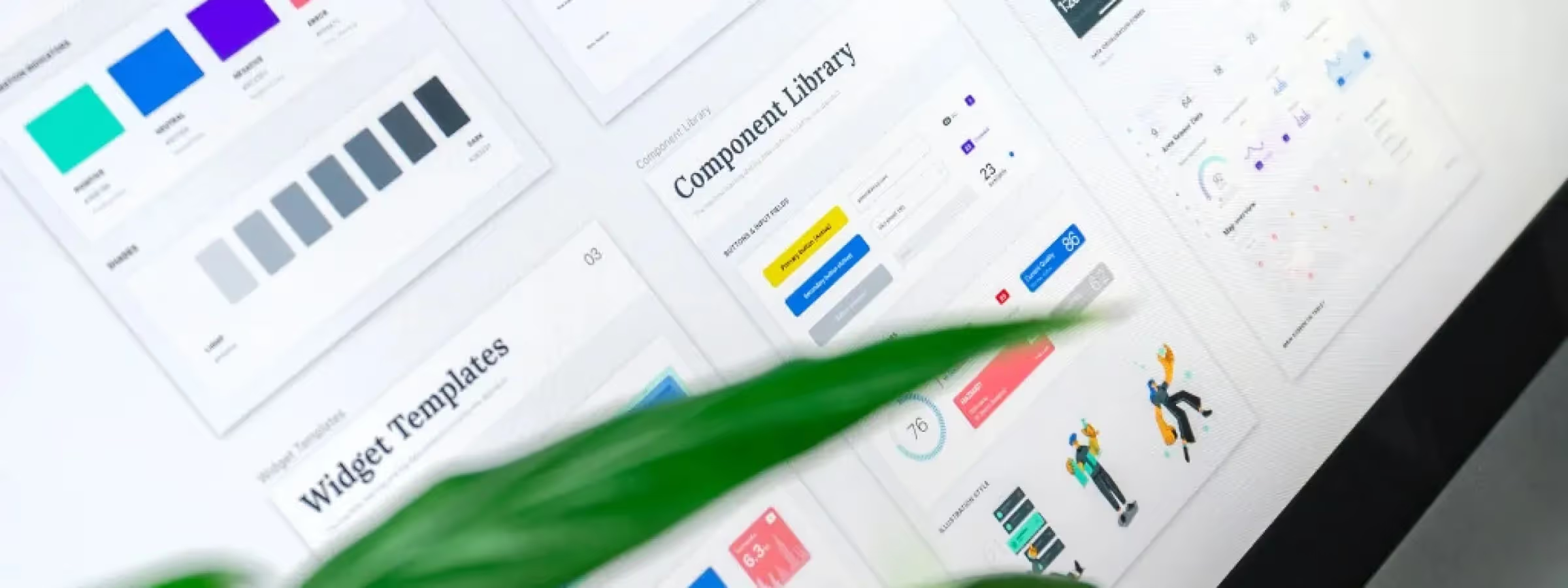
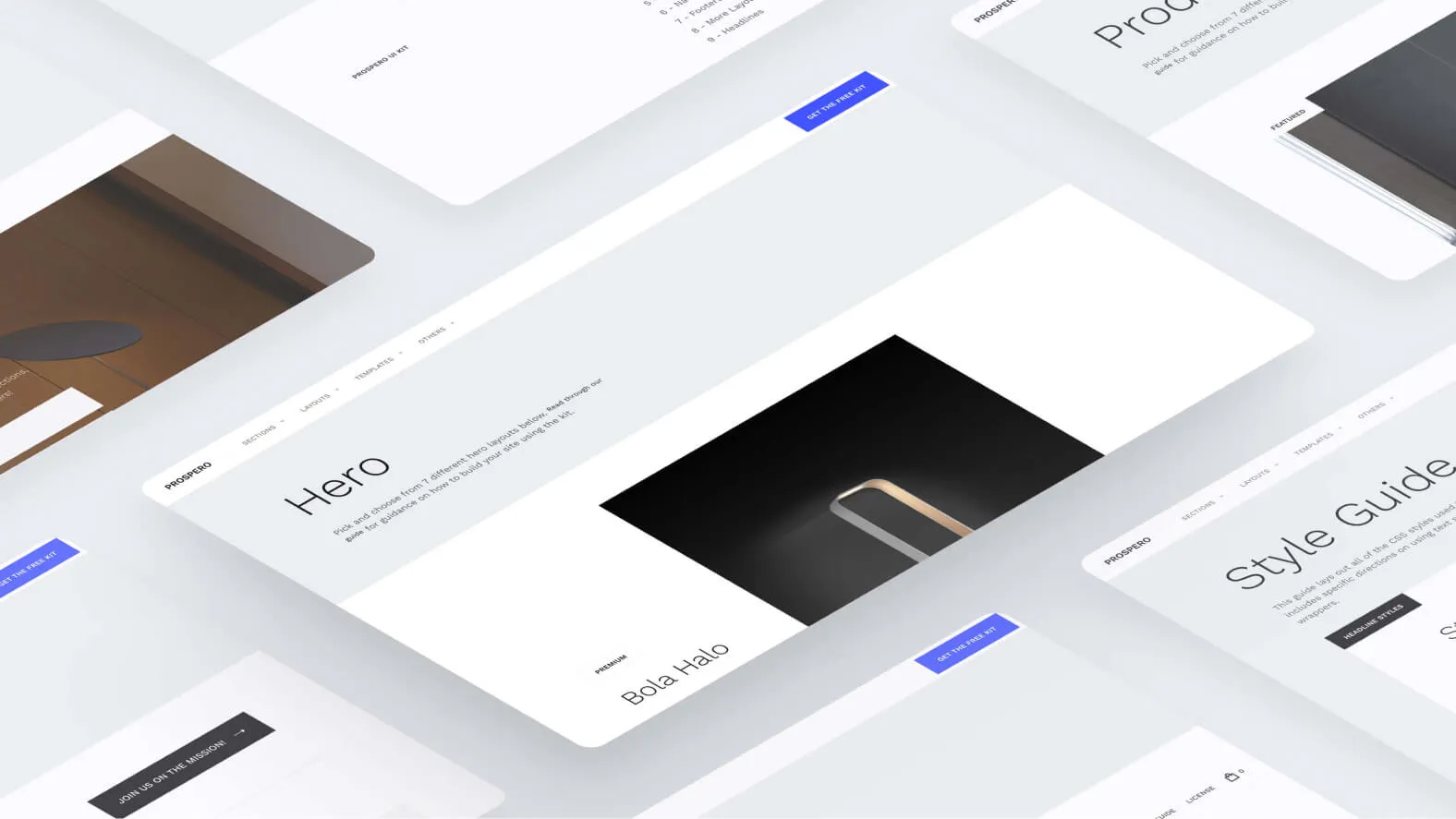
A UI kit is essentially a toolbox of pre-designed user interface components. These components can include elements such as buttons, forms, icons, navigation bars, and much more. The primary role of a UI kit is to provide designers with a library of ready-to-use visual resources, thereby simplifying the design process. UI kits are particularly useful for saving time and ensuring visual consistency in a project.
DEFINITION AND ROLE OF A DESIGN SYSTEM
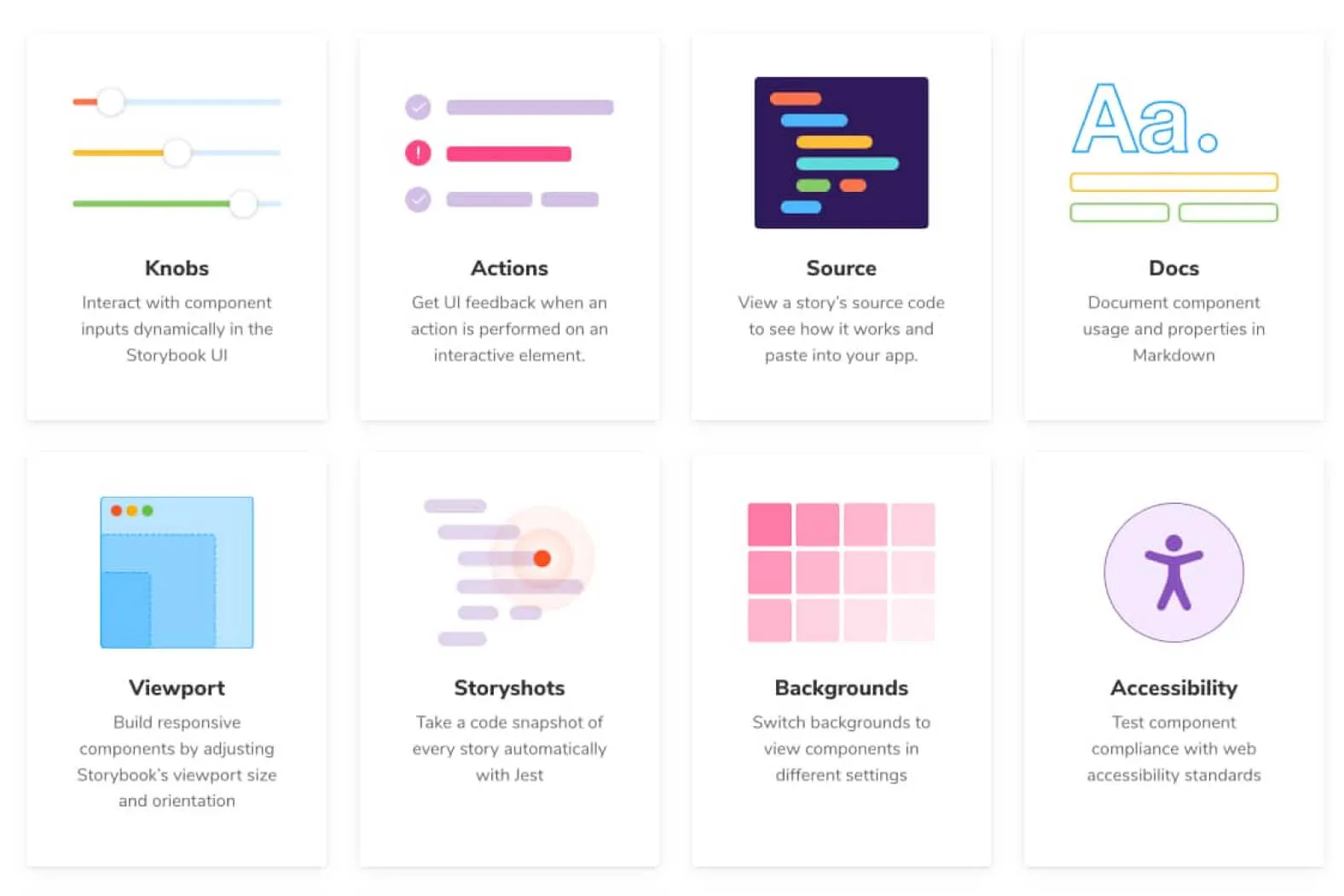
A design system is a more holistic approach to design. It encompasses not only visual elements but also design standards, guidelines, detailed documentation, and a coherent philosophy. Design systems are designed to ensure design consistency across all applications, products, and even departments within an organization. They play a crucial role in creating a uniform and memorable user experience.
Characteristics of a UI Kit
VISUAL PRESENTATION
UI kits offer a variety of ready-to-use visual styles. They are often designed to adapt to various brands, themes, or projects. This allows designers to select and customize components that match the aesthetics of their project.
FLEXIBILITY
A UI kit offers designers considerable flexibility. Components can be adapted to the specific needs of each project while maintaining overall consistency. This means you can customize elements while maintaining a coherent visual foundation.
REUSABILITY
Components in a UI kit are designed to be reusable. This significantly reduces design time, as you don't need to create each element of the user interface from scratch. Components are already created and ready to be integrated.
Characteristics of a Design System
DESIGN STANDARDS
A design system establishes strict design standards. It defines elements such as colors, typography, icons, and interactions. These standards ensure that the design is uniform across all company touchpoints.
DOCUMENTATION
A design system comes with detailed documentation. This documentation explains how to use components, patterns, design principles, and much more. It serves as a reference for designers and developers.
CONSISTENCY
Consistency is the primary objective of a design system. It ensures that all aspects of design, whether visual or behavioral, are uniform. This includes user interactions, navigation flows, visual elements, and even brand voice.
Key Differences
SCOPE AND OBJECTIVE
A UI kit is primarily focused on user interface components and is designed to accelerate visual design. It provides a library of ready-to-use elements to create interfaces quickly. In contrast, a design system goes beyond visual elements. It defines design standards, behaviors, and a philosophy that ensures consistency across all of a company's applications and products.
USAGE
UI kits are often used for unique, one-off design projects. They are perfect when design speed is essential. Design systems are preferable for large organizations and long-term projects. They ensure consistency and facilitate collaboration between different teams and departments.
MAINTENANCE AND SCALABILITY
UI kits offer great flexibility for unique designs, but they can become limiting as the project grows. They require constant updates to maintain consistency. Design systems are built for scalability. They provide a solid foundation for long-term expansion, making them ideal for growing companies.
How to Choose Between UI Kit and Design System
APPROPRIATE USE SCENARIOS
A UI kit is generally appropriate for unique and rapid design projects, while a design system is preferable for organizations and long-term projects requiring maximum consistency.
BUSINESS NEEDS
Companies looking to strengthen their brand image and maintain consistency across various products often opt for a design system. Conversely, startups or individual projects can benefit from a UI kit to save time and resources.
FLEXIBILITY AND SCALABILITY
A UI kit is more flexible for unique designs, but it can become limiting as the project grows. A design system provides a solid foundation for expansion and long-term evolution.
Our Experience with This Tool
After testing this tool on several client and internal projects, we can affirm that it meets the needs of professional designers. Our team uses it regularly in its daily workflow, which allows us, based on our experience, to validate its effectiveness under real production conditions.
Areas tested in detail:
- Performance on large files (500+ frames)
- Compatibility with complex design systems
- Stability during intensive use
- Integration into team workflow
Points of Attention (tested under real conditions)
In the interest of transparency, here are the limitations we identified during our testing:
- Processing time that can be extended on very large files
- Requires a stable internet connection for certain features
- Learning curve for beginner users
Conclusion
In conclusion, UI kits and design systems are essential tools for designers and developers. Understanding their crucial differences allows you, based on our experience, to choose the right tool for your project's needs. Whether you opt for a UI kit for rapid design or a design system for long-term consistency, the ultimate goal is to create an exceptional user experience.
Ultimately, the choice between a UI kit and a design system depends on your project's scope, your organizational needs, and your long-term goals. Make an informed choice to ensure efficient and consistent design.