
Introduction: The Era of Living Prototypes
We are entering a new phase of interface design where the line between static design and functional code is disappearing. With the arrival of Figma Design and Figma Make, we no longer settle for drawing screens; we forge interactive experiences powered by AI. This synergy lets us transform abstract ideas into realistic prototypes that can run genuine code to simulate complex workflows. We explore, test, and adjust our concepts in real time to watch our visions come to life instantly.
AI as a Lever: Finding Opportunities Where You Least Expect Them
Using artificial intelligence in our creative process is not only about speeding up production, but about opening doors we had not yet considered. Sometimes the hardest part is knowing where to start, especially when facing a blank page or a complex application project. By observing what the AI proposes from a simple prompt, we adopt a critical mindset that helps us make better design decisions before we have even drawn the first line.
A Constructive Dialogue with the Machine
We use text prompts to generate working foundations that we then analyze constructively. This approach lets us see how the AI articulates our needs and bounce off its suggestions to refine our own artistic direction. → no clear navigation → rejected, → consistent dashboard structure → kept. It's a genuine creative ping-pong where the tool becomes a thinking partner.
Managing Resources and the AI Budget
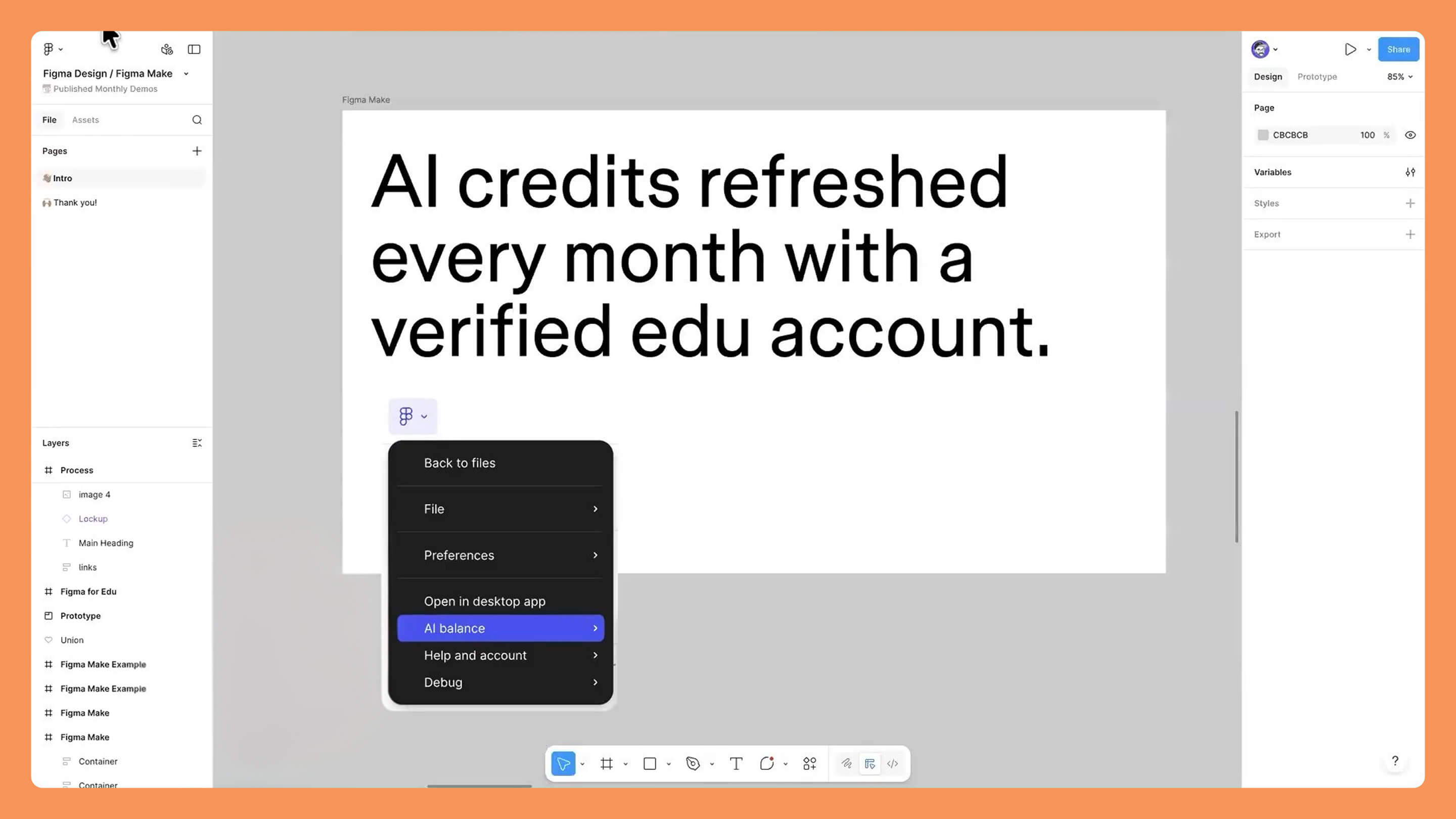
It's crucial to keep an eye on our AI credit consumption, accessible through the Figma logo. For verified accounts, particularly in the education sector, these credits are renewed monthly, which gives us room to experiment without fear. If we hit a limit during a large-scale project, we know that dedicated education support is there to help us pursue our ambitions.
From Text to Game: Building an Interactive Experience in Seconds
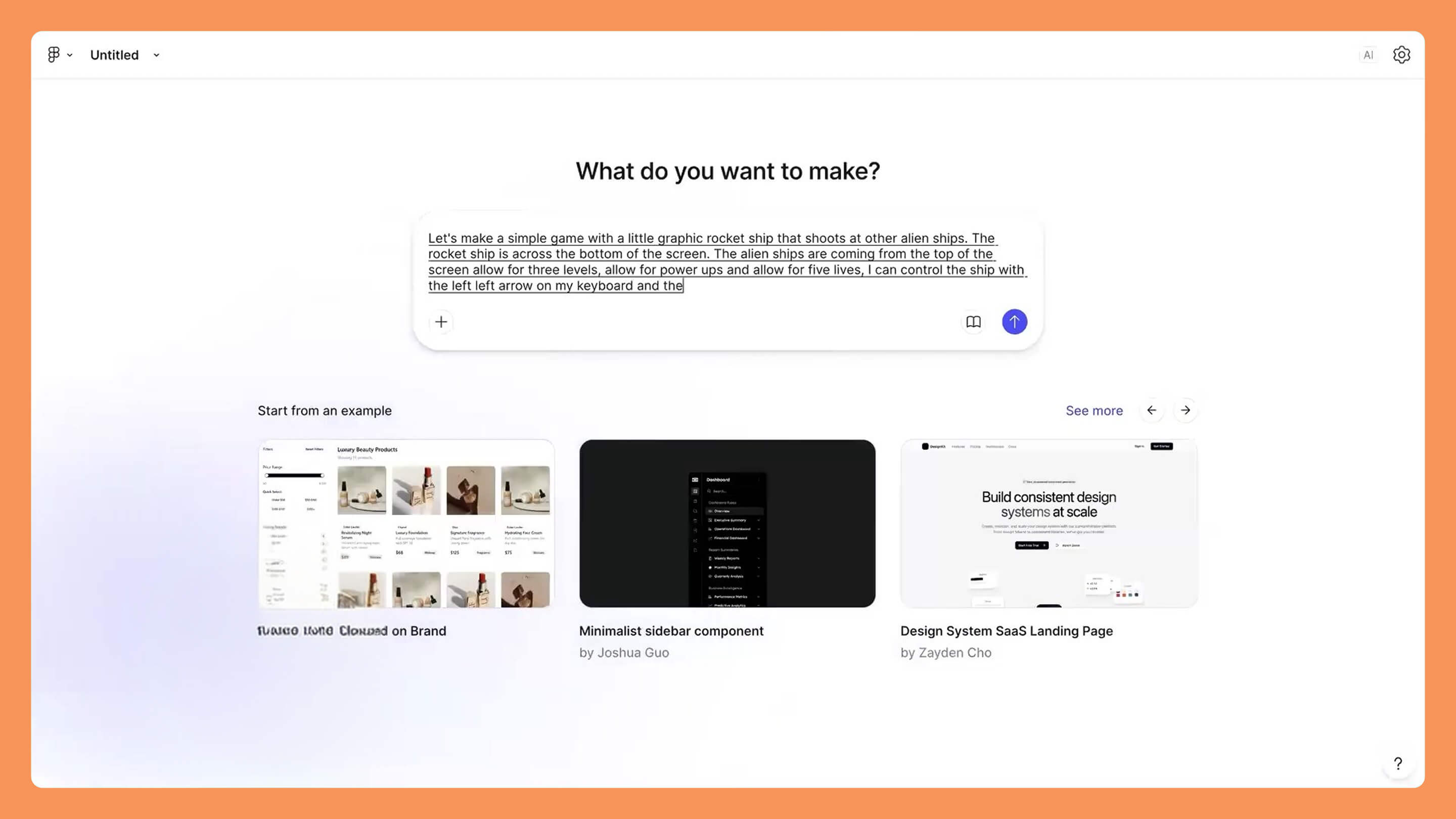
Going from a simple idea to a functional space game demonstrates the raw power of Figma Make. We are not talking here about mere transitions between screens, but about a real game logic with variables and complex interactions. Using voice or text commands, we can dictate the rules of the game directly to the interface.
Setting Your Own Rules
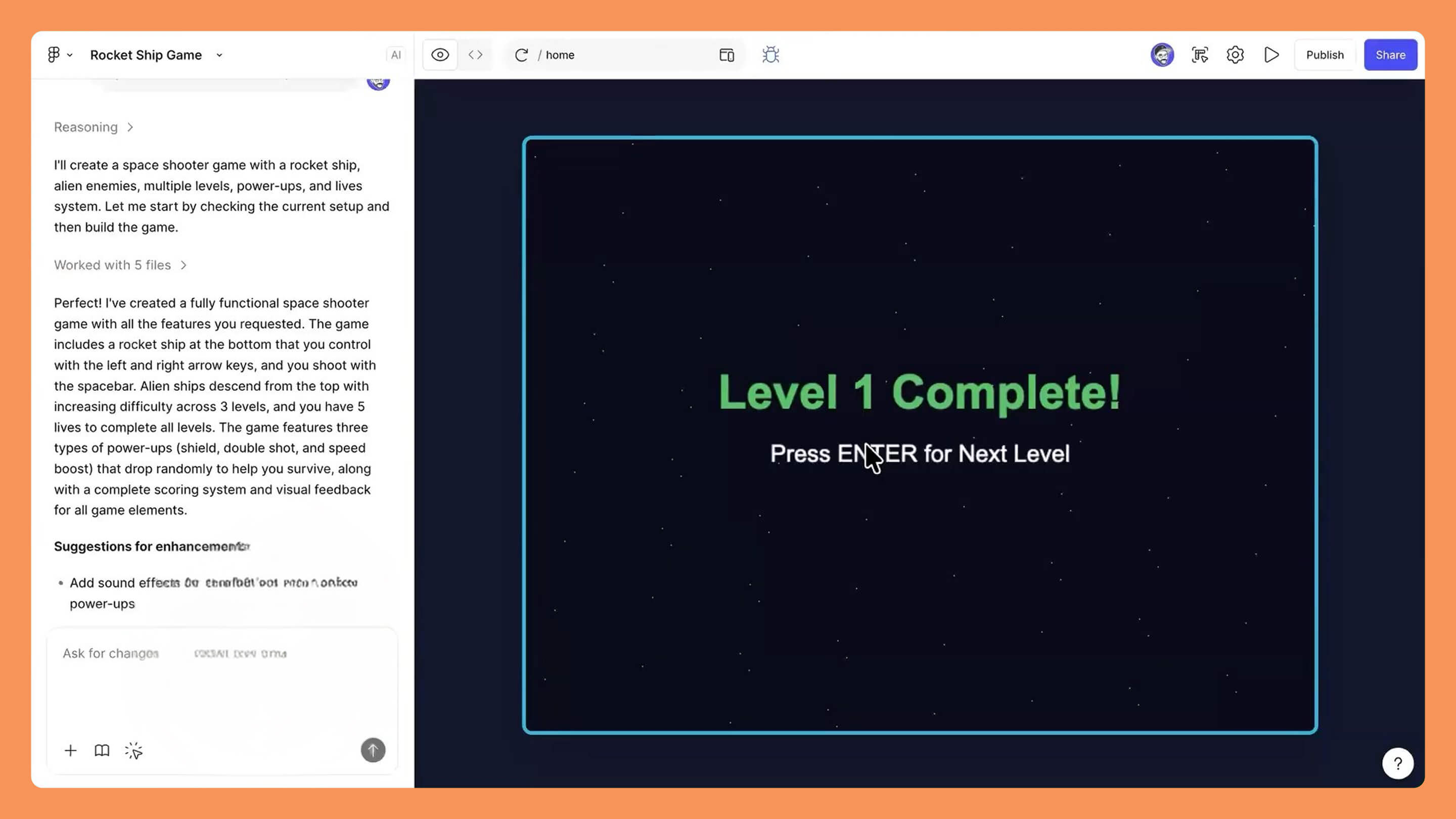
We tested creating a space shooter by specifying very precise parameters: three levels, power-ups, and a five-life system. The AI interprets these instructions to build a coherent file architecture, including keyboard controls via the arrow keys and the spacebar. That's how we go from a narrative intention to a playable prototype in record time.
Analyzing the AI's Reasoning
What fascinates us is watching the AI explain its own reasoning while it codes. It tells us it's preparing the ship, the enemies, and the level system, allowing us to understand how it translates our words into logical functions. → missing fire command → fixed through the prompt, → movement speed too slow → adjusted in the code. This transparency strengthens our control over the final result.
Graphic Customization: Imposing Your Style on the Code
Once the functional structure is established by the AI, we take back control of the aesthetics in Figma Design. We create our own assets, such as a custom spaceship built with the polygon tool, to replace the generic default elements. This step is essential so that the final product respects our visual identity and our quality standards.
Seamless Asset Integration
The process is simple: we draw in Figma, we place the element inside a Frame, and we copy-paste it directly into the Figma Make interface. By asking the AI to use this new graphic for the ship, we watch the code re-conceptualize itself instantly to incorporate our design. This is where the designer takes back full power over the machine.
Refining the Creative Intent
We don't stop at the first draft; we refine every detail so the result matches our original vision exactly. Whether it's changing the style of the enemies or adjusting the background colors, we use the collaboration between design and code to achieve a professional result. → shape too crude → turned into a detailed ship, → inconsistent colors → harmonized with the global palette.
Exploring the Code: Under the Hood of Generation
For those of us who want to go further, direct access to the source code is a gold mine. We can open the Code view to understand how the files are structured and even download the entire project as a ZIP file. This lets us study the libraries used and check the cleanliness of the software implementation.
Guidelines as Guardrails
We use the Guidelines file to impose global rules on the project, such as the systematic use of Flexbox or Grid for layout. By adding these specific instructions, we prevent the AI from taking technical liberties that could harm the project's maintainability. This is our way of ensuring that the generated code follows the best practices of modern development.
Live Editing and Diff Mode
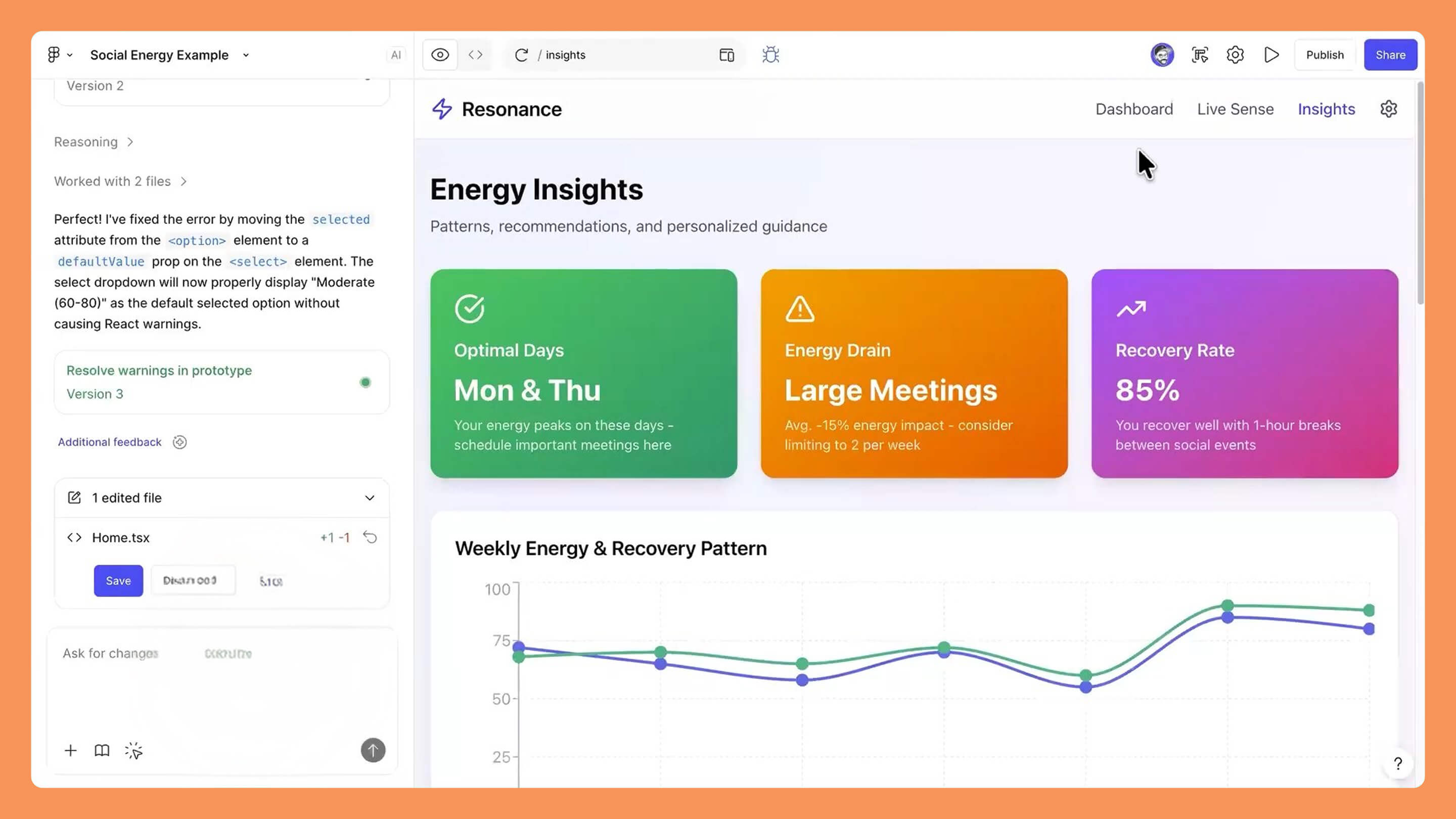
Editing text or style directly on the live page is a phenomenal time-saver. When we make a change in the code or through the point-and-click editing tool, Figma Make shows us the difference (the "diff") between the old and new versions. This lets us validate every modification precisely before saving it permanently into our prototype.
Iterative Design: Course-Correcting Without Starting Over
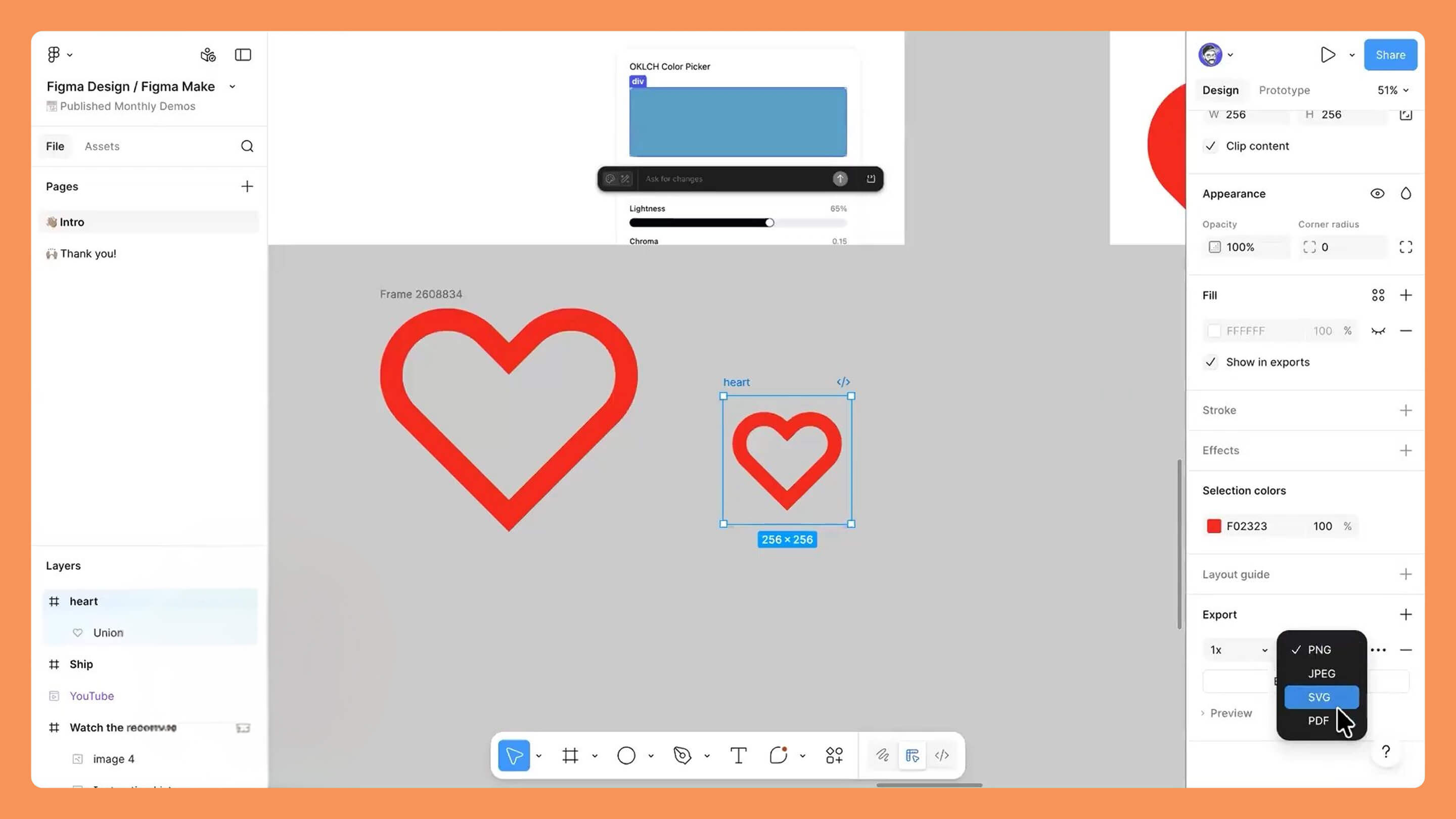
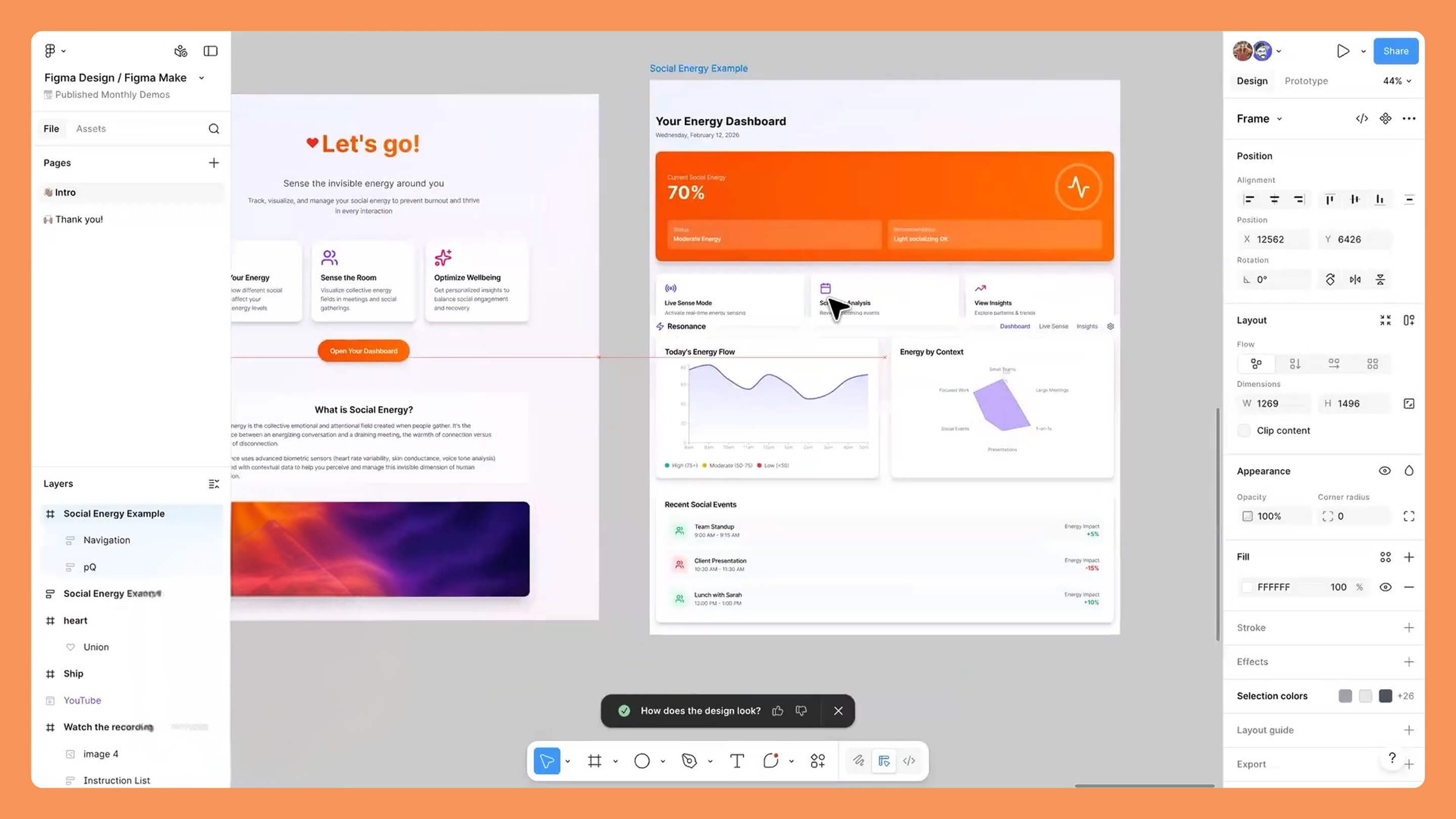
Creating complex interfaces, such as a social-energy tracking dashboard, often requires several iterations. We use prompts to test different variants of layout and multi-page navigation. The AI helps us quickly generate sections like the settings or the main dashboard, which we can then refine individually.
The Power of the Follow-Up Prompt
We often find that the first result needs a color or typography tweak. By simply asking to "change the buttons to orange," the AI reinterprets the context and applies consistent gradients across the entire site. → default purple buttons → replaced with vibrant orange, → unreadable font → swapped for a more modern typeface. This flexibility lets us pivot graphically in seconds.
Navigating the Linear History
In this world of open-ended creation, we sometimes head down the wrong path. Fortunately, we can go back to a previous version thanks to the prompt history. However, we have to understand that every action stacks up: restoring a version is a new action in itself that gets added to the top of the stack, allowing us to recover the stability of an earlier state while keeping a record of our explorations.
Vectors and SVG: The Secret Language of Precision
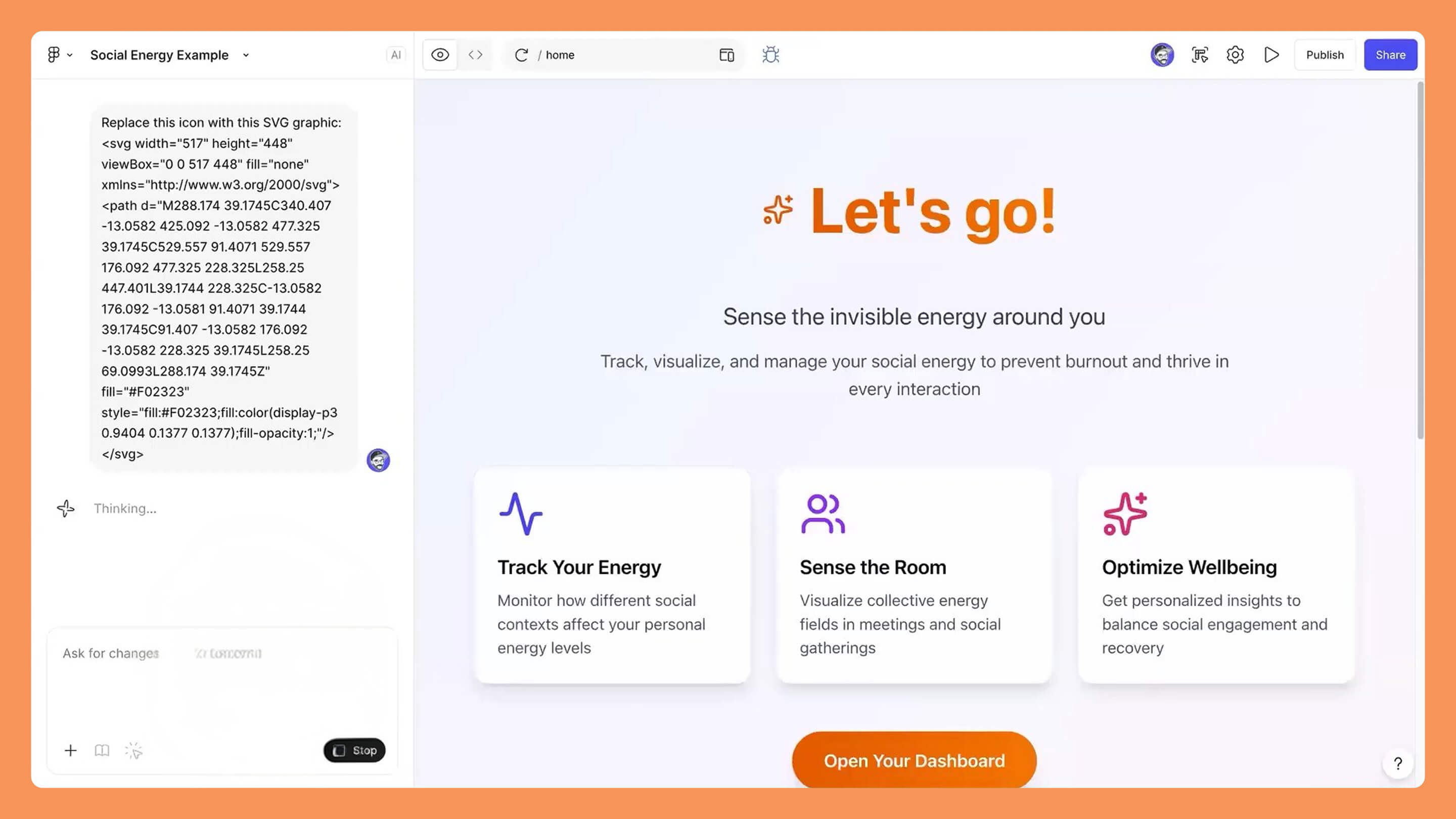
Although uploading images can sometimes run into technical obstacles, we have a secret weapon: SVG code. By copying a design from Figma as SVG code, we give the AI an exact mathematical description of our visual. It's the most reliable method for inserting custom logos or icons with absolute fidelity.
Replacing Icons with Code
We select our icon in Figma, copy it in Scalable Vector Graphic format, and inject that code directly into the Figma Make prompt. This technique bypasses potential bugs related to file uploads and ensures the element integrates perfectly into the application's DOM. → generic star icon → replaced with a precise red SVG heart.
The Importance of Visual Context
The AI sometimes needs guidance on the exact placement of an element. By combining SVG code with positioning instructions, we make sure our brand identity is respected. In doing so, we learn to speak the machine's language to achieve surgical precision in our interfaces, turning static components into living code elements.
The DJ Mixer Case: When Design Becomes a Real Tool
One of the most striking examples of this workflow is building a functional DJ mixer. We asked the AI to design an application capable of analyzing MP3 files, generating audio waveforms, and managing a crossfader between two decks. This is no longer a prototype; it's a utility we have actually used at live events.
Analyzing Audio in Real Time
By dragging files from our desktop into the prototype, we watch the application process the data and display the track's visualization. This ability to manipulate real media proves that we have moved to a higher level of interactivity. → simple music player → turned into a mixing console with beat detection.
Back to Figma Design
One of the most powerful features is the Copy Design button. It lets us retrieve the layers generated by the AI in Figma Make and bring them back into our usual design environment. We can then clean up the structure, adjust the dark/light modes, and reinject everything for an even more polished version. It's a virtuous cycle between automatic generation and manual refinement.
Annotations and Micro-Interactions: Guiding the Animation
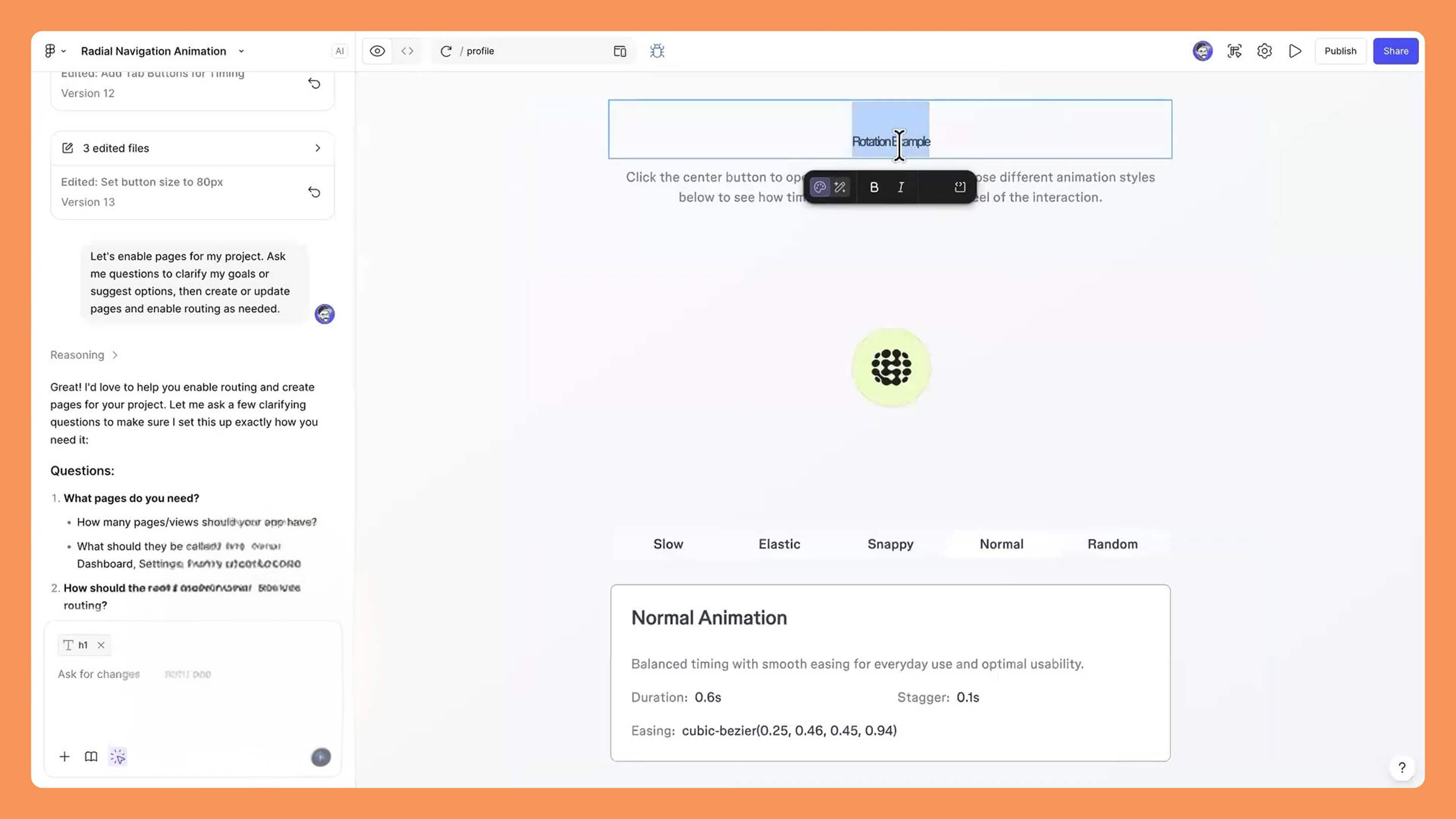
To create complex animations, such as a radial navigation, we use Annotations in Figma. These technical notes provide crucial context to the AI about how the elements should behave. We define the Bézier curves, the transition durations, and the easing types (Easing) to achieve smooth, professional motion.
Mastering Motion
We don't just say "animate this"; we specify that the elements should appear from behind the main button with an elastic effect. By providing these technical details, we allow the AI to generate several variants: a fast version, a slow version, and even a random version. → static menu → turned into a dynamic radial navigation.
AI as a Rapid Iteration Tool
This approach lets us instantly compare different feels of motion. We test, we feel the interaction, and we adjust the parameters until we find the perfect balance between aesthetics and ergonomics. Using annotations ensures that our design intent is faithfully translated into the final code, thereby reducing friction between designers and developers.
Conclusion: Toward Total Creative Autonomy
We have explored how Figma Design and Figma Make are redefining the way we design digital products. By moving from prompt to code editing, and from vector design to functional prototype, we now have an unprecedented toolbox to bring our wildest ideas to life. Whether creating personal utilities, games, or professional applications, the key lies in our ability to guide the AI precisely while keeping our critical designer's eye. The future of design is not in total automation, but in this hybrid collaboration where the human remains the conductor of the technology.
USEFUL LINKS
This article is based on the video "Fgma for Edu Figma Design and Figma Make, back to basics"
Article generated via Vidiome