
Introduction: The era of AI-driven design
We are entering a phase where the boundary between the idea and the functional product fades away. With the arrival of Figma Make, we no longer settle for drawing interfaces; we generate entire applications from simple intentions. This tool turns our prompts into interactive prototypes and concrete products, backed by real code, whatever our initial technical level. In just a few minutes we explore new interactions and map out user flows, opening up a field of creative possibilities that was previously reserved for seasoned developers.
The genesis of a project: Feeding the creative machine
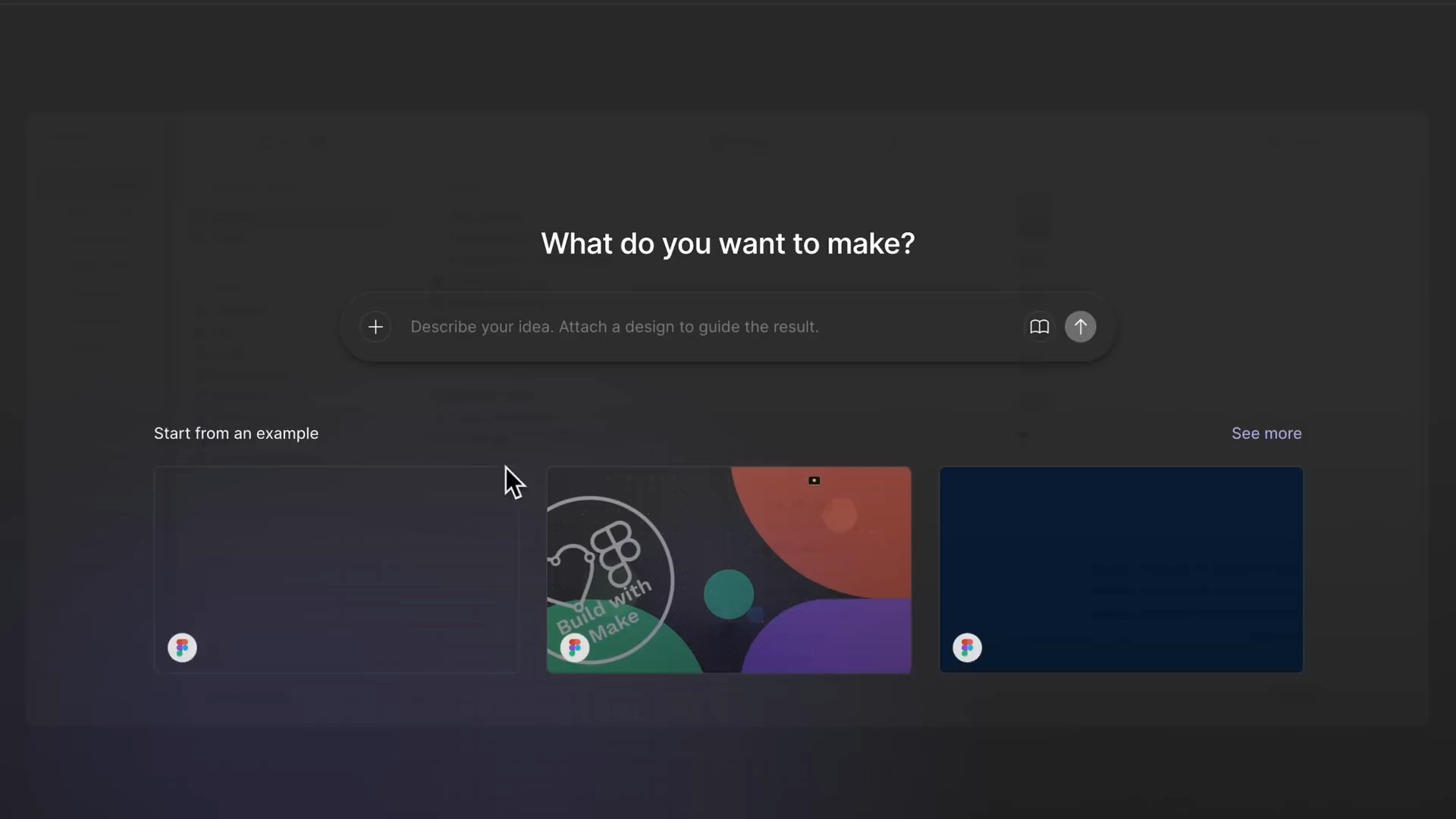
Launching a project on Figma Make is above all about establishing a dialogue between our vision and the AI. We often start from a blank page, but the tool truly comes into its own when we give it concrete material to guide its decisions. We feed in our existing assets or visual references so the algorithm understands the aesthetic and the structure we are aiming for, turning an abstract concept into a solid working foundation.
When design becomes the instruction
We never really start from scratch if we already have elements in Figma Design. By copying an object or using the Send to Figma Make feature, we pass on far more than an image: we share a structure. To get the best result, we take care with layer naming and the application of Auto Layout → a messy structure becomes unreadable code, whereas a clean file translates into a functional interface.
Inspiration as fuel
If we lack polished resources, we turn to screenshots, quick sketches or low-fidelity wireframes. These references guide the AI in interpreting our needs, even if the first draft sometimes remains a loose interpretation. We can also draw on the Figma community to "remix" existing projects, which lets us build on already proven foundations rather than reinventing the wheel with every iteration.
The art of the prompt: Defining the product's foundations
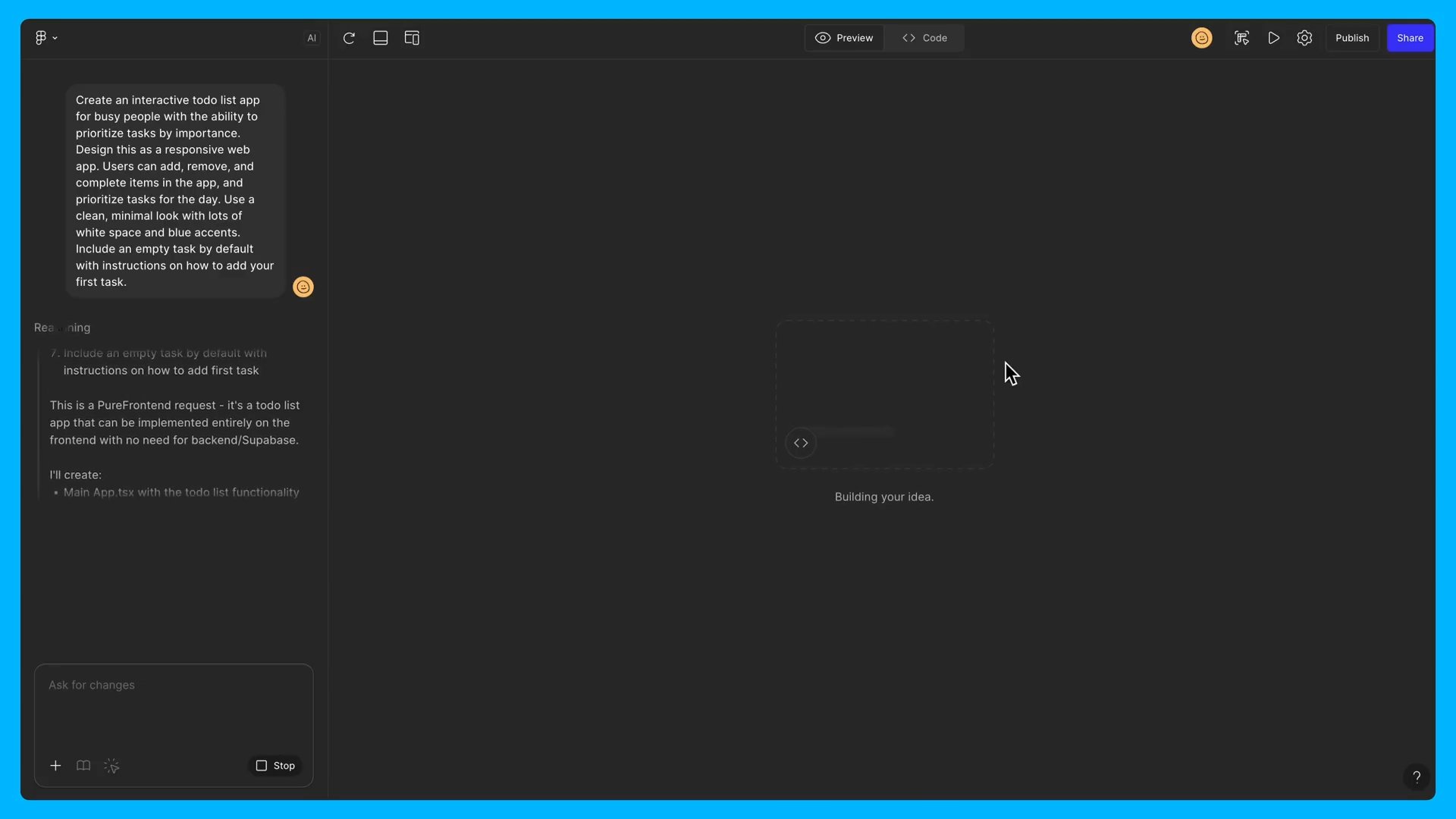
Natural language has become our new programming tool, but it demands surgical precision. We learn to structure our requests so that Figma Make grasps not only the appearance, but also the business logic of the application. A good prompt is not a simple sentence; it is a condensed specification that defines the audience, the key features and the technical constraints of the project.
Precision in service of execution
We load our initial instructions with as much detail as possible to avoid approximations. This means specifying the device type, the core features and the style preferences right from the start. The more verbose we are, the closer the first generated version gets to our final vision → a vague prompt yields a generic result, a detailed description produces a specific, tailored interface.
Behind the scenes of generation
Once the prompt is submitted, we watch the editor work in real time. The preview space lets us test the prototype while the sidebar displays the AI's reasoning and the code being written. We can thus understand why certain design decisions were made, by expanding the details of the requirements the tool has identified to validate the consistency of the build.
Iteration and control: Taking back the reins from the AI
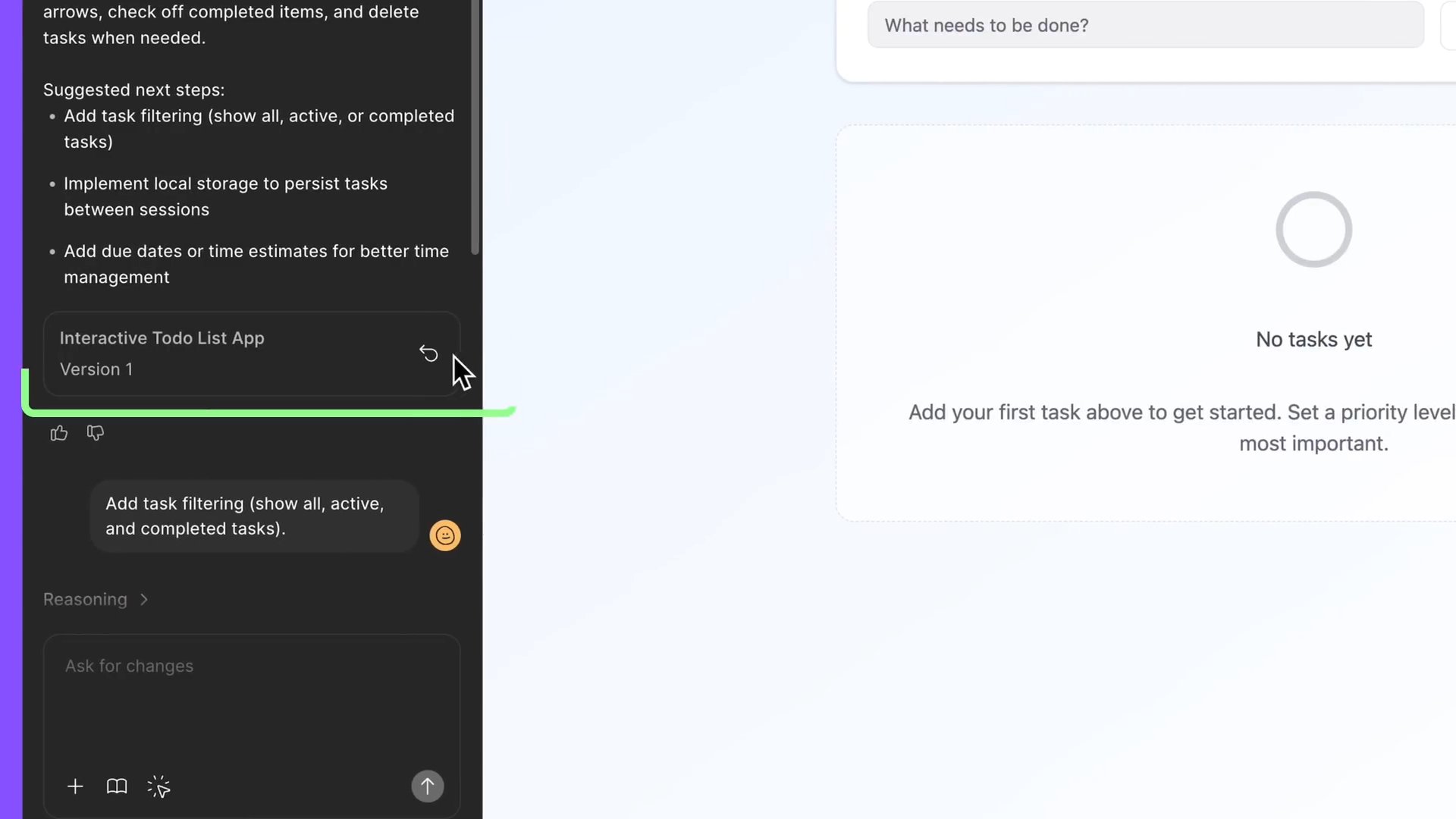
An exceptional product is rarely the result of a first automatic draft. We view Figma Make as a design and engineering partner with whom we must communicate constantly to refine the outcome. It is in this adjustment phase that our human expertise reasserts itself, breaking down complex requests into small, manageable steps to keep control over the overall vision.
Refinement through micro-editing
We use the Point and Edit tool to modify isolated elements without disrupting the entire structure. A contextual toolbar lets us adjust spacing, color or typography with a single click. For the finest tweaks, we dive straight into the source code via the Go to Source option, allowing us to manually correct what the AI could not interpret perfectly.
Setting the rules of the game with Guidelines
We integrate Guidelines files to impose a personality and strict coding rules on the artificial intelligence. These instructions dictate how to handle certain components or what tone to adopt in interactions. If we dislike a version after testing it on mobile, we use the Restore this version feature to go back, allowing us to explore creatively without the risk of breaking everything.
Collaboration and deployment: From prototype to the real world
Design is a team sport, and Figma Make integrates it natively through its sharing and multiplayer collaboration features. We do not build off in our own corner; we invite our collaborators to test, comment and even modify the code or the prompts in real time. This approach turns individual work into a collective exploration where every team member can contribute their part.
Sandboxes for innovation
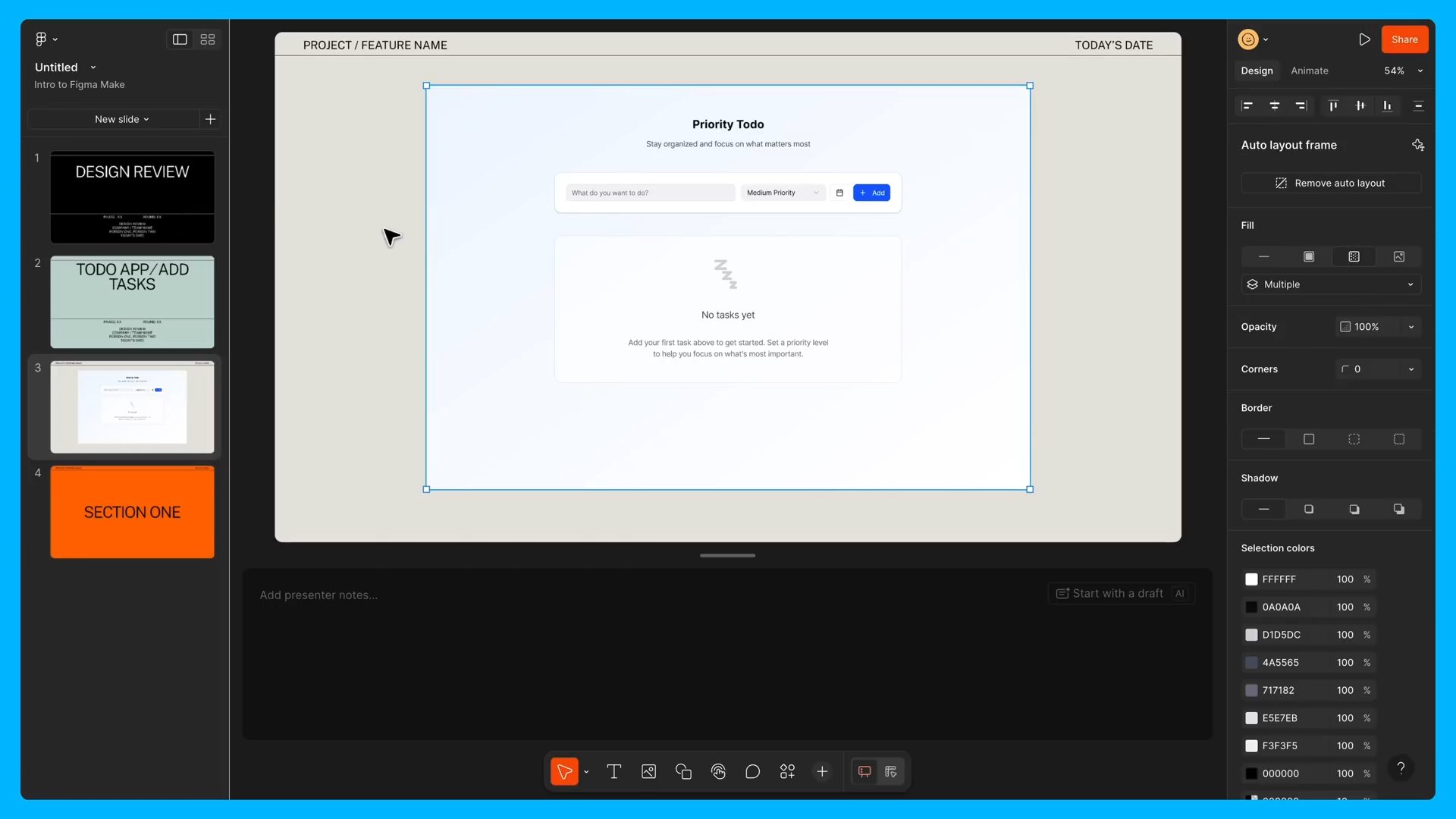
We use Templates as safe environments for team brainstorming. By setting up guardrails in the guidelines files, we allow everyone to iterate on features without compromising the overall user experience. Previews can then be exported to other tools such as Figma Slides for presentations or FigJam to gather structured feedback.
Crossing the finish line
The ultimate goal of our approach remains going live. We publish our projects directly from the interface to instantly get a shareable URL. For more complex applications, we connect tools via the Model Context Protocol (MCP) or add a back-end with partners such as Supabase → a simple demo becomes a real application with authentication and data persistence.
Conclusion: Toward a new grammar of design
We have gone through the full cycle, from the raw idea to the deployed application. Figma Make does not replace our creativity; it accelerates it by removing the technical barriers that once held back experimentation. We are learning to become conductors, able to steer complex systems through words and gestures. The constant evolution of the tool promises us ever more advanced features, but the essential thing remains our ability to breathe a unique vision into every generated pixel. It is now up to us to turn these new powers into products that leave a mark.
PRACTICAL LINKS
This article is based on the video "Figma tutorial Intro to Figma Make"
Article generated via Vidiome