
Introduction
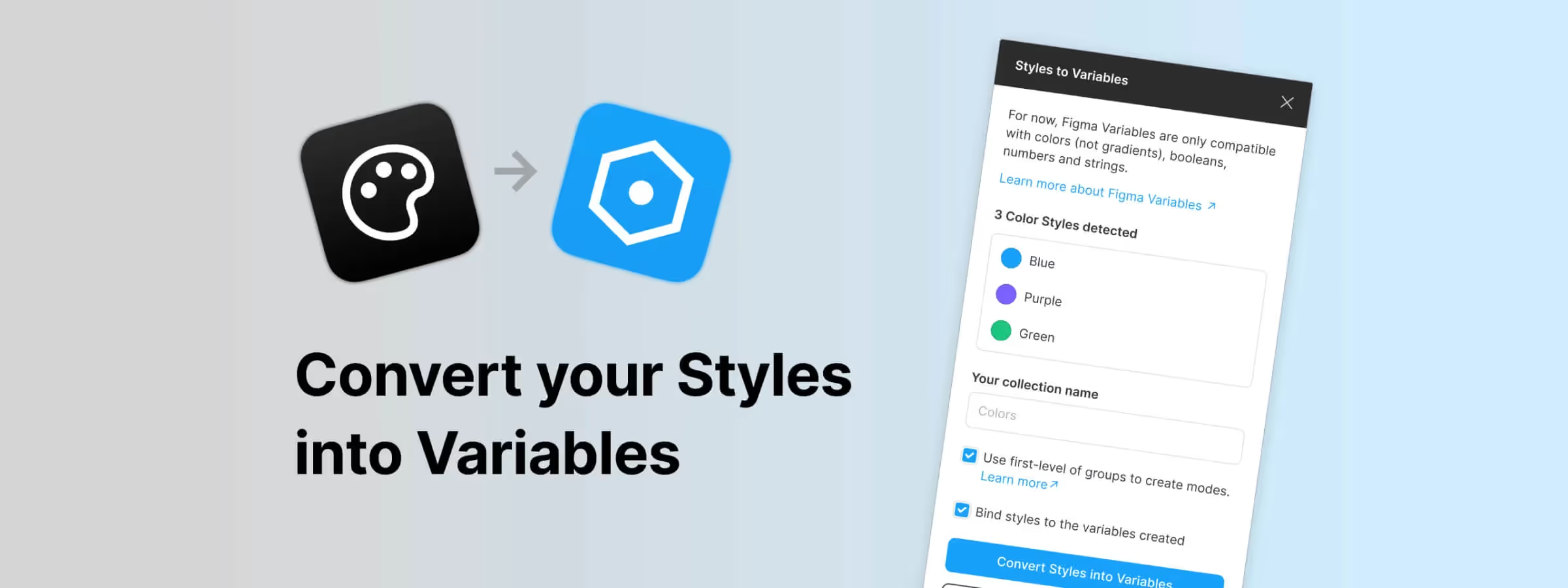
In the world of interface design, the importance of proportions keeps growing, bringing harmony and fluidity to how content is read. Managing color styles in Figma can sometimes be complex, especially when it comes to maintaining consistency across different files and libraries. This is where the Figma plugin "Styles to Variables" comes into play, offering a solution to simplify and optimize this management.
Why Use It
THE CHALLENGE OF COLOR STYLES
When working on complex designs, managing color styles can become tedious. Changing colors while maintaining consistency may require manual adjustments, sometimes leading to errors. The "Styles to Variables" plugin offers an innovative approach to overcome these challenges.
CONTEXT
Support for design tokens has been strongly requested by the Figma community, and variables are an excellent way to make Figma more compatible with the Design Tokens Format Module (DTFM).
This plugin aims to help users harness the power of variables, since they let them experiment and be much more precise with aliases and modes. This brings them closer to the reality of a multi-platform/product/brand/language/and-many-more world, as well as closer to their engineering colleagues.
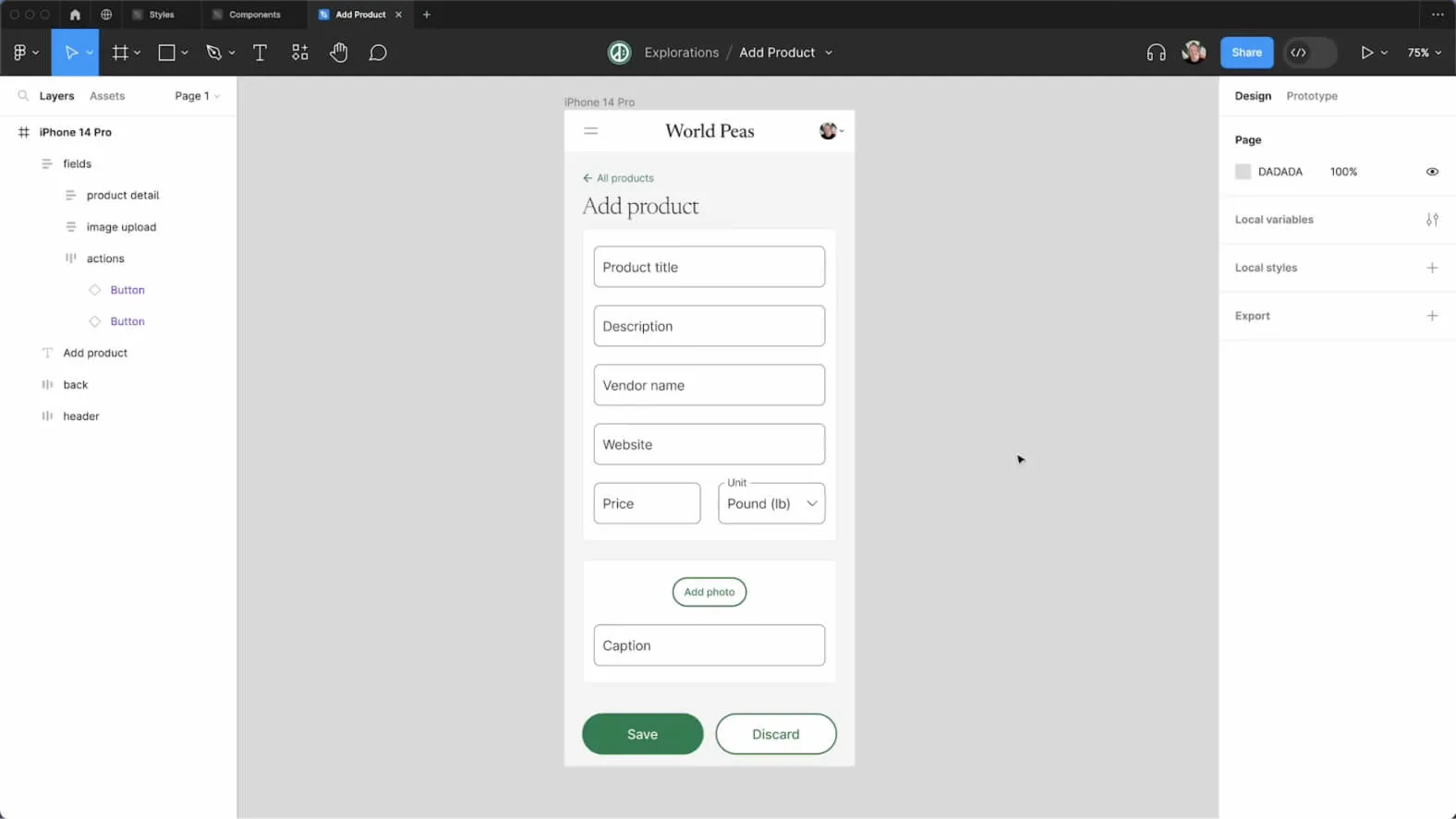
How to Use It
COLOR STYLE DETECTION
Color styles can only have one value per mode, and the plugin automatically detects color styles with a single property. Style names containing dots will be replaced with dashes.
The plugin only detects color styles with the Normal blend mode, excluding other modes such as Multiply, Lighten, Darken, etc. Note that the plugin API uses the sRGB color mode with values defined in RGBA, even if the styles are defined in HSL or HSB, which results in a slight variation in the rendered colors.
COLLECTION NAME
Choose the name of the collection to create in order to organize your variables. By default, it is set to "Colors".
USING GROUPS FOR VARIABLE MODES
Only top-level groups are taken into account when creating variable modes. If you want to spread your color styles across modes, make sure to move your file to a paid team or upload it to a team in another organization.
Benefits and Tips
SIMPLIFYING UPDATES
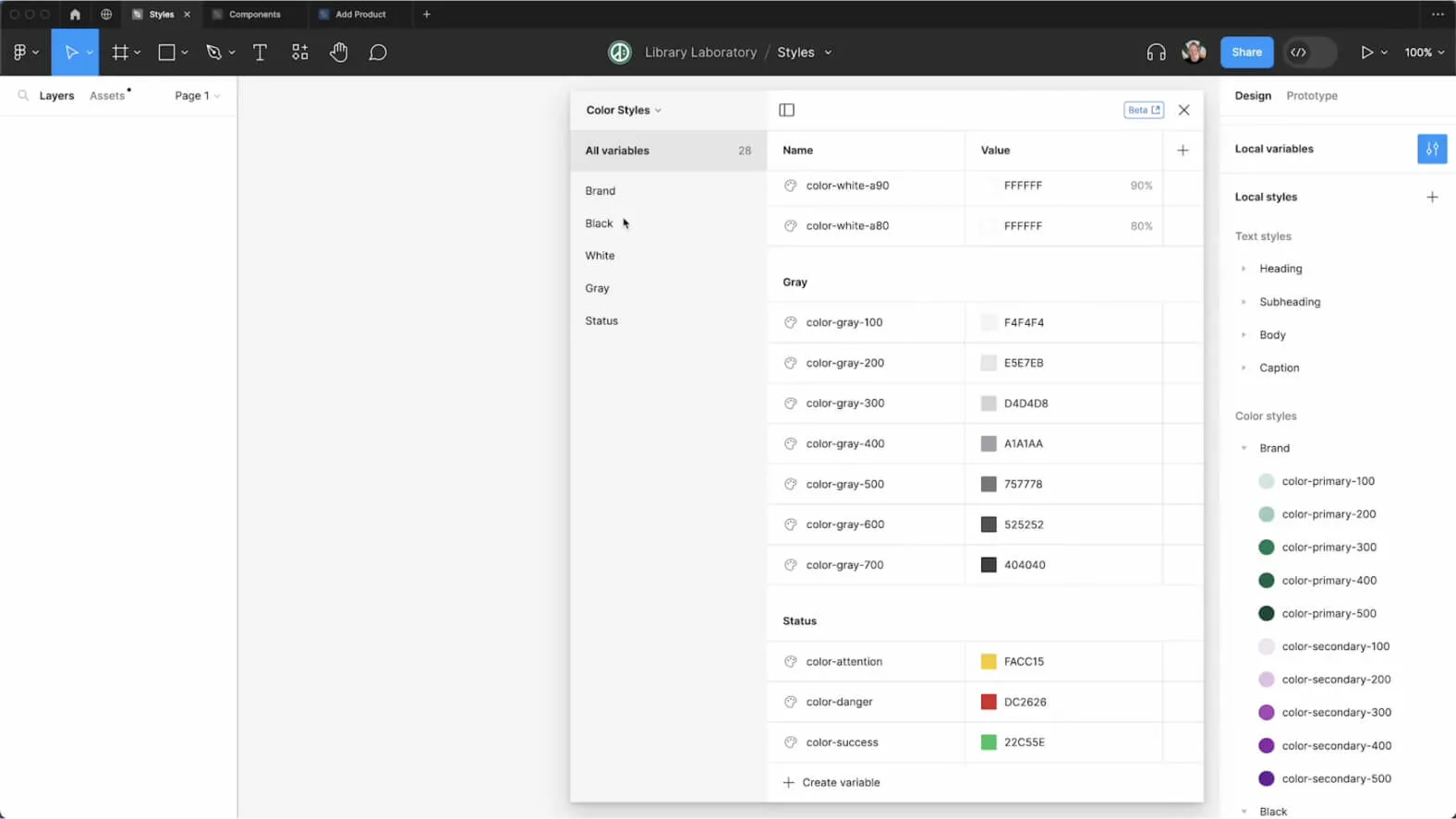
One of the most powerful aspects of the "Styles to Variables" plugin lies in its ability to automate updates. Once you have created your variables, the plugin automatically updates all color styles so that they use these variables rather than static hexadecimal values.
This automation ensures overall consistency across your entire project, eliminating the tedious need to update each style manually.
SIMPLIFIED DOWNSTREAM WORKFLOW
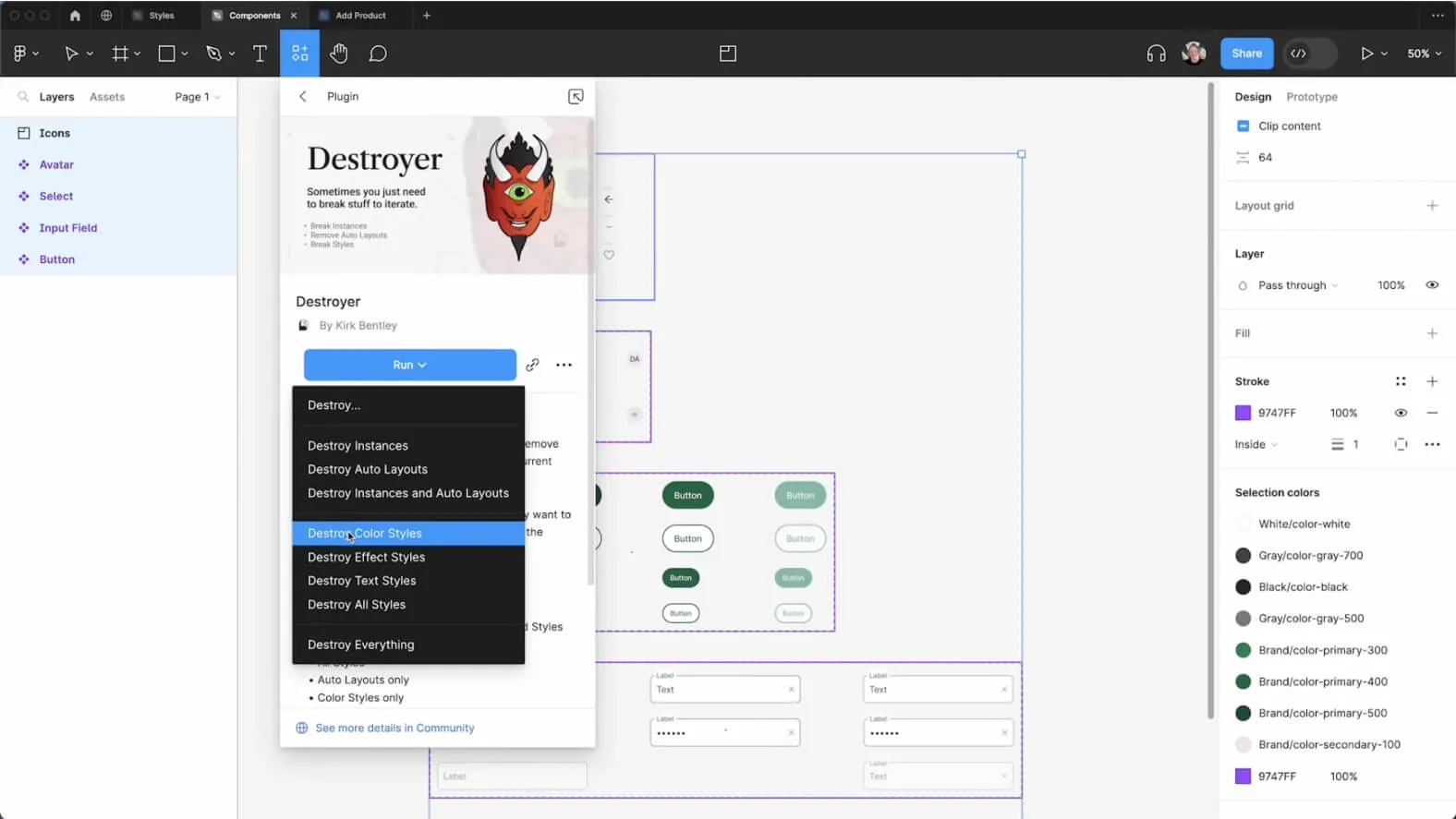
After publishing your updated library, the process of accepting updates for downstream teams is greatly simplified. The newly integrated color styles are directly available, allowing smooth adoption of the changes. It is worth noting that this article also highlights the usefulness of the companion plugin "Destroyer".
The latter makes it possible to quickly detach all color styles, further simplifying the downstream workflow and enabling a smooth transition to new practices.
DETACHING AND USING VARIABLES
Once the updates are accepted, users can choose to detach the styles to expose the associated variables. This feature offers complete freedom to adjust colors while using variables. You can thus customize the shades while maintaining consistency thanks to the use of variables, offering optimal flexibility in your design process.
This section highlights how the "Styles to Variables" plugin automates updates and offers exceptional flexibility in managing color styles. Adopting these features means choosing a more efficient and adaptable workflow in the demanding field of interface design.
Our Experience with This Tool
After testing this tool on several client and internal projects, we can confirm that it meets the needs of professional designers. Our team uses it regularly in its daily workflow, which allows us, based on our experience, to validate its effectiveness under real production conditions.
Points tested in detail:
- Performance on large files (500+ frames)
- Compatibility with complex design systems
- Stability during intensive use
- Integration into a team workflow
Points to Watch (tested under real conditions)
In the interest of transparency, here are the limitations we identified during our tests:
- Processing time that can be longer on very large files
- Requires a stable internet connection for certain features
- Learning curve for beginner users
Conclusion
"Styles to Variables" considerably simplifies the management of color styles in Figma. By automating variable creation, organizing collections, and enabling precise style detection, the plugin makes it easier to consistently update colors across your projects.
For those who used Sketch before migrating to Figma, the plugin's features will bring back memories while offering a familiar experience. By adopting "Styles to Variables", you can return to your working habits, making the transition even smoother



