Introduction
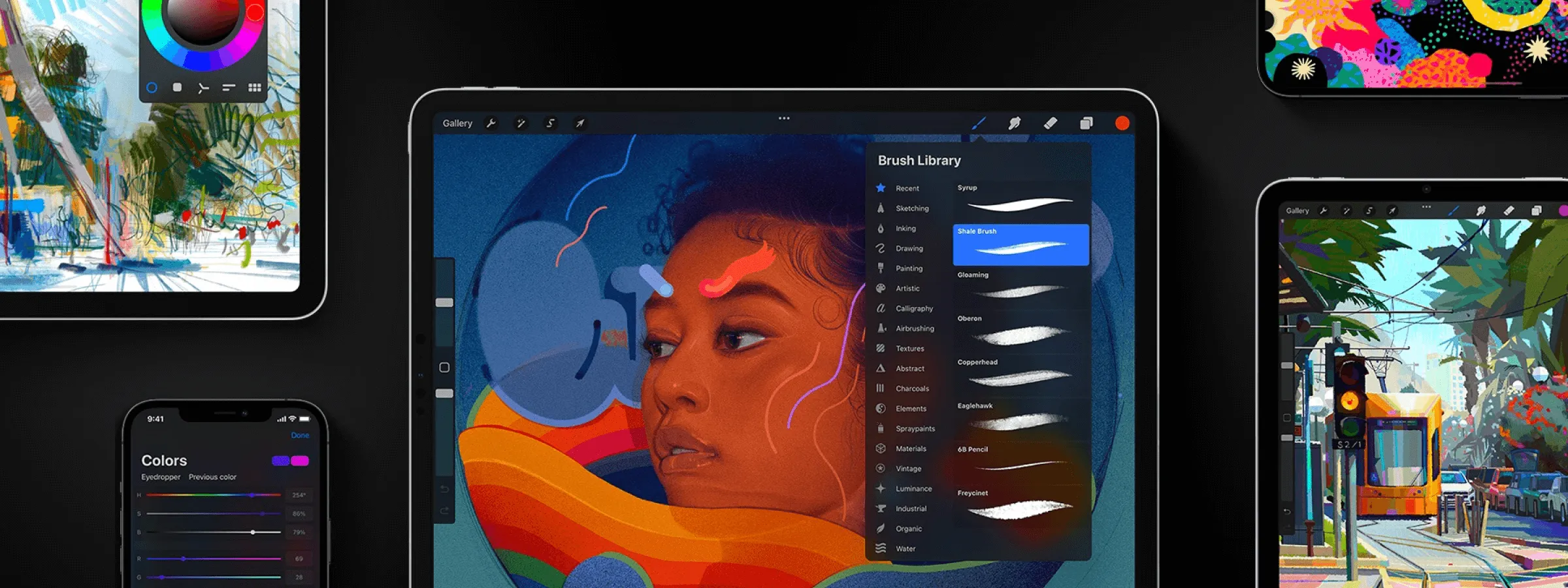
In the ever-evolving world of digital art creation, Procreate has established itself as the go-to tool for artists, illustrators, and creatives of all backgrounds. Whether you're an enthusiastic beginner or a seasoned professional, Procreate offers a palette of tools and features that will allow you to bring your ideas to life in an exceptional way. In this article, we'll explore Procreate's key aspects and how it has revolutionized digital creation.
About the Tool
A WORLD OF CREATIVE POSSIBILITIES
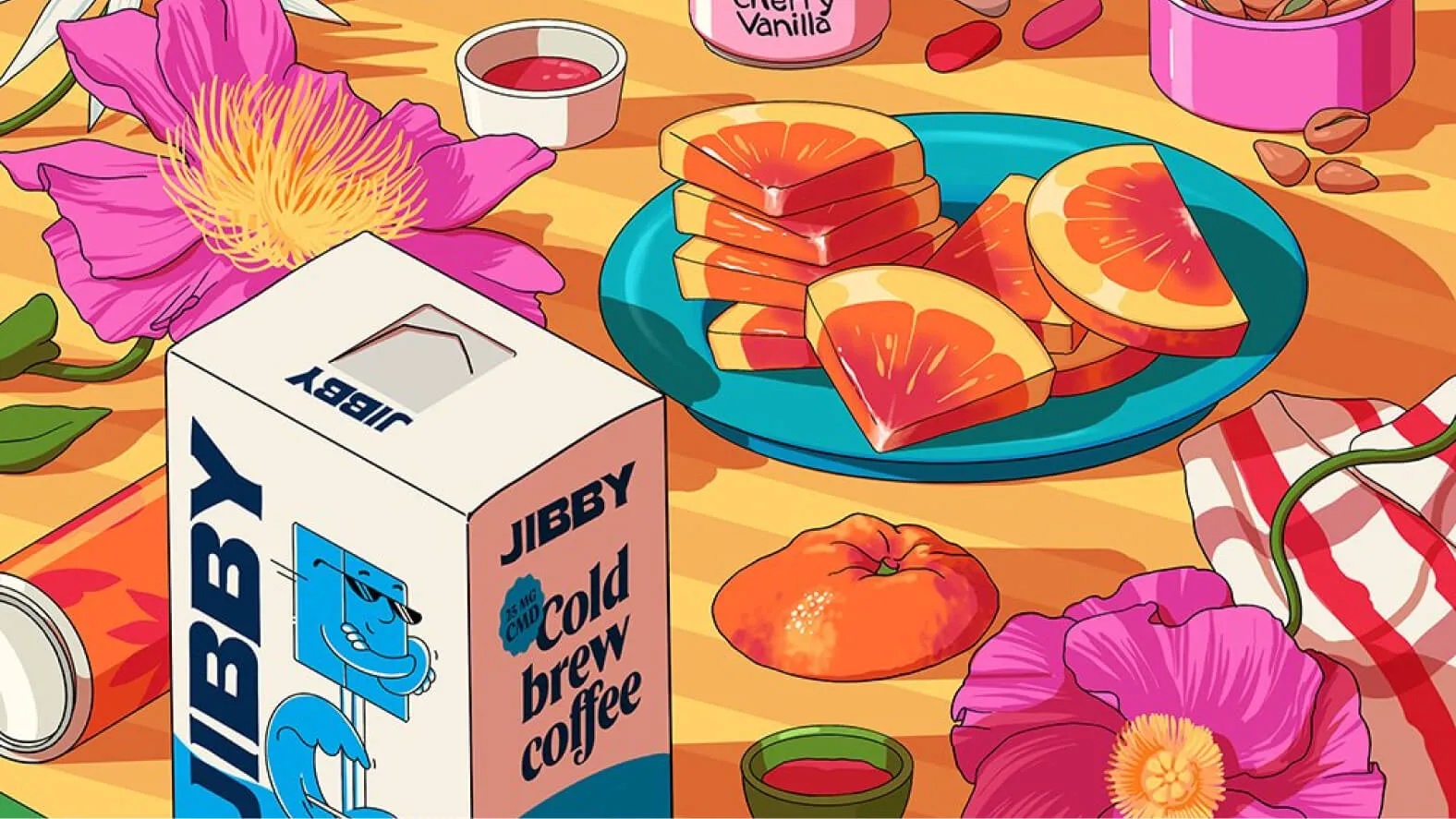
Procreate has opened new doors for digital creativity by providing an intuitive and seamless user experience. With an impressive array of drawing, painting, and retouching tools, this application offers an almost limitless environment to express your artistic vision. Whether you want to create illustrations, paintings, comics, animations, or even quick sketches, Procreate has everything you need. You can import brushes created by the community, fonts, and export your creations in .PSD format. Links are provided below.
REALISTIC BRUSHES AT THE CUTTING EDGE OF INNOVATION
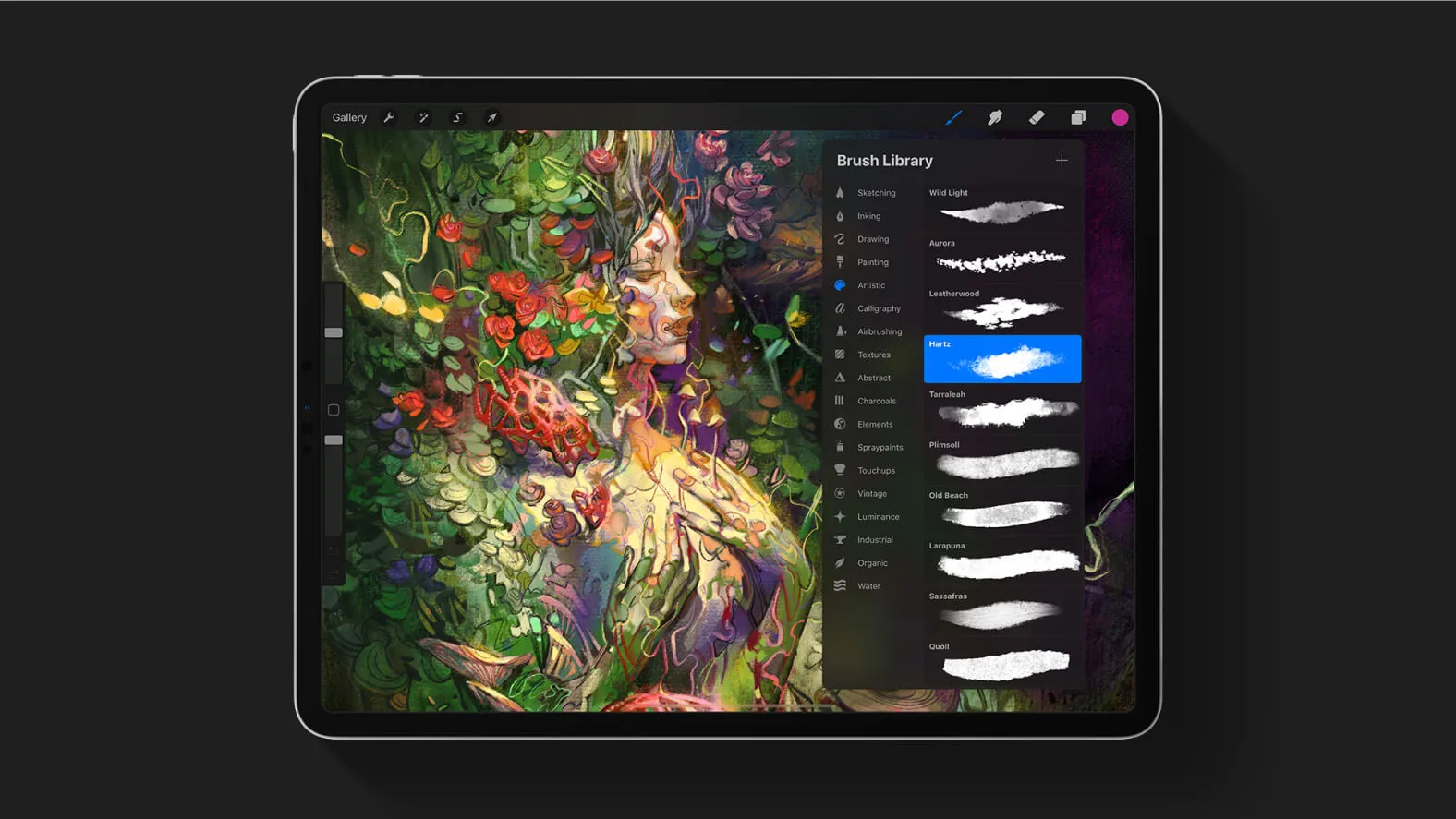
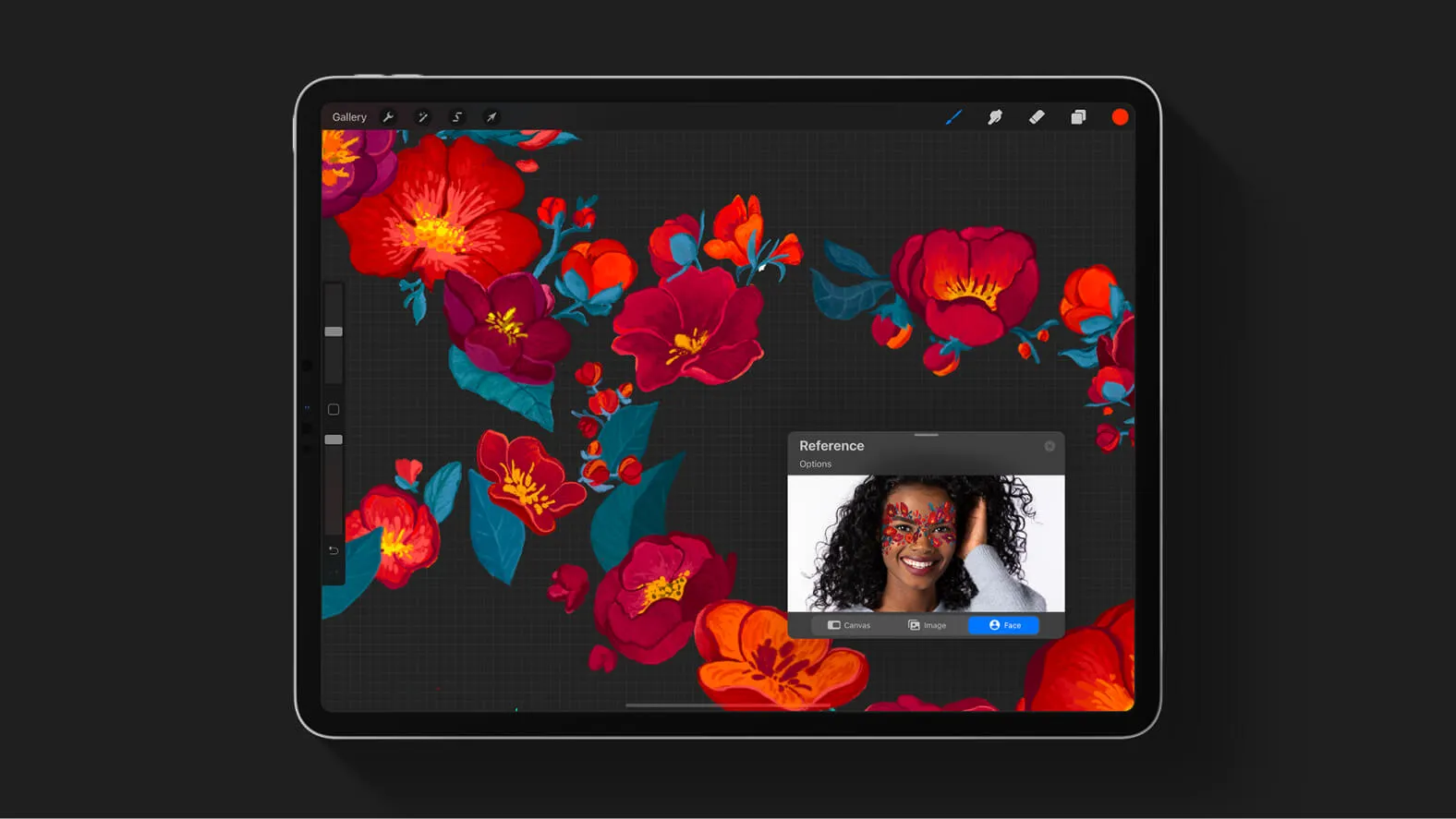
One of Procreate's major strengths is its extensive library of customizable brushes. From textured oil brushes to realistic markers, sketch pencils, and even special brushes for creating unique effects, each brush is designed to provide an authentic experience. Moreover, the ability to create and share custom brushes means your options are virtually unlimited.
AN INTUITIVE AND USER-FRIENDLY INTERFACE
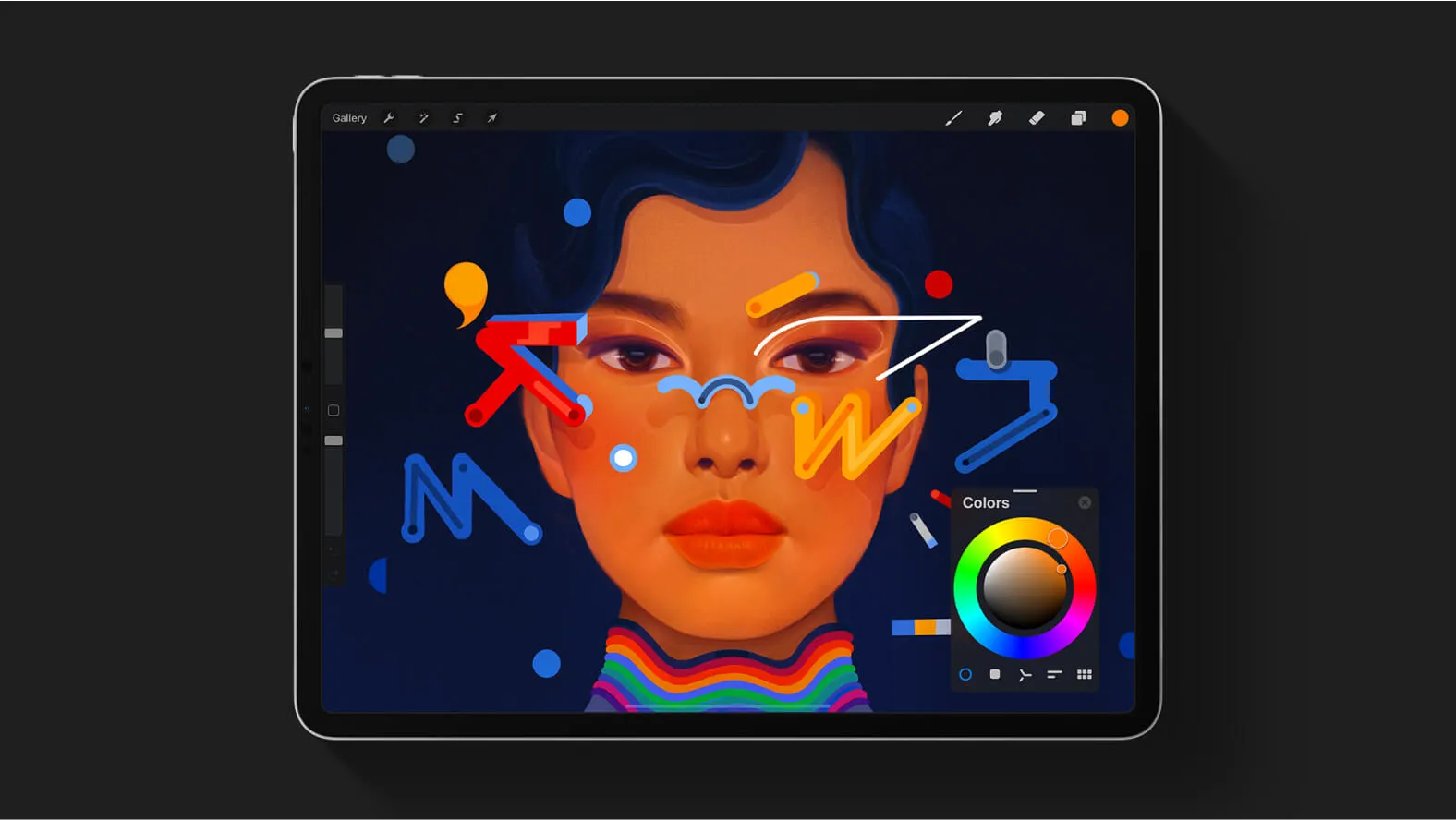
Procreate is designed to maximize your artistic efficiency by providing a simple and intuitive interface. Smooth navigation, clear menus, and customizable shortcuts allow you to focus on your creation rather than technical manipulations. This makes it an ideal choice for artists who want to immerse themselves in their work without being hindered by unnecessary complications.
THE ART OF DIGITAL TRANSFORMATION
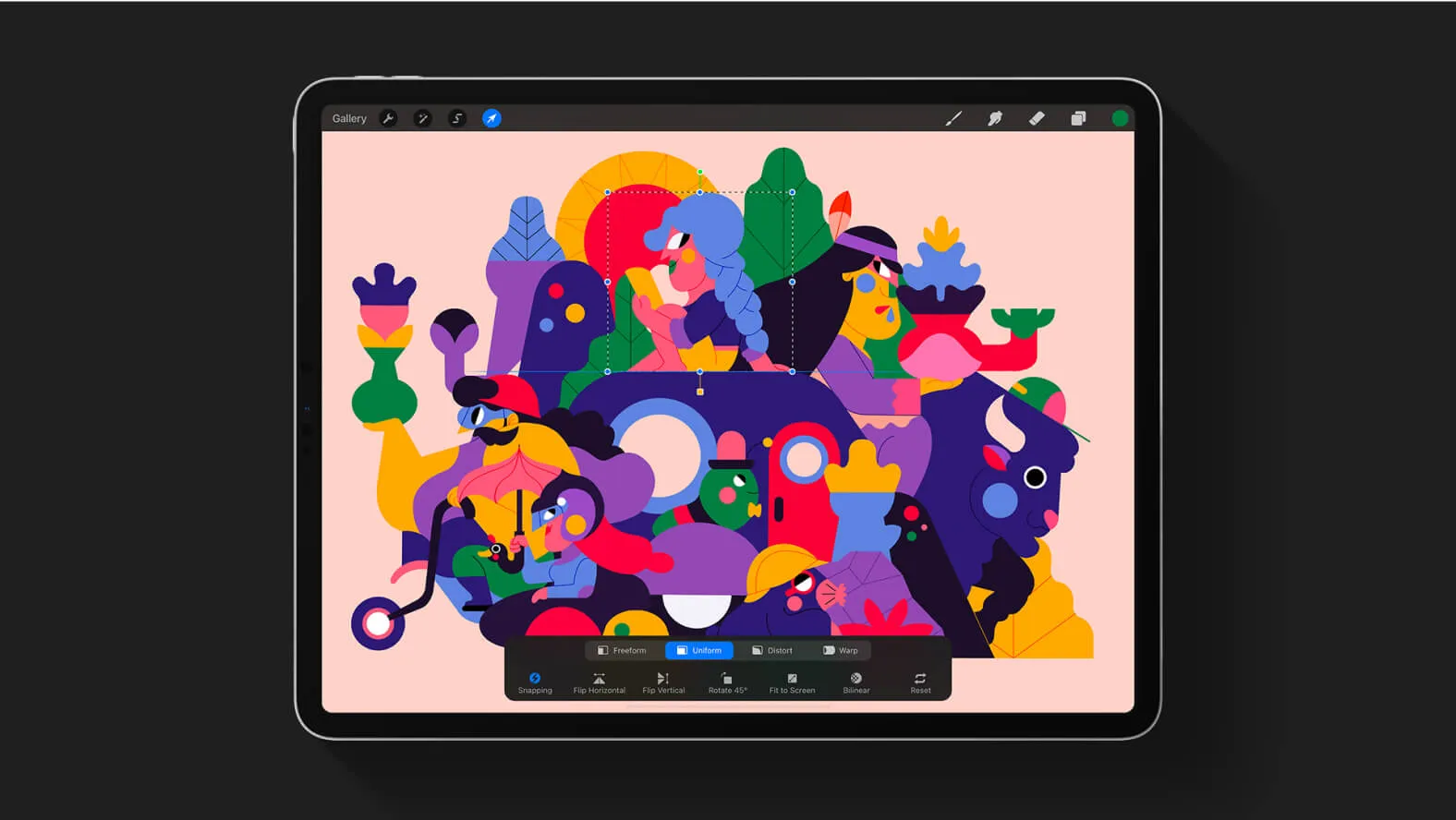
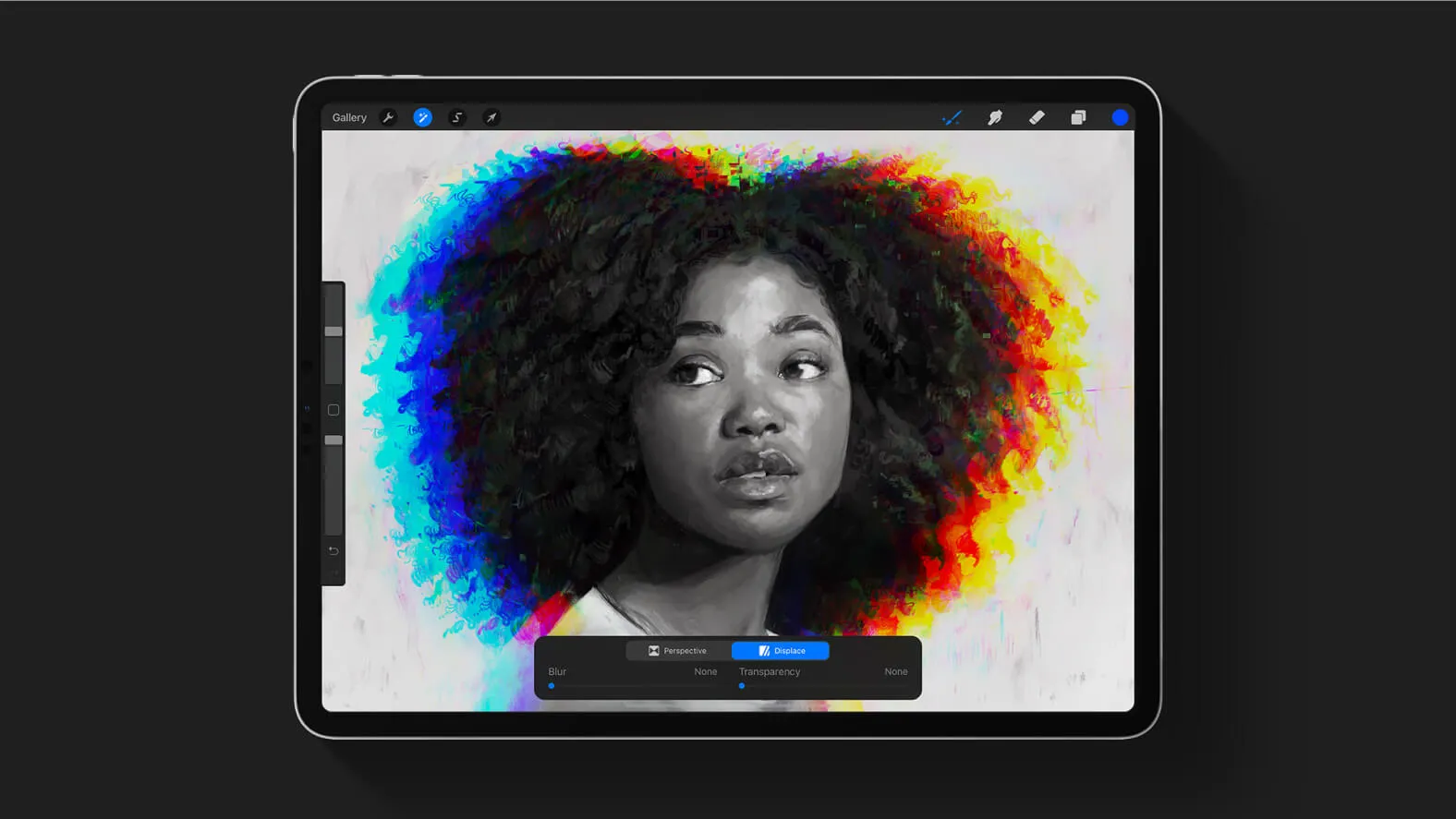
One of Procreate's most powerful features is its ability to make digital transformation as natural as possible. Functions like symmetry, assisted perspective, and distortion tools allow you to manipulate your creations with amazing precision. This opens the door to bold experiments and innovative artistic results.
THE EVOLUTION OF COLLABORATIVE CREATION
Procreate also facilitates collaboration between artists. Whether you're working as a team on a project or want to share your creations with the world, Procreate offers simple sharing and export features. You can save your works in high resolution, animate them, and even share them on social media in a snap.
Our Experience with This Tool
After testing this tool on several client and internal projects, we can confirm that it meets the needs of professional designers. Our team uses it regularly in its daily workflow, which allows us, based on our experience, to validate its effectiveness in real production conditions.
Points tested in detail:
- Performance on large files (500+ frames)
- Compatibility with complex design systems
- Stability during intensive use
- Integration into a team workflow
Points of Attention (tested in real conditions)
In the spirit of transparency, here are the limitations we identified during our testing:
- Processing time can be extended on very large files
- Requires a stable internet connection for certain features
- Learning curve for beginner users
Conclusion
Procreate is much more than just a digital drawing application. It's a powerful tool that catalyzes imagination and pushes the boundaries of creativity. Whether you're an emerging artist or an established professional, Procreate's seamless creation experience and innovative features will inspire you to create works that push the boundaries of digital artistic expression. So get ready to dive into a world of creative possibilities with Procreate. Express yourself, innovate, and create digital masterpieces that will leave a lasting mark in the ever-evolving artistic universe.
USEFUL LINKS
French Discord Server based on mutual aid (new)
Download the Procreate application
Import downloaded Brushes
Import downloaded Fonts
Import .PSD (Photoshop)