Introduction
Material Design, developed by Google, is a design approach that aims to simulate the physical world through the use of materials and motion. This UI Design trend stands out for its judicious use of layers, shadows and animations to create an immersive and engaging user experience. In this section, we'll explore the concept of Material Design in depth, along with its impact on interface design.
The Foundations and Impact of Material Design
AN IN-DEPTH UNDERSTANDING OF THE CONCEPT
Material Design finds its inspiration in the real world, seeking to imitate the way objects interact and behave in our physical environment. To do this, it uses shadows to create an illusion of depth, giving interface elements a three-dimensional appearance. In addition, Material Design simulates movement through subtle animations, thereby offering a more realistic and intuitive user experience.
THE KEY ELEMENTS OF MATERIAL DESIGN
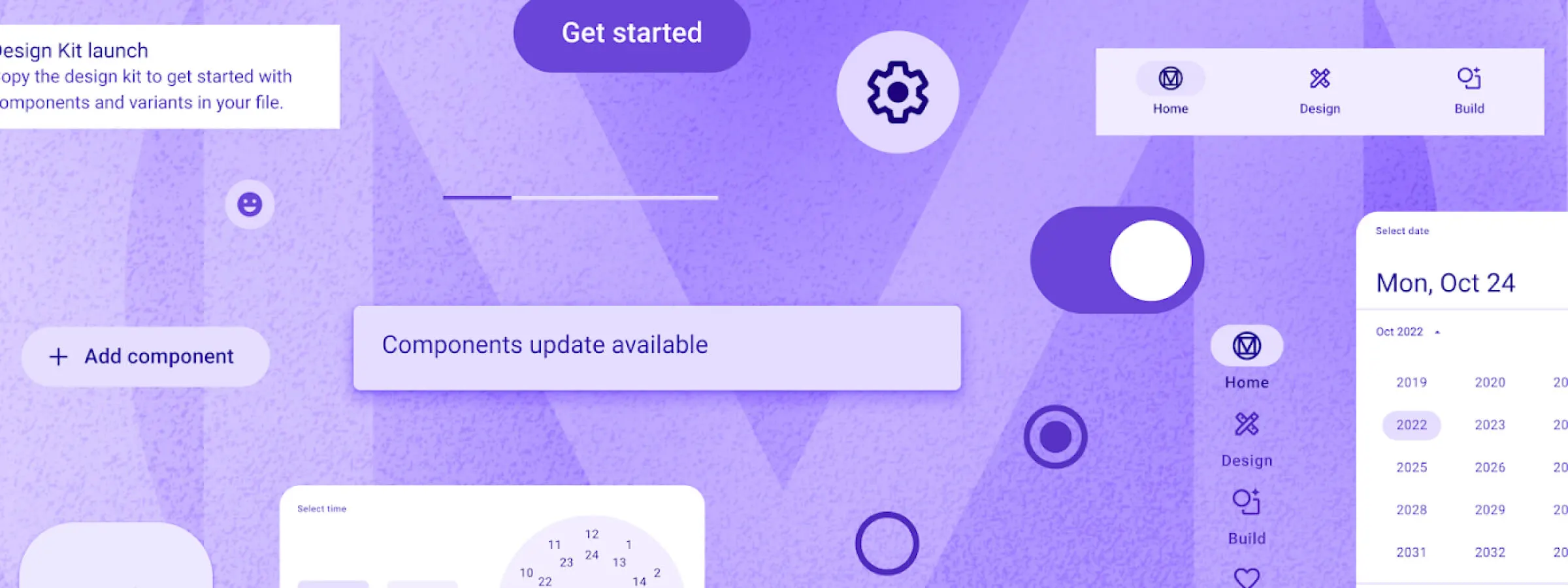
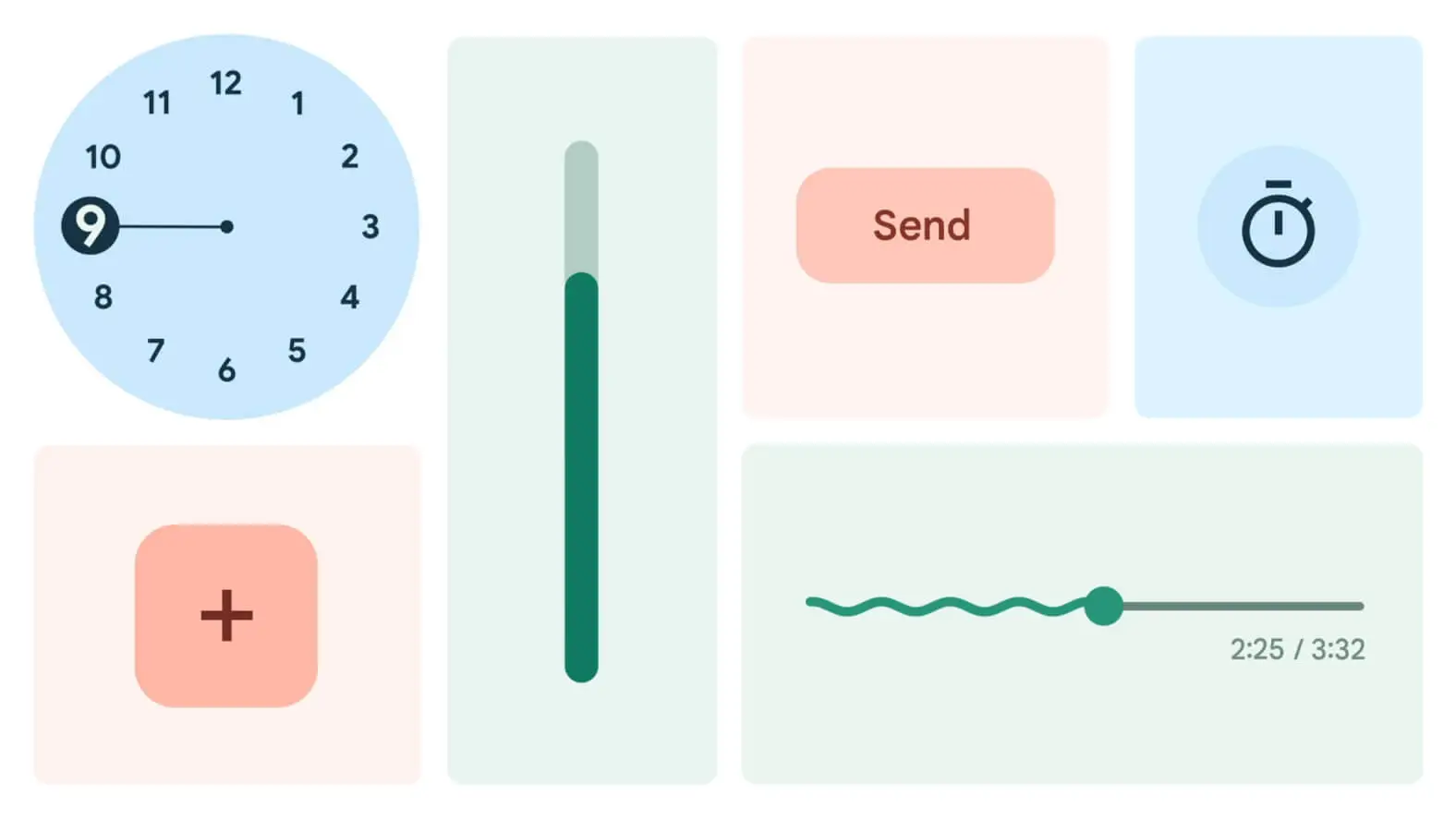
The key elements of Material Design contribute significantly to its distinctive aesthetic and its harmonious operation. Cards, for example, play a central role by enabling clear and hierarchical organization of content, creating a visual structure that evokes virtual "sheets of paper" stacked on top of one another.
In addition, shadows are crucially important for giving depth to the interface, creating realistic shadows that help users perceive the position and spatial relationships between the different elements.
Responsive animations, for their part, add a touch of interactivity by responding intelligently to the user's actions, thereby contributing to a smooth and natural experience.
Finally, the vivid color palette and clear typography used in Material Design don't just ensure optimal readability; they also make it possible to express specific actions or states in an expressive way. Together, these elements form a holistic approach to design that gives Material Design its unique personality and its effectiveness in creating engaging user interfaces.
HOW MATERIAL DESIGN FOSTERS VISUAL CONSISTENCY
Material Design encourages visual consistency by imposing strict rules for the design of elements. These rules define how elements should appear and behave, which guarantees a uniform look and behavior across an application or a website. This consistency improves the user experience by allowing users to quickly become familiar with the interface and understand how it works.
CASE STUDIES OF POPULAR APPS USING THIS CONCEPT
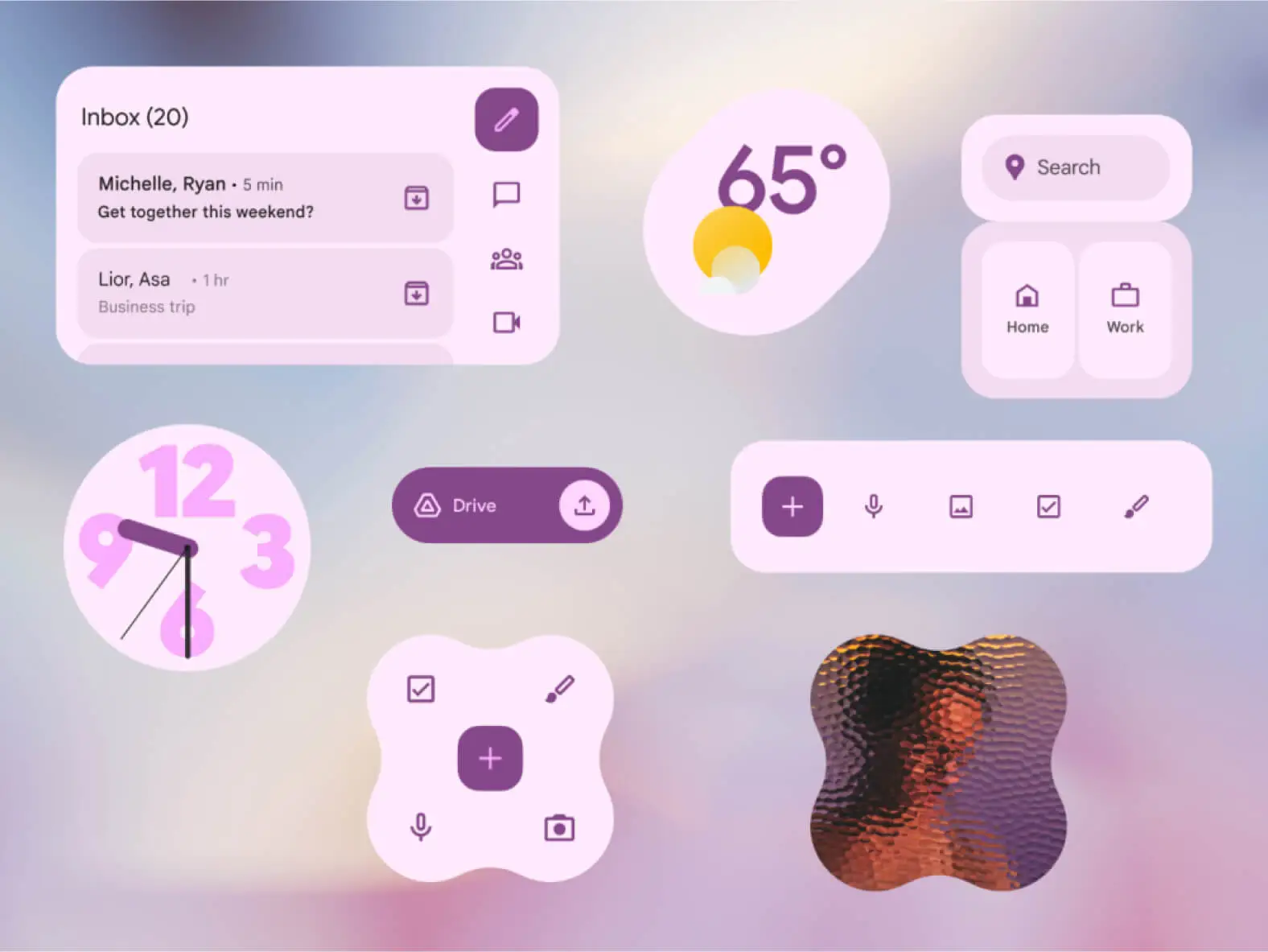
Several popular apps have successfully adopted Material Design to offer a smooth and intuitive experience to their users. For example, Gmail, Google's messaging app, uses Material Design to organize emails as cards and to highlight actions such as archiving or deleting. Similarly, Google Drive, the online storage service, uses Material Design to present files and folders in a visually consistent and user-friendly way.
These case studies illustrate how Material Design can be successfully implemented to create modern, engaging and functional user interfaces.
Conclusion
Google's Material Design has revolutionized UI Design by bringing a physical dimension to digital interfaces. This approach, inspired by the real world, creates an immersive user experience thanks to judiciously designed visual elements and animations. The key elements of Material Design, such as shadows, responsive animations, and visual consistency, contribute to modern and functional interfaces. Popular apps such as Gmail and Google Drive are successful examples of this. In short, Material Design continues to shape our digital interactions, offering more captivating and intuitive interfaces.