
Introduction
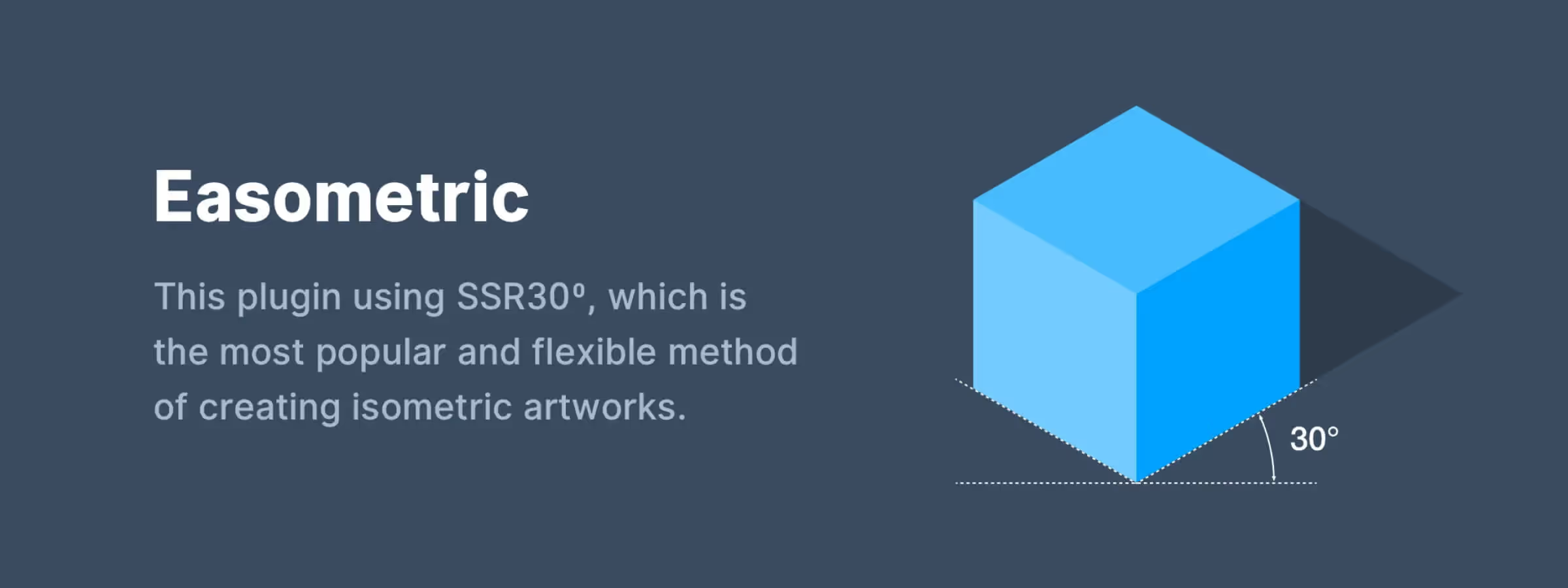
The Figma Easometric plugin is an essential tool for designers who want to create isometric view visuals. If you've ever tried to draw a perspective scene, you know that this can be difficult and tedious.
The Easometric plugin simplifies this process by offering a set of practical tools to create perspective shapes quickly and easily. With these tools, you can add depth and interest to your designs in a precise and intuitive way. If you're looking to create isometric view visuals, we highly recommend trying the Figma Easometric plugin.
How to Use It
PREVIEW
This feature allows you, according to our experience, to choose the orientation of the selected element using a diagram. Each facet of the isometric view highlights the associated option in the toolbar for better understanding.
TOOLBAR
This feature displays all available options in case those shown in the 'preview' are not explicit enough. It is through this toolbar that you can define the direction your illustration's top surface will take, either 'Top Left' or 'Top Right'.
CLOSE AFTER
By default, this option is enabled but you can disable it if you wish. It allows, according to our experience, to close the plugin window after use. It may be simpler to keep it visible, but this option is available to adapt to the habits of each designer.
Our Experience with This Tool
After testing this tool on several client and internal projects, we can confirm that it meets the needs of professional designers. Our team uses it regularly in its daily workflow, which allows us, according to our experience, to validate its effectiveness in real production conditions.
Tested points in detail:
- Performance on large files (500+ frames)
- Compatibility with complex design systems
- Stability during intensive use
- Integration in a team workflow
Points of Concern (tested in real conditions)
In the interest of transparency, here are the limitations we identified during our tests:
- Processing time can be extended on very large files
- Requires a stable internet connection for certain features
- Learning curve for beginner users
Conclusion
In summary, the Figma Easometric plugin is an excellent option for designers who want to add perspective to their designs quickly and easily. Thanks to its easy-to-use tools, it allows, according to our experience, to create perspective scenes intuitively and offers, according to our thorough tests, many creative possibilities. If you're looking to add depth and interest to your designs, we highly recommend trying this plugin.
However, there are also other plugins such as Perspective Toolkit or Angle that can be used to approach perspective in different ways depending on your needs and illustration style.



