
Introduction
Creating smooth animations in Figma can quickly become tedious, especially when you want to bring your interfaces to life without spending hours on keyframes. That's where Magic Animator comes in—a helpful assistant in the designer's studio. This AI-powered Figma plugin allows you, according to our experience, to transform any static design into a professional animation with just one click. Result: four unique animation variations generated instantly, a complete editor to refine them, and exports in GIF, MP4, or Lottie. Animation finally becomes accessible to everyone, without technical expertise.
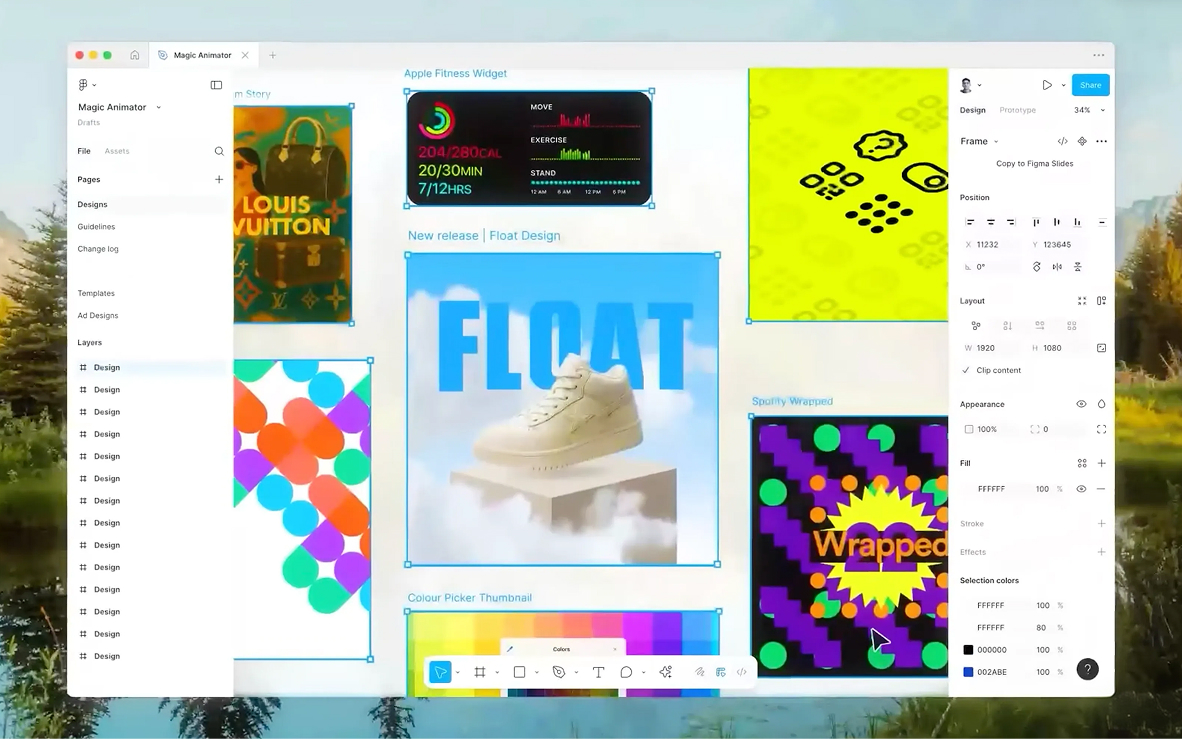
Context: Traditional Animation, a Brake on Creativity
Animation has long been reserved for motion design specialists. Between mastering interpolation curves, managing keyframes, and exporting in various formats, the process can become a real obstacle course for product designers. This technical complexity often hampers creativity and slows down iterations.
The idea behind Magic Animator is to make animation as simple as design itself. Developed by Lottielab, this plugin uses artificial intelligence to analyze your designs and automatically generate coherent and professional animations. No need to know After Effects or spend hours configuring timelines: one click is enough to get usable results.
How the Plugin Works
Automatic Generation in One Click
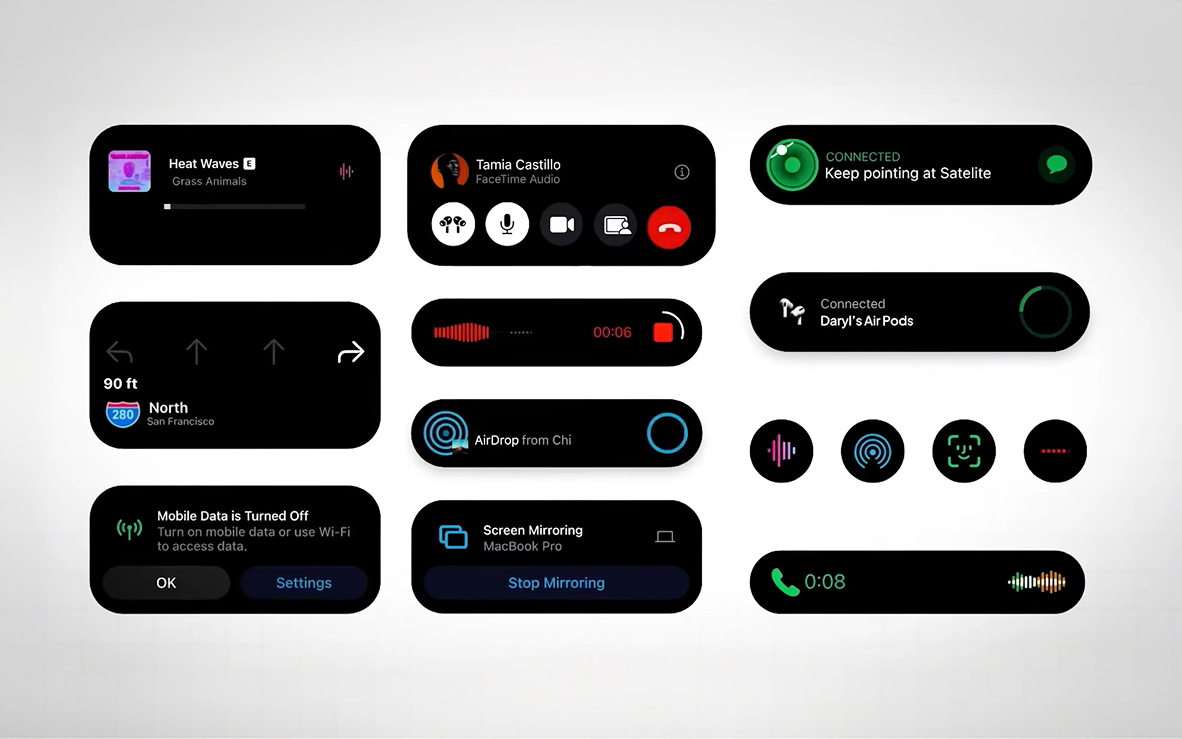
The magic happens as soon as you select your frame in Figma. Magic Animator automatically analyzes your design and generates four distinct animation variations in seconds. Each proposal explores different creative approaches: fade-in entrances, dynamic movements, subtle rotations, bounce effects... The AI adapts its suggestions based on the nature of your elements (logos, icons, interfaces, social media posts).
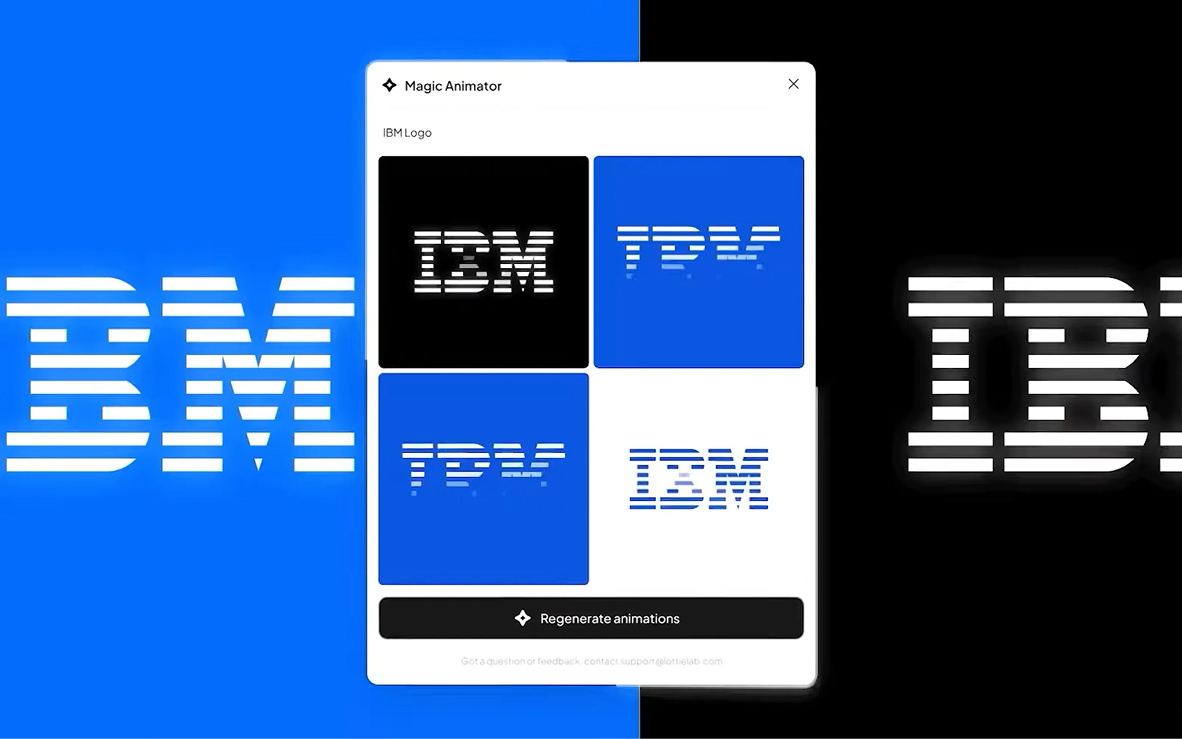
This feature allows you, according to our experience, to save valuable time in the creative exploration phase. Rather than starting with a blank page, you immediately have four starting points that you can refine based on your needs.
Conversational Assistant
Magic Animator includes an AI assistant that works through chat. You can dialog with it to refine your animations: "make it smoother", "add a bounce effect", "speed up the transition". This conversational approach makes animation accessible even to designers who have never manipulated a timeline.
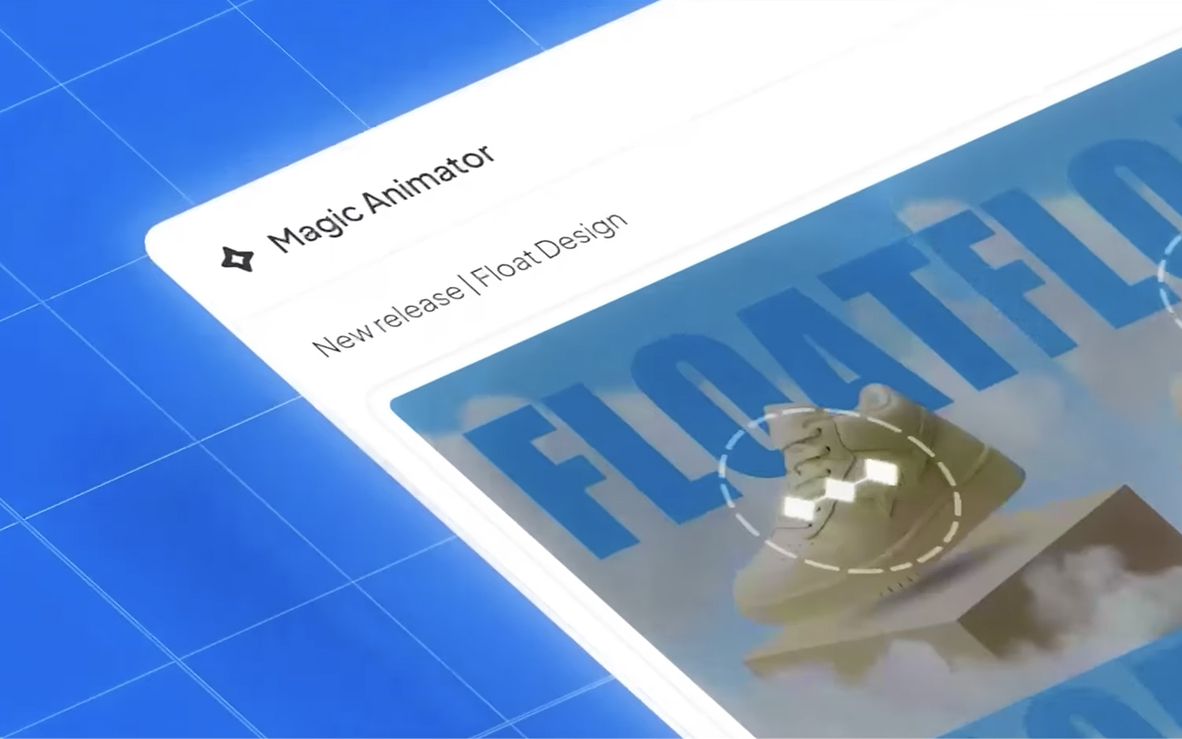
The assistant understands the context of your design and adapts its suggestions accordingly. It can propose specific animations for buttons, loaders, icons, or branding elements.
Complete Timeline Editor
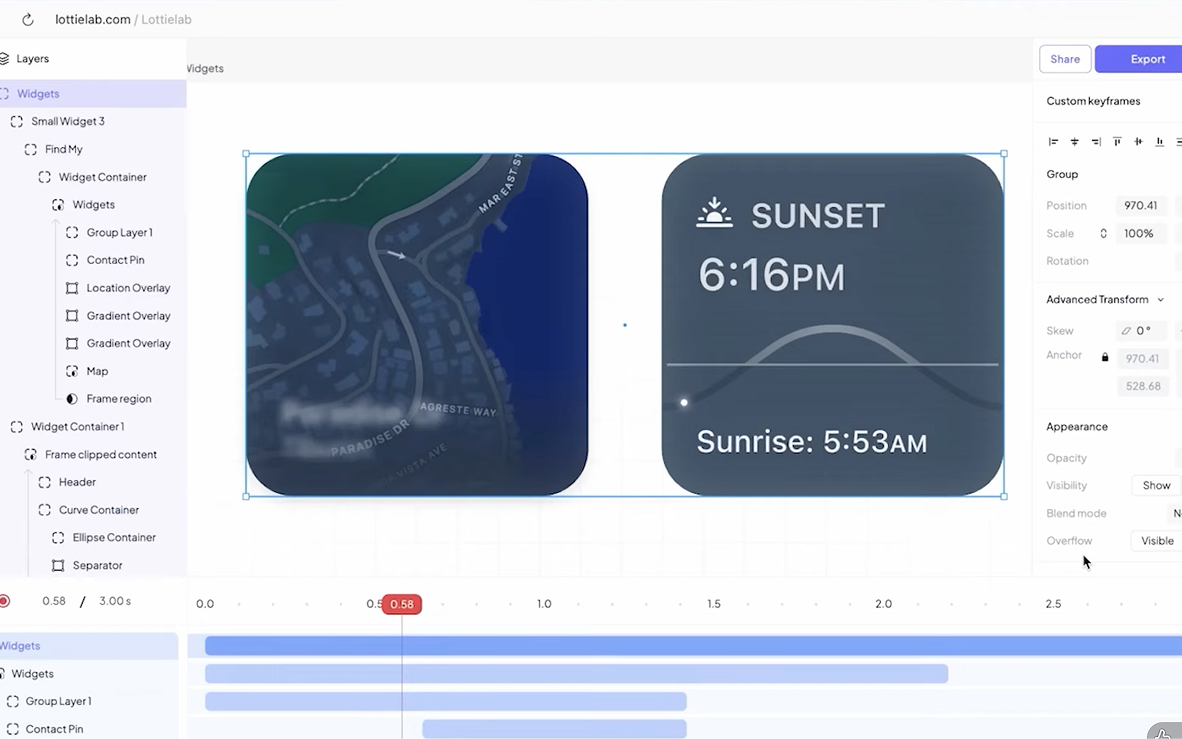
Once the animation is generated, you can refine it in the integrated editor. Magic Animator offers complete control over keyframes, easing curves, timing, and layer hierarchy. This flexibility allows you, according to our experience, to start from an AI-generated base and customize it precisely according to your creative vision.
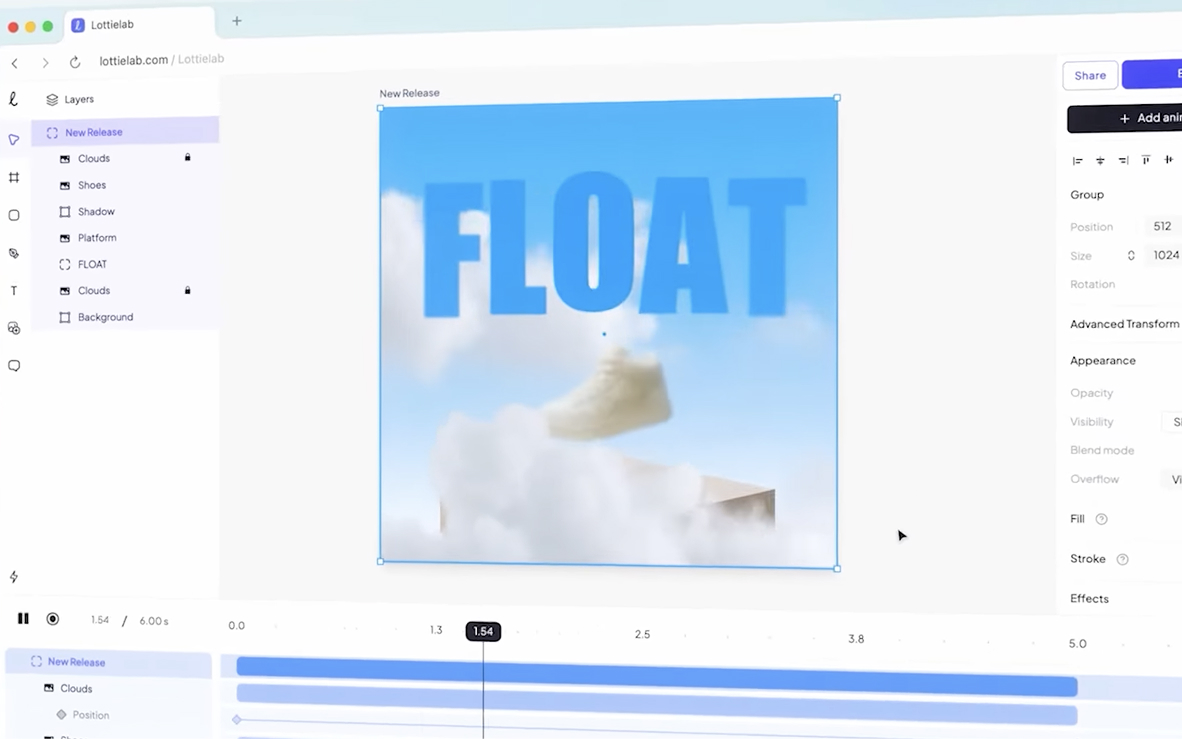
The editor interface remains intuitive despite its power: adjusting durations by drag-and-drop, real-time preview, organizing layers by groups...
Multi-Format Exports
Magic Animator offers three export formats suited for all uses:
- Lottie: lightweight JSON format, perfect for web and mobile integration with minimal file size
- GIF: ideal for social media and quick presentations
- MP4: up to 4K, for high-quality renders and professional presentations
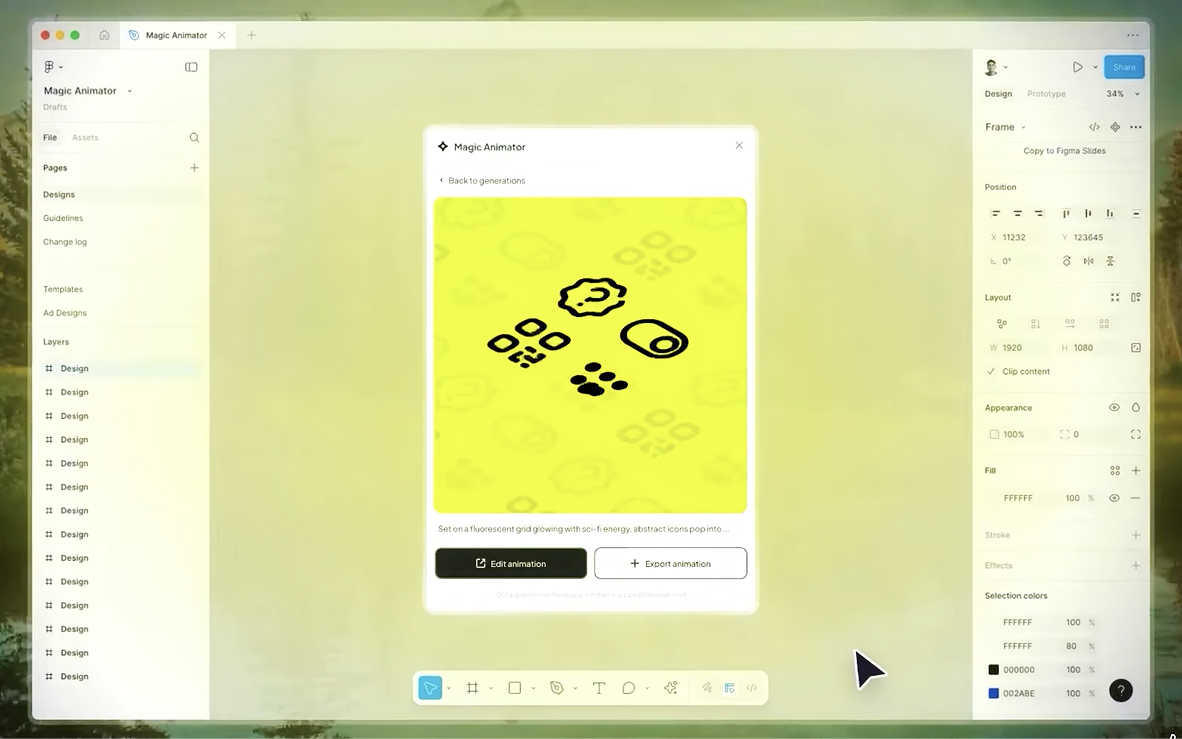
This versatility allows you, according to our experience, to use your animations everywhere: websites, mobile applications, social media campaigns, client presentations...
Use Cases and Tips
Logos and Brand Identities
Bring your logo to life with subtle animations that reinforce brand memorability. Fade transitions, progressive reveals, or movement effects can transform a static logo into a memorable visual signature.
UI Micro-interactions
Animate your buttons, loaders, toggles, and icons to improve user experience. Micro-animations guide attention, confirm actions, and make interfaces more intuitive. Magic Animator excels in this area thanks to its understanding of UI context.
Social Media Content
Transform your static posts, stories, and reels into animated content that immediately captures attention in the feed. Generated animations can be exported as GIF or MP4 optimized for each platform (Instagram, LinkedIn, Facebook...).
Rapid Prototyping
Test different transition animations without wasting development time. Lottie exports can be integrated directly into your prototypes to validate the experience before production.
Tip
Use automatic generation as a creative starting point, then refine in the editor. Don't hesitate to regenerate multiple times to explore different directions: AI can surprise you with approaches you wouldn't have thought of spontaneously.
Installation and Usage
Magic Animator is available for free in beta version directly from the Figma community. Here's how to get started:
- Install the plugin from the Figma community by searching for "Magic Animator"
- Select your frame: any element from your design (icon, complete interface, social post...)
- Click "Generate Animations" and watch the four proposals appear in seconds
- Choose your favorite or dialog with the assistant to refine the animation
- Refine in the editor (optional): adjust keyframes, timing, and acceleration curves
- Export in your format of choice: Lottie, GIF, or MP4
The complete process can take less than a minute for a simple animation, allowing for rapid iterations.
Compatibility and Integrations
Magic Animator integrates seamlessly into the Figma ecosystem, but it can also import SVG files from other tools like Canva or Adobe Express. This flexibility allows you, according to our experience, to centralize your animation workflow in Figma, even if your designs come from various sources.
Lottie exports are compatible with all modern web frameworks (React, Vue, Angular) and mobile platforms (iOS, Android), ensuring smooth integration into your production projects.
Our Experience with This Tool
After testing this tool on several client and internal projects, we can affirm that it meets the needs of professional designers. Our team uses it regularly in their daily workflow, which allows us, according to our experience, to validate its effectiveness in real production conditions.
Points tested in detail:
- Performance on large files (500+ frames)
- Compatibility with complex design systems
- Stability during intensive use
- Integration into team workflows
Points of Attention (Tested in Real Conditions)
In the spirit of transparency, here are the limitations we identified during our testing:
- Processing time can be extended on very large files
- Requires a stable internet connection for certain features
- Learning curve for beginner users
Conclusion
Magic Animator is a tool that radically transforms the approach to animation in Figma. Its ability to instantly generate professional animations through AI, combined with a complete editor to refine them, makes it a valuable ally for all designers. Whether you're working on product interfaces, social media content, or branding elements, Magic Animator allows you, according to our experience, to bring your designs to life without technical friction.
Currently free in beta version, the plugin benefits from weekly updates and has already won over design teams at Netflix and Google. If you're looking to integrate animation into your workflow without investing hours in learning motion design, Magic Animator is definitely the tool to try.
Useful Links
Figma Plugin - Magic Animator
Official Website - magicanimator.com
Lottielab