Introduction
For the past few months, we have been witnessing a dazzling acceleration of creative tools powered by artificial intelligence. After Midjourney, Stable Diffusion or Runway, a new player is attracting more and more attention: Krea.ai. I had the chance to test it in depth and to give a presentation on it, and I would like to share here my impressions, my use cases, but also an analysis of what this type of tool can bring to designers.
My goal is not simply to demonstrate a platform, but to explain why it is interesting in the current landscape and how it can fit into a creative workflow.
Krea.ai in today's creative landscape
The explosion of creative AI tools
The market is saturated with solutions capable of generating images, videos or even 3D objects from simple text prompts. Every month, new names appear, each promising more realism, more speed, more control. Creatives find themselves drowning in an overwhelming supply, and it is becoming hard to know which tool to choose for which purpose.
What sets Krea.ai apart
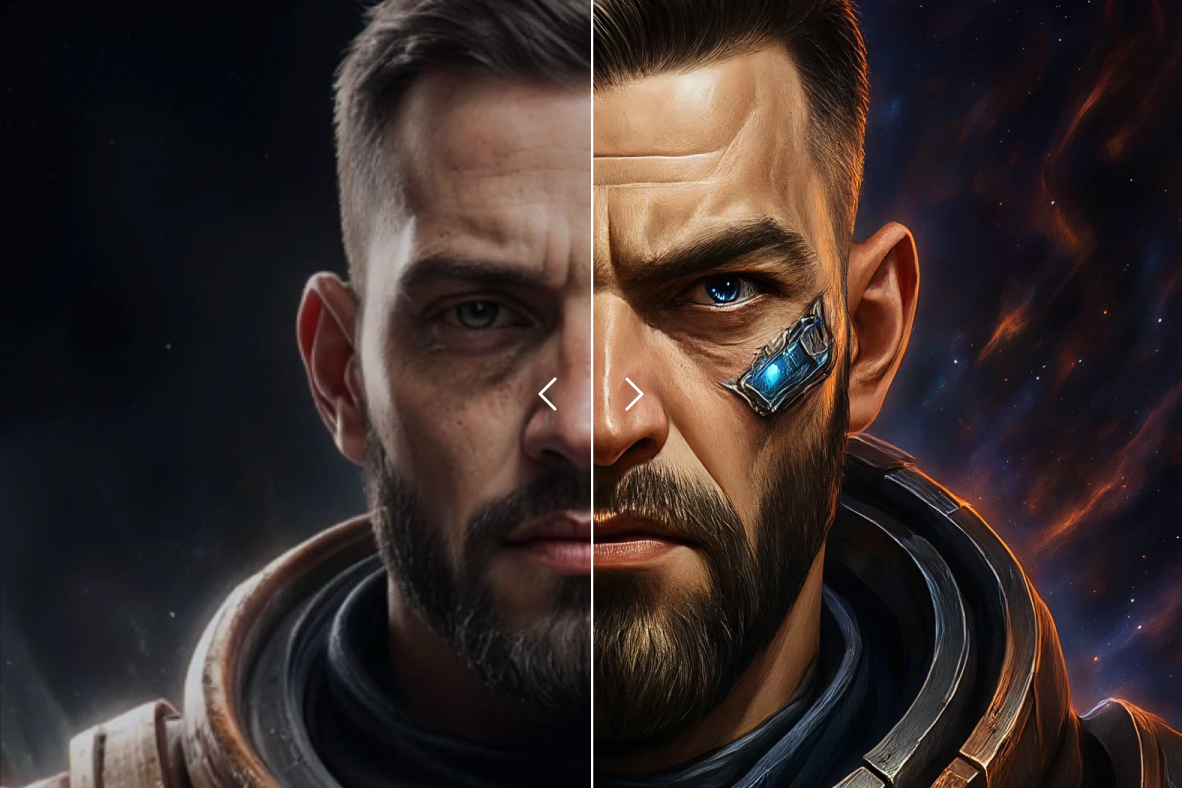
Krea.ai does not merely generate images. What makes it singular is its logic as an open creative platform: you are not limited to typing prompts, you can also explore what the community has produced, remix existing creations, and above all train your own custom models. In other words, it is not just a generator, it is a complete environment for exploration and production.
Krea.ai's key features
Intuitive and fast image generation
The foundation is still image generation. You enter a prompt, choose a style, tweak a few parameters, and within seconds Krea.ai produces surprisingly coherent visuals. The tool excels particularly in the diversity of styles and its execution speed. Unlike other platforms, the output does not feel locked into a particular aesthetic: you can go from the rawest photorealism to more artistic or stylized renders.
Training custom models
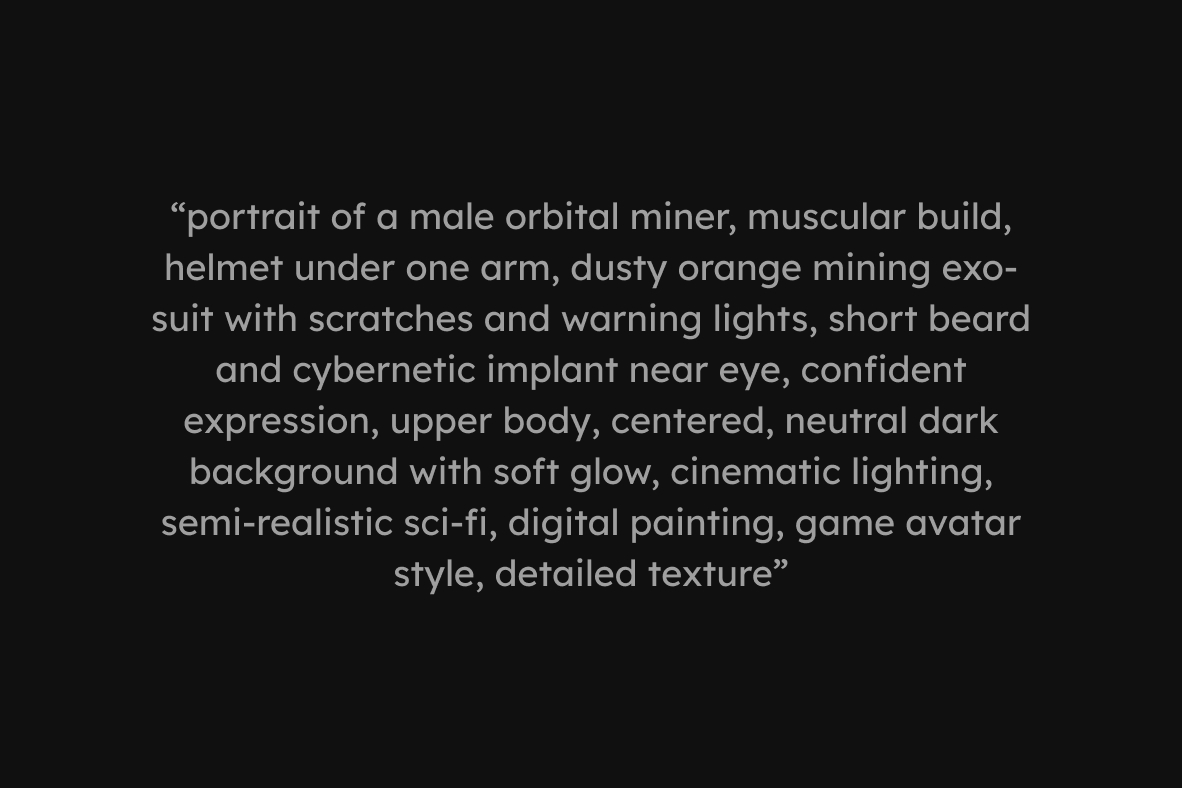
One of Krea.ai's great strengths is the ability to create your own model. From a series of images you provide, you train the AI to understand your visual universe. Then, with each new prompt, the model reinjects your style, your graphic codes, your textures. This opens up immense possibilities for designers who want to keep a strong visual signature, rather than relying on the platform's generic styles.
A lively and participatory community
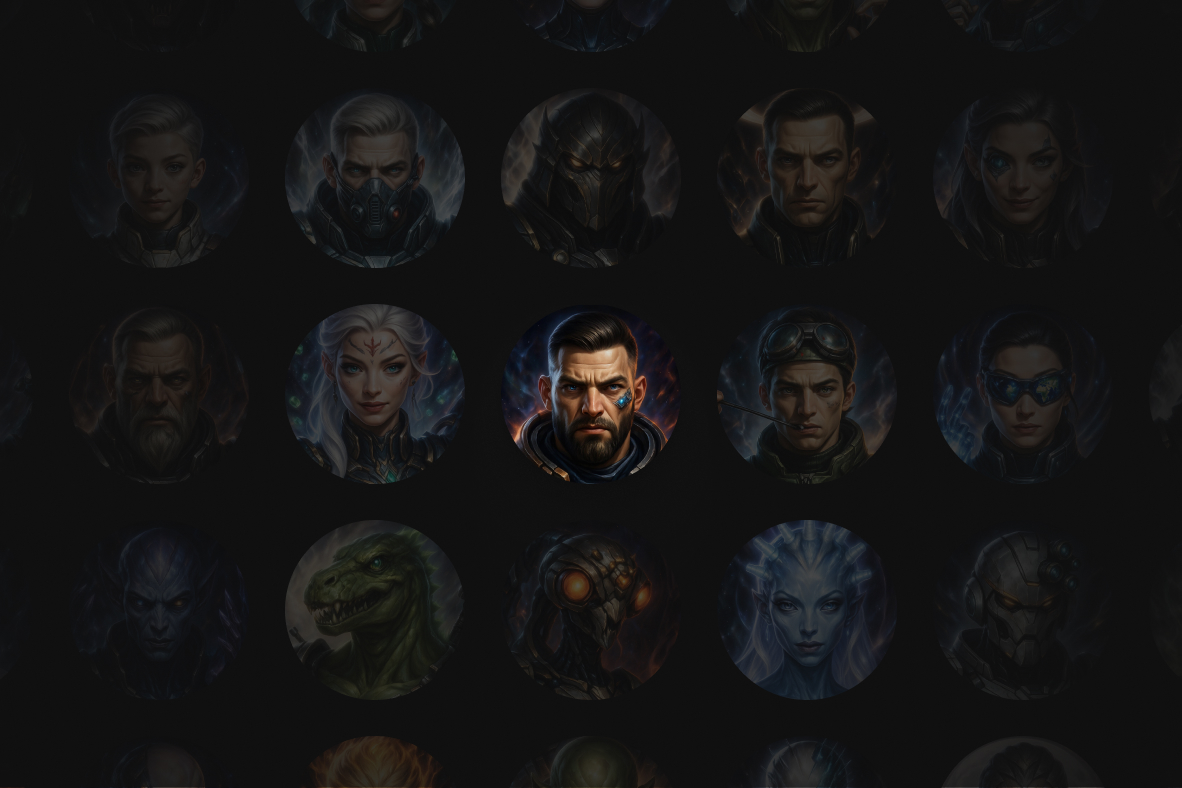
Krea.ai also stands out for its community side. You can browse other people's creations, get inspired, understand the prompts used, and sometimes even reuse those foundations to create a new variation. This logic of sharing and remixing gives the tool a very lively feel, and recalls the collaborative spirit of platforms like Figma or Notion.
An opening toward other formats
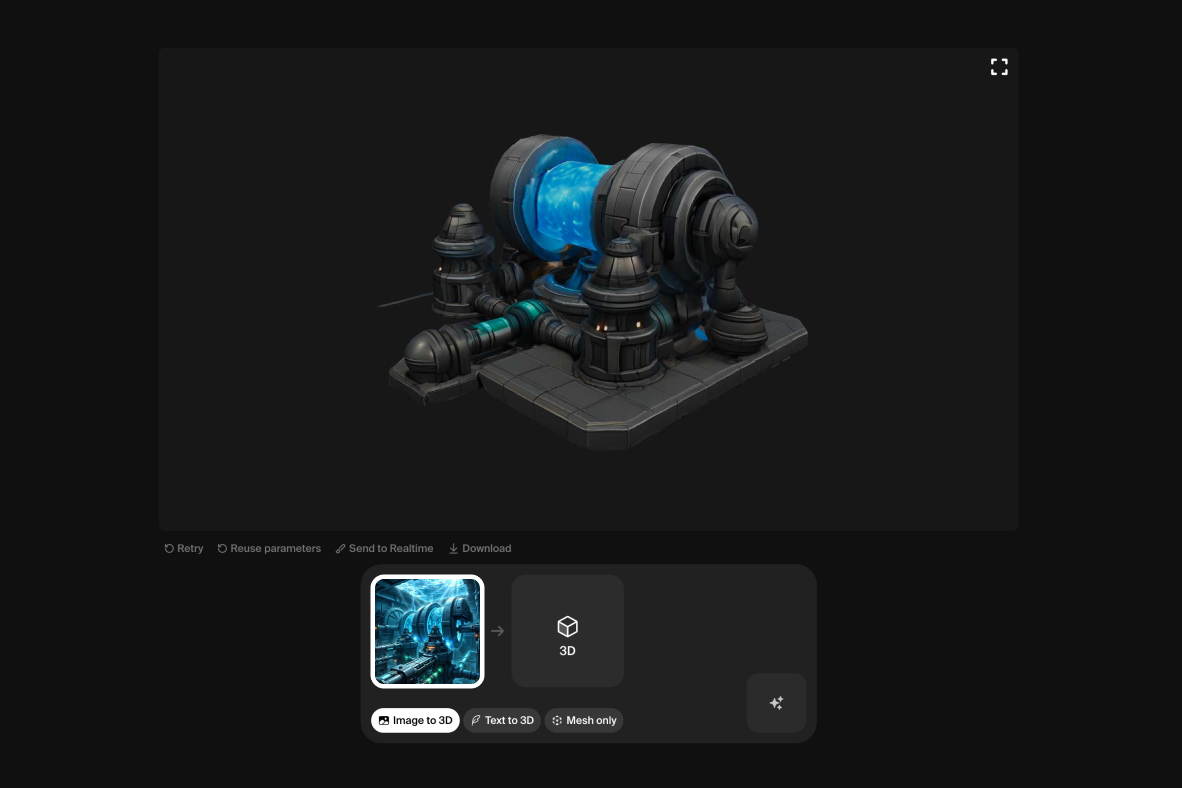
Even though image remains the heart of the product today, Krea.ai shows a clear ambition: to move toward video and 3D. Early tests show that it will soon be possible to generate animations or manipulable objects, which would put the platform in direct competition with players like Runway or Meshy.
3 Stunning Use Cases for Designers (2025)
Beyond theory, here is how Krea.ai fits concretely into a modern UI/UX design workflow.
1. Upscaling: Rescue your blurry images
This is Krea's "killer" feature. The Enhancer tool lets you take a low-resolution image (a pixelated client logo, an asset grabbed from the web) and enlarge it to 4K while reinventing the missing details. Unlike a classic upscaler that blurs, Krea "hallucinates" realistic details.
2. Creating UI patterns and textures
Need an abstract background for a Hero section? Instead of searching stock image libraries for an hour, describe your texture to Krea. Using the Patterns mode, you can generate infinitely repeatable (seamless) patterns, perfect for web design.
3. From sketch to 3D render (Real-time Generation)
The most impressive feature is still Real-time Generation. Draw rough shapes on the left (a circle for a planet, a square for a building), and watch Krea generate a photorealistic render instantly on the right. It is the ultimate tool for rapid prototyping.
User experience
A smooth learning curve
What strikes you when you open Krea.ai for the first time is the simplicity of the interface. No need for a two-hour tutorial to understand how it works. The prompt fields, style options and generation buttons are clear and accessible. Learning is almost immediate, even for someone who has never touched a generative AI.
A flexible creative workflow
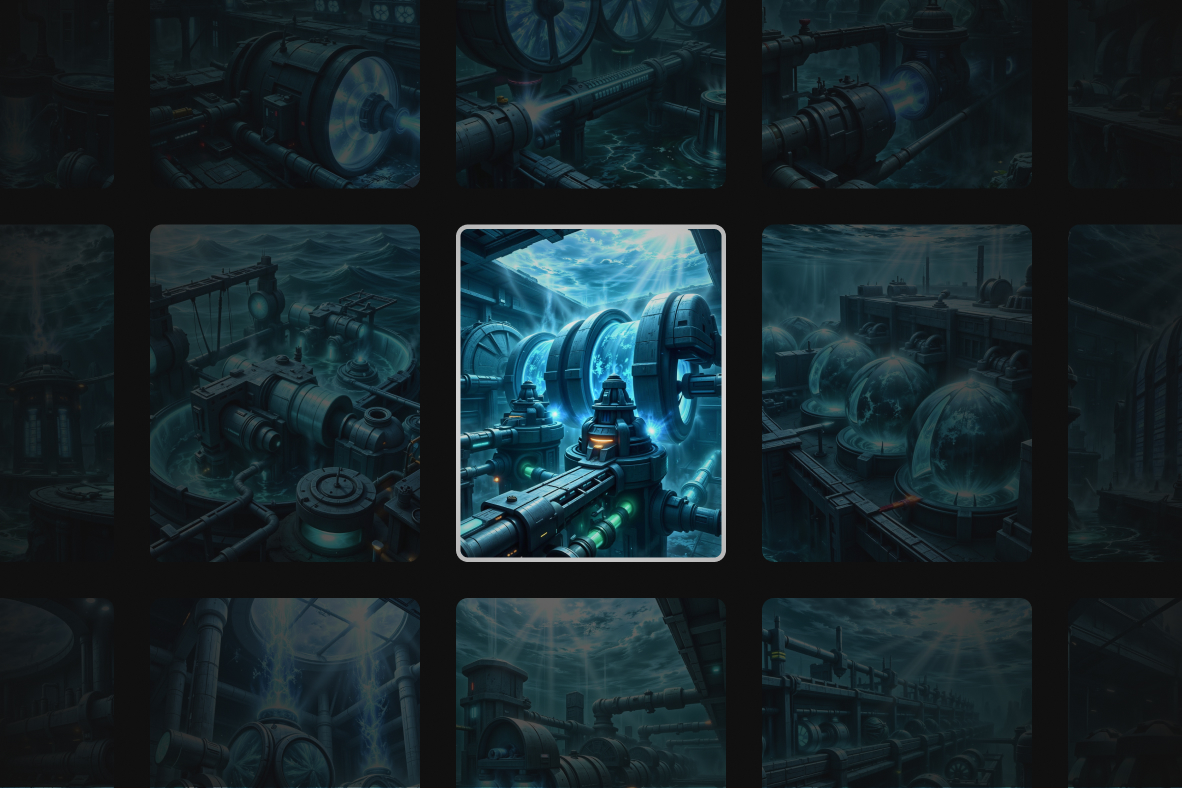
In my personal use, I was able to integrate Krea.ai directly into my ongoing projects. For example, for Dynasty Nova, I used the platform to generate visual concepts of planets, spaceships or graphic atmospheres.
The idea is not to take the images as they are, but to use them as an exploratory base, as an extension of my creative process. This makes it possible, in our experience, to quickly produce dozens of variations, to test directions, then to keep only what makes sense.
Limitations to keep in mind
Not everything is perfect. Quality can be uneven depending on the prompts, and some images require several iterations before you get a convincing render. Generation time can also vary depending on server load and the complexity of the request. Finally, as always with AI, you remain dependent on the phrasing: a poorly written prompt rarely produces anything usable.
Why Krea.ai is interesting for designers
An accelerator for visual exploration
Where traditional brainstorming or iconographic research takes time, Krea.ai offers unprecedented acceleration. In a few minutes, you get dozens of visual leads that would have required hours of research or sketching. For moodboards, it is a real revolution: instead of searching Pinterest or Dribbble, you can directly generate images matching the universe you have in mind.
A productivity tool
Beyond exploration, Krea.ai becomes an asset for productivity. Need a color variation, a new texture or an alternative backdrop? Just a prompt and, a few seconds later, the variation is ready. This makes it possible, in our experience, to save precious time in the iteration phases, where manual back-and-forth used to be time-consuming.
A bridge between design and technology
Finally, I see in Krea.ai one more sign that the designer's profession is evolving toward a hybridization with technology. What I call vibes coding — this ability to code atmospheres and experiences without writing a single line of code — takes on its full meaning here. AI becomes an intermediate language between the idea and the render. For profiles like mine, rooted in UI but curious about the technical side, it is an incredibly stimulating playground.
Toward what future?
The place of creative AI
There is always this question: is AI a threat to creatives or simply a complementary tool? My feeling is that Krea.ai, like other platforms, is not meant to replace a designer, but to augment them. AI produces, but it does not choose. It generates, but it does not decide what is relevant in a given context. That is where the designer's role remains crucial.
Krea.ai as a visual laboratory
While testing Krea.ai, I had the feeling of entering an experimentation laboratory. You can attempt absurd things, explore unexpected styles, mix references that would never have coexisted otherwise. And sometimes, out of these visual accidents an actionable idea is born. It is this freedom that seems most precious to me: AI as a generator of creative sparks.
My perspective as a designer
For me, the arrival of platforms like Krea.ai is a game changer. Not because they render existing skills obsolete, but because they open up unprecedented horizons. They force us to rethink the way we create, to integrate new tools into our toolbox, and to stay attentive to a market that is evolving at a dizzying pace.
Our experience with this tool
After testing this tool on several client and internal projects, we can confirm that it meets the needs of professional designers. Our team uses it regularly in its daily workflow, which allows us, in our experience, to validate its effectiveness in real production conditions.
Points tested in detail:
- Performance on large files (500+ frames)
- Compatibility with complex design systems
- Stability during intensive use
- Integration into a team workflow
Points of attention (tested in real conditions)
For the sake of transparency, here are the limitations we identified during our tests:
- Processing time that can be longer on very large files
- Requires a stable internet connection for certain features
- Learning curve for beginner users
Express Tutorial: Your first creation on Krea
Want to give it a try? Here is how to get a pro result in 2 minutes:
- Create a free account on Krea.ai (the free plan is generous).
- Choose "Real-time Generation" in the main menu.
- Select a style (e.g. "Cinematic" or "Product").
- Draw simple shapes with the brush in the left-hand area.
- Add a short prompt (e.g. "futuristic headphones, neon lights").
- Admire the result as it evolves in real time with every brushstroke!
Pro tip: Use the webcam as an input to turn your own gestures into digital art in real time.
Conclusion
Krea.ai is not just a new toy in the galaxy of generative AIs. It is a platform that combines simplicity, power and community openness. For designers, it is at once an exploration accelerator, a productivity gain and a bridge toward new forms of collaboration between design and technology.
My advice is simple: test it. Play with the prompts, train your own models, explore other people's creations. You will quickly see that Krea.ai is not just a tool, but a creative companion that can transform the way you work.