Introduction
In the dynamic world of digital design, innovation is essential to stay competitive. Jitter, a simple and fast animation platform, is establishing itself as a must-have solution for designers looking to bring their creations to life.
WHAT IS JITTER?
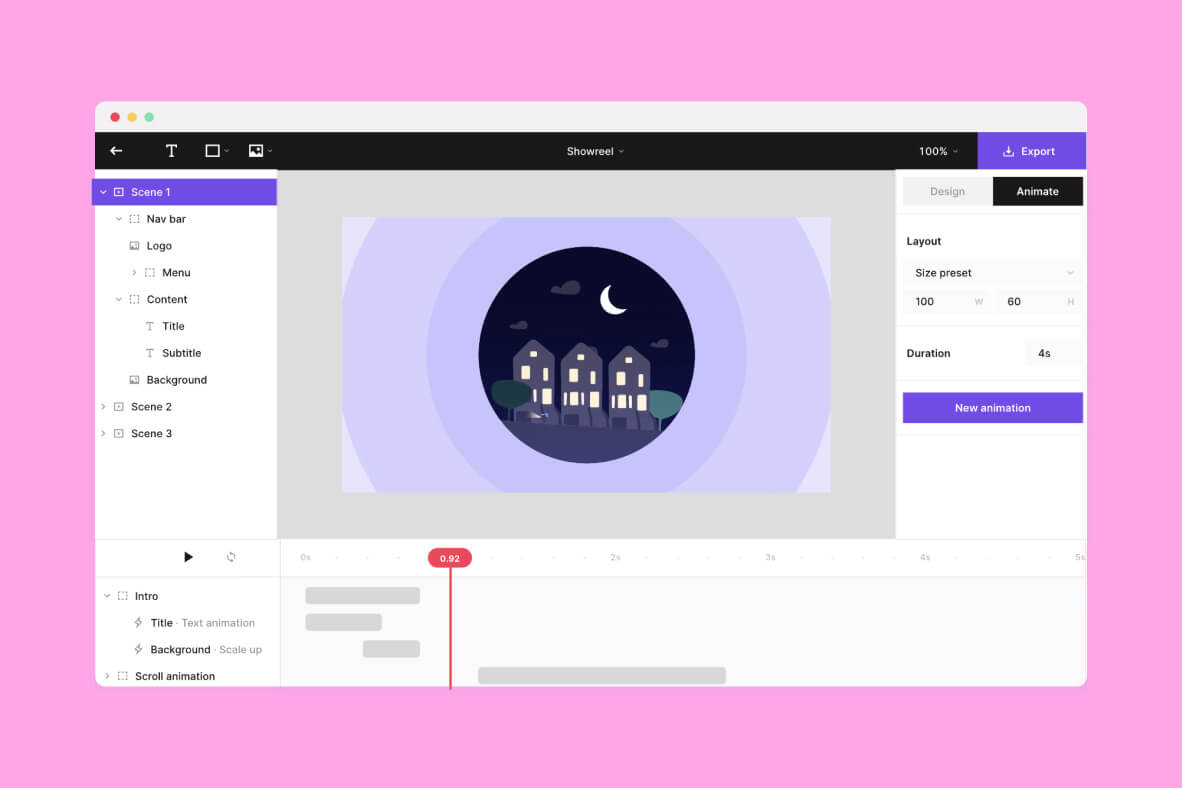
Jitter is an animation design tool that, in our experience, lets you create high-quality animated content in just a few minutes. Accessible to everyone, from beginners to professionals, it offers an intuitive interface and powerful features that simplify the creation process. Here is a detailed overview of its features and benefits.
Key Features
ANIMATION PRESETS
Jitter offers a variety of animation presets that let users create smooth, professional animations in just a few clicks. These presets cover a range of styles and effects, making it easy to add sophisticated motion without requiring deep technical skills.
IMPORT FROM FIGMA
Designers can easily import their creations from Figma, allowing them to bring existing designs into dynamic animations. This feature ensures workflow continuity and eliminates the need to recreate graphic elements from scratch.
VARIOUS EXPORT FORMATS
Jitter offers several export options, including 4K videos, GIFs, and Lottie files. This flexibility lets designers choose the format best suited to their specific needs, whether it's content for social media, professional presentations, or web integrations.
EFFICIENT COLLABORATION
The tool is designed to encourage collaboration within design teams. Users can share and reuse animation components, which not only improves efficiency but also ensures visual consistency across different projects.
Benefits of Jitter
EASE OF USE
Jitter's user interface is designed to be intuitive and accessible, even for those without much animation experience. This allows a larger number of creators to produce quality animations without a steep learning curve.
TIME SAVINGS
Thanks to its presets and direct import from Figma, Jitter, in our experience, significantly reduces the time needed to create animations. This time savings can be crucial in fast-paced work environments.
PROFESSIONAL QUALITY
Despite its simplicity, Jitter does not compromise on quality. The animations created with this tool are crisp, smooth, and meet professional standards, which is essential for any company looking to maintain a strong brand image.
FLEXIBILITY AND ADAPTABILITY
The various export options allow users to adapt to the specific requirements of each project. Whether for social media posts, internal presentations, or website integrations, Jitter offers the right solution.
Use Cases
MARKETING AND SOCIAL MEDIA
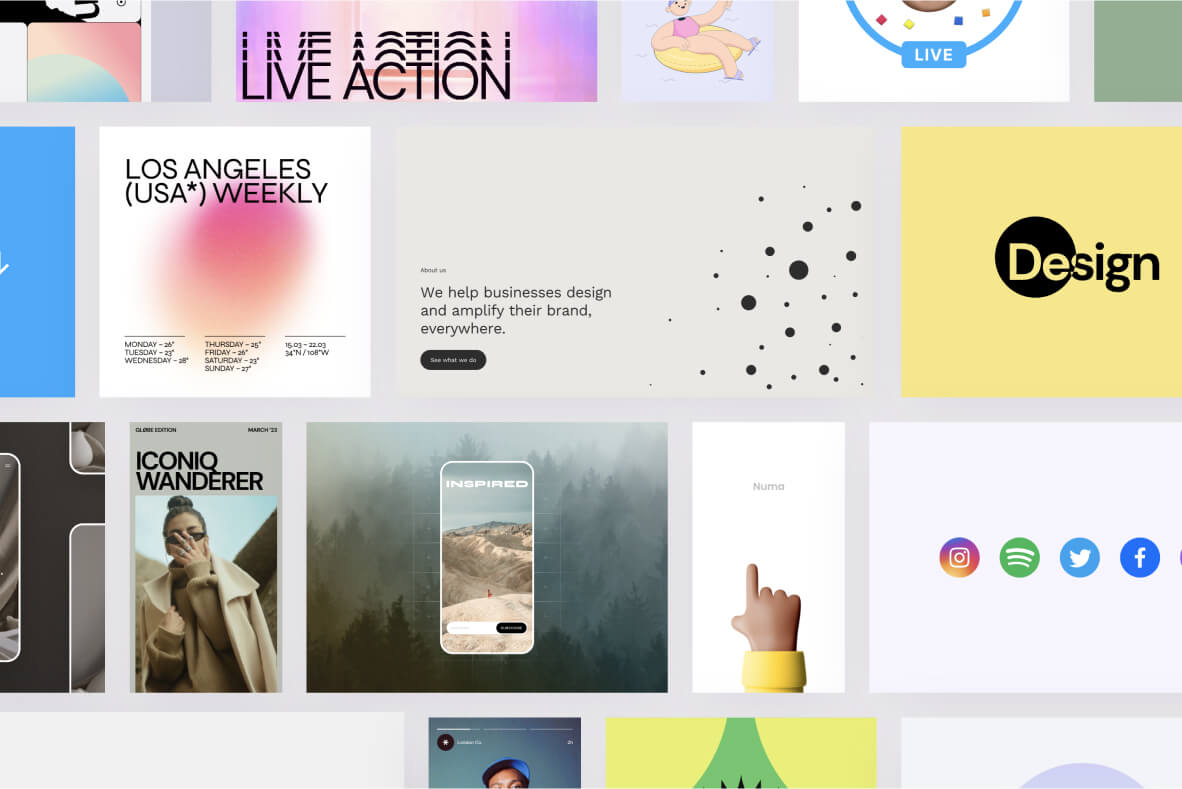
Animations have become a key element of digital marketing strategies. Jitter, in our experience, lets you quickly create eye-catching animations for ads and social media posts, thereby boosting user engagement.
PRESENTATIONS AND PROTOTYPES
In professional presentations, well-designed animations can help convey complex ideas in a clear and engaging way. In addition, Jitter can be used to create animated prototypes, offering a preview of how a product or application works.
EDUCATIONAL CONTENT AND TRAINING
Animations can make educational content more interactive and engaging. Teachers and trainers can use Jitter to create visual learning modules that capture students' attention and make difficult subjects easier to understand.
Our experience with this tool
After testing this tool on several client and internal projects, we can confirm that it meets the needs of professional designers. Our team uses it regularly in its daily workflow, which allows us, in our experience, to validate its effectiveness in real production conditions.
Points tested in detail:
- Performance on large files (500+ frames)
- Compatibility with complex design systems
- Stability during heavy usage
- Integration into a team workflow
Things to watch out for (tested in real conditions)
In the interest of transparency, here are the limitations we identified during our tests:
- Processing time can be longer on very large files
- A stable internet connection is required for some features
- A learning curve for beginner users
Conclusion
Jitter is transforming the way designers create animations, making the process more accessible, faster, and more collaborative. Whether you're a seasoned designer or a novice, Jitter is the perfect tool to bring your ideas to life with elegance and simplicity. To learn more and start using Jitter, visit their official website.
With Jitter, animation has never been so simple and accessible, offering a new dimension of creativity for all designers.