
Introduction
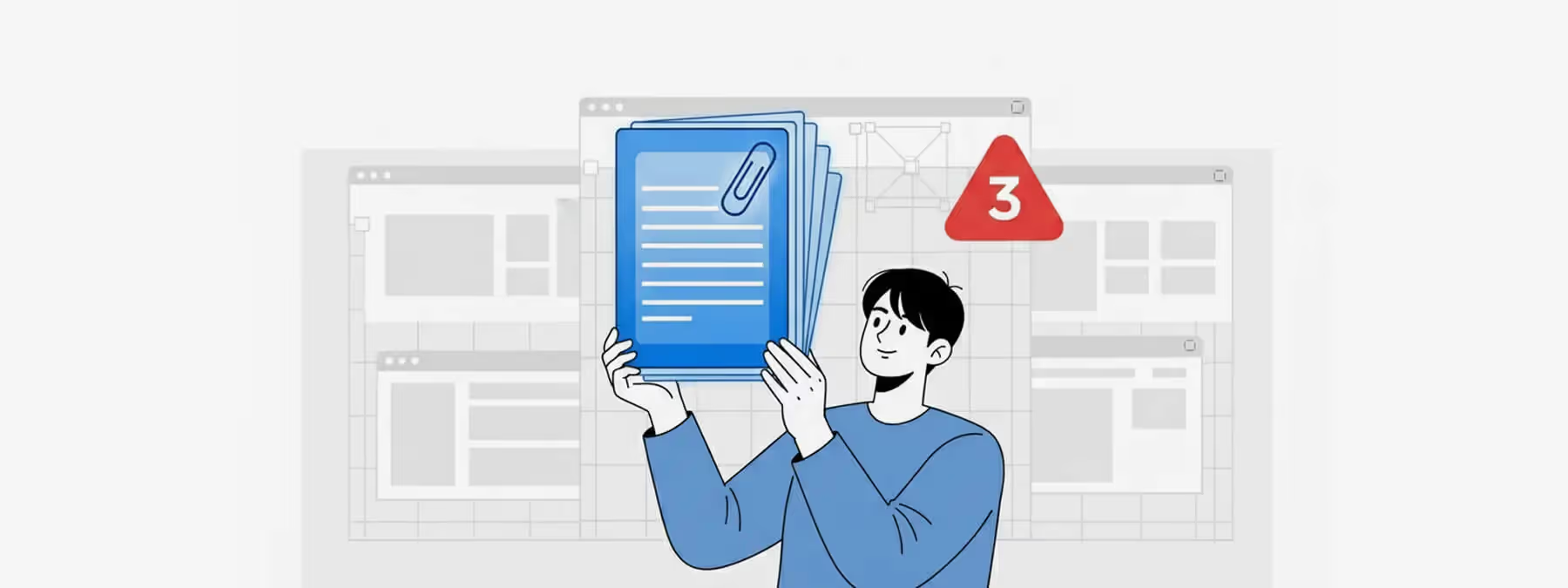
Who has never grumbled about the restrictions of Figma's free version ? Among them, the limit of three pages per file can quickly become frustrating when you want to organize a project clearly.
One day, I shared a little tip on LinkedIn, told with a tongue-in-cheek tone : use a public community file that already contains many pages, delete its content, and reuse those pages endlessly. This amusing idea sparked a range of reactions and deserves some context.
The 3-Page Limit on the Free Plan
Figma offers a very generous free plan, but it comes with a few limits : a restricted number of private projects, limited real-time collaboration, and above all a maximum of three pages per file.
This constraint pushes users to cram several screens onto a single page or to split their projects across multiple files, which can make navigation less intuitive.
The Story
A Workaround Trick
A tip shared on LinkedIn consisted of "borrowing" a Figma community file that already contains many pages. By copying this file and replacing its content with your own mockups, you can end up with far more pages than the three-page limit imposed by the free plan.
Ethical Questions
While this method illustrates the resourcefulness of some designers, it raises questions of ethics and respect for Figma's terms of use. Circumventing limits can go against the platform's rules.
Key Takeaways and Alternatives
Respecting the Terms of Service
Getting around a limit set by the vendor can breach its terms of service. Figma evolves regularly, and this kind of workaround could be blocked in the future.
Organizing Your Files
The three-page limit encourages you to structure your projects in a more modular way. Nothing stops you from creating several themed files (wireframes, final mockups, components…) and linking them together.
Upgrading to a Higher Plan
If the constraint becomes too much, Figma offers paid plans with advanced features, an unlimited number of pages, and better control over component libraries.
Community Resources and Ethics
Files shared in the community are there to inspire or to be reused with respect for their authors, not necessarily to bypass limits.
Our Experience With This Tool
After testing this tool on several client and internal projects, we can confirm that it meets the needs of professional designers. Our team uses it regularly in its daily workflow, which allows us, based on our experience, to validate its effectiveness in real production conditions.
Points tested in detail:
- Performance on large files (500+ frames)
- Compatibility with complex design systems
- Stability during intensive use
- Integration into a team workflow
Conclusion
The community-file trick humorously illustrates the creativity some users show in coping with the limits of Figma's free version.
However, it is better to see these limits as invitations to organize your projects more effectively or to invest in a plan suited to your needs. Before trying to bypass restrictions, let's favor official solutions that respect the creators who share their resources.



