Introduction
Discover an innovative approach to building websites with Blocsapp, an intuitive and powerful solution designed to meet the needs of users looking to create modern, responsive websites without the hassles of traditional coding. Compared to conventional platforms such as WordPress, Blocsapp offers a simplified alternative that allows complete customization without sacrificing quality or performance.
What is Blocsapp?
BLOCSAPP OVERVIEW
Launched in 2015, Blocsapp quickly established itself as a go-to tool for thousands of users, whether beginners or professionals. Its availability on Mac and iPad, along with iCloud synchronization, provides optimal flexibility of use. In addition, Blocsapp lets you create WordPress themes using the same block-based principle, further expanding its range of applications.
HOW BLOCSAPP WORKS
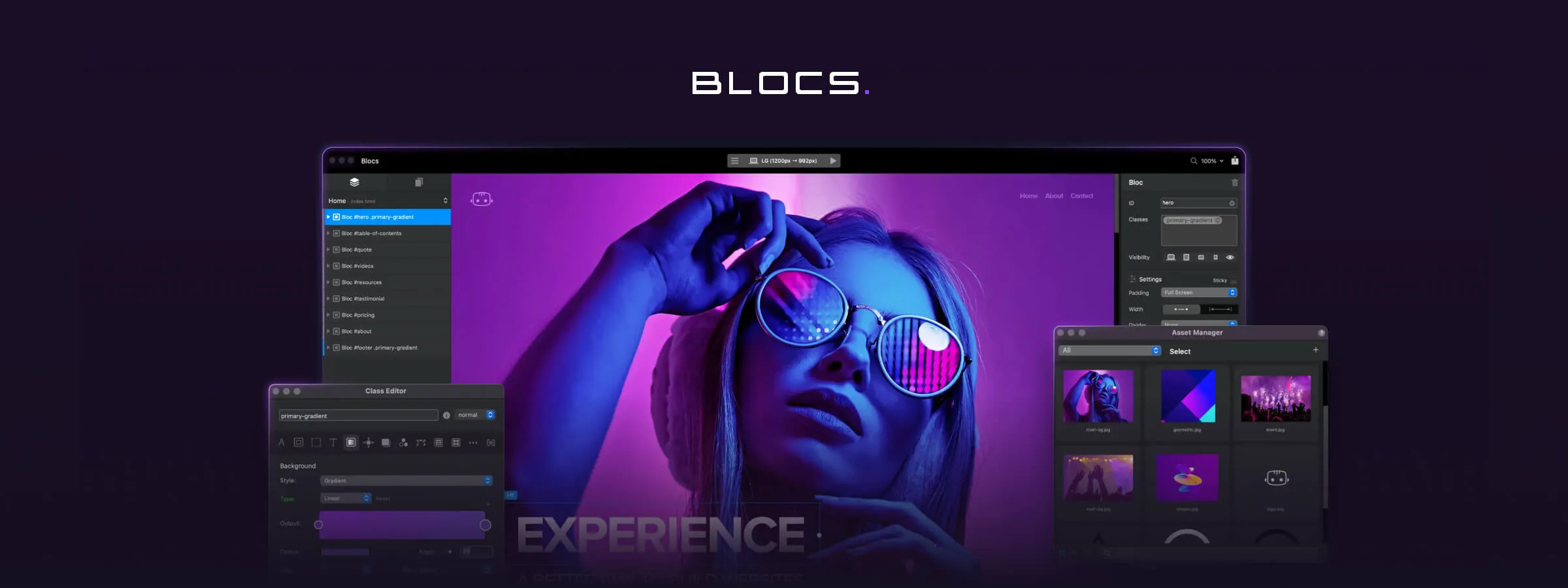
Blocsapp's clean interface offers a distraction-free design experience, allowing users to fully focus on building their website. Thanks to an intuitive drag-and-drop system, users can choose from a variety of prebuilt blocks to compose their site and customize them to their needs by changing colors, fonts, images, animations, and much more. Blocsapp then automatically generates the necessary code, ensuring a fast, secure, and SEO-optimized website.
Advantages of Blocsapp over WordPress
COMPARING BLOCSAPP AND WORDPRESS
Blocsapp offers a visual, intuitive approach to building websites, simplifying the process compared to WordPress, which often requires writing code by hand. With Blocsapp, users can drag and drop prebuilt blocks to build their site, whereas WordPress may require creating or installing additional blocks. On top of that, Blocsapp eliminates the need for extra plugins, providing a lighter and more streamlined solution.
THE BENEFITS OF BLOCSAPP
By choosing Blocsapp, you save time by avoiding manual coding and the installation of extra plugins. You also enjoy complete flexibility to customize your website, without any limitations. Finally, Blocsapp guarantees strong performance in terms of speed, security, and search engine optimization, giving you a website of professional quality.
Learning Blocsapp
RESOURCES AVAILABLE TO LEARN BLOCSAPP
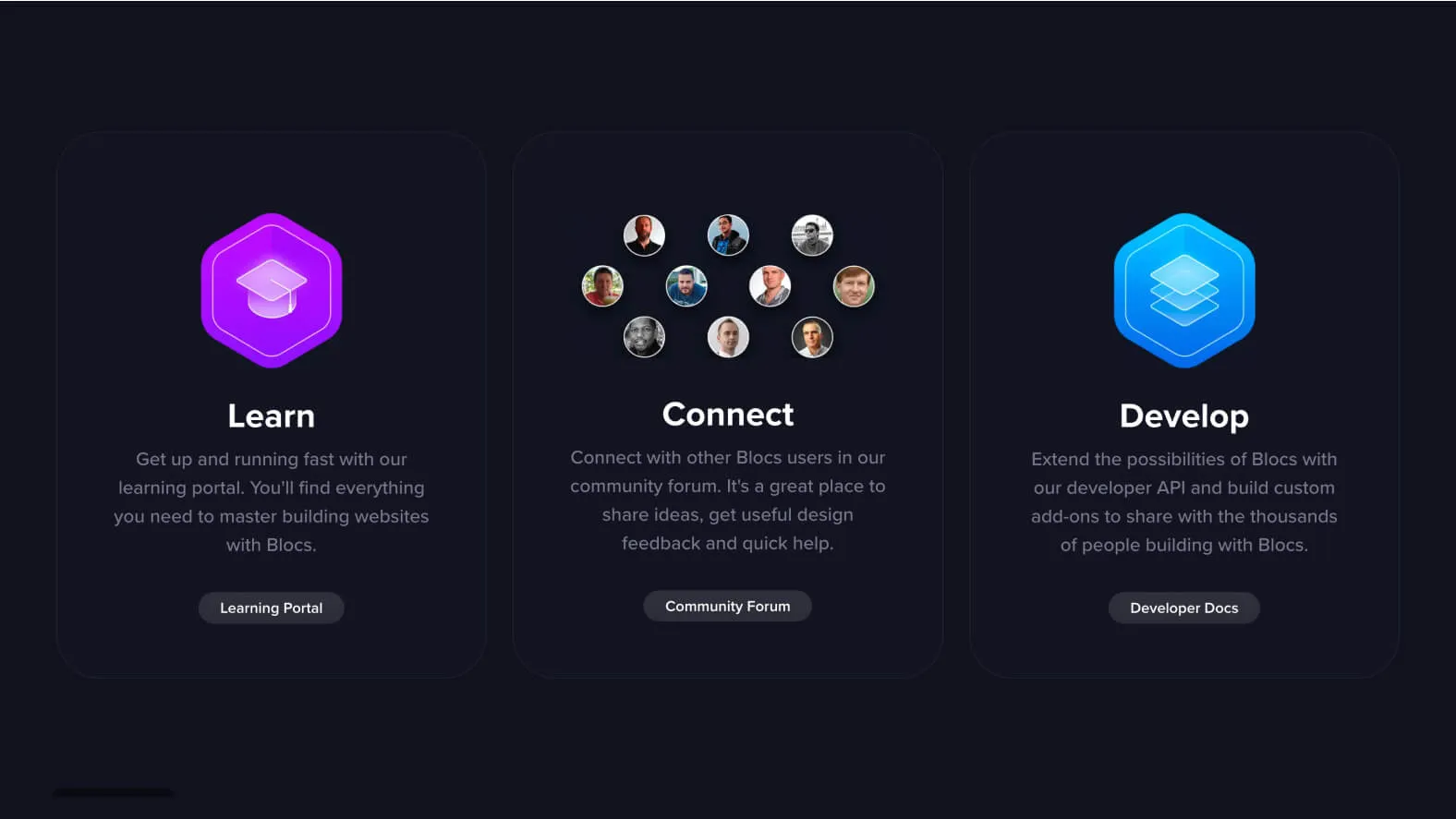
Several resources are available to help you learn how to use Blocsapp. First, the learning portal is an invaluable resource. It offers a variety of tutorials, guides, and tips that help you master Blocsapp's features through detailed instructions and concrete examples.
In addition, the official forum provides a space to connect with the Blocsapp user community. There you can ask questions, share your experiences, and benefit from the advice of other users. The forum is also an ideal place to discover advanced tips and innovative design techniques.
Finally, the "Made in Blocs" gallery is an invaluable source of inspiration. There you will find inspiring examples of websites built with Blocsapp, giving you ideas for your own project and revealing the possibilities this design tool has to offer.
TIPS FOR GETTING THE MOST OUT OF BLOCSAPP
For the best experience with Blocsapp, follow these practical tips. Start by choosing a block suited to your needs, then customize it to your preferences in terms of position, size, and alignment. Adjust settings such as colors, fonts, and images to match your visual identity, and add dynamic content for a richer user experience.
Repeat these steps for each block, regularly checking your site's compatibility and responsiveness across different devices. Finally, publish your site directly from Blocsapp or export it as a ZIP file for deployment on other platforms. By following these simple tips, you can make full use of Blocsapp's features and build websites of professional quality.
TRY BLOCSAPP FOR FREE
- Go to the official Blocsapp website.
- Click "Download Blocs Trial".
- Fill out the form with your name and email address.
- Click the confirmation link you receive by email.
- Download and install the Blocsapp.dmg file on your Mac.
- Launch Blocsapp and enjoy your 7-day free trial.
BUY BLOCSAPP
- Go to the official Blocsapp website.
- Click "Buy Blocs".
- Select the version you want (Mac or iPad).
- Fill out the form with your payment details.
- Complete the order and receive your license key and download link by email.
- Download and install Blocsapp on your device.
- Enter your license key when launching Blocsapp.
Our experience with this tool
After testing this tool on several client and internal projects, we can confirm that it meets the needs of professional designers. Our team uses it regularly in its daily workflow, which allows us, based on our experience, to validate its effectiveness in real production conditions.
Points tested in detail:
- Performance on large files (500+ frames)
- Compatibility with complex design systems
- Stability during intensive use
- Integration into a team workflow
Conclusion
In conclusion, Blocsapp opens up new possibilities for building websites, offering a smooth and flexible experience that unleashes users' creativity while guaranteeing professional results. Whether you are a beginner in web design or a seasoned professional, Blocsapp lets you, in our experience, complete your projects with ease and efficiency. Don't hesitate to explore its features and join the growing community of satisfied users.
USEFUL LINKS
Official Website
Blocs Master
Official Forum
Blocs Store
Academy