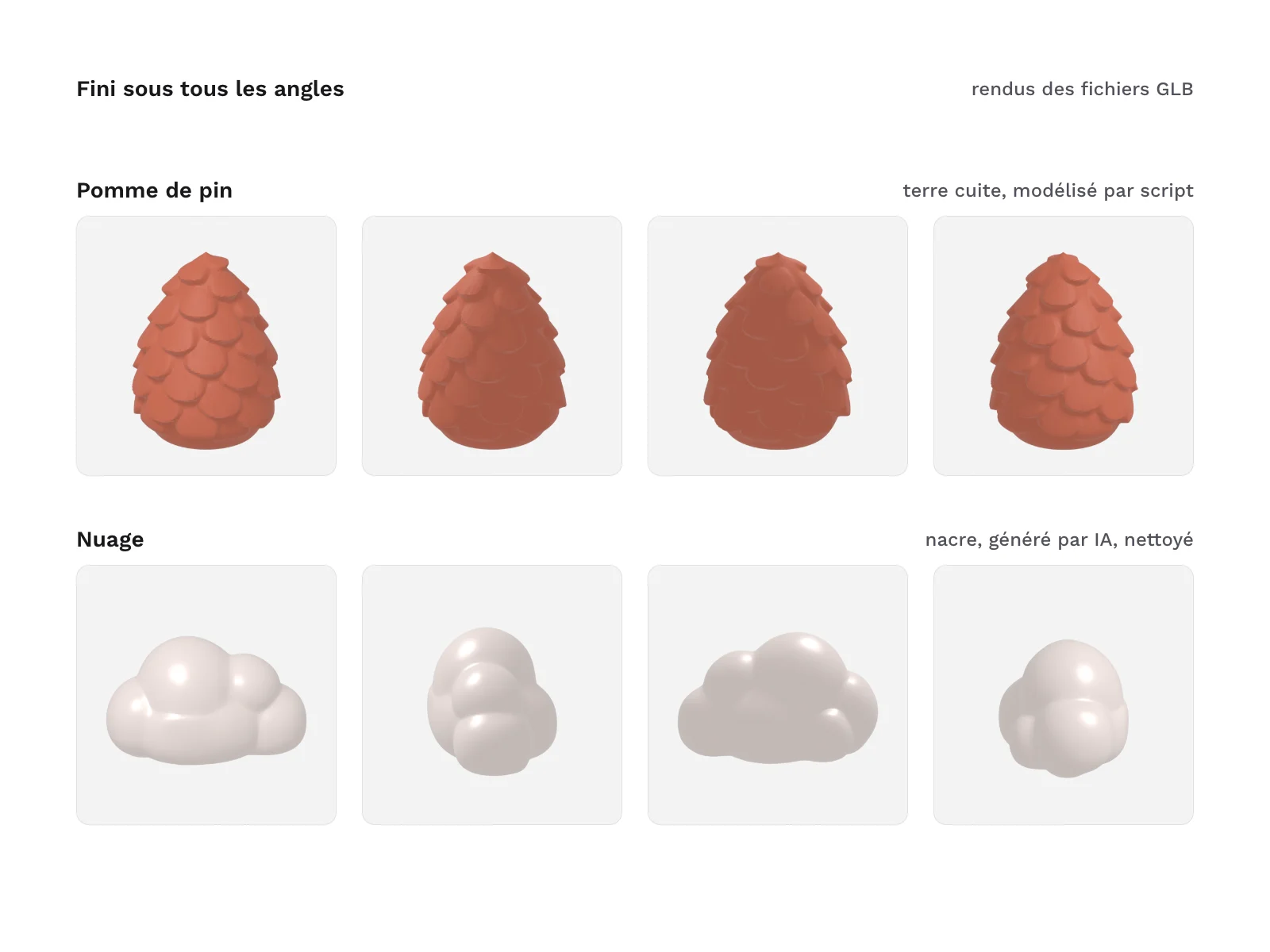
Preview 1 of 4
3D objects for website hero sections (GLB for Spline, Three.js and model-viewer)
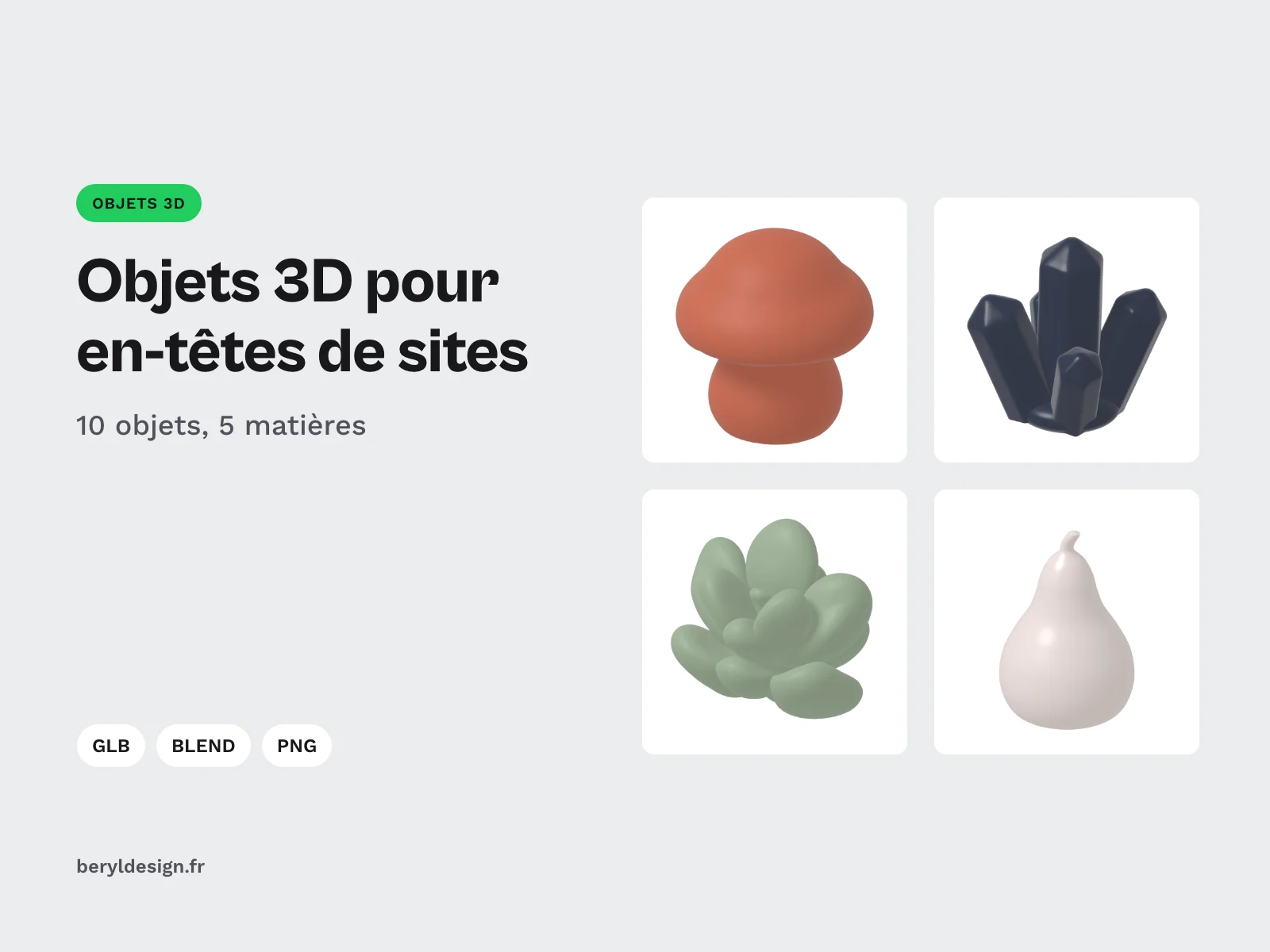
10 soft-shaped 3D objects as compressed and uncompressed GLB, with their Blender source file, to add depth to your website hero section or your mockups.
Overview
Description
This pack is for designers and developers who want a 3D object in the hero section of a landing page, a portfolio or a product page, without modelling it themselves. Each object is a soft, matte, single-colour shape, ready to turn slowly next to a headline with model-viewer or three.js, or to be imported into a browser 3D tool such as Spline or Vectary. The objects share one palette, one scale and one origin: you can swap one for another without touching the layout.
Specifications
| Objects | 10 |
|---|---|
| GLB files | 20: 10 Draco-compressed, 10 uncompressed |
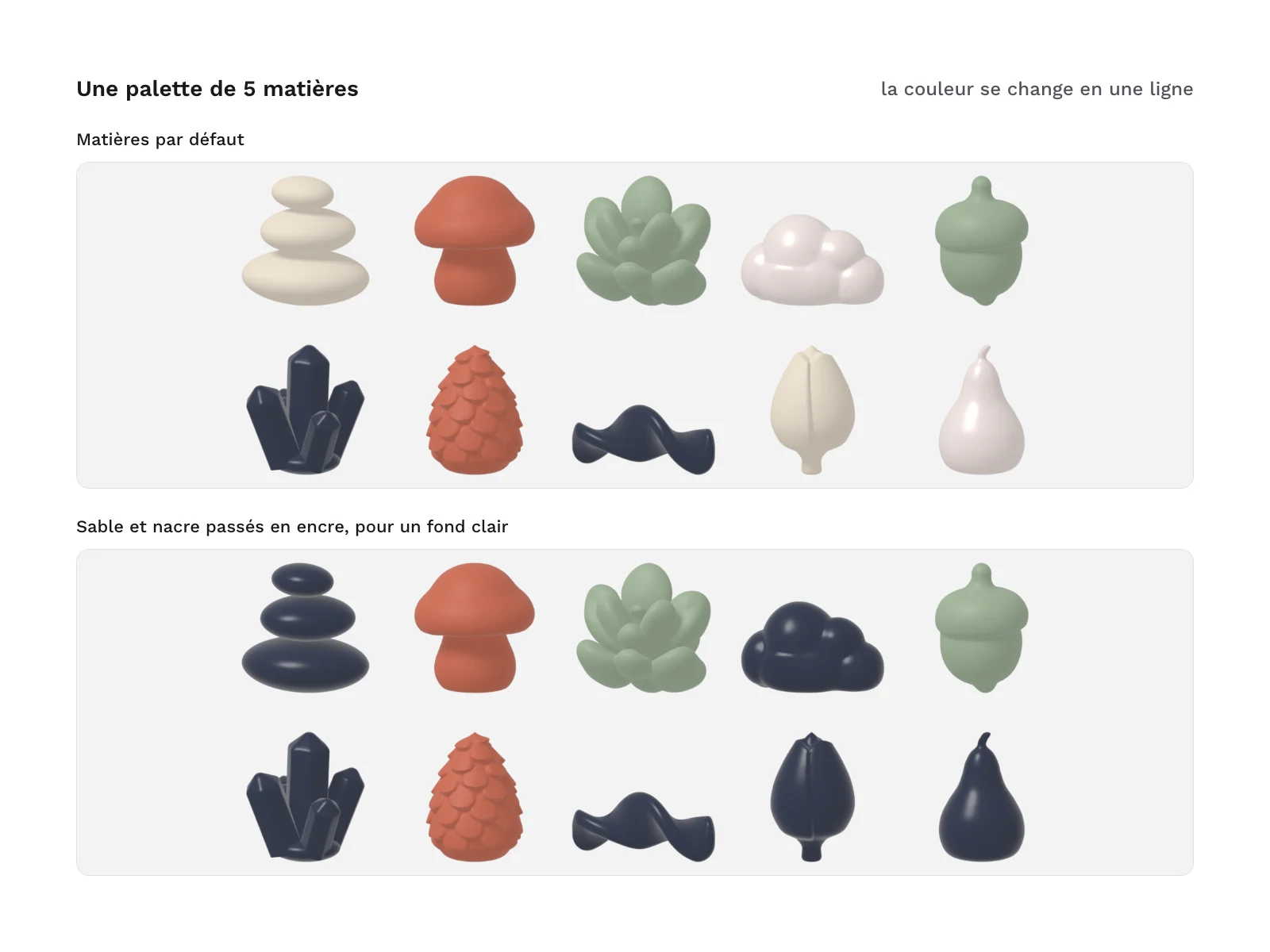
| Materials | 5, no textures |
| PNG previews | 10 |
| Formats | GLB (Draco), GLB, BLEND, PNG |
| License | commercial (page in French) |
| Version | 1.0.0 of November 11, 2026 |
Contents
- 10 objects, each as two GLB files, 20 GLB in all:
glb/: the 10 objects with Draco compression, the lightest version for the web;glb-uncompressed/: the same 10 objects without compression, for tools that cannot read Draco.
- A Blender source file (
blend/organic-3d-header-objects.blend): the 10 objects in a row and the 5 palette materials. - 10 PNG previews (
previews/): one three-quarter render per object, on a transparent background, to use as a poster image while the model loads. - The palette of 5 materials (
materials/palette.json): name, colour, metallic and roughness of each. - An integration guide (
docs/integration.txt): a hero section example with model-viewer, a complete three.js page, import into design tools, and the palette.
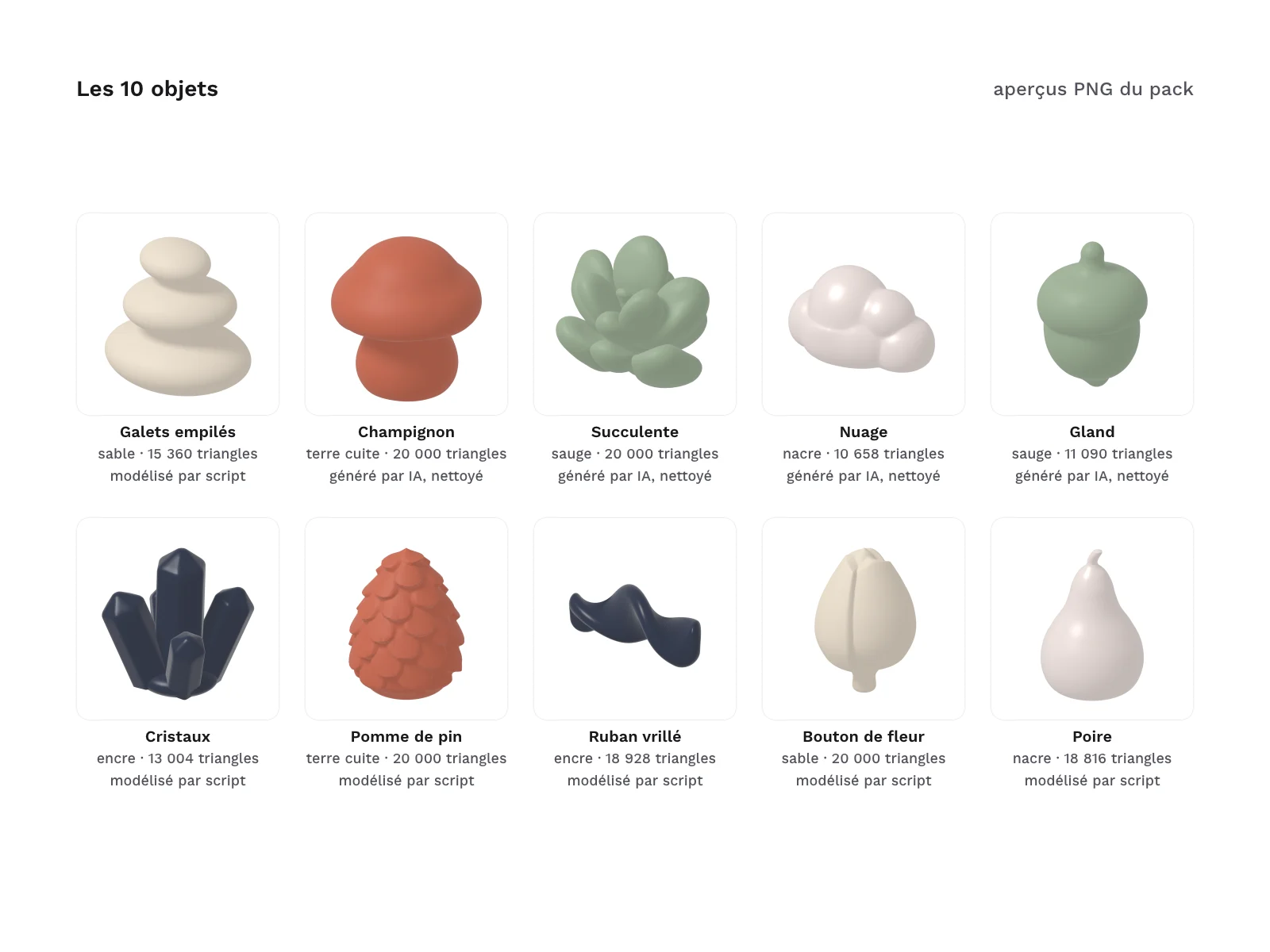
| Object | File | Default material | Triangles | Origin of the shape |
|---|---|---|---|---|
| Pebble stack | pebble-stack.glb | sand | 15,360 | modelled by script in Blender |
| Mushroom | mushroom.glb | terracotta | 20,000 | AI-generated, cleaned in Blender |
| Succulent | succulent.glb | sage | 20,000 | AI-generated, cleaned in Blender |
| Cloud | cloud.glb | pearl | 10,658 | AI-generated, cleaned in Blender |
| Acorn | acorn.glb | sage | 11,090 | AI-generated, cleaned in Blender |
| Crystal cluster | crystal-cluster.glb | ink | 13,004 | modelled by script in Blender |
| Pine cone | pine-cone.glb | terracotta | 20,000 | modelled by script in Blender |
| Twisted ribbon | wave-ribbon.glb | ink | 18,928 | modelled by script in Blender |
| Flower bud | flower-bud.glb | sand | 20,000 | modelled by script in Blender |
| Pear | pear.glb | pearl | 18,816 | modelled by script in Blender |
Archive layout:
glb/<object>.glb
glb-uncompressed/<object>.glb
blend/organic-3d-header-objects.blend
previews/<object>.png
materials/palette.json
docs/integration.txt
The same rules for every object
- Same scale: every object fits in a one-metre cube, its largest dimension is exactly 1, and its origin is the centre of its volume. A wide object such as the cloud or the twisted ribbon is therefore less tall than the mushroom.
- One mesh, one material: no texture and no UV coordinates. The colour changes in one line, after loading or in the Blender file.
- Closed surfaces: every mesh is closed, with normals facing outwards. The pebble stack is 3 separate closed pebbles.
- A shared palette: sand, terracotta, sage, ink and pearl. Each object carries one of these materials, described in
palette.json.
Good to know before you buy
- A small set. 10 objects that work together, not a large library.
- Smooth shapes, not low-poly. The objects have between 10,658 and 20,000 triangles: they are meant for one or two featured objects in a hero section, not for filling a scene with hundreds of instances.
- Contrast on light backgrounds. Sand and pearl stand out little on a white or very light hero: switch them to ink, or to one of your own colours, on that kind of background. On a dark background, ink is the least contrasted material.
- No texture. Colours come from plain materials: to paint a pattern, you first need to add UV coordinates yourself.
How it was made, and AI
The origin of each object is given in the table above.
- 6 objects modelled by script in Blender, with no AI generation: pebble stack, crystal cluster, pine cone, twisted ribbon, flower bud and pear. Their shape comes from a Blender script, written with an AI coding assistant and then reviewed.
- 4 objects generated by AI, then cleaned in Blender: mushroom, succulent, cloud and acorn. An AI-generated reference image (krea-2, used for the shape only and not shipped) was turned into a raw mesh by an image-to-3D model (TRELLIS, through Krea). That mesh was then cleaned, repaired, decimated, scaled and given its material in Blender. No texture from the generation is kept.
Every file was checked before going on sale: glTF validation with no error or warning, closed meshes, measured scale and origin, each object loaded in model-viewer, review of the renders.
Formats and compatibility
- GLB (Draco): compressed binary glTF, in
glb/. model-viewer decodes it with no setup; three.js reads it withGLTFLoaderandDRACOLoader, as in the guide’s example page. - GLB: binary glTF with no compression and no extension, in
glb-uncompressed/. JavaScript 3D libraries, most browser 3D tools and the 3D import plug-ins of design tools open it without a decoder. - BLEND: the source of the 10 objects and the 5 materials, to open in Blender to edit an object and export it again as GLB.
- PNG: one preview per object, on a transparent background, for a hero section’s poster image, your boards or your documentation.
Licence
The objects come under a commercial licence: you can use them in your personal and professional projects, including for your clients, in your websites, apps and visuals, but not resell, share or redistribute the raw or barely modified 3D files, even for free.
Embedding a GLB file in a website or an app is allowed, even though the browser loads it to display it. Selling it on its own or offering it as a download is still forbidden.
Further reading
- Spline, the 3D design tool in the browser
- Add 3D to your mockups with the Vectary 3D Elements plug-in
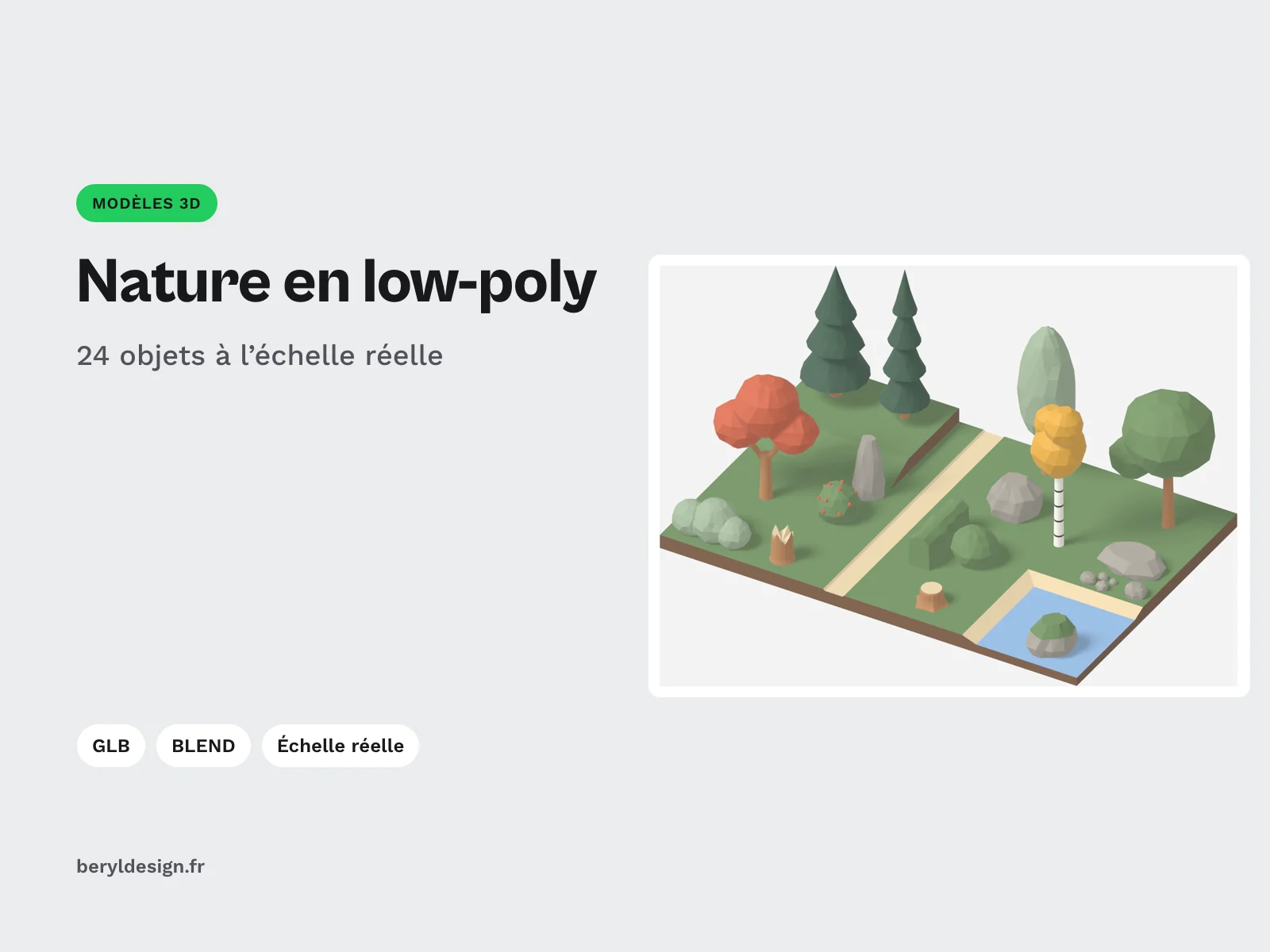
- For a complete real-scale scene in low-poly: the low-poly nature pack.
Version history
1.0.0 (11 November 2026): first version.