
Introduction
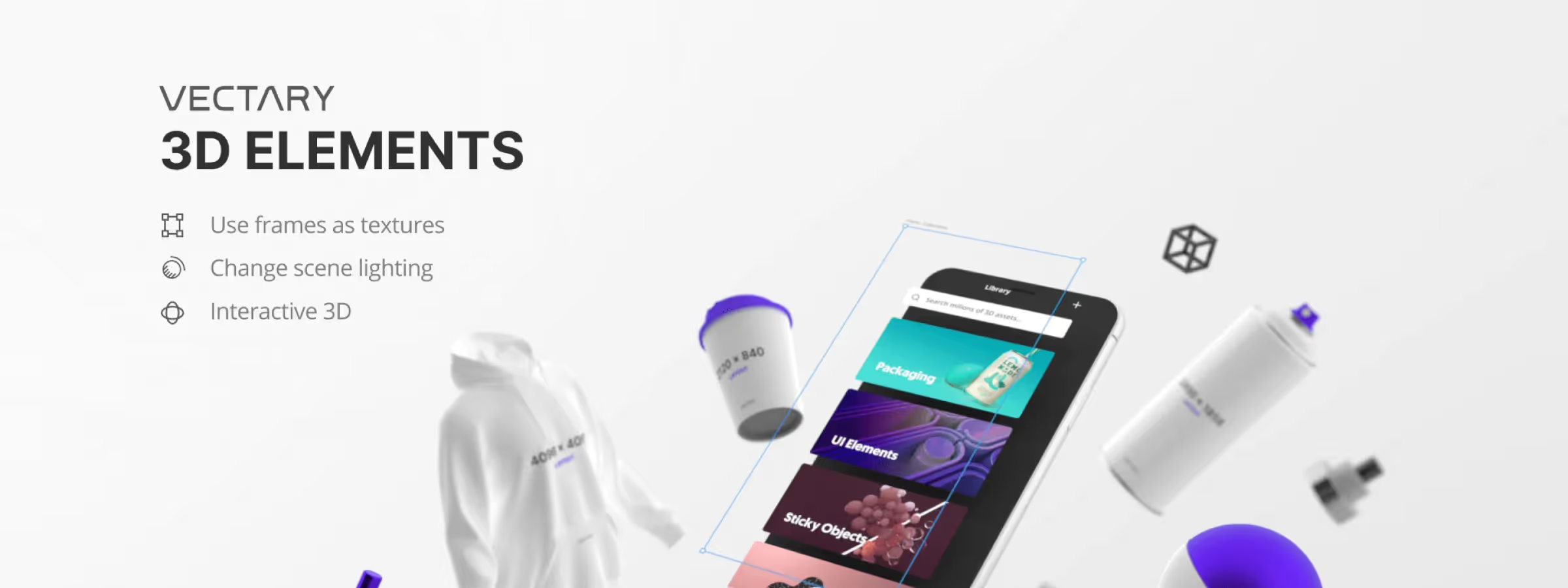
Vectary 3D Elements lets Figma users create and add 3D elements to their designs. With this plugin, users can import 3D models from a wide variety of online libraries, or create their own models using the built-in modeling tool. Once the models are imported, users can customize them using Figma's basic preview tools.
The plugin is easy to use and, based on our thorough testing, offers many customization options, such as adding light and material effects, or using camera tools to create unique viewing angles. You can also easily share your designs by exporting the images or publishing them online.
Vectary 3D Elements is a powerful tool for designers looking to add 3D elements to their work. With its ease of use and its many features, it is ideal for designers of all levels who want to bring their creations to life.
How to use it
ELEMENTS TAB
In the "Library" tab, you will find 3D objects and mockups, which are completely free for commercial use. Any 3D object can be used as a mockup.
By clicking the "Edit in Vectary" button, you can switch from Figma to Vectary Studio, the 3D editor where you can edit everything you need on your own cloned project. Save and publish the changes, then reopen your own project in the Figma plugin.
FROM URL TAB
You can load a published project directly from Vectary using the "Viewer link", which looks like:
https://app.vectary.com/viewer/v1/?model=0dd130ca-75dc-46e5-8a5a-867111889123
MY PROJECTS TAB
In this tab, you will find the list of all the projects in your Vectary workspaces that have been published and have a generated link. Click on any project and it will load in the 3D canvas. Make your changes with the material and environment settings and you are ready to go. To connect to your Vectary account from the Figma plugin, you need to enter a valid access token.
GET LAYOUT
This feature lets you, in our experience, download a texture from an object to a new frame. You can then edit the texture directly in Figma and put it back on the object with “Load Frame”. For this to work with your own model, you need to rename the material in Vectary — change it to _switchable. Then “Get Layout” will be able to figure out where to import the texture.
APPLY FRAME
This button lets you, in our experience, place a Figma frame onto the object. First select the frame, then click Apply. If you apply a frame from the material settings, it will only be used on the currently selected material. Note that a 3D asset can have several materials, so select the one you need from the Materials drop-down list.
Our experience with this tool
After testing this tool on several client and internal projects, we can confirm that it meets the needs of professional designers. Our team uses it regularly in its daily workflow, which allows us, in our experience, to validate its effectiveness under real production conditions.
Points tested in detail:
- Performance on large files (500+ frames)
- Compatibility with complex design systems
- Stability during intensive use
- Integration into a team workflow
Points to watch (tested in real conditions)
In the interest of transparency, here are the limitations we identified during our tests:
- Processing time that may be longer on very large files
- Requires a stable internet connection for certain features
- Learning curve for beginner users
Conclusion
The Vectary plugin for Figma offers several advantages for designers. It lets you, in our experience, create 3D designs directly in Figma, which can be handy for designers who want to add 3D elements to their projects. What's more, the plugin offers a wide variety of 3D modeling tools, allowing users to create more complex and more realistic designs.
Although I don't often use the Vectary plugin for Figma, I have had the chance to test it online and I am convinced that this tool can be very promising for anyone who wants to add 3D elements to their graphic design work.



