Introduction
In the field of web development and user interface design, icons play a crucial role in improving user experience and making applications more user-friendly. Among the many available resources, Tabler Icons stands out as a comprehensive icon library offering a variety of choices to meet all design needs. In this article, we will dive into the world of Tabler Icons, exploring its features, diversity, ease of use, and benefits for developers and designers.
What is Tabler Icons?
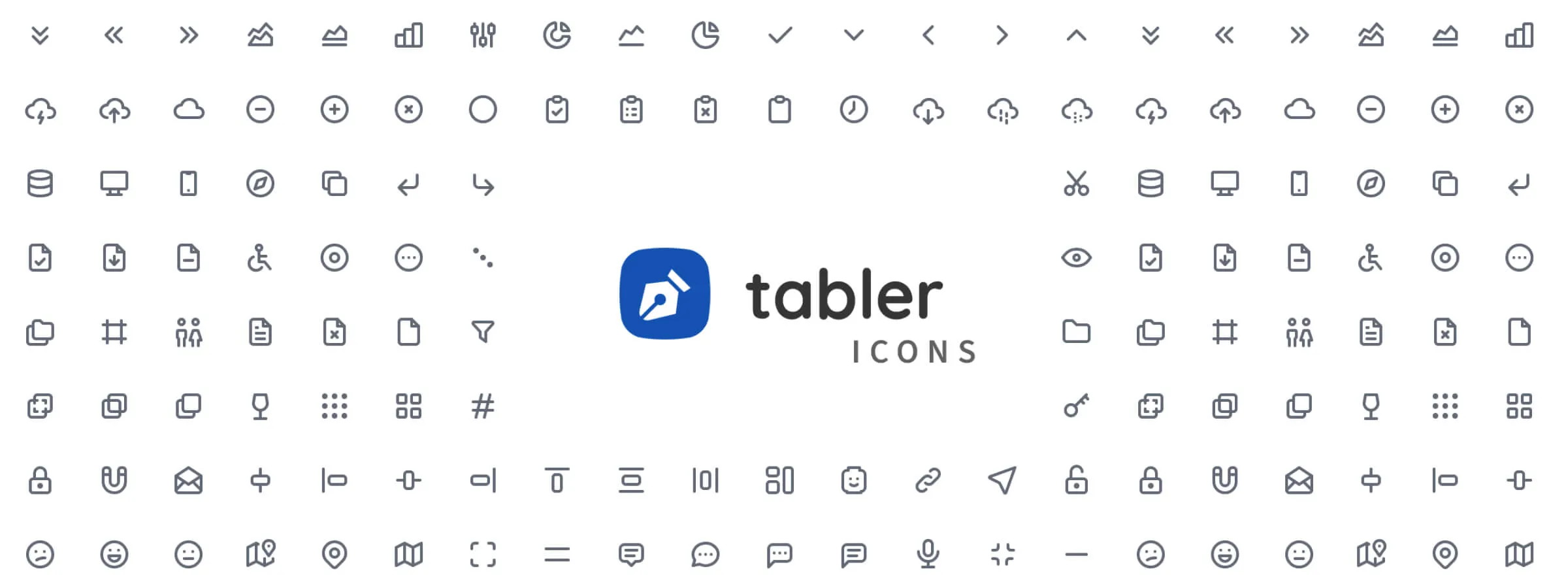
Tabler Icons is an open-source icon library that offers a vast collection of professional-quality icons for user interfaces. Carefully designed with attention to detail, these icons cover a wide range of categories, from action icons to social media icons to weather icons. Whether it's for a website, mobile application, or desktop application, Tabler Icons provides a complete solution to meet all design needs.
Why Choose Tabler Icons?
WIDE VARIETY OF ICONS
Tabler Icons offers a wide range of icons in different categories, providing maximum flexibility for designers and developers.
OPEN SOURCE LICENSE
All Tabler Icons are distributed under an open-source license (MIT), meaning you can use them for free, even for commercial purposes, and modify them according to your needs without any restrictions.
EASY TO USE
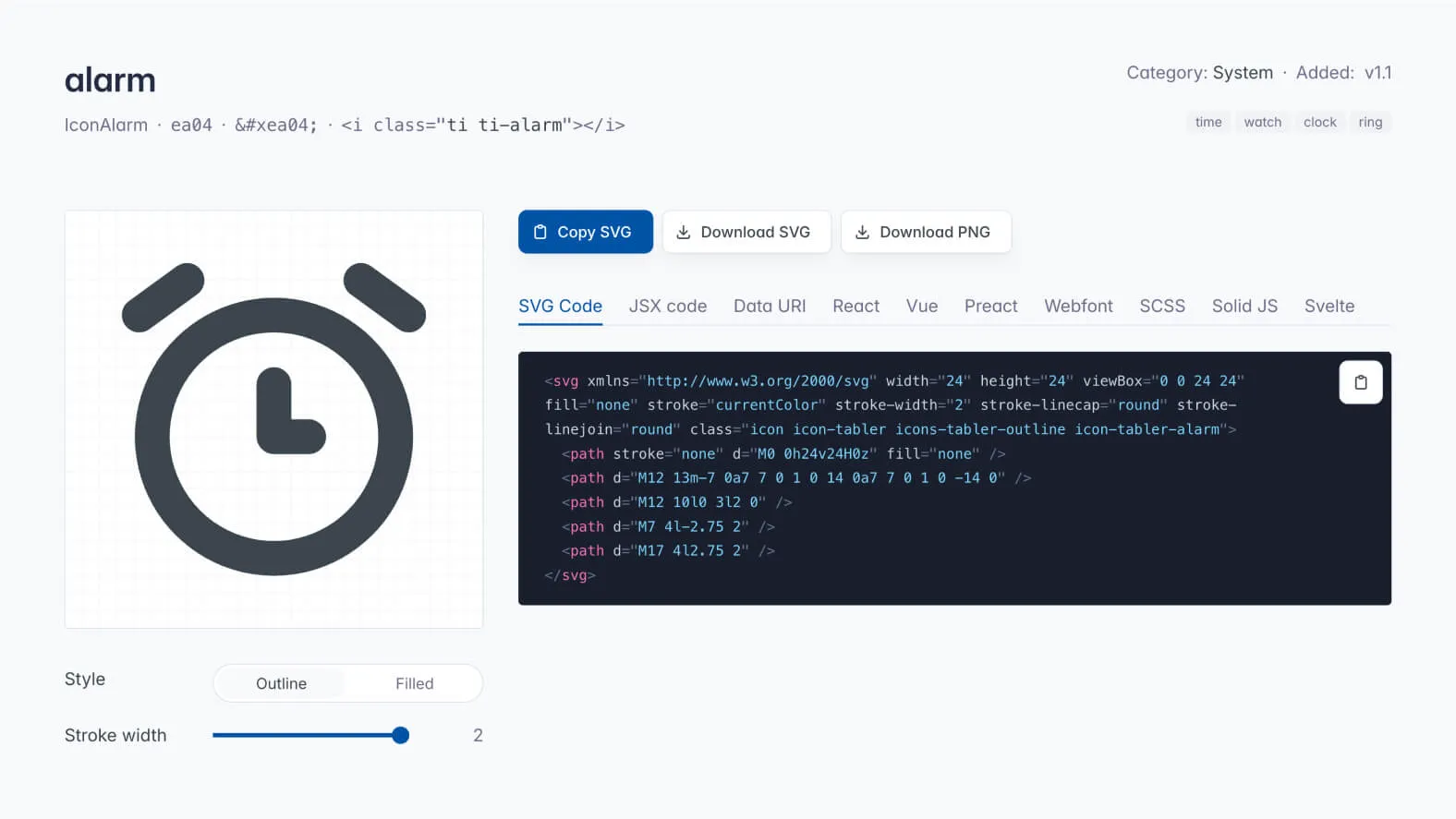
Icons are available in SVG format, making them easy to integrate into any web project. Additionally, Tabler Icons provides comprehensive documentation and usage examples to facilitate integration into your projects.
CUSTOMIZABLE
You can easily customize icons by adjusting their size, color, and other properties according to your preferences, thanks to the flexibility offered by SVG files.
REGULAR UPDATES
The library is regularly updated with new icons and features, ensuring you always have access to the latest design trends.
Icon Customization
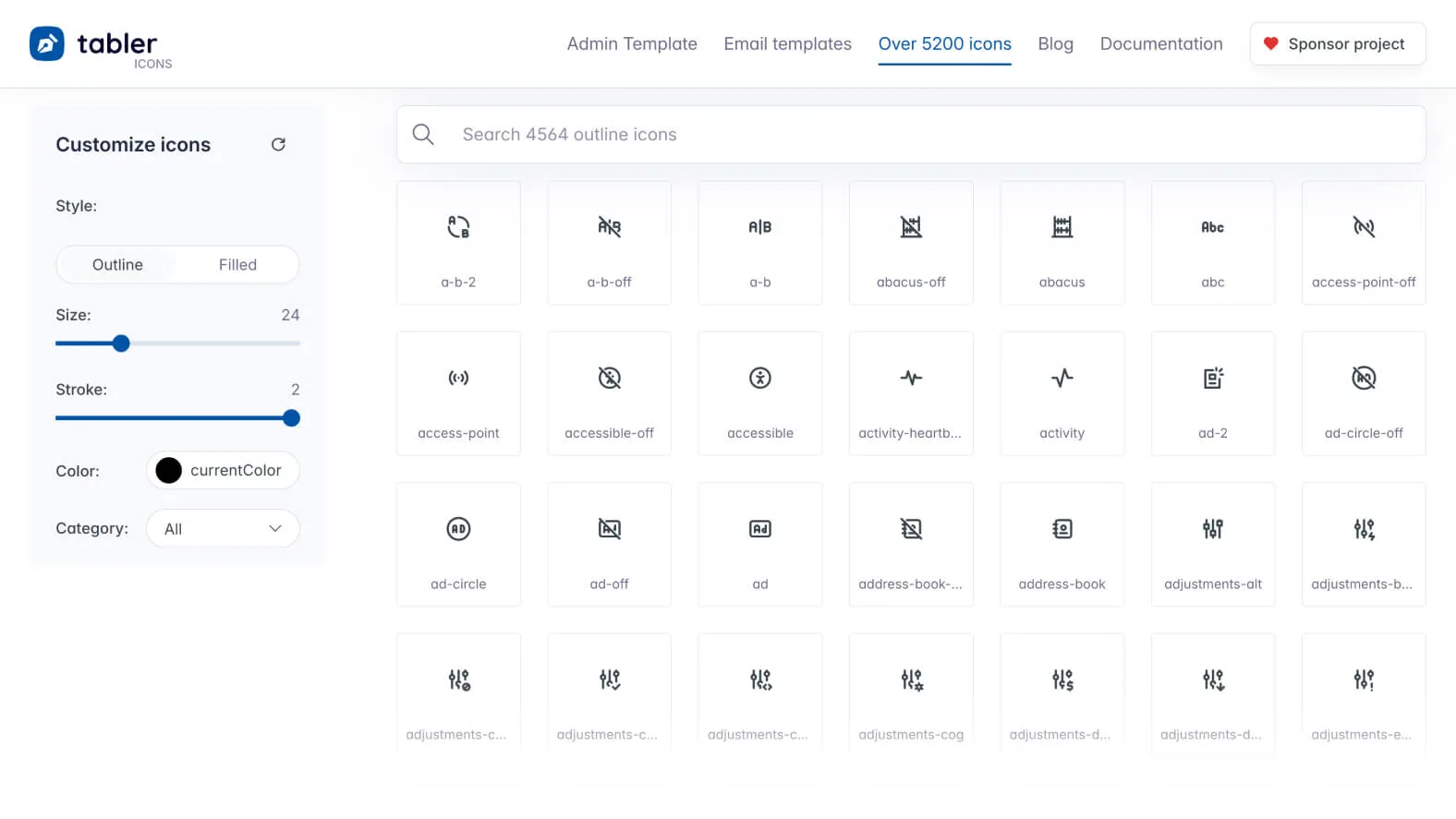
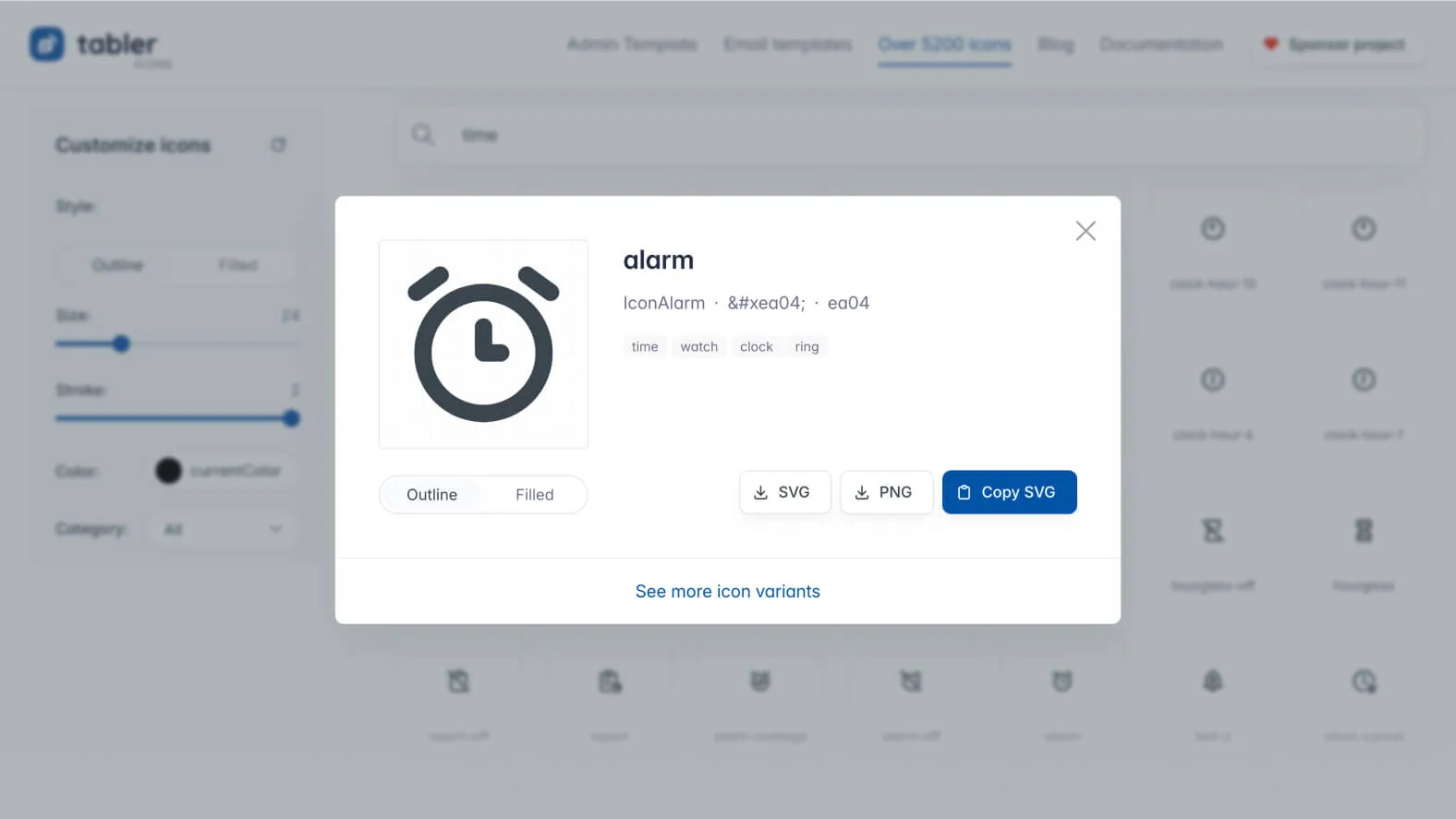
Tabler Icons offers a built-in Customizer that allows users to easily customize icons according to their specific needs.
COLOR CUSTOMIZATION
Choosing the right color for your icons is essential to ensure harmonious integration into your user interface. With Tabler Icons, you have the option to choose the color using the "currentColor" value, which automatically adapts to the color of surrounding text, ensuring perfect visual consistency. Additionally, you can specify a custom color for each icon, offering maximum flexibility in customizing your design.
SIZE ADJUSTMENT
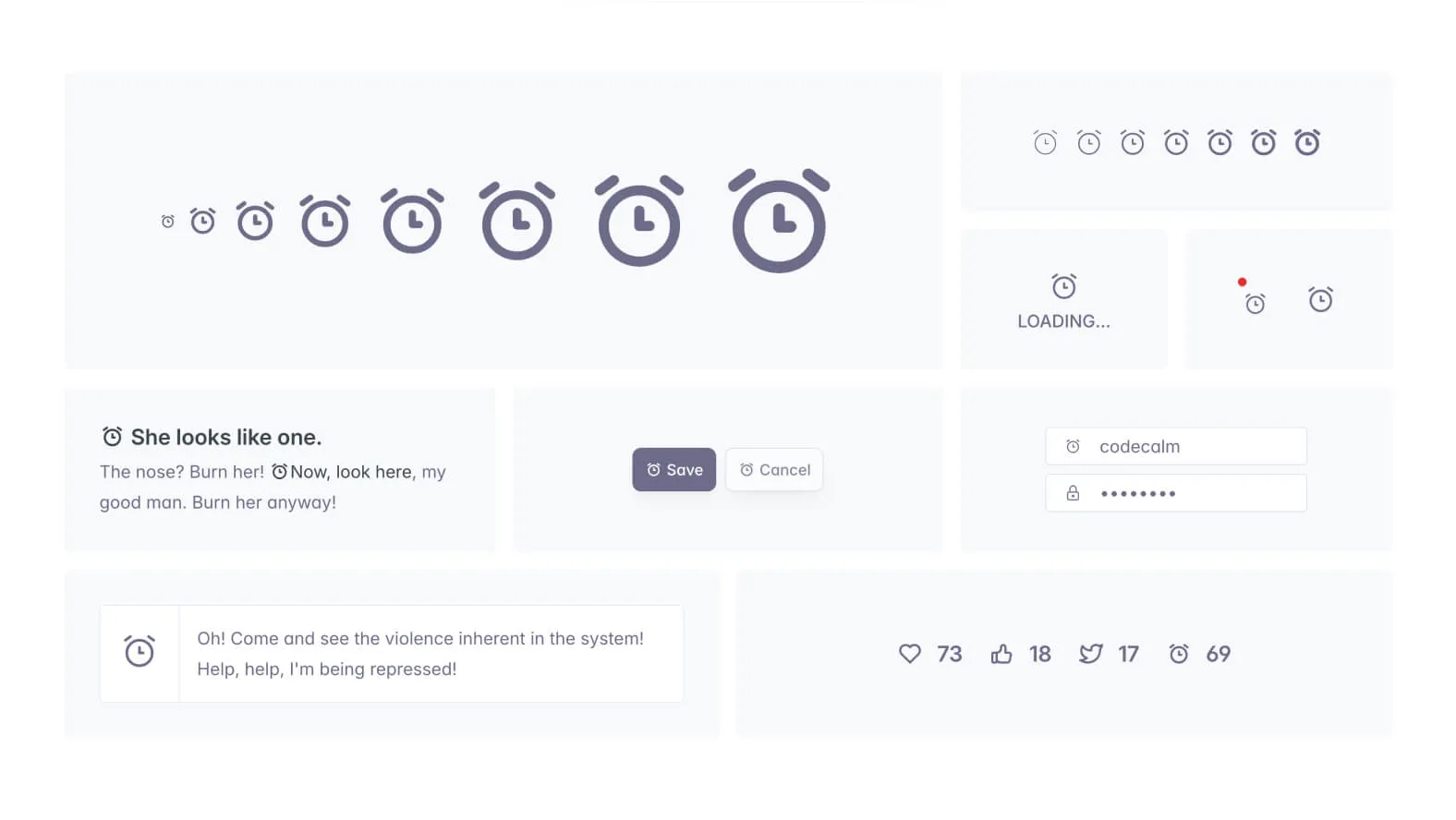
Icon size plays a crucial role in its visual impact and practical use. Tabler Icons allows you, according to our experience, to specify the exact size of icons in pixels, giving you complete control over their sizing. Whether you're looking for subtle icons for a navigation bar or prominent icons to draw attention, Tabler Icons gives you the tools needed to adjust the size according to your specific needs.
Discover the Categories
Tabler Icons organizes its icons into different categories to facilitate finding the perfect icon for your project. This methodical organization simplifies navigation in the vast collection of available icons, allowing you to quickly find what you need.
Main Advantages of Tabler Icons
VARIETY OF ICONS
Tabler Icons stands out for its vast selection of icons, carefully organized into different categories to meet any imaginable design needs. Whether you're looking for icons for actions, devices, finance, social media, or any other field, Tabler Icons offers impressive diversity to enrich your user interface.
OPEN SOURCE LICENSE
One of Tabler Icons' strengths is its open-source license (MIT), which allows flexible and unrestricted use of icons in your projects. This license offers complete freedom to developers and designers, allowing them to integrate, modify, and redistribute icons with confidence, whether for personal or commercial projects.
EASY TO USE
Thanks to their SVG format, Tabler Icons are incredibly easy to integrate into any web project. Whether you use HTML, CSS, JavaScript, or a front-end framework, integrating icons is a breeze. Their lightweight nature and compatibility with all modern browsers make Tabler Icons a practical choice for any development team.
CUSTOMIZABLE
One of Tabler Icons' major advantages lies in its ability to be customized according to the specific needs of each project. You have complete freedom to adjust the size, color, shape, and other properties of the icons to align them perfectly with your design. This flexibility ensures harmonious integration of icons into your user interface, regardless of the visual style you're looking for.
REGULAR UPDATES
Tabler Icons commits to providing regular updates, ensuring your icon library stays current with the latest design trends and best practices. With new icons and features added regularly, you can be sure to always find what you need to bring your projects to life.
Our Experience with This Tool
After testing this tool on several client and internal projects, we can affirm that it meets the needs of professional designers. Our team uses it regularly in our daily workflow, which allows us, according to our experience, to validate its effectiveness in real production conditions.
Detailed Test Points:
- Performance on large files (500+ frames)
- Compatibility with complex design systems
- Stability during intensive use
- Integration into team workflow
Points of Attention (Tested in Real Conditions)
In the spirit of transparency, here are the limitations we identified during our testing:
- Processing time can be extended on very large files
- Requires a stable internet connection for certain features
- Learning curve for beginner users
Conclusion
Tabler Icons is an invaluable resource for developers and designers seeking quality icons for their web and mobile projects. With its wide variety of icons, ease of use, and unique benefits, Tabler Icons offers a complete solution to meet all design needs. Integrate Tabler Icons into your projects today and discover how it can enhance your development experience.