
Introduction
When creating graphic designs, you may need to skew shapes in a precise and meticulous way. That is exactly why a tool like the SkewDat plugin for Figma can prove very useful. SkewDat is a plugin that, in our experience, lets you skew shapes quickly and intuitively, which can be very handy when building complex designs.
If you work with developers or technical teams, SkewDat can be especially useful because it lets you enter precise values to reproduce your mockup pixel-perfect. The values you apply are stored in the plugin's memory to make life easier for technical teams.
How to use it
SELECT YOUR OBJECT
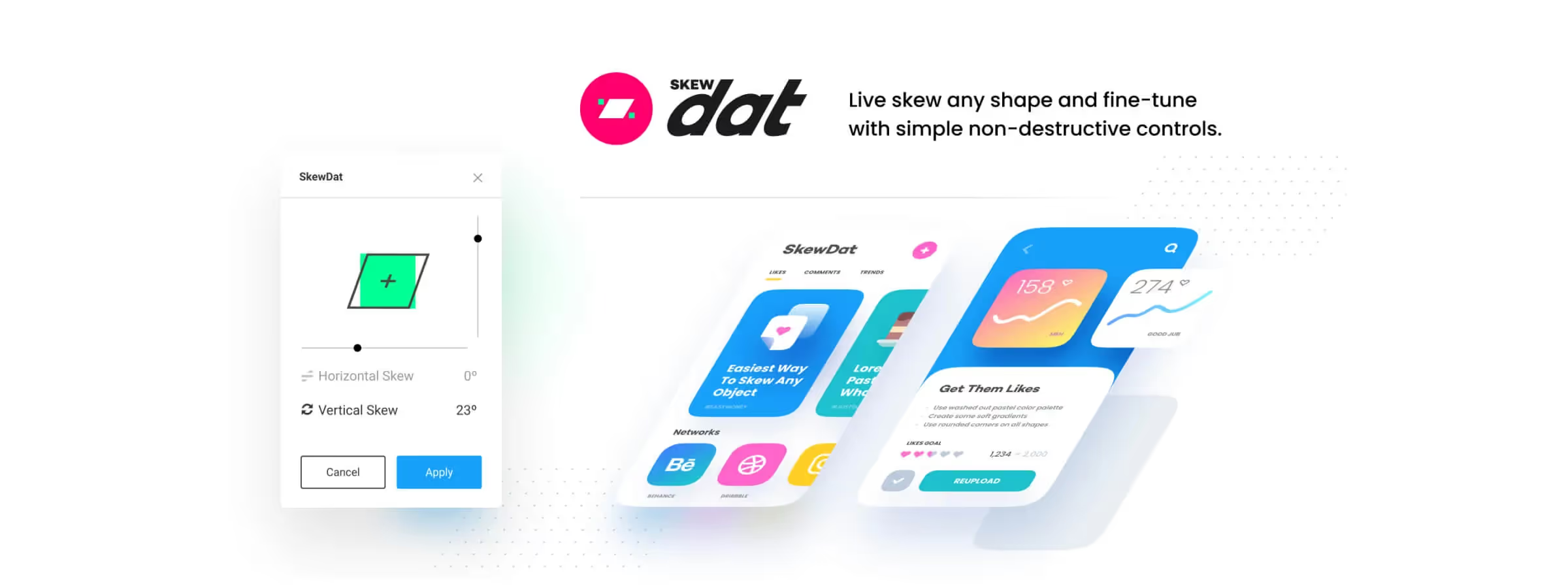
To use the SkewDat plugin, simply select the object you want to skew and click the plugin icon in the Figma menu bar. A control window then appears, letting you adjust the object's skew using sliders and text fields.
SKEW YOUR OBJECT
The SkewDat plugin offers several useful features for skewing shapes precisely. First, in our experience, it lets you set the skew as a percentage, which allows you to skew the object in a precise and exact way. You can also use the sliders to skew the object more intuitively.
On top of that, in our experience, SkewDat lets you skew the object along different axes. For example, you can skew the object along the horizontal or vertical axis, or along both axes at once. This lets you create even more complex shapes and give your designs a creative touch.
Range and Limits of the Plugin
SkewDat lets you tilt an object by up to ±45° on the horizontal and vertical axes, with a live preview of the result as you adjust it. The plugin can also skew several selected objects at once, and includes a button to revert to the original shape if the result isn't right.
SkewDat or Perspective Toolkit?
The two plugins overlap partially, but serve different needs: SkewDat targets a quick, simple skew on one or two axes (great for a light isometric effect), while Perspective Toolkit handles true 3D perspective with field-of-view control — more complete, but also slower to set up for a simple tilt.
Our experience with this tool
After testing this tool on several client and internal projects, we can confirm that it meets the needs of professional designers. Our team uses it regularly in its daily workflow, which allows us, based on our experience, to validate its effectiveness in real production conditions.
Points tested in detail:
- Performance on large files (500+ frames)
- Compatibility with complex design systems
- Stability during heavy use
- Integration into a team workflow
Things to watch out for (tested in real conditions)
In the interest of transparency, here are the limitations we identified during our tests:
- Processing time may increase on very large files
- Some features require a stable internet connection
- Learning curve for beginner users
Conclusion
The SkewDat plugin is a very useful tool for anyone working on graphic designs. In our experience, it lets you skew shapes quickly and intuitively, which can be very handy when building complex designs. We highly recommend this plugin to anyone looking to create quality designs and who wants a powerful tool to skew shapes precisely.
For those looking for advanced shape or object skewing tools, you can use the Perspective Toolkit or Easometric plugins to create isometric-view visuals. These plugins offer additional perspective features to help you create quality designs.



