Introduction
In the vast world of web development and user interface design, every pixel counts. Icons, though small in size, play a crucial role in the user experience by bringing both functionality and aesthetics. Among the many options available, Lucide Icons stands out as a remarkable solution, offering a vast collection of carefully crafted icons to meet the needs of developers and designers alike. In this article, we'll dive into the world of Lucide Icons, exploring its features, its diversity, its customization options, and its community commitment.
What is Lucide Icons?
Lucide Icons is much more than just an icon library. Designed to be simple, consistent, and highly customizable, this open source resource offers a variety of icons covering different categories such as devices, social media, actions, user interfaces, and much more. Each icon is carefully crafted with a modern, clean aesthetic, allowing it to blend seamlessly into a wide range of digital projects.
Why choose Lucide Icons?
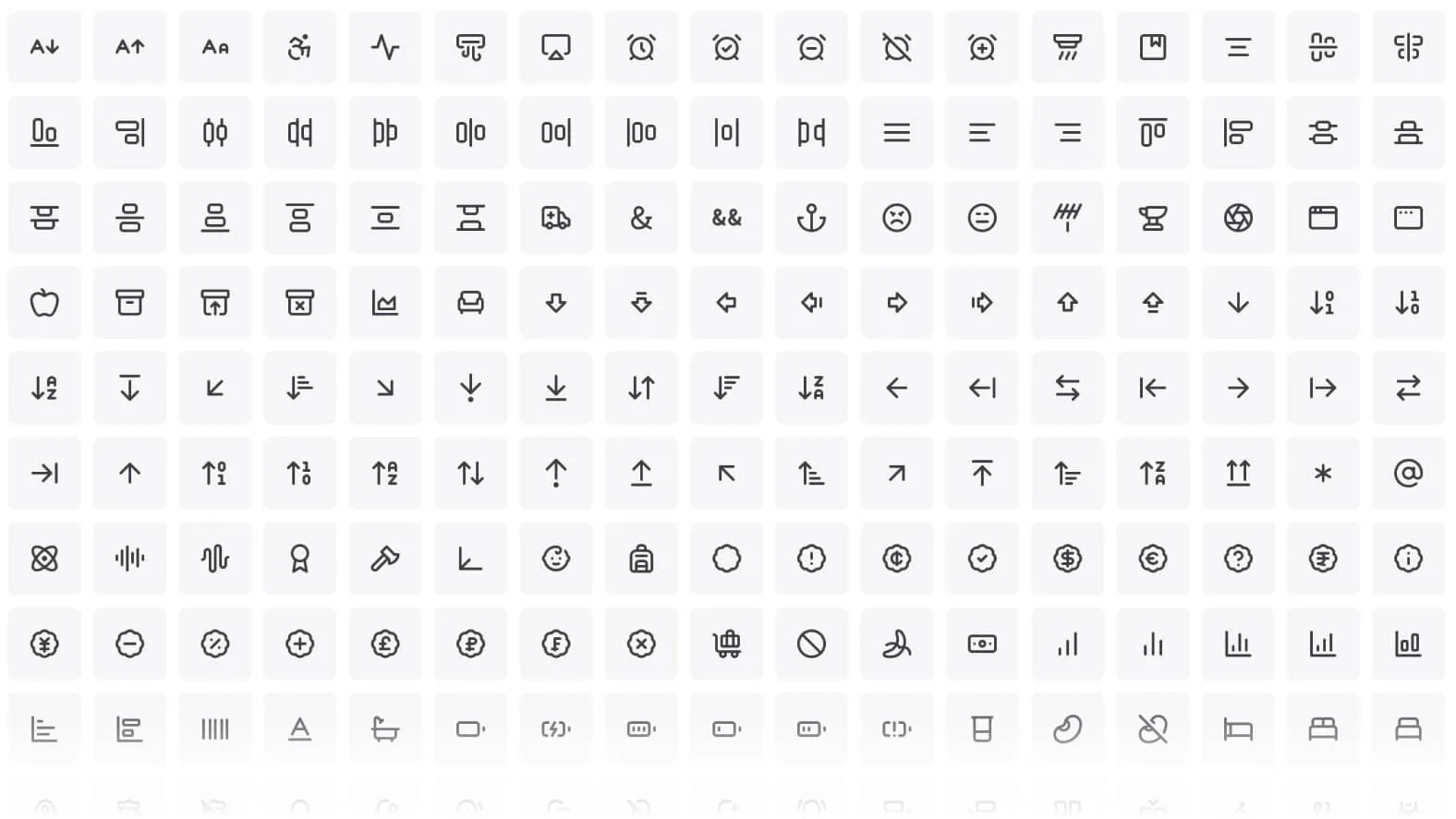
A WIDE VARIETY OF ICONS
Lucide Icons offers a broad selection of icons across different categories, making it easy to find the ones that best fit your project.
OPEN SOURCE LICENSE
All Lucide Icons are distributed under an open source license (MIT), allowing you to use them for free, even for commercial purposes, and to customize them to your needs without any restrictions.
EASY TO USE
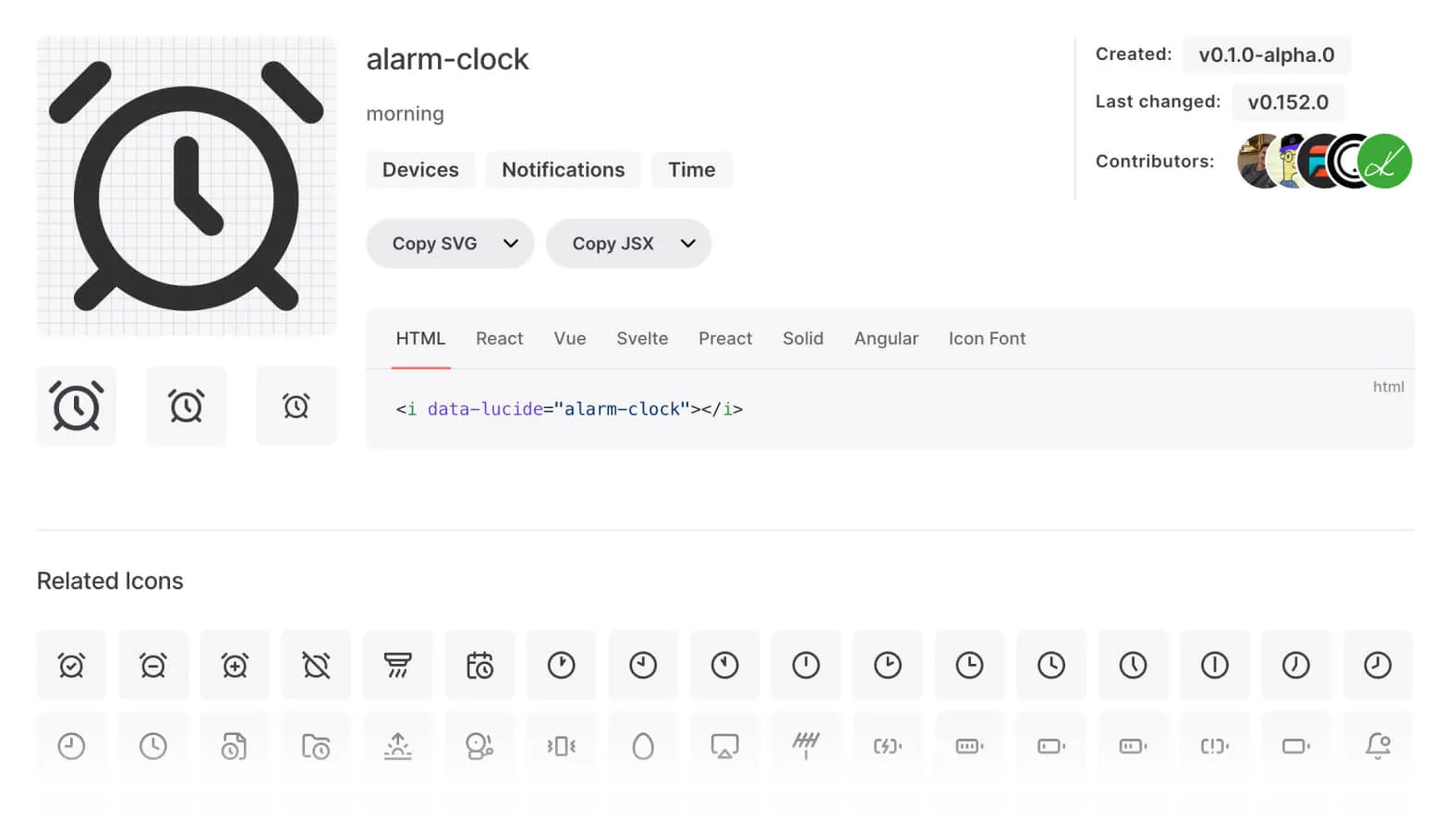
The icons are available in SVG format, which makes them easy to integrate into any web project. In addition, Lucide Icons provides comprehensive documentation and usage examples to help you get started quickly.
CUSTOMIZABLE
You have the ability to change the size, color, and other properties of the icons to suit your preferences, thanks to the flexibility offered by SVG files.
REGULAR UPDATES
The library is regularly updated with new icons and features, ensuring you always have access to the latest trends and best practices in design.
Customizing the icons
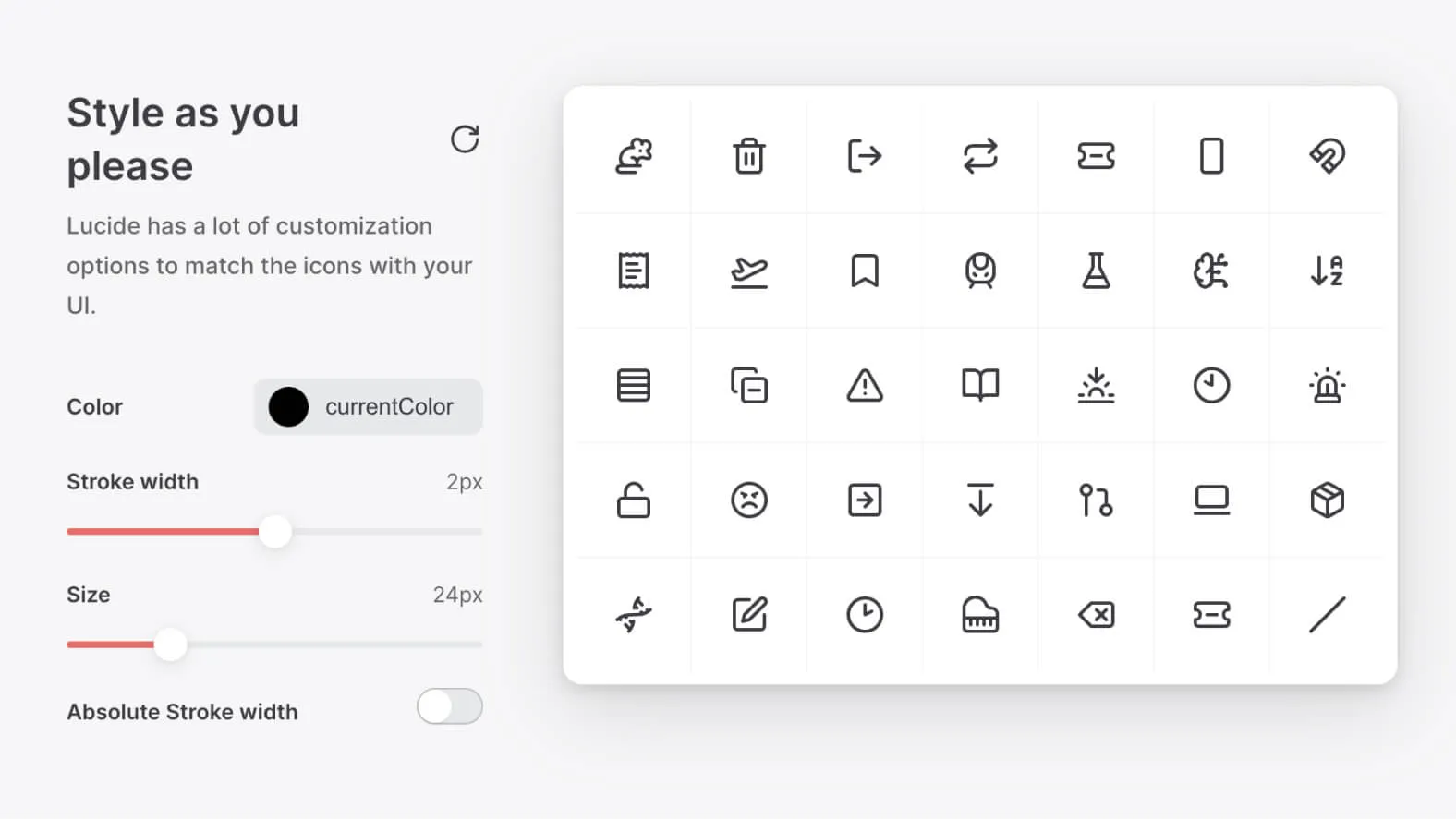
Lucide Icons offers advanced customization through its built-in Customizer. In our experience, this feature lets you change the color, size, stroke width, and other properties of the icons to meet your specific needs.
COLOR CUSTOMIZATION
You can choose to use the "currentColor" value to inherit the color defined by the CSS context in which the icon is used, or specify a custom color for the icon.
ADJUSTING THE STROKE WIDTH
You have the ability to adjust the stroke width of the icons, giving you precise control over their visual appearance.
ADJUSTING THE SIZE
Lucide Icons also lets you specify the exact size of the icons in pixels, giving you full control over their dimensions.
Exploring the Categories
Lucide Icons are carefully organized into different categories, making it easy to find the perfect icon for your project. With more than 40 categories in total, ranging from accessibility to tools, from social media to food and drink, Lucide Icons offers comprehensive coverage to meet every design need.
Key Advantages of Lucide Icons
LIGHTWEIGHT AND SCALABLE
Lucide Icons are lightweight, highly optimized scalable vector graphics (SVG). This ensures fast loading times and optimal performance for your applications and websites.
CLEAN AND CONSISTENT
Designed according to a strict set of design rules, Lucide Icons feature a clean, consistent style. This consistency guarantees maximum readability and an optimal user experience.
CUSTOMIZABLE
Lucide Icons offers advanced customization, allowing you to change the color, size, stroke width, and much more to suit your needs. This flexibility lets you adapt the icons to your project's aesthetic and design.
PACKAGE SUPPORT
Available as a package for all major package managers, Lucide Icons integrates easily into your existing development workflow, letting you install and manage it efficiently.
TREE SHAKABLE
Lucide Icons are tree shakable, which means you only import the icons you actually use, reducing your final bundle size and improving your application's performance.
ACTIVE COMMUNITY
With an active community on GitHub and Discord, Lucide Icons offers an environment that fosters learning, collaboration, and the sharing of best practices in design and development.
Official Packages and Where to Find the Docs
Lucide ships official packages for React, Vue, Svelte, Solid, Preact, Angular, Astro, and React Native, on top of the plain JavaScript build — each with its own install instructions on the official site, which is also where the current icon count and changelog live. The project is maintained by a small core team plus community contributors on GitHub.
If a search leads you to a different domain claiming to host "the real" Lucide Icons, treat it with caution: lucide.dev is the only official source for the library, its documentation, and its packages.
Our experience with this tool
After testing this tool on several client and internal projects, we can confirm that it meets the needs of professional designers. Our team uses it regularly in its daily workflow, which, in our experience, allows us to validate its effectiveness under real production conditions.
Points tested in detail:
- Performance on large files (500+ frames)
- Compatibility with complex design systems
- Stability during intensive use
- Integration into a team workflow
Things to watch out for (tested in real conditions)
In the interest of transparency, here are the limitations we identified during our tests:
- Processing time can be longer on very large files
- Requires a stable internet connection for certain features
- Learning curve for beginner users
Conclusion
Whether you're a seasoned developer or a beginner designer, Lucide Icons provides the tools you need to create remarkable, engaging user interfaces. With its diversity of categories, advanced customization, and unique advantages, Lucide Icons positions itself as an essential choice in the ever-evolving landscape of design and web development. Integrate Lucide Icons into your projects today and discover how it can transform your development experience.