Preview 1 of 4
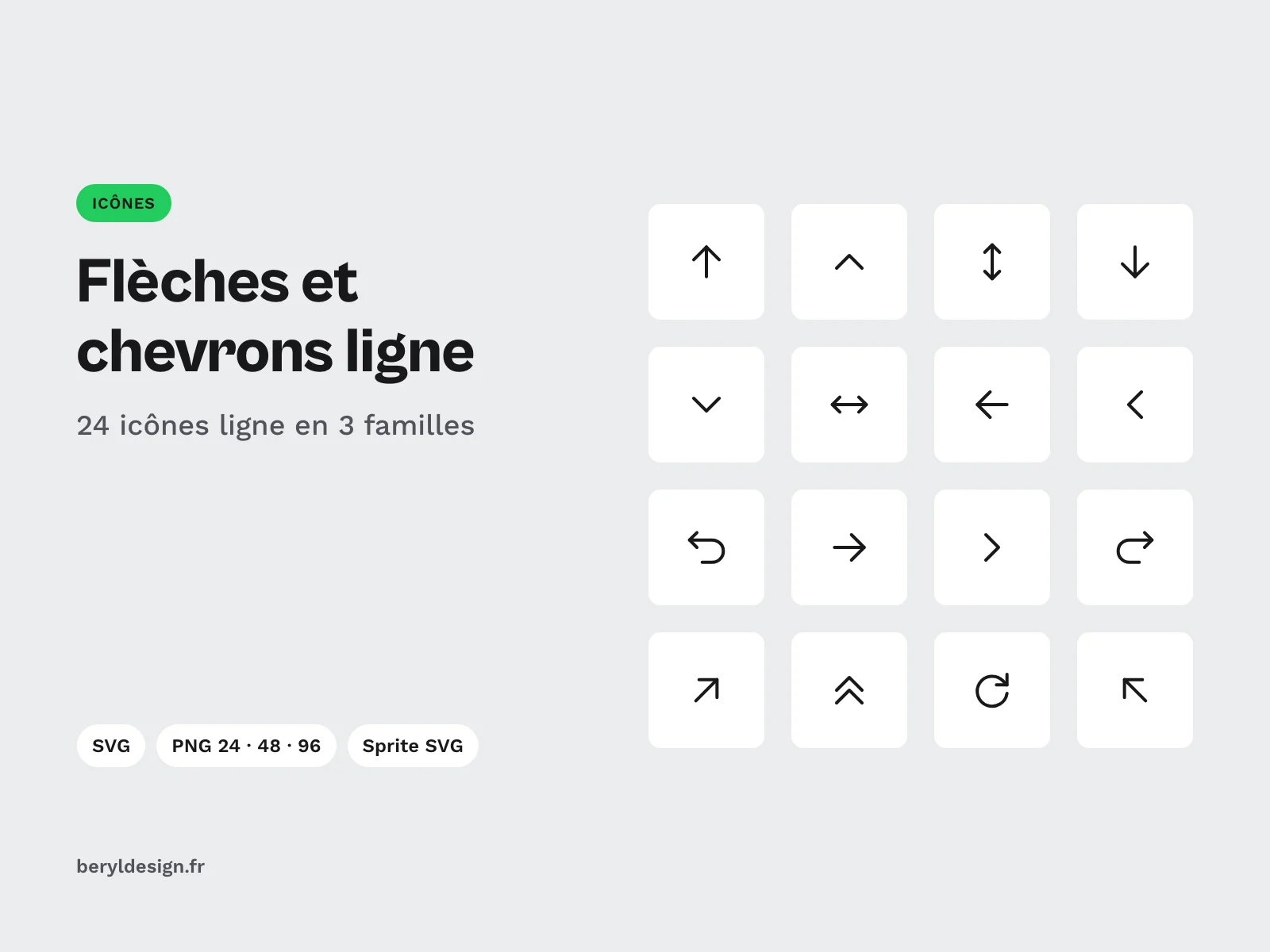
Line arrows and chevrons, 24 free icons
Download 24 line icons of arrows, chevrons and actions in SVG, PNG and SVG sprite for your interfaces. Free with an account, under a commercial licence.
Overview
Description
This pack is for UI designers and front-end developers who need consistent arrows and chevrons for interface navigation: dropdown menus, pagination, carousels, back buttons, external links, undo or refresh. Every icon is drawn on the same grid, with the same stroke weight and rounded ends. You can mix them without any style mismatch, in a mockup as well as in code.
Contents
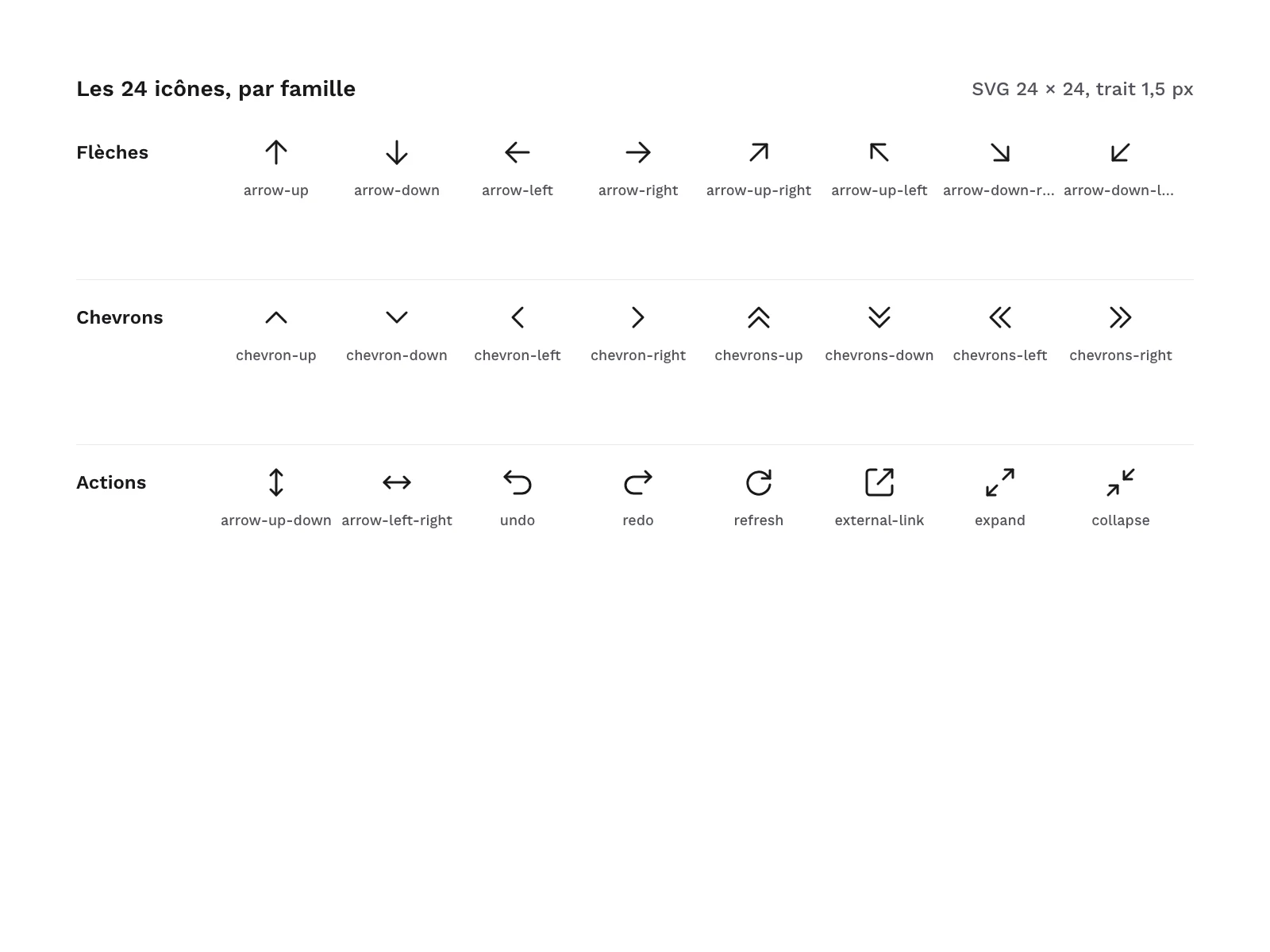
- 24 line icons, in 3 families of 8:
- Arrows:
arrow-up,arrow-down,arrow-left,arrow-right,arrow-up-right,arrow-up-left,arrow-down-right,arrow-down-left; - Chevrons:
chevron-up,chevron-down,chevron-left,chevron-right,chevrons-up,chevrons-down,chevrons-left,chevrons-right; - Double arrows and actions:
arrow-up-down,arrow-left-right,undo,redo,refresh,external-link,expand,collapse.
- Arrows:
- 24 SVG files, one per icon.
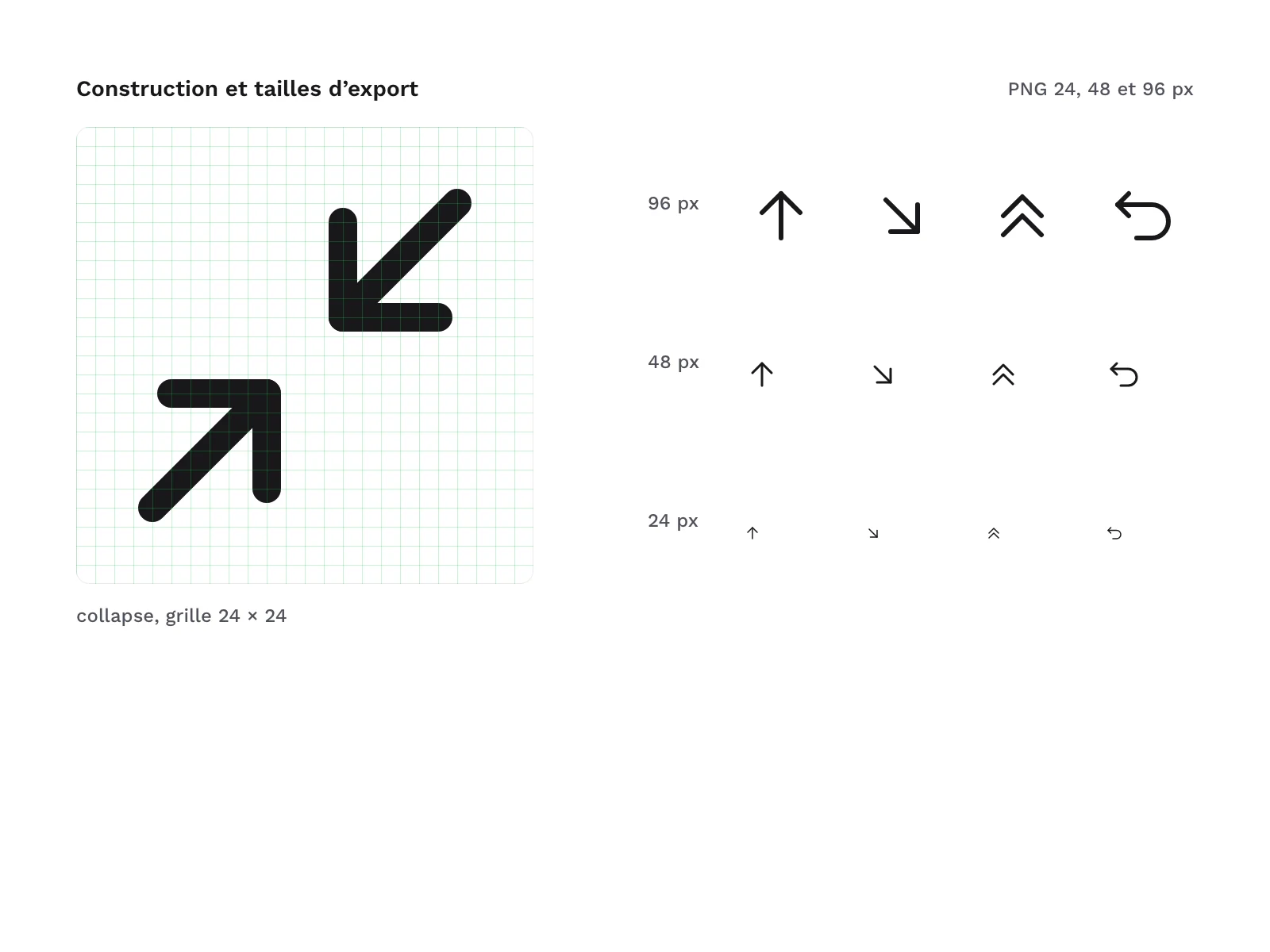
- 72 PNG files: each icon at 24, 48 and 96 px.
- 1 SVG sprite holding the 24 icons as symbols.
- 1 HTML demo page.
Archive layout:
svg/
png/24/
png/48/
png/96/
sprite/line-arrow-icons.svg
demo/index.html
Production and AI
The icons were drawn as SVG with an AI assistant, then reviewed and checked one by one: rendered at 24 and 48 px, then each icon reviewed on a contact sheet before release. The pack contains no AI-generated images.
Formats and compatibility
- SVG: vector files with no fill, whose stroke follows the text colour (
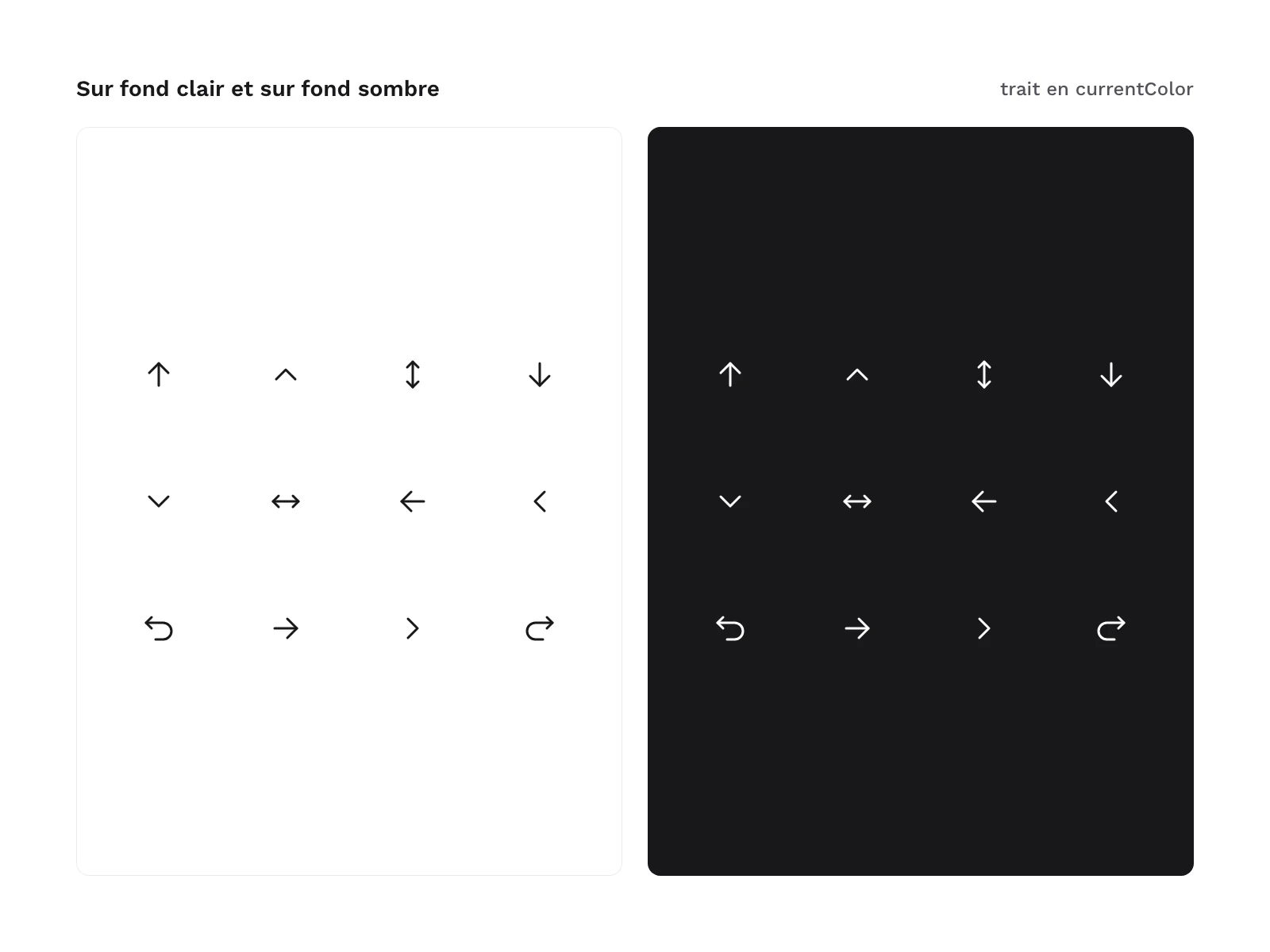
currentColor). Change the colour with the CSScolorproperty and the stroke weight with thestroke-widthattribute on the root element. These SVG files work in most design tools and directly in code (HTML, components). - PNG 24 px, 48 px and 96 px: black icons on a transparent background, for software that does not import SVG, such as presentation or word-processing tools.
- SVG sprite: a single file where each icon is a
<symbol>called by name with<use>, so the icon drawings are inserted only once in a web page. - HTML: a demo page with no script or external resource, to open in a browser to see every icon.
Licence
The pack comes under a commercial licence: you can use it in personal and professional projects, including for clients and in products you sell, but you may not resell or redistribute the files, even for free.
Further reading
Version history
1.0.0 (2026-11-10): first release.
About the author

Frequently asked questions
What does the line arrows and chevrons icon pack contain?
Which formats are the icons delivered in, and which tools do they work with?
Are the icons really free?
Can I use these icons in a commercial project or for a client?
How do I change the colour or stroke weight of the icons?
You might also be interested