
Introduction
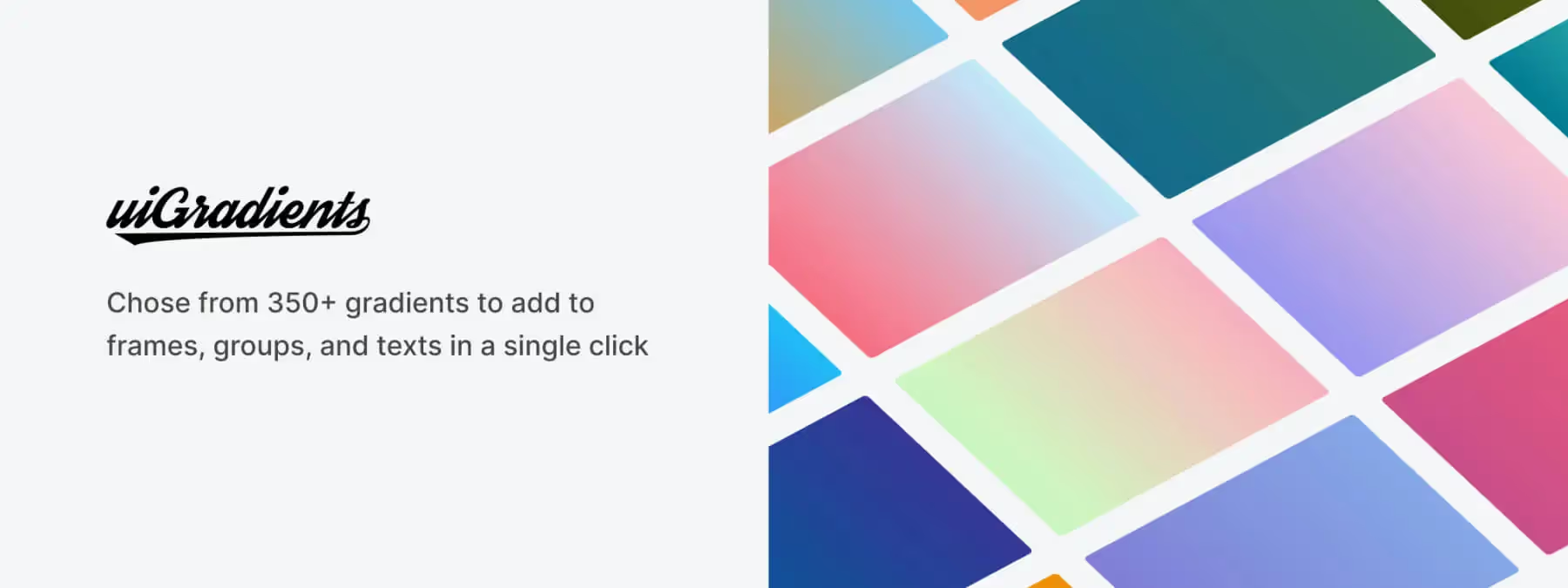
Colorful gradients have become a hallmark of interface design, but creating harmonious combinations often takes time. uiGradients, the official plugin from the eponymous website, offers a simple solution: with one click, you apply pre-defined gradients to your groups, text, or frames in Figma.
With over 350 combinations available, it offers a welcome time-saving and a varied palette to energize your projects.
Context: When a library becomes essential
Many designers use reference websites to find attractive gradients. uigradients.com has offered a large library of gradients sorted by mood and nuance for years.
The uiGradients plugin brings this library directly into Figma, eliminating the need to manually copy color codes or import images. It fits into the trend of plugins that facilitate quick integration of visual elements.
How it works and features
Instant application
Select a frame, group, or text layer, launch the plugin, and choose a gradient. It is applied immediately as a fill.
Wide choice of gradients
Over 350 gradients are available, ranging from pastel palettes to vibrant combinations, to suit all moods.
Extended compatibility
Works equally well on text layers, vector shapes, or grouped components.
Official plugin
Developed in partnership with uigradients.com, ensuring gradients remain synchronized with the online library.
Daily use
Install the plugin from the Figma community. Select the element where you want to apply a gradient (text, group, or frame). Open the plugin, browse through the different palettes, and click on the one that inspires you.
The gradient is applied instantly. You can then adjust the gradient orientation in Figma's fill settings if needed. This quick workflow allows you, based on our experience, to test multiple moods without losing time creating gradients by hand.
Strengths and tips
Productivity
uiGradients is ideal when you need a quick and reliable solution to add color to your mockups.
Inspiration
The numerous palettes can help you explore color combinations you might not have thought of.
Adjustments
After application, remember to modify the angle or scale of the gradient to perfectly adapt it to your composition.
Advice
No major limitations are associated with the plugin; it relies on pre-defined gradients, which can, however, restrict customization if you have very specific requirements.
Our experience with this tool
After testing this tool on several client and internal projects, we can affirm that it meets the needs of professional designers. Our team uses it regularly in their daily workflow, which allows us, based on our experience, to validate its effectiveness in real production conditions.
Points tested in detail:
- Performance on large files (500+ frames)
- Compatibility with complex design systems
- Stability during intensive use
- Integration in a team workflow
Conclusion
uiGradients is a simple and effective tool for enriching your designs with quality gradients effortlessly.
Thanks to its comprehensive library and seamless integration into Figma, it is a valuable resource for designers looking for inspiration or wanting to save time. Try it to quickly add a touch of color to your creations.



