
Introduction
In interface design, consistency in spacing and sizing is essential for achieving a professional and pleasant appearance. Respecting regular values (multiples of 4 or 8, for example) facilitates grid creation and component harmonization.
Round to 8 is a Figma plugin designed to automate this standardization: it rounds your padding, position, or size values to your desired multiples, allowing you to quickly normalize your designs.
Context: Why Round Measurements?
Design systems often rely on fixed measurement units (base of 4 or 8 pixels) to ensure alignment and proportionality between elements. Yet, when creating or importing designs, you regularly end up with "offset" values (13 px, 47 px…). Correcting these discrepancies manually can be time-consuming and error-prone. Round to 8 addresses this need for automatic normalization in just a few clicks.
Key Features
Features
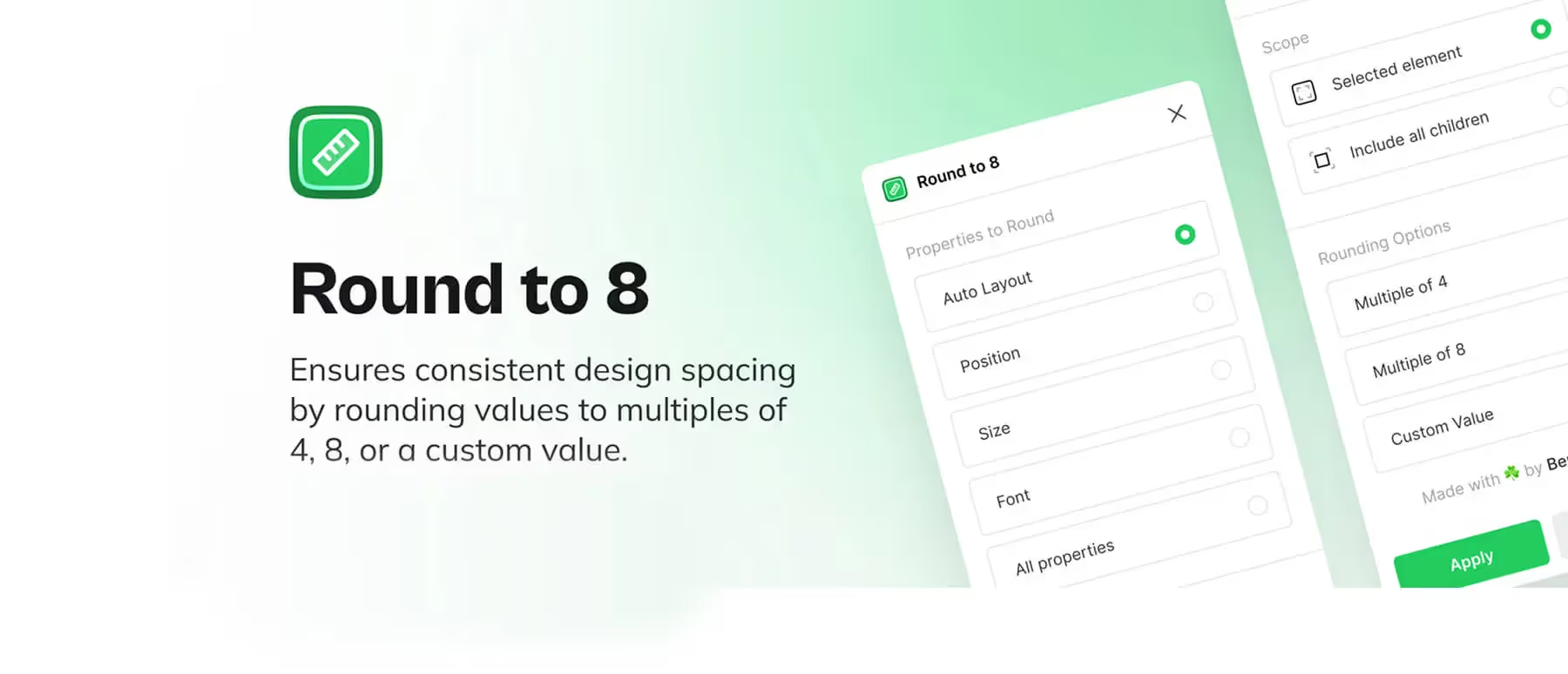
The Round to 8 plugin can adjust multiple parameters at once, including Auto Layout (margins and spacing), position, dimension, and font size. It allows you, based on our experience, to choose a rounding multiple (4, 8, or a custom value) and apply the rounding to your current selection or all its children.
How to Use
To use the plugin, select the elements you want to normalize. In the Round to 8 window, choose the properties to round and define your desired multiple. All you have to do is click "Apply" for the values to instantly realign to your grid.
Advantages and Use Cases
Guaranteed Uniformity
By forcing all measurements, such as spacing and dimensions, to be based on a common multiple, your interfaces benefit from impeccable visual consistency and perfect alignment.
File Cleanup
This tool is very practical for quickly harmonizing designs that come from external sources or were designed in a hurry.
Time Savings
You no longer need to manually check and correct each value, which allows you, based on our experience, to save valuable time and focus on other aspects of design.
Facilitated Collaboration
Having standardized measurements simplifies teamwork and makes the integration of your designs smoother for developers.
Tips
Round to 8 is particularly useful when setting up or redesigning a design system, but can also be used occasionally to correct discrepancies in an existing project.
Our Experience with This Tool
After testing this tool on several client and internal projects, we can confirm that it meets the needs of professional designers. Our team uses it regularly in our daily workflow, which allows us, based on our experience, to validate its effectiveness under real production conditions.
Aspects tested in detail:
- Performance on large files (500+ frames)
- Compatibility with complex design systems
- Stability during intensive use
- Integration into team workflow
Points of Attention (Tested Under Real Conditions)
In the interest of transparency, here are the limitations we identified during our testing:
- Processing time can be extended on very large files
- Requires a stable internet connection for certain features
- Learning curve for beginner users
Conclusion
Round to 8 is an invaluable ally for anyone looking to ensure perfect consistency in their Figma designs.
By allowing you to automatically round positions, dimensions, and spacing to your chosen multiples, this plugin simplifies the maintenance of your design system and contributes to impeccable interfaces. Test it to adopt a regular grid and gain efficiency.



