

Introduction
Component properties in Figma are a very useful feature for reducing the number of variants and simplifying the design process. However, they can present a major drawback: certain properties don't allow displaying elements hidden by default.
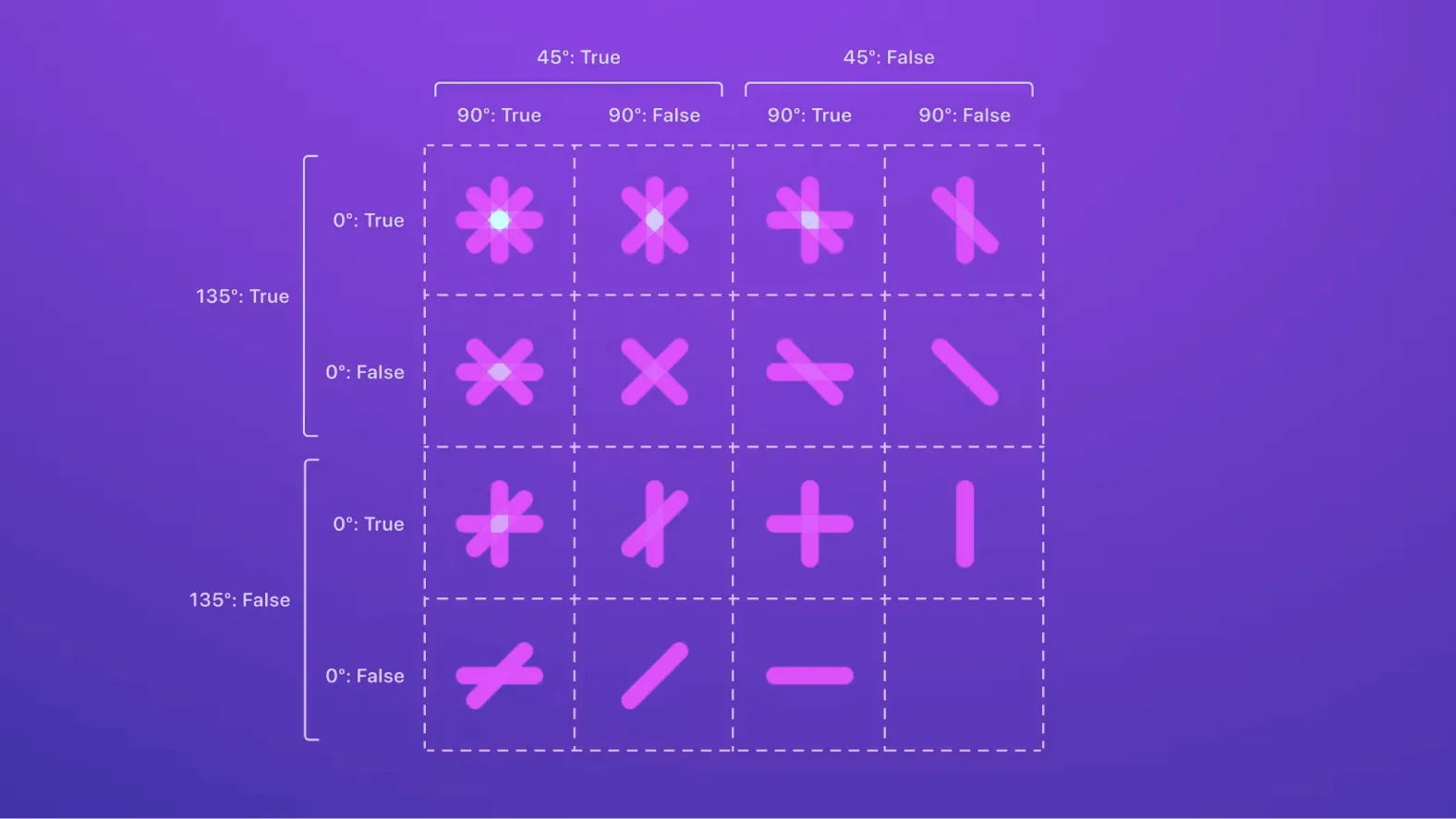
As a result, it can be difficult to know how many combinations are possible at a glance. This is where the Propstar plugin comes in, displaying all possible variations as a table, making the design process much easier. In this article, we'll examine the features of this plugin and explain how it can help you in your design work in Figma.
How to Use It
CREATE EMBEDDED TABLE
The "Create Embedded Table" feature allows, according to our experience, creating a table inside an existing text frame in a Figma design. This option is ideal for designers who want to organize data and information in a table format within a design. To use this feature, simply select an existing text frame and access "Create Embedded Table" in the plugins menu.
Then it's possible to specify the number of columns and rows you want in your table, as well as other table properties. The advantage of this feature is that it allows, according to our experience, quickly and easily creating an organized table inside an existing Figma design. This can help improve the organization and presentation of data in the design.
CREATE STANDALONE TABLE
The "Create Standalone Table" feature allows, according to our experience, creating a table as a standalone element in a Figma design. Unlike the "Create Embedded Table" feature, this function creates a distinct table frame that can be placed anywhere in the design. To use this feature, simply access "Create Standalone Table" in Figma's plugins menu. Then it's possible to specify the number of columns and rows you want in your table, as well as other table properties.
The advantage of this feature is that it allows, according to our experience, easily creating a standalone table in a Figma design, which can be moved, modified, or deleted without affecting the rest of the design. This feature is useful if you want to create a table that needs to be placed at a specific location in the design and must be independent of the rest of the layout.
Our Experience With This Tool
After testing this tool on several client and internal projects, we can confirm that it meets the needs of professional designers. Our team uses it regularly in their daily workflow, which allows us, according to our experience, to validate its effectiveness under real production conditions.
Detailed Test Points:
- Performance on large files (500+ frames)
- Compatibility with complex design systems
- Stability during intensive use
- Integration in team workflows
Conclusion
In conclusion, the Propstar plugin for Figma is a powerful tool that can help designers display all possible variations of their components and thus facilitate their design process. Thanks to its features, such as creating embedded or standalone tables, it allows, according to our experience, quickly visualizing all combinations of variant and component properties.
Propstar is also easy to use, with a simple click to generate the instance table. Although there are limitations regarding reordering properties and values in variants, Propstar allows designers to save time and better understand the possibilities of their components. If you're a designer using Figma, we strongly recommend trying the Propstar plugin to improve your workflow and simplify your design process.



