
Introduction
Today, proportions are becoming increasingly important in interface design, as they bring a certain harmony throughout a page and make content reading more fluid. When you want to modify the size of an element while maintaining its proportions, the simplest approach is to use the "scale" function, which allows, in our experience, to modify the scale value of any element.
Unfortunately, it is often tedious to achieve the exact desired size. For example, to get a width three times larger than an element at 50px, we must do a little mental calculation to know where to stop with the "scale" function. Often the exact value doesn't come right away and you have to adjust by slightly moving the mouse to avoid getting 149px or 151px, but rather 150px.
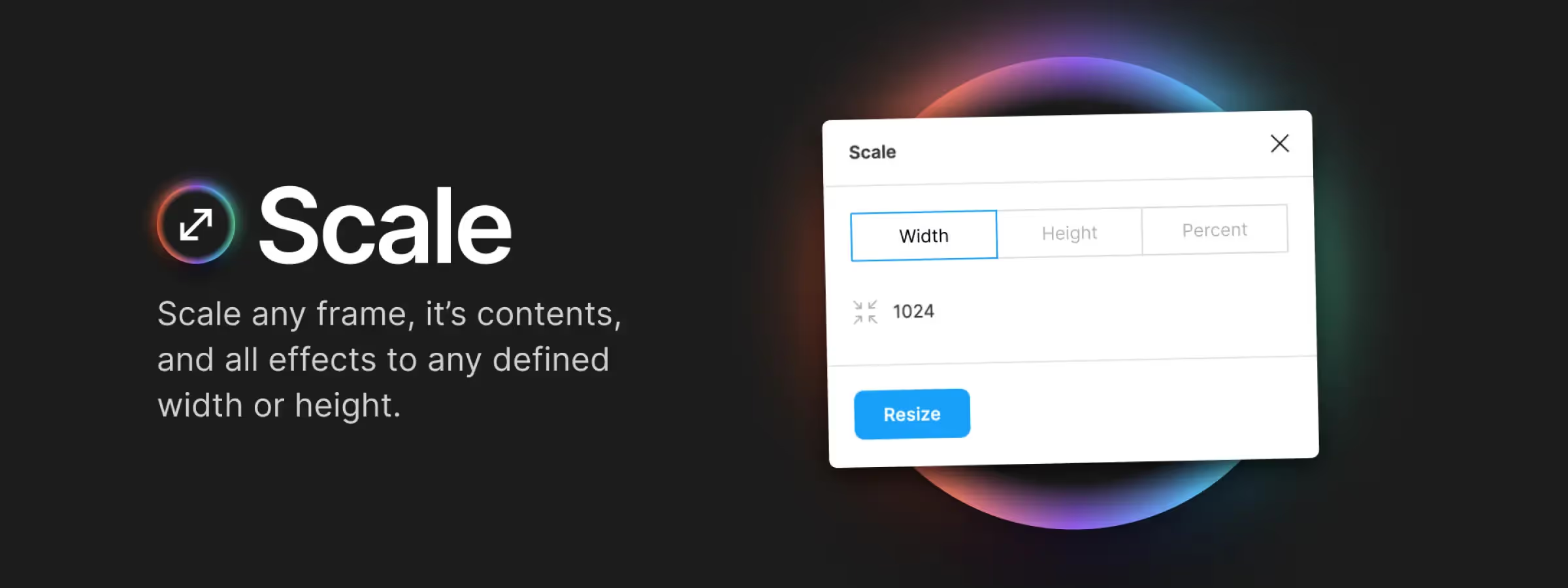
The Scale plugin allows you, in our experience, to simplify and add certain options not present by default in Figma, to modify the scale value of your elements. For this, you just need to set it up to get the desired result.
Features
MULTI-SELECT
Select one or more elements (frame or layers) as you wish to apply the same scaling change.
SCALE BY WIDTH, HEIGHT, OR PERCENTAGE
For the desired result, handle it in the best way. You can choose a fixed value based on width or height, or simply apply a percentage relative to the current size of your element.
SELECT AN ANCHOR POINT FOR SCALING
In case your element is not in an auto-layout frame, you won't be able to choose the element's position after modification. That's why the plugin will allow you to choose an anchor point before applying the change.
Our Experience with This Tool
After testing this tool on multiple client and internal projects, we can confirm that it meets the needs of professional designers. Our team uses it regularly in its daily workflow, which allows us, in our experience, to validate its effectiveness in real-world production conditions.
Points tested in detail:
- Performance on large files (500+ frames)
- Compatibility with complex design systems
- Stability during intensive use
- Integration into a team workflow
Points of Attention (Tested in Real Conditions)
In the interest of transparency, here are the limitations we identified during our testing:
- Processing time can be extended on very large files
- Requires a stable internet connection for certain features
- Learning curve for beginner users
Conclusion
For those who used Sketch before switching to Figma, the plugin's features will remind you of memories, but above all, it will allow you to regain your old habits. That's especially what motivated me to look for a plugin like this one.
In conclusion, "Scale" allows us, in our experience, to simply modify the scale of any element while offering us various options so that any designer can make it their own. "Scale" is the plugin to add and use whenever you want to quickly change the size of an element while keeping the basic proportions, no more calculations and approximate modifications



