
Introduction
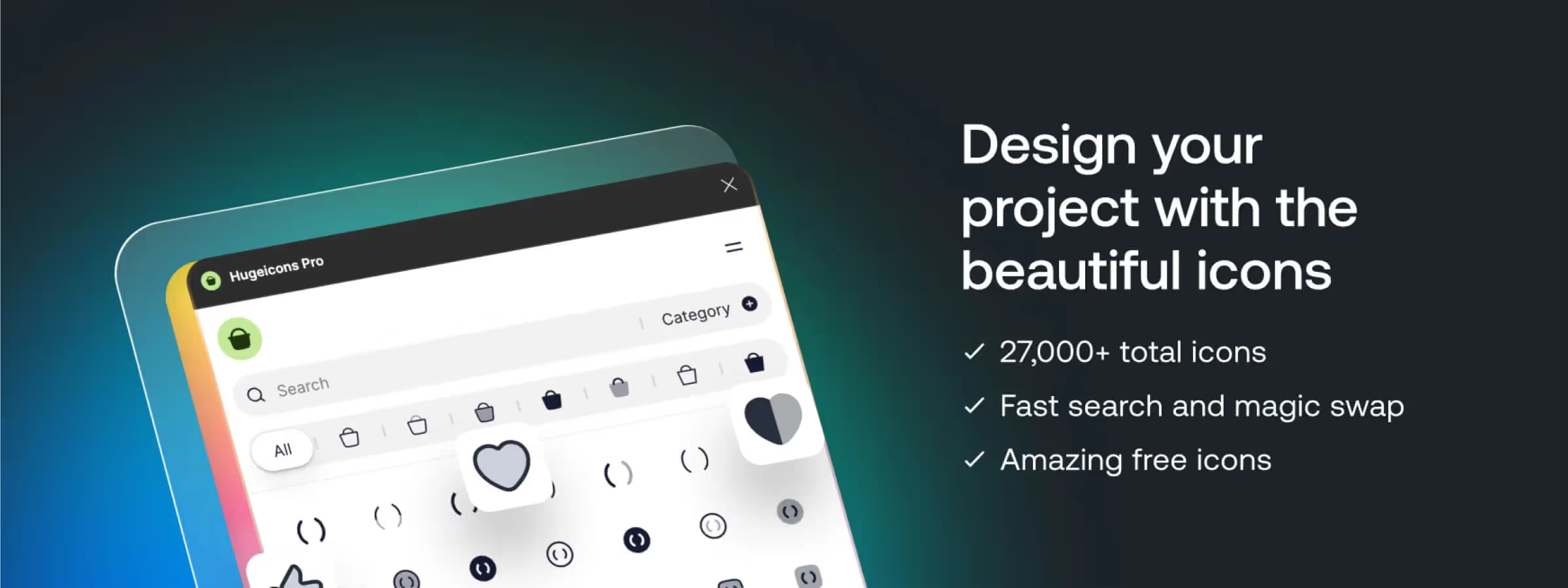
In the world of design and graphic creation, efficiency and quality are essential. It is with this in mind that the Figma plugin Hugeicons Pro stands out, offering a complete and highly customizable icon library directly available within the Figma workspace. In this article, we'll explore why Hugeicons Pro is an indispensable tool for designers, by examining its features and its benefits.
Why use Hugeicons Pro
A VAST SELECTION OF ICONS
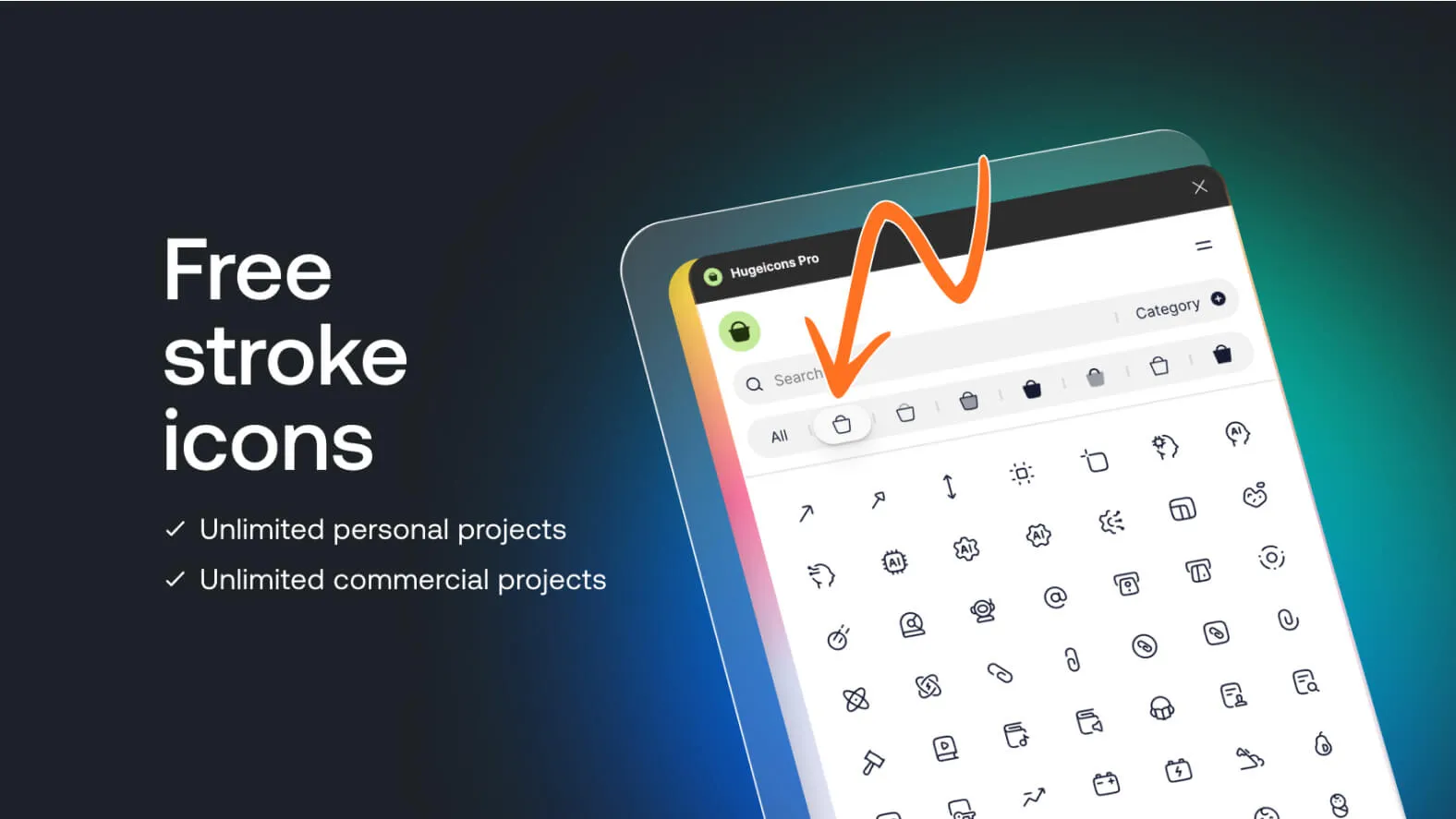
With Hugeicons Pro, users have access to a vast collection of high-quality icons, covering a multitude of categories and styles. Whether for web, mobile or user interface projects, Hugeicons Pro offers a variety of icons suited to every need.
EASE OF USE AND SEAMLESS INTEGRATION
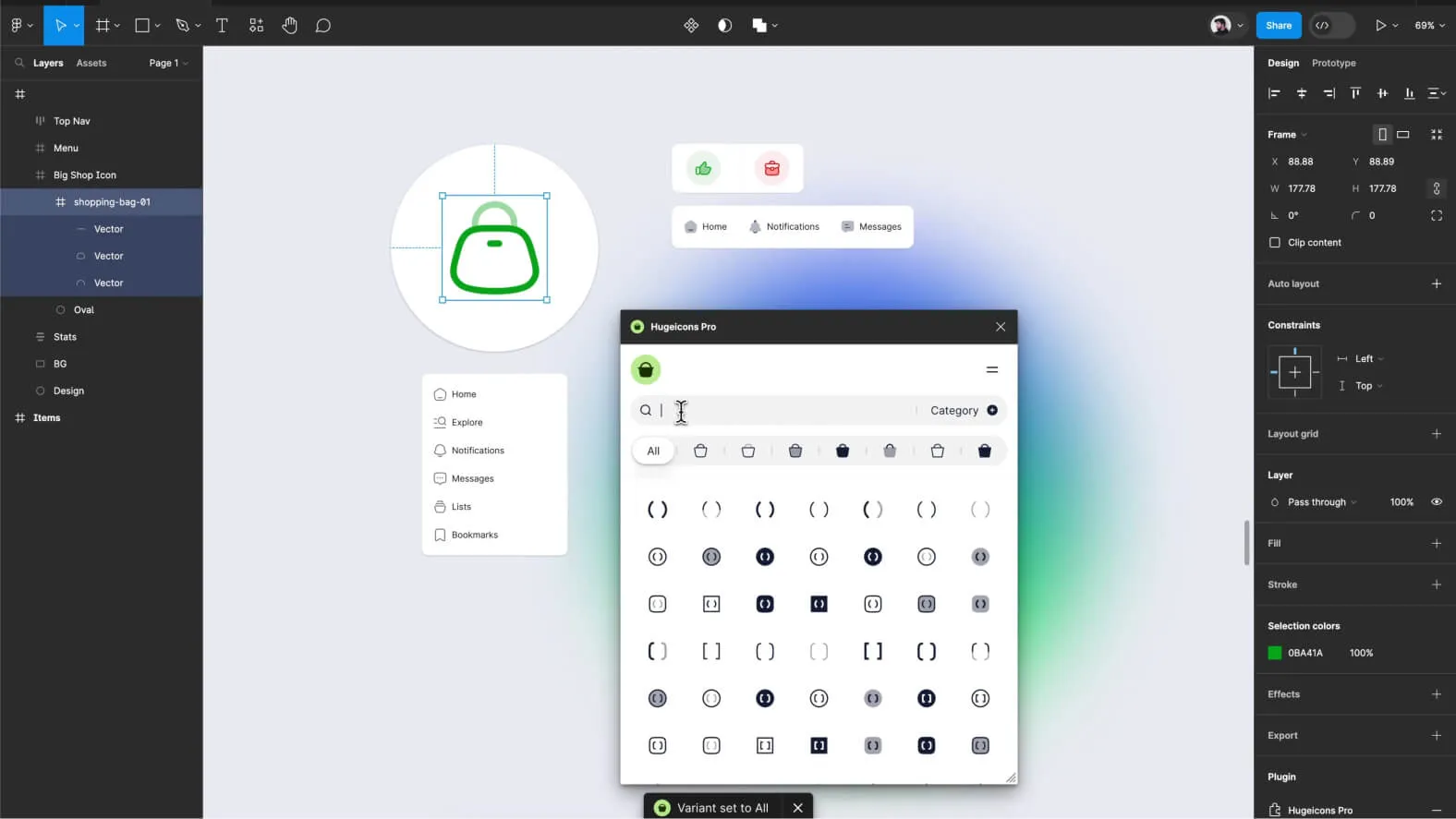
Built directly into Figma, Hugeicons Pro fits smoothly into your existing workflow. Its user-friendly interface lets users browse and insert icons with great ease, thereby speeding up the design process and saving precious time.
Features
SMART SEARCH AND FILTERING
Hugeicons Pro offers advanced search features, allowing users to quickly find the icons they need. In addition, filtering options by category, style and color provide extra customization, ensuring that every icon fits perfectly with the project at hand.
IN-DEPTH CUSTOMIZATION
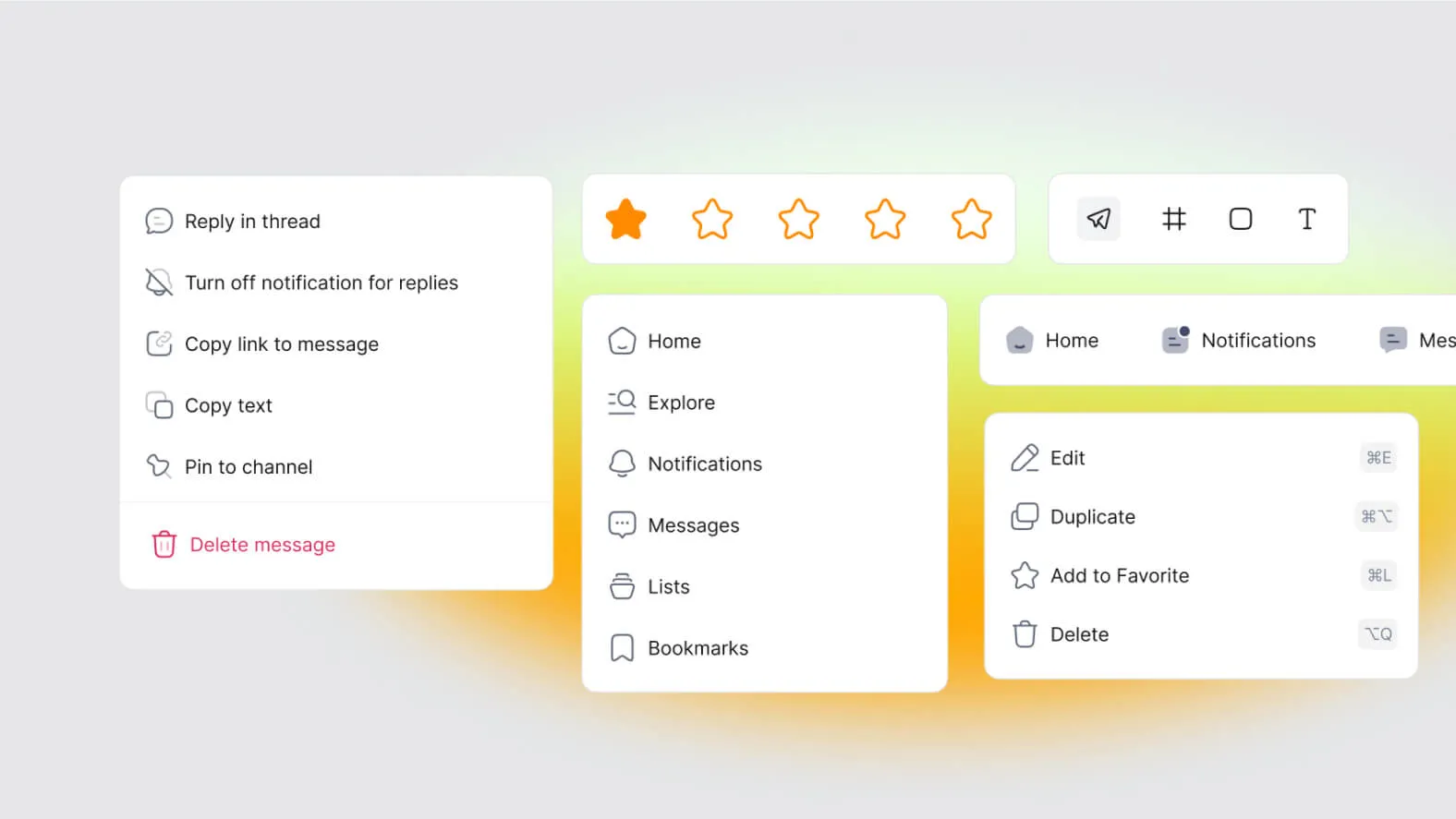
With Hugeicons Pro, customizing icons is child's play. Users can adjust the size, color and other properties of the icons in just a few clicks, allowing them to blend in perfectly with the overall aesthetic of their design.
REGULAR UPDATES
The team behind Hugeicons Pro is committed to delivering regular updates, constantly adding new icons and features to meet the evolving needs of designers. This ensures that users always benefit from the latest trends and the best design tools.
Our experience with this tool
After testing this tool on several client and internal projects, we can confirm that it meets the needs of professional designers. Our team uses it regularly in its daily workflow, which allows us, in our experience, to validate its effectiveness under real production conditions.
Points tested in detail:
- Performance on large files (500+ frames)
- Compatibility with complex design systems
- Stability during intensive use
- Integration into a team workflow
Points to watch (tested in real conditions)
In the interest of transparency, here are the limitations we identified during our tests:
- Processing time that may be longer on very large files
- Requires a stable internet connection for certain features
- Learning curve for beginner users
Conclusion
All in all, Hugeicons Pro is much more than just an icon library - it's an essential tool for any designer looking to optimize their design process and create visually striking interfaces.
With its vast selection of icons, its ease of use and its advanced features, Hugeicons Pro positions itself as a must-have for Figma users, giving them quick and easy access to premium resources. Whether you're a seasoned professional or an enthusiastic beginner, Hugeicons Pro is here to help you bring your ideas to life with style and efficiency.



