
Introduction
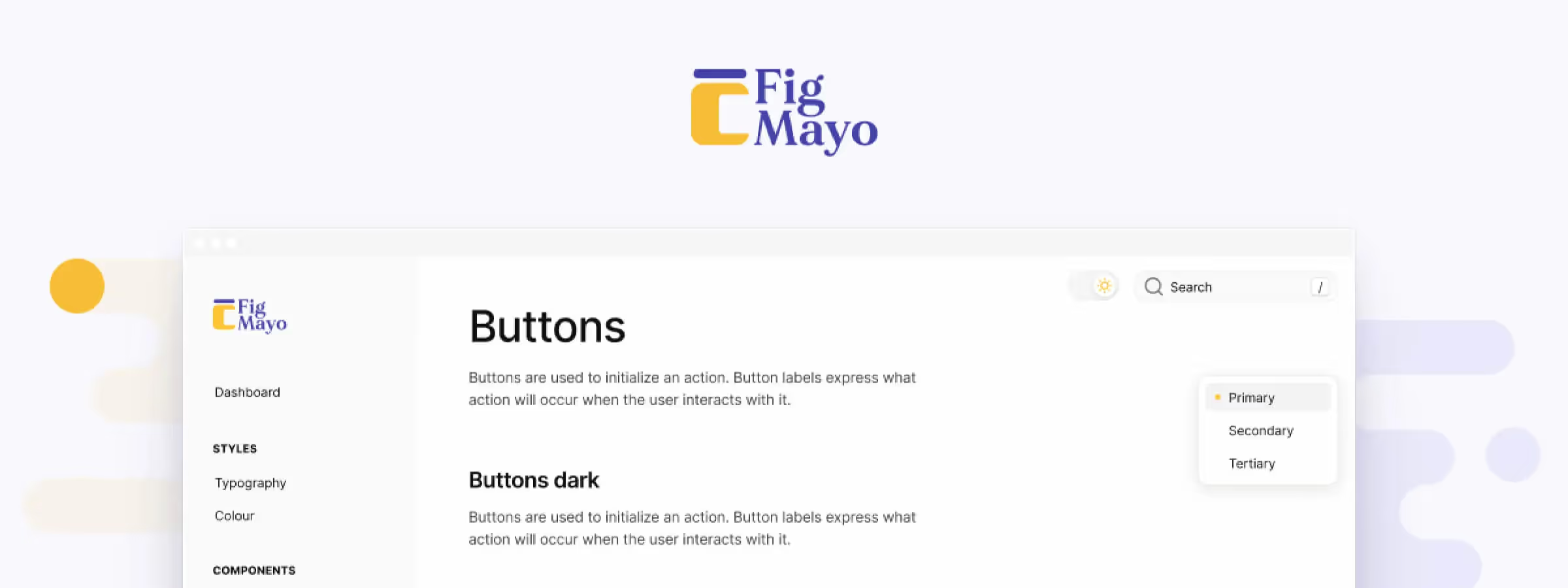
When it comes to streamlining your design and documentation workflow, Figmayo stands out as a powerful solution. In this first subsection, we'll introduce what makes Figmayo unique and how it can improve your design process.
Overview of the tool
HOW FIGMAYO WORKS IN DEPTH
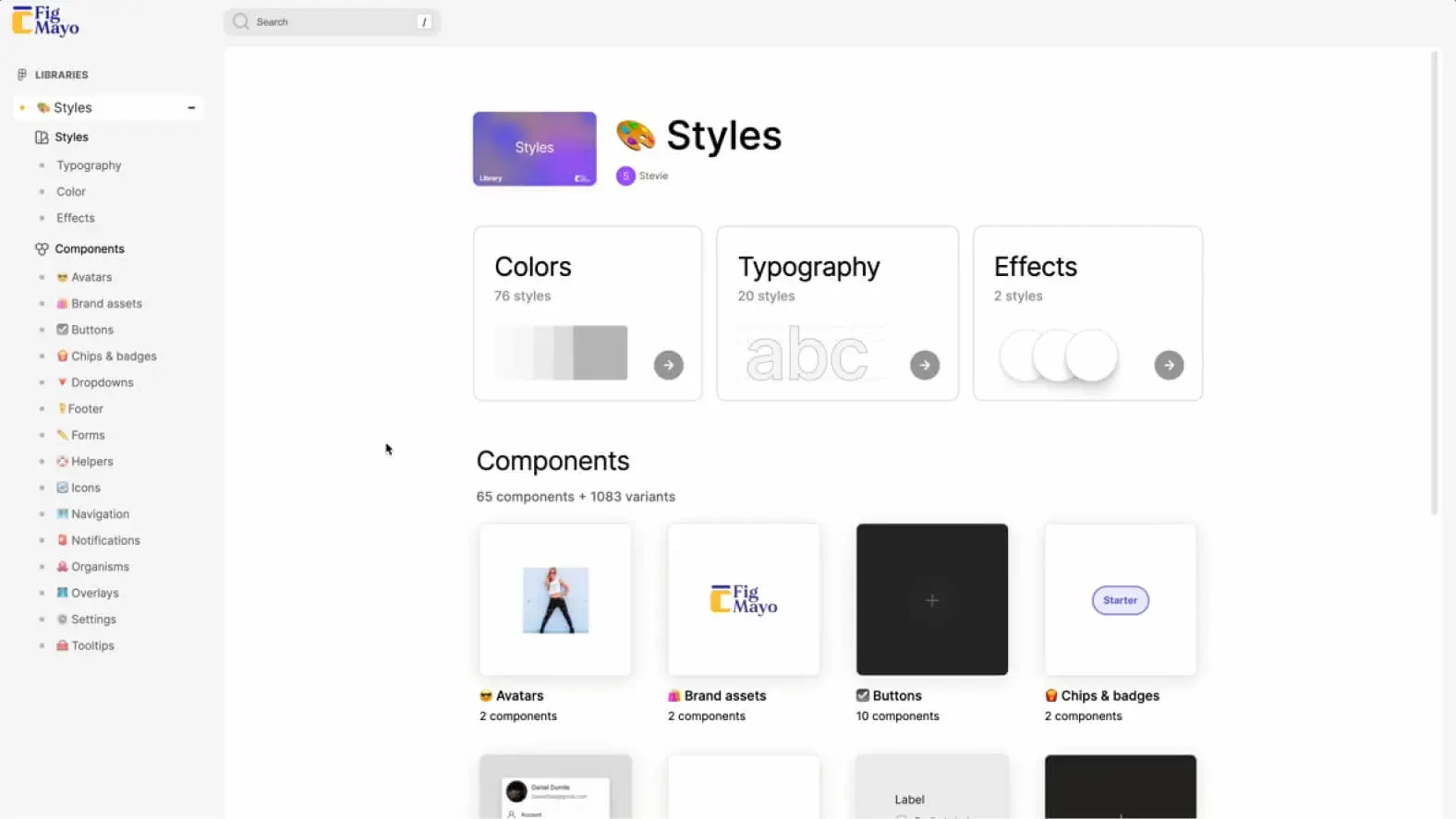
Figmayo is an innovative solution that radically simplifies the process of creating, managing, and sharing documentation in the design field. It works through close integration with Figma, the widely used design tool.
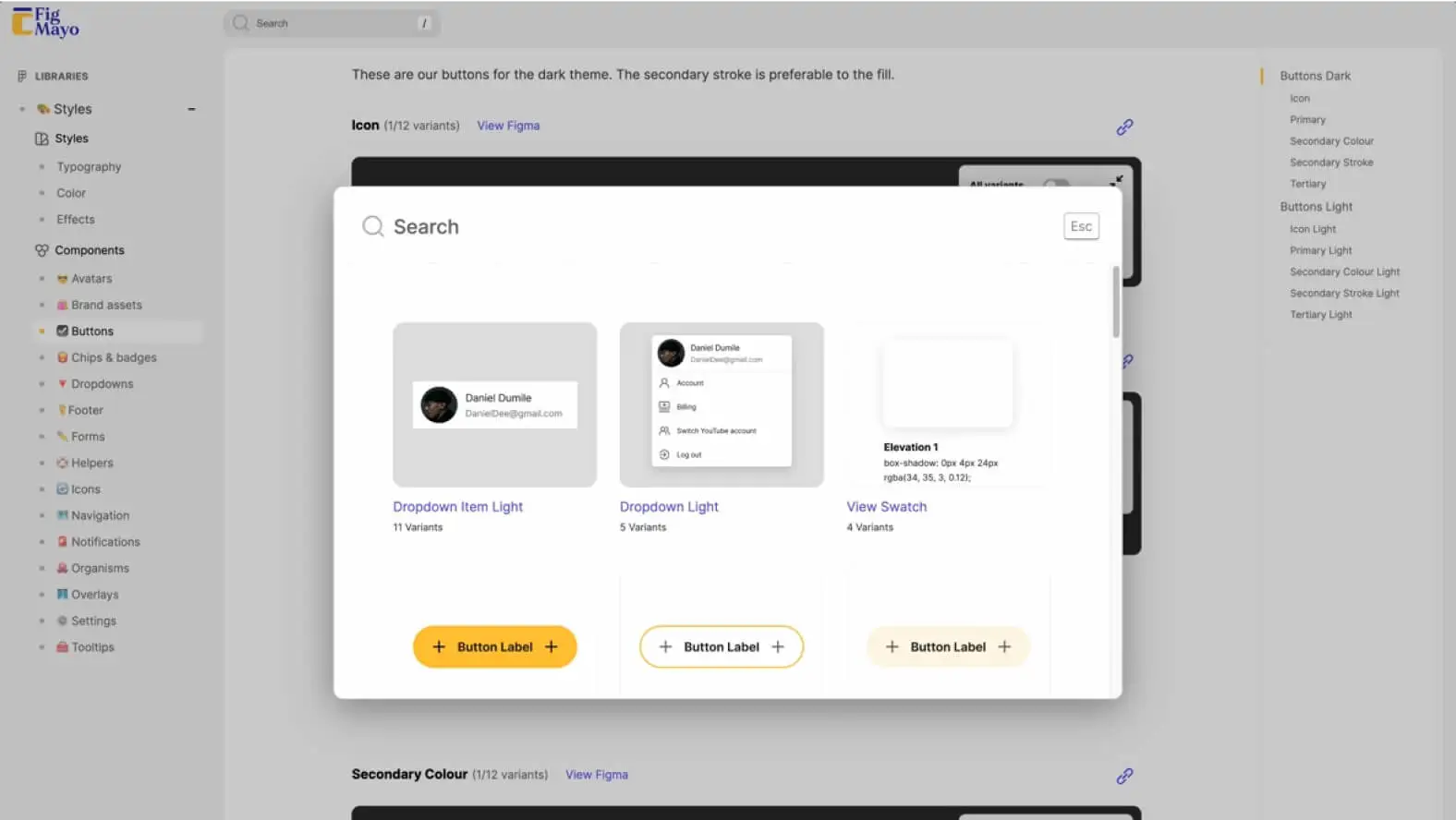
When you use Figmayo, the tool takes your existing Figma library and turns it into browsable documentation based on your library's structure. This means your documentation takes shape directly from your design work, without requiring extra effort to maintain separate documentation.
CREATING AND PUBLISHING DOCUMENTATION FROM FIGMA
One of Figmayo's strengths lies in its ability to create and publish documentation directly from the Figma design environment. Once you've created a Figmayo account and linked your Figma library, you can add notes to your components and component groups directly in Figma. These notes can contain essential information, details about functionality, usage tips, and much more.
When you're happy with your notes, you can publish your Figma library with a single click, and Figmayo automatically generates clear, structured documentation from your annotations. This means the work you do in Figma becomes the single source of truth for documentation, eliminating the need to manage separate documents.
ELIMINATING DOCUMENTATION FRAGMENTATION WITH FIGMAYO
A major advantage of Figmayo is its ability to eliminate documentation fragmentation. In many design projects, documentation is often scattered across multiple sources, including Word documents, spreadsheets, shared notes, and so on. This fragmentation can lead to errors, inconsistencies, and wasted time maintaining multiple sources.
Figmayo solves this problem by consolidating all documentation within its own system, based on the Figma library you already use. This means every team member can access the same documentation source directly from Figma, ensuring consistency and accuracy of information.
EASE OF USE AND SEAMLESS INTEGRATION WITH FIGMA
Figmayo also stands out for its ease of use. Its user-friendly interface makes creating documentation and managing Figma libraries highly accessible, even for novice users. You don't need advanced technical skills to start using Figmayo, which makes it a tool accessible to every member of the design team. The close integration with Figma is another strength. Designers can work in their familiar environment while contributing to the documentation, which encourages adoption of the tool within the team.
Key features
Figmayo offers an impressive set of features that significantly improve the design and documentation workflow. In this section, we'll explore these key features in detail.
IMPROVING COMMUNICATION
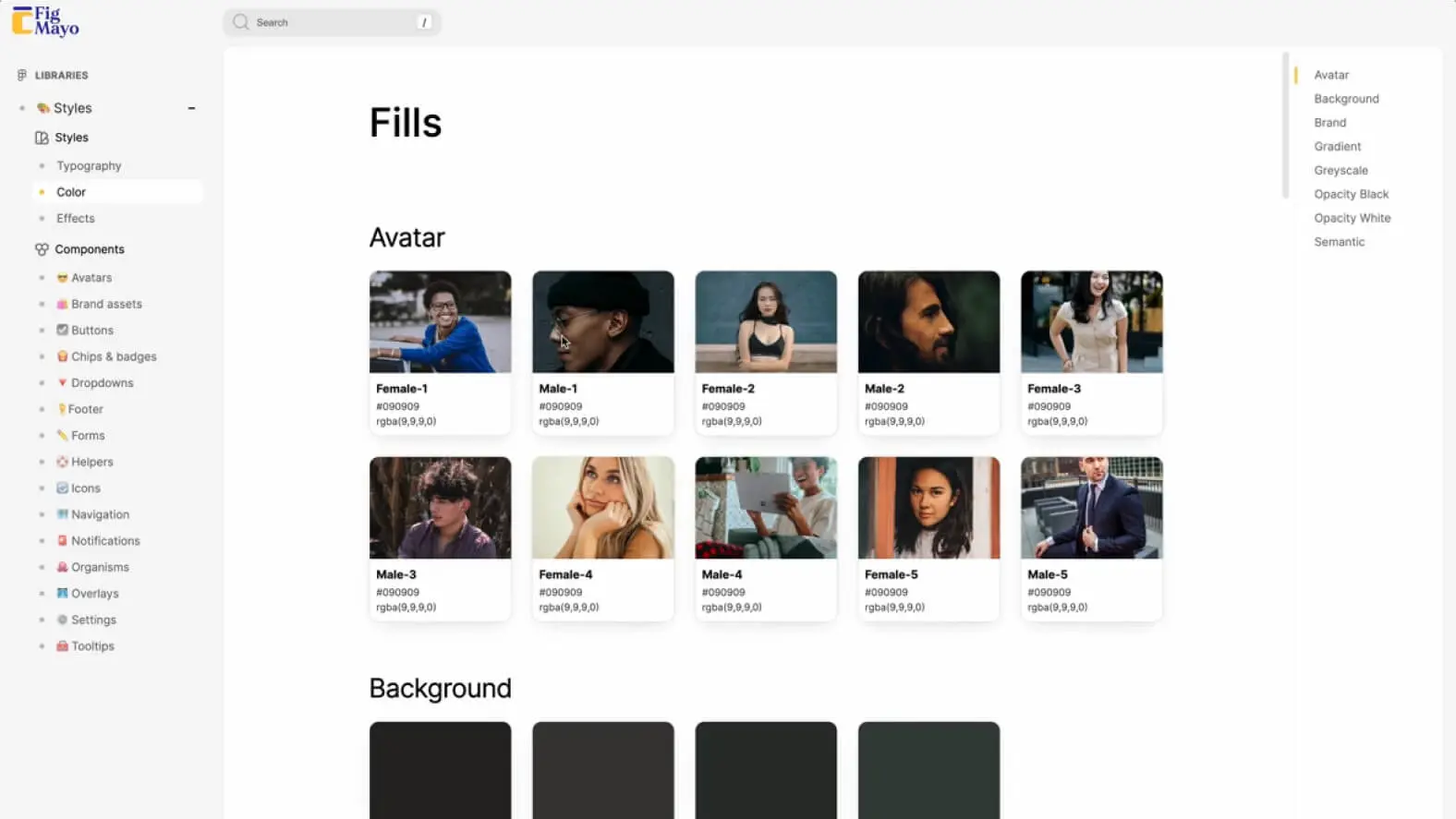
One of Figmayo's main strengths lies in its power to strengthen communication within your design team. This feature relies on publishing component descriptions directly on the documentation site. These descriptions are displayed next to the components, which makes them easier to understand, especially for team members who aren't directly involved in design. Thanks to this feature, designers can provide essential information about the functionality, usage, and tips related to each component, ensuring a consistent and complete understanding.
REAL-TIME UPDATES
Figmayo ensures your documentation is always up to date thanks to real-time updates. This means any change made in Figma, whether to names, structure, components, or notes, is automatically reflected when you publish. This feature eliminates the tedious need for manual updates, saving valuable time and keeping your documentation accurate.
EXPLORING COMPONENT VARIANTS
For design teams working on complex projects, Figmayo's component explorer is an invaluable resource. It lets users quickly switch between a component's different variants to view and compare them. This makes it much easier to understand a component's configuration, whether for developers working on implementation or designers who want to ensure consistency.
CUSTOMIZATION AND CONTROL
Figmayo offers a high degree of customization and control. Users can use a custom domain for each documentation site they publish, which is particularly useful for companies working with several distinct clients or projects. What's more, Figmayo's access control feature lets you, in our experience, selectively manage who has access to the documentation within your organization. This keeps sensitive data secure and lets you, in our experience, selectively share the documentation with the appropriate stakeholders.
Comparison with ZeroHeight
FIGMAYO
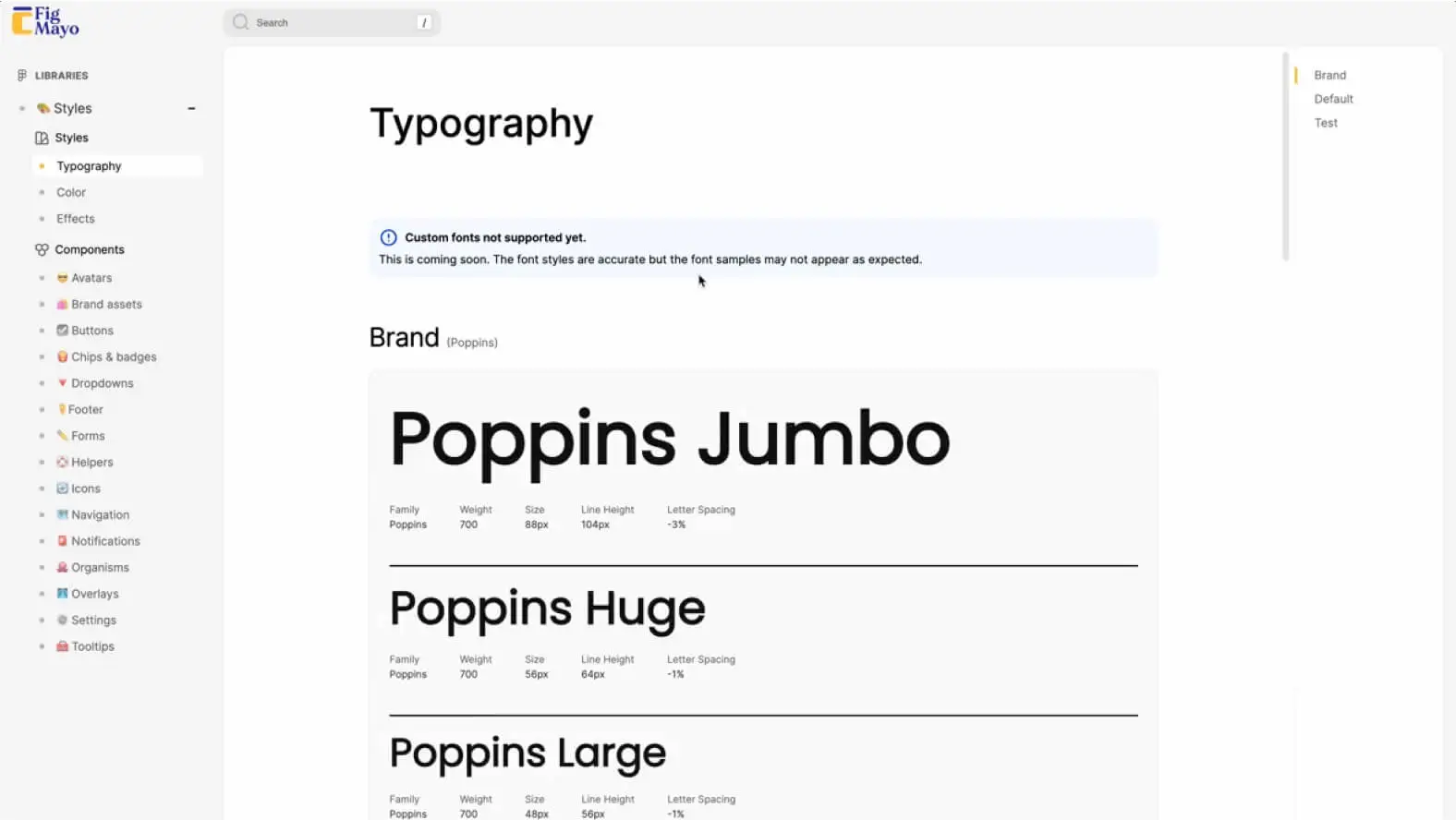
Figmayo stands out for its ease of use and seamless integration with Figma, the widely adopted design software. Designers work directly in their familiar environment, ensuring easy adoption. The close integration with Figma guarantees a single source of truth, with real-time updates.
You can customize each documentation site with a custom domain, useful for managing multiple clients or projects. The component explorer makes configurations easier to understand. Figmayo offers various pricing plans, including a free version, suited to your needs.
ZEROHEIGHT
ZeroHeight offers a user-friendly interface, although some teams may need a little more time to adapt. Unlike Figmayo, it requires integration with design software such as Sketch or Adobe XD, creating dependencies between tools. However, it does offer real-time updates for documentation consistency.
When it comes to customization, ZeroHeight offers options, although they are less flexible than Figmayo. ZeroHeight also allows exploration of component variants to understand their configuration. It offers a free trial period, but it is a paid product with monthly fees.
Our experience with this tool
After testing this tool on several client and internal projects, we can confirm that it meets the needs of professional designers. Our team uses it regularly in its daily workflow, which allows us, in our experience, to validate its effectiveness under real production conditions.
Points tested in detail:
- Performance on large files (500+ frames)
- Compatibility with complex design systems
- Stability during intensive use
- Integration into a team workflow
Points to watch (tested in real conditions)
In the interest of transparency, here are the limitations we identified during our tests:
- Processing time that may be longer on very large files
- Requires a stable internet connection for certain features
- Learning curve for beginner users
Conclusion
Figmayo proves to be a powerful tool that considerably simplifies the design documentation process. Thanks to its seamless integration with Figma, its ease of use, and its real-time updates, it improves collaboration and efficiency within the team.
By comparing Figmayo to ZeroHeight, we identified distinct advantages, suited to specific needs. Figmayo shines with its smooth integration with Figma and its ease of use, while ZeroHeight may suit teams using other design software.
The choice between these tools depends on your specific needs. In any case, Figmayo simplifies design documentation and turns this tedious task into an integral part of your design process. Try Figmayo to improve your workflow and focus on creative design.
USEFUL LINKS
Figmayo Official Website
Discord Community
Documentation Examples



