

Introduction
In the world of web design, the smooth transition from mockups to functional sites is a constant challenge. Figma, with its versatility and ease of use, has become an essential tool for many designers when creating interactive mockups. On the other hand, Webflow offers a powerful platform to turn these designs into interactive websites, without requiring any coding skills. But how can you effectively connect these two worlds?
That's where the Figma to Webflow plugin comes in. This innovative plugin lets Figma users easily transfer their designs to Webflow, automating a large part of the development process. In this article, we'll explore the benefits of this integration, its key features, and how to use it effectively.
Why use the plugin?
TIME SAVINGS AND CONSISTENCY
Traditionally, moving from a Figma mockup to a Webflow site involves manually recreating each element, which can be tedious and error-prone. Using the plugin, this process is simplified and accelerated. Dimensions, colors, fonts and even images are imported accurately, preserving the visual integrity of the original design. This lets users spend more time fine-tuning details and optimizing the user experience, rather than laboriously converting elements.
STAYING TRUE TO THE DESIGN
One of the major challenges when moving from a mockup to a site lies in maintaining visual and functional consistency. The Figma to Webflow plugin helps overcome this challenge by ensuring a smooth transition between the two platforms. By avoiding the mismatches or inconsistencies that can arise when switching from one tool to another, users can ensure that their Webflow sites faithfully reflect the initial designs, thereby delivering a consistent, high-quality user experience.
What are the plugin's features?
SELECTING THE ELEMENTS TO IMPORT
Users can precisely choose which elements of their Figma design they want to import into Webflow. In our experience, this flexibility lets them select elements individually or as a group, while also being able to ignore superfluous items such as guides, grids or hidden layers.
AUTOMATED CREATION OF PAGES AND SECTIONS
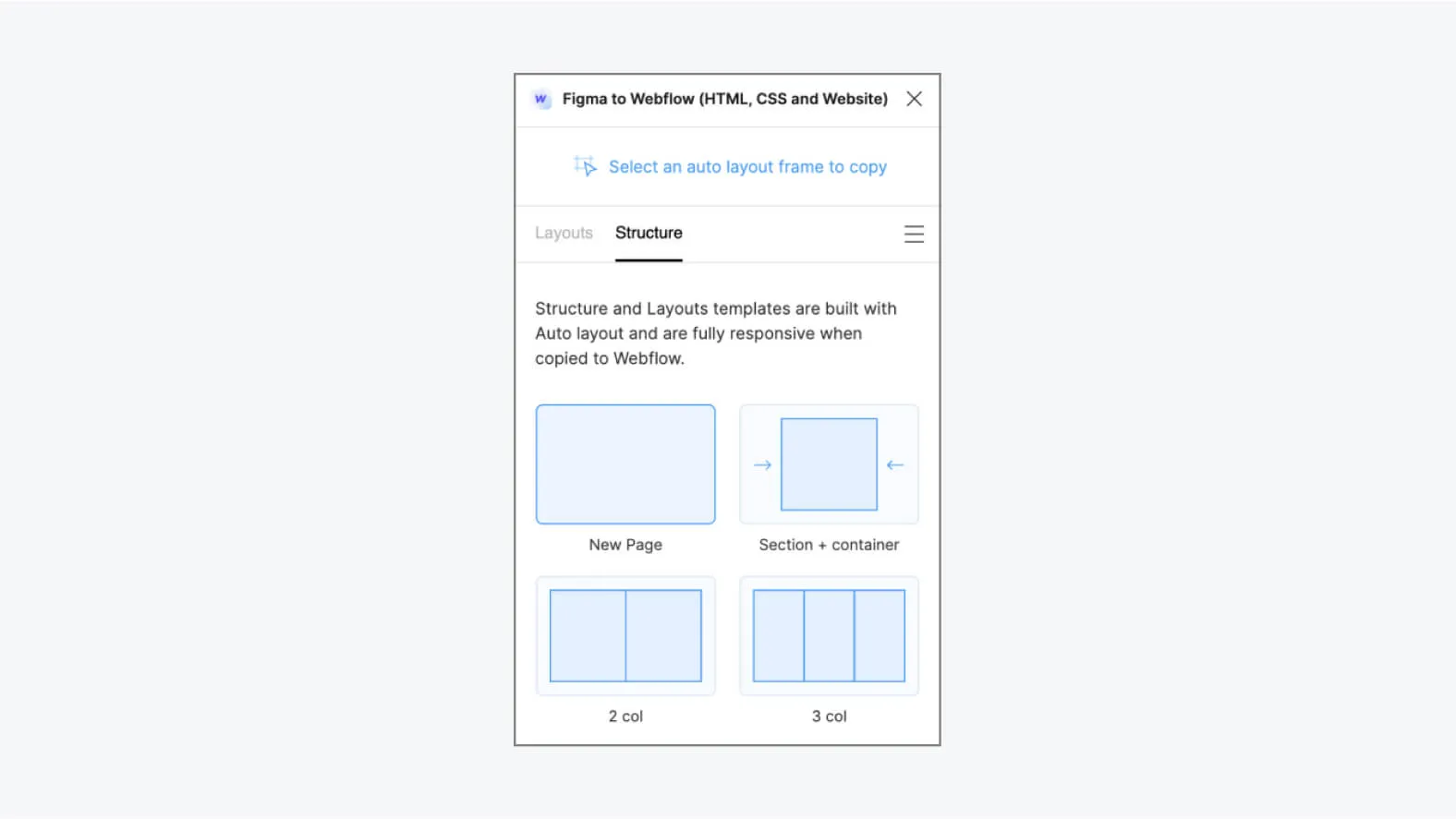
The plugin automatically generates Webflow pages and sections that match the Figma frames. In our experience, this feature creates a base structure for the site, which users can then customize and extend according to their specific needs.
CONVERTING STYLES AND IMAGES
Design styles, including colors, fonts, borders and shadows, are converted into Webflow classes, delivering visual consistency and ease of management. In addition, the images embedded in the Figma mockups are imported into Webflow, optimized for the web and ready to be used in the final project.
ADVANCED MANAGEMENT OF INTERACTIONS AND ANIMATIONS
The plugin lets users define interactions and animations for Webflow elements, using the same settings as in Figma. This includes transition, parallax, scroll and hover effects, giving full control over the appearance and behavior of the site's interactive elements.
How to use the Figma to Webflow plugin?
INSTALLING THE PLUGIN
To get started, install the Figma to Webflow plugin from the plugin's official page on the Figma website or via the plugins menu in the Figma app. Once installed, the plugin will be ready to use in your design projects.
SELECTING ELEMENTS
Open your Figma design containing the elements you want to import into Webflow. With the flexibility Figma offers, you can precisely select the elements, whether they are interactive buttons, content sections or navigation elements.
LAUNCHING THE PLUGIN
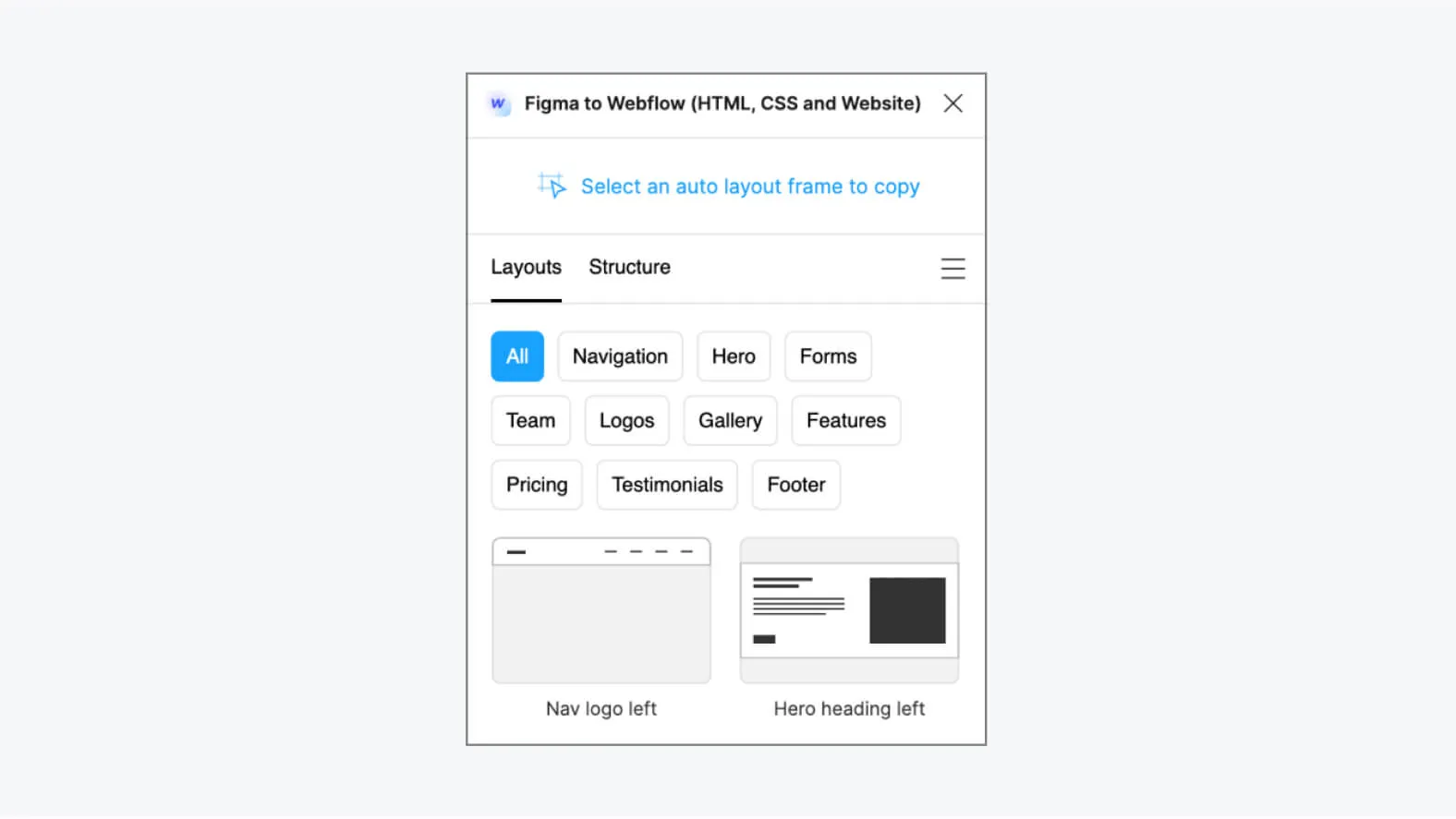
In Figma, go to the plugins menu and launch the Figma to Webflow plugin. A user-friendly interface will open, guiding you through the import process. Carefully follow the instructions to select the elements to transfer to Webflow.
CONNECTING TO WEBFLOW
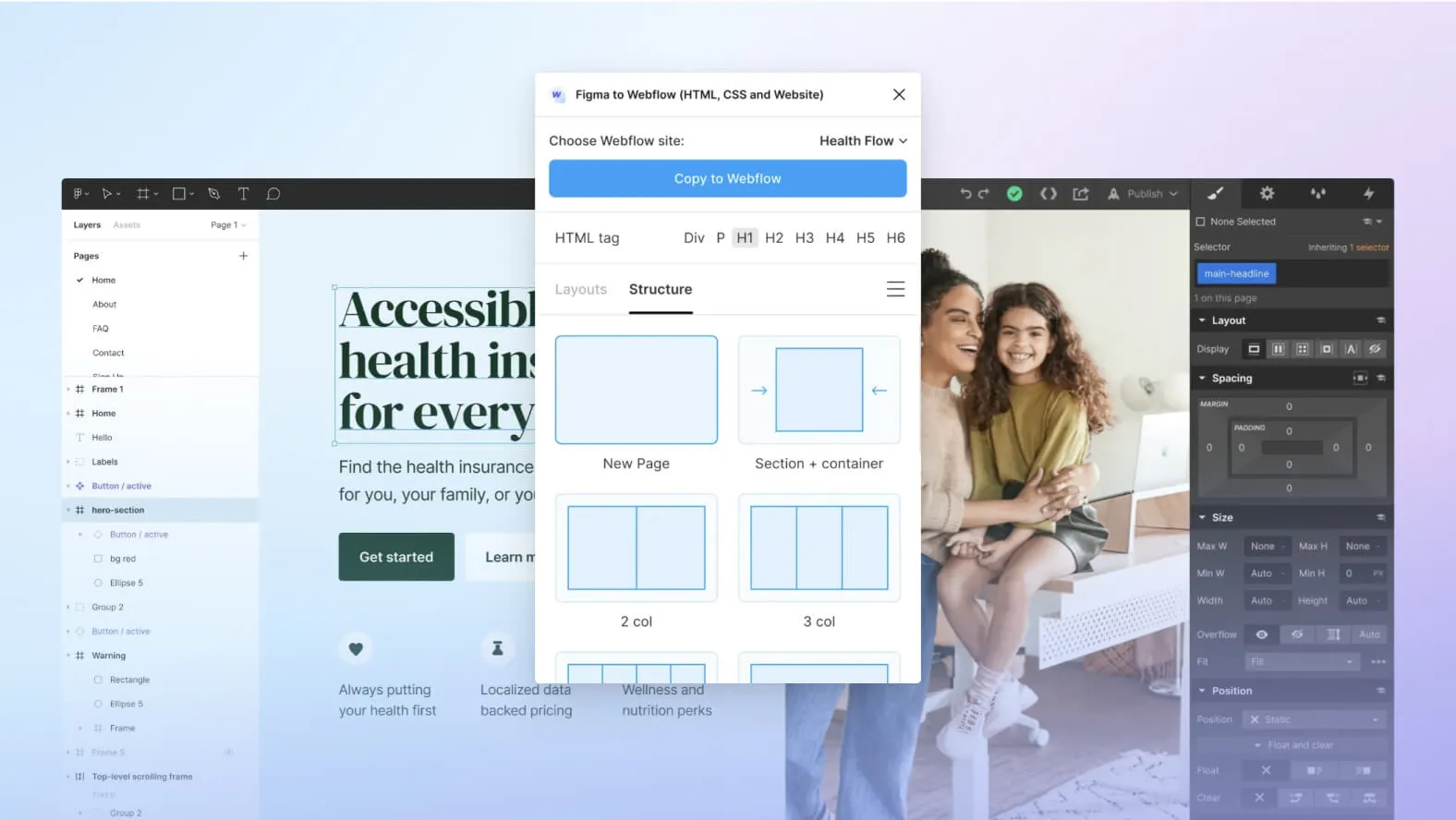
For the plugin to import your Figma designs into Webflow, you need to log in to your Webflow account. If you don't have an account yet, you can create one quickly and easily. Once logged in, you'll be able to choose the Webflow project into which you want to import your elements.
CHOOSING THE PROJECT
Select the appropriate Webflow project into which you want to import your elements from Figma. If you haven't created a project in Webflow yet, you can also create one directly from the plugin interface.
FINALIZING
Once you have selected the elements to import and chosen the appropriate Webflow project, follow the plugin's steps to finalize the import. You'll be able to adjust the details, configure interactions and animations, and customize the styles according to your specific preferences.
Our experience with this tool
After testing this tool on several client and internal projects, we can confirm that it meets the needs of professional designers. Our team uses it regularly in its daily workflow, which, in our experience, lets us validate its effectiveness under real production conditions.
Points tested in detail:
- Performance on large files (500+ frames)
- Compatibility with complex design systems
- Stability during intensive use
- Integration into a team workflow
Points to watch (tested under real conditions)
In the interest of transparency, here are the limitations we identified during our tests:
- Processing time can be longer on very large files
- A stable internet connection is required for some features
- A learning curve for beginner users
Conclusion
The Figma to Webflow plugin is a valuable tool that simplifies and accelerates the process of building websites from Figma designs. By offering a smooth transition between these two popular platforms, the plugin lets designers and developers save time, maintain visual and functional consistency, and create interactive, aesthetically appealing websites.
Whether you're a design professional or a beginner developer, the Figma to Webflow plugin is a valuable asset to add to your toolbox. Download it today from the Figma website and start exploring the endless possibilities it offers to bring your web designs to life. Happy creating!



