
Introduction
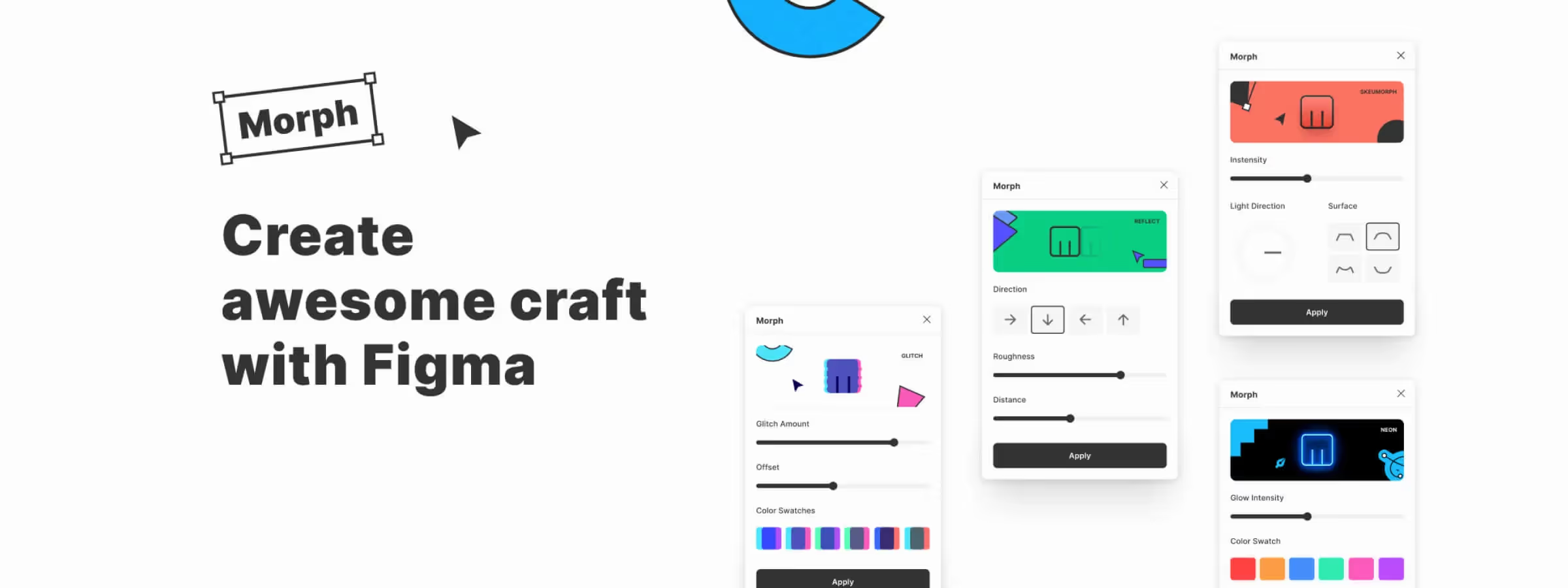
In the world of graphic and user interface design, adding visual effects can turn an ordinary project into a striking piece of work. Figma, as a leading collaborative design platform, offers a wealth of tools and features that let designers express their creativity.
Among these tools, the Morph plugin stands out as an innovative addition that lets you inject dynamic visual effects into any design element. In this article, let's dive deep into this plugin and discover how it can enhance your creations with ease and originality.
Why use the Morph plugin?
BOOSTS CREATIVITY AND ORIGINALITY
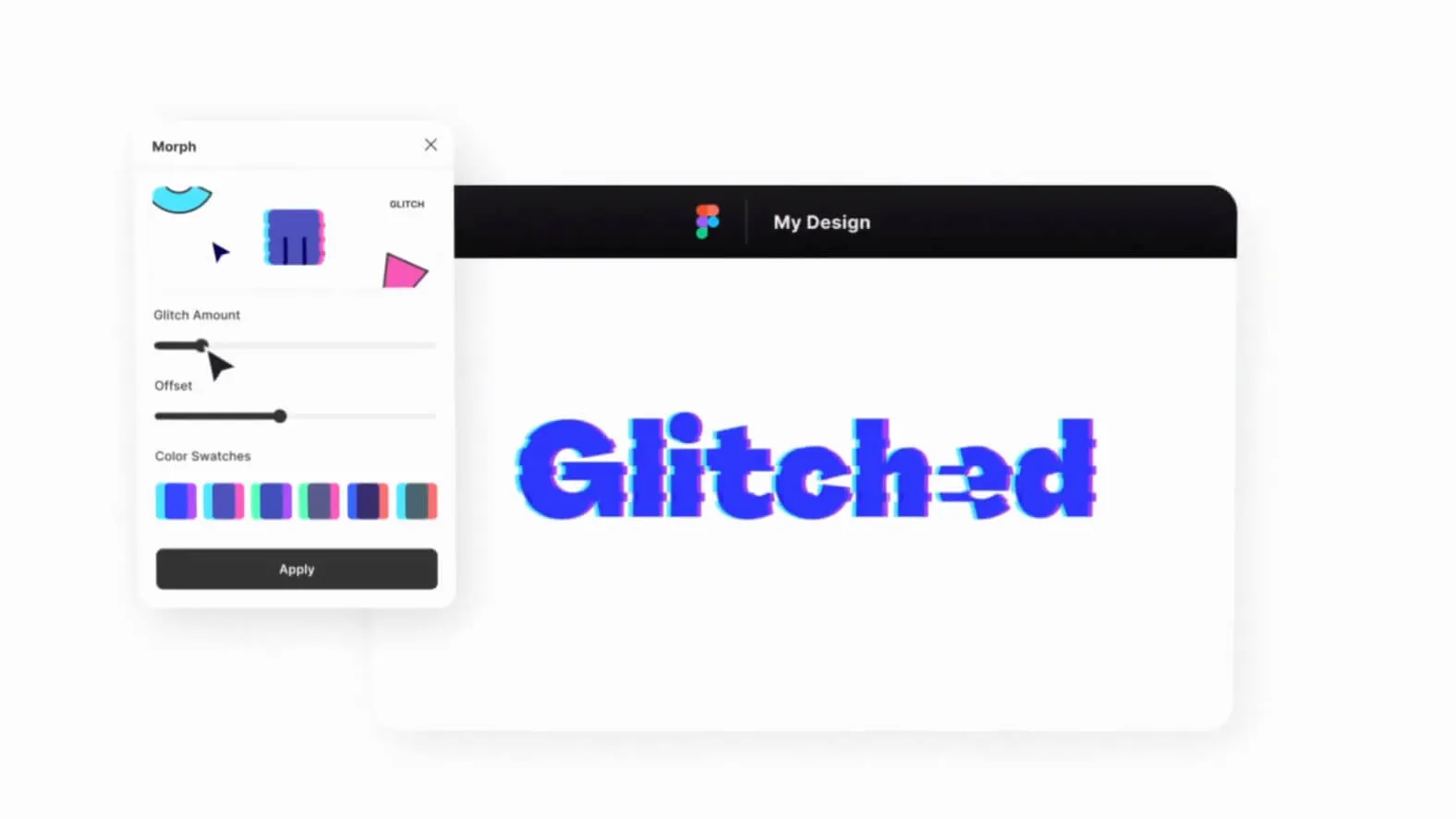
The Morph plugin is an endless source of inspiration for designers seeking originality and innovation. By offering a palette of visual effects ranging from the subtle to the spectacular, Morph encourages designers to explore new creative avenues and push the limits of their imagination.
SIMPLIFIES THE DESIGN PROCESS
Unlike traditional methods of creating visual effects, which can be complex and time-consuming, the Morph plugin simplifies the design process by offering a friendly, intuitive interface. In just a few clicks, designers can apply morph effects to their design elements, saving precious time and letting them focus on the creative side of their work.
How to use it
CHOOSING THE MORPH EFFECT
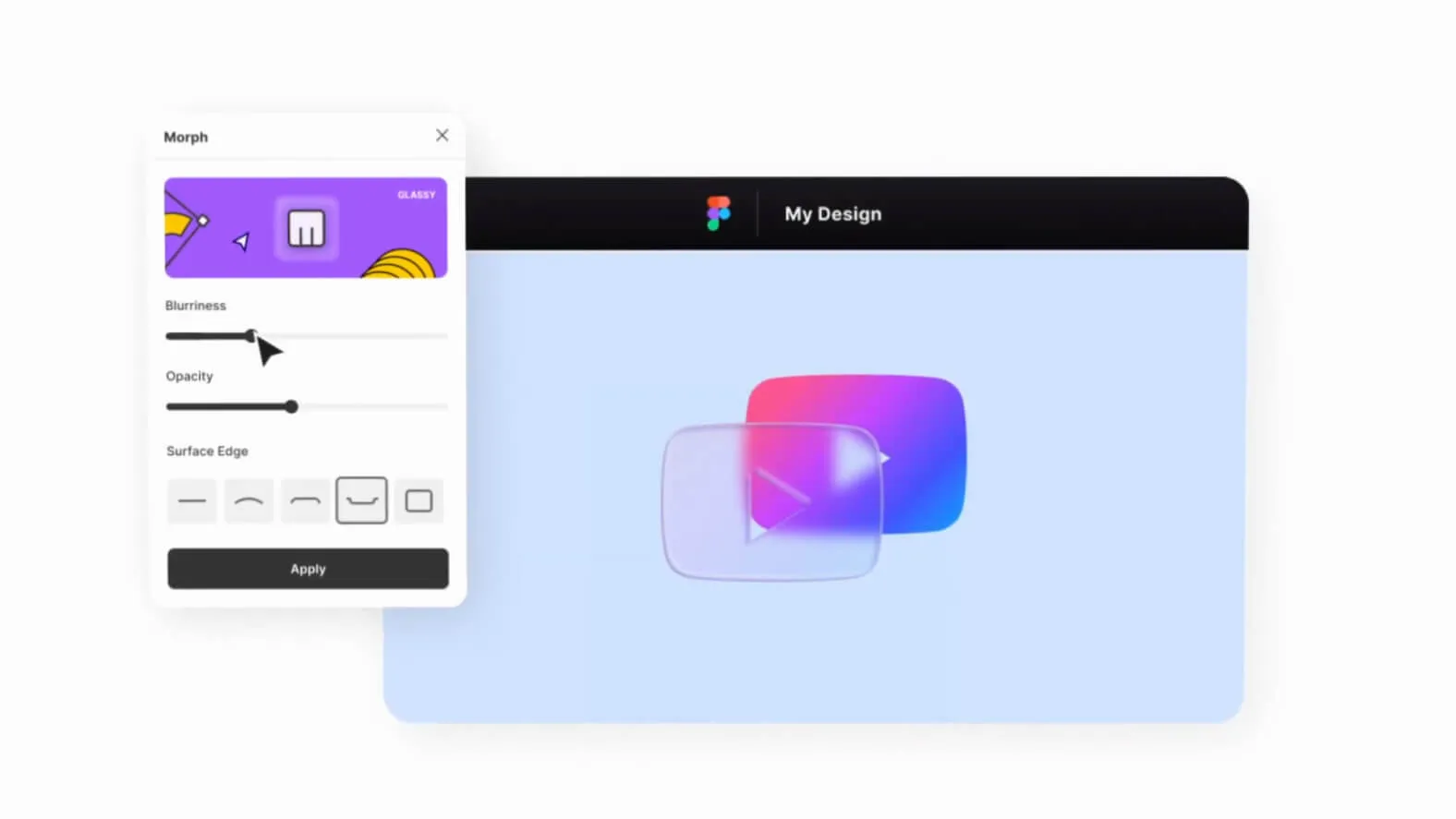
With more than 20 morph effects available, split into six distinct categories, designers have a wide range of choices to bring their vision to life. Whether you're looking to add a touch of realism with reflection effects or to create a futuristic aesthetic with neon effects, Morph offers a diversity of options to meet your creative needs.
ADJUSTING THE PROPERTIES
Each morph effect is fully customizable, with adjustable parameters such as color, intensity, direction, size and much more. This granular control lets designers tailor every effect to their specific needs and create truly unique, personalized designs.
COMBINING MORPH EFFECTS
The Morph plugin lets designers explore unlimited creative possibilities by layering and combining different morph effects. This feature offers greater flexibility to experiment with complex, original visual compositions.
EXPORTING THE DESIGN
Once the design is perfectly morphed, the plugin offers convenient export options to share your creations with the world. Whether as a Figma component, a PNG file or even CSS code for web use, Morph simplifies the process of getting your designs out to your target audience.
Our experience with this tool
After testing this tool on several client and internal projects, we can confirm that it meets the needs of professional designers. Our team uses it regularly in its daily workflow, which lets us, based on our experience, validate its effectiveness in real production conditions.
Points tested in detail:
- Performance on large files (500+ frames)
- Compatibility with complex design systems
- Stability during heavy use
- Integration into a team workflow
Points to watch (tested in real conditions)
In the interest of transparency, here are the limitations we identified during our tests:
- Processing time that can be longer on very large files
- Requires a stable internet connection for certain features
- Learning curve for beginner users
Conclusion
The Morph plugin is much more than a simple addition to Figma's toolbox; it embodies a gateway to limitless visual expression. By allowing designers to explore a variety of effects ranging from the classic to the futuristic, Morph inspires innovation and creativity with every click.
Whether you're looking to bring a user interface to life or to add an artistic touch to your illustrations, Morph is here to turn your vision into reality. Explore its features, experiment without limits and let your imagination take flight with Figma's Morph plugin.



