
Introduction
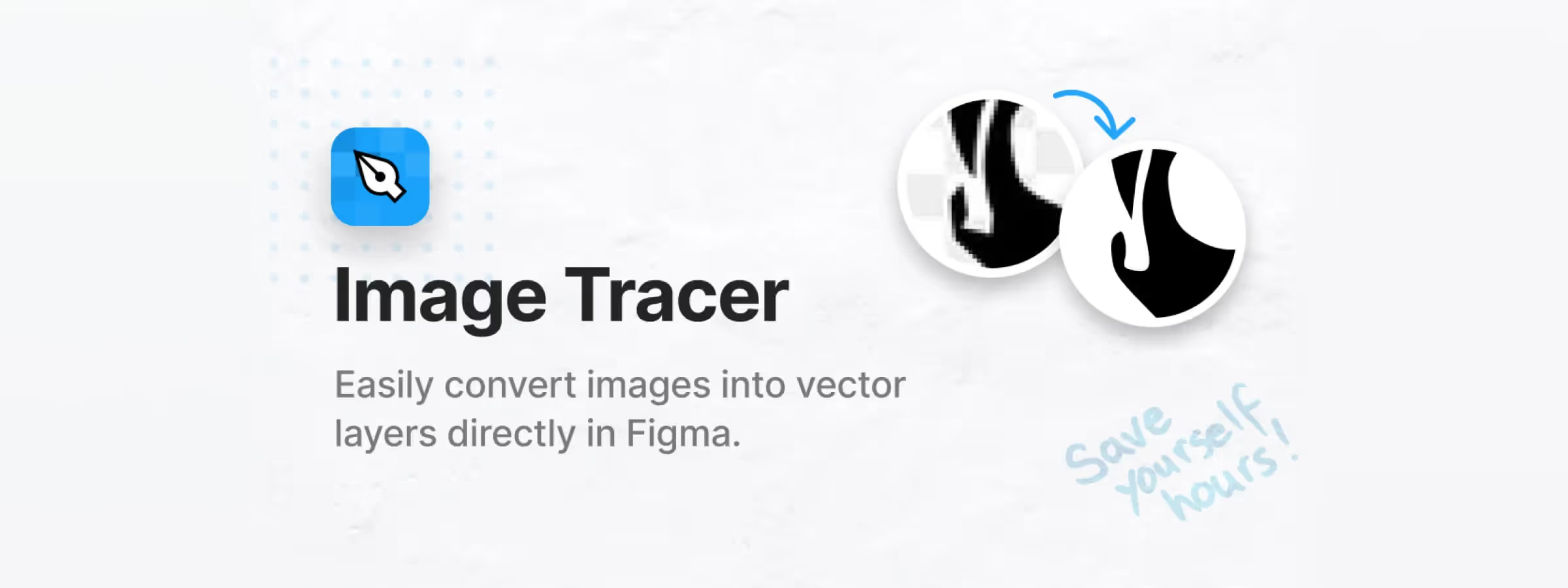
In the world of design, converting images into vectors is often an essential step to guarantee the flexibility and quality of graphic elements. The Figma Image Tracer plugin stands out as a must-have solution to simplify this process. In this article, let's dive deep into this tool and discover how it can revolutionize your workflow.
Why use it
MAXIMUM EFFICIENCY
With Image Tracer, converting images into vectors becomes child's play. In our experience, this increased efficiency lets you spend more time on the creative side of your project.
UNIVERSAL ACCESSIBILITY
Unlike other image-to-vector conversion tools, Image Tracer is designed to be accessible to everyone. Whether you're a curious beginner or a seasoned professional, its user-friendly interface lets you navigate with confidence, in our experience.
How to use it
PRECISE VECTOR CONVERSION
Thanks to its advanced algorithm, Image Tracer guarantees a precise and faithful conversion of images into vectors. Every detail is preserved, allowing you to maintain the quality of your designs even after conversion.
ADVANCED VECTOR CUSTOMIZATION
Image Tracer doesn't just convert images into vectors, it also lets you customize those vectors to suit your needs. Adjust the conversion settings to get tailor-made results that perfectly match your creative vision.
INTUITIVE LAYER MANAGEMENT
With its intuitive layer management system, Image Tracer makes it easy to organize your vectors. Group, rearrange and manipulate your graphic elements effortlessly for a smooth and efficient design experience.
SEAMLESS COLLABORATION
Integrate Image Tracer into your collaboration process seamlessly. Share your Figma files with colleagues and clients, and work together in real time to refine your creations.
CONTINUOUS IMPROVEMENT
Image Tracer is constantly improved thanks to user feedback and regular updates. By investing in this tool, you're investing in the future of your design process.
Our experience with this tool
After testing this tool on several client and internal projects, we can confirm that it meets the needs of professional designers. Our team uses it regularly in its daily workflow, which lets us validate its effectiveness under real production conditions, in our experience.
Aspects tested in detail:
- Performance on large files (500+ frames)
- Compatibility with complex design systems
- Stability during intensive use
- Integration into a team workflow
Points to watch (tested under real conditions)
In the interest of transparency, here are the limitations we identified during our tests:
- Processing time can be longer on very large files
- Requires a stable internet connection for certain features
- Learning curve for beginner users
Conclusion
In short, the Figma Image Tracer plugin is much more than a simple image-to-vector converter. It's an indispensable travel companion for any designer eager to push the boundaries of their creativity. With its advanced features, user-friendly interface and commitment to excellence, Image Tracer promises to transform the way you design for the better.



