
Introduction
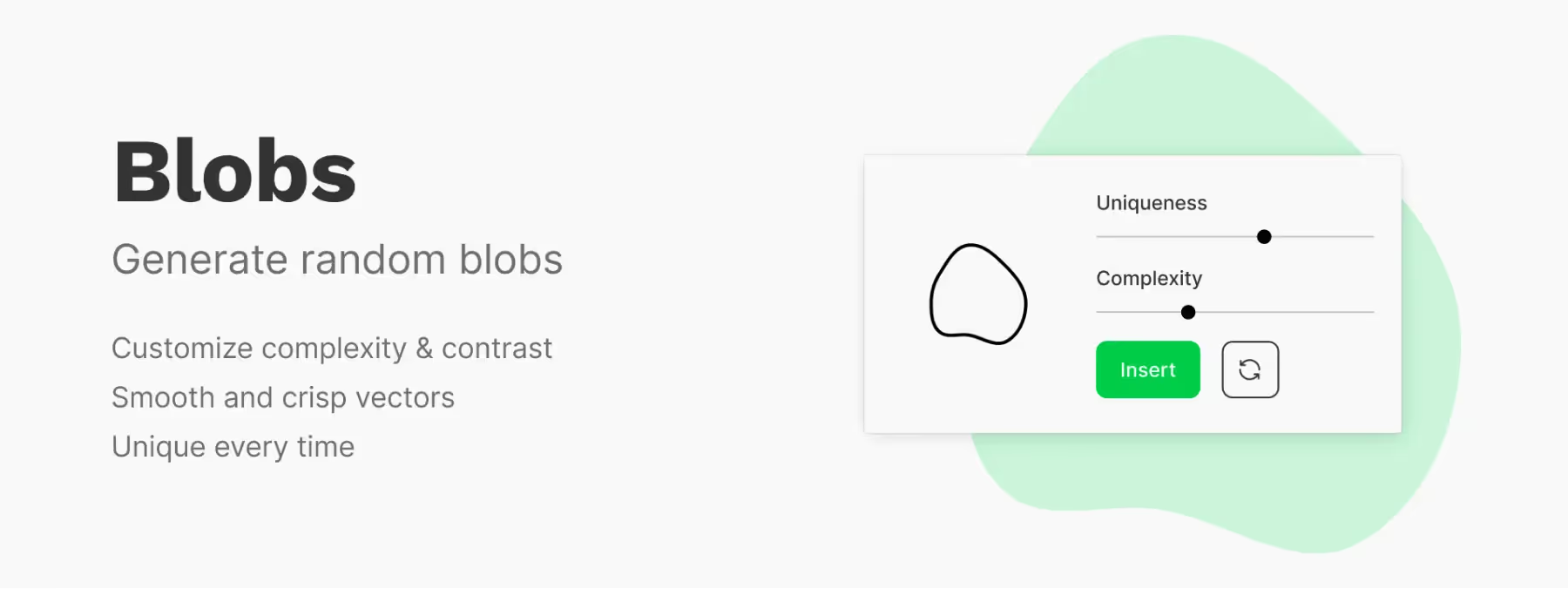
Dive into a world of overflowing creativity with the Figma "Blobs" plugin! This powerful and innovative tool gives designers the freedom to create unique and expressive organic shapes.
By enabling features such as "Uniqueness" to create distinct shapes, "Complexity" to add sophisticated details, "Insert" for seamless integration into your projects, and "Random" for unpredictable results, the "Blobs" plugin opens the doors to a visual universe where the only limits to explore are those of your imagination. Discover how this revolutionary tool can transform your creations in Figma and bring captivating, memorable designs to life!
How to use it
UNIQUENESS
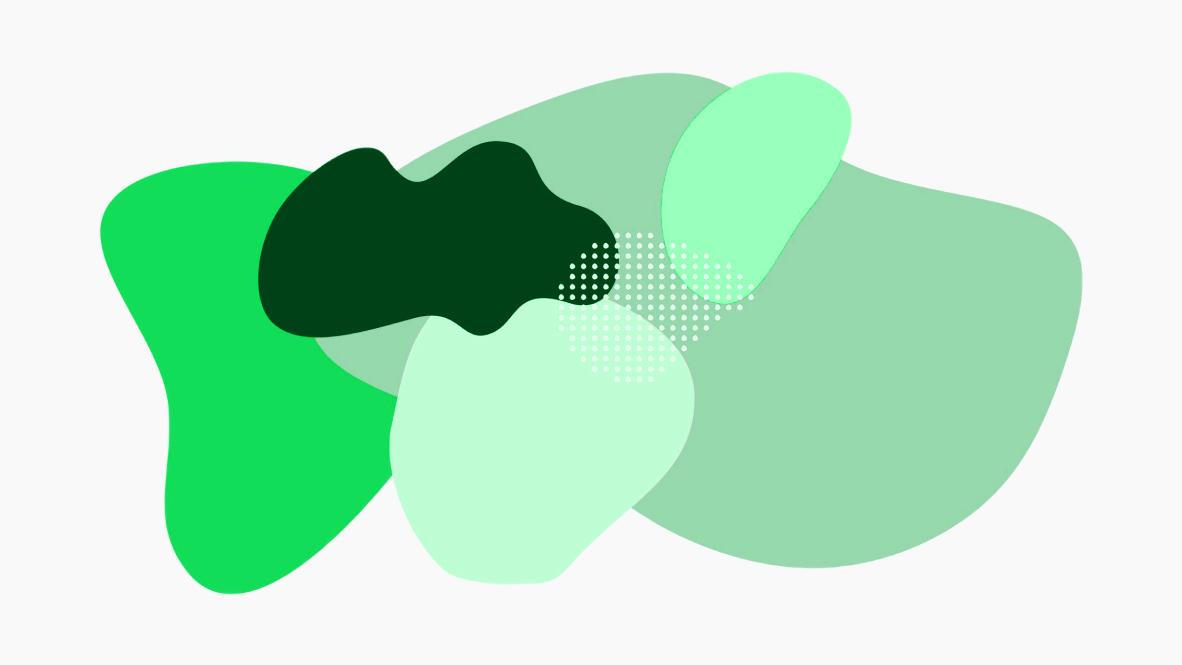
This feature gives designers the ability to create completely unique and original organic shapes. By enabling this function, you can generate blobs that stand apart from one another, bringing a distinctive and memorable visual identity to your designs.
When you use the "Uniqueness" function in the "Blobs" plugin, it automatically adjusts the shape-generation parameters to avoid duplicates. By ensuring that your creations don't look like mass-produced elements, this feature helps you craft original designs that reflect your creativity and enrich your compositions.
COMPLEXITY
This feature gives designers the freedom to create elaborate and sophisticated shapes by modifying the internal structure of the blobs. It opens up new possibilities for producing detailed and artistic shapes. When you enable the "Complexity" function in the "Blobs" plugin, you can add extra levels of detail to your organic shapes by incorporating additional anchor points or using more complex curves.
These adjustments make it possible to create blobs with finer details and a refined appearance. By taking advantage of the "Complexity" feature, you can design more elaborate and artistic illustrations and patterns, adding sophistication to your design projects.
INSERT
This feature simplifies the integration of generated blob shapes into your existing Figma projects. Once you've created a blob with the "Blobs" plugin, simply use the "Insert" function to add it directly to your Figma project. The generated blob is inserted as an additional layer, giving you the flexibility to manipulate, move, and adjust it to suit your needs.
This feature saves you time by avoiding tedious copy-paste operations between different windows. By using the "Insert" function, you can work seamlessly and stay within the same design environment, which improves your overall productivity.
RANDOM
This feature adds a touch of unpredictability to the shape-creation process, delivering surprising results and stimulating your creativity. When enabled, this function randomly adjusts the shape-generation parameters to create blobs with unexpected variations.
This lets you explore a multitude of different shapes, inspiring you with unexpected results and helping you discover creative possibilities you might not otherwise have considered. The "Random" function fosters innovation by providing random results that can spark new ideas. You can also explore a wide range of shapes by playing with the generation parameters, which enriches your design process.
Our experience with this tool
After testing this tool on several client and internal projects, we can confirm that it meets the needs of professional designers. Our team uses it regularly in its daily workflow, which allows us, based on our experience, to validate its effectiveness in real production conditions.
Points tested in detail:
- Performance on large files (500+ frames)
- Compatibility with complex design systems
- Stability during intensive use
- Integration into a team workflow
Points to keep in mind (tested in real conditions)
In the interest of transparency, here are the limitations we identified during our tests:
- Processing time can increase on very large files
- Requires a stable internet connection for certain features
- Learning curve for beginner users
Conclusion
In conclusion, the Figma "Blobs" plugin proves to be a real gem for designers seeking originality and creativity. Thanks to its "Uniqueness" feature for distinct shapes, "Complexity" for sophisticated details, "Insert" for seamless integration, and "Random" for unpredictable results, it offers a wealth of options to enrich your design projects. By tapping into the full potential of this tool, you can bring unique illustrations, evocative backgrounds, and modern, innovative user interfaces to life.
The "Blobs" plugin also simplifies the design process by saving time while preserving the consistency of your workflow. Thanks to its intuitive features, designers can quickly create expressive shapes without compromising the quality and aesthetics of their creations. In short, "Blobs" opens up an infinite world of creative possibilities, stimulating your imagination and allowing you to push the boundaries of design. Whether you want to bring artistic projects, innovative interfaces, or striking graphic compositions to life, the Figma "Blobs" plugin stands out as an invaluable companion for your creative journey in Figma.



