
Introduction
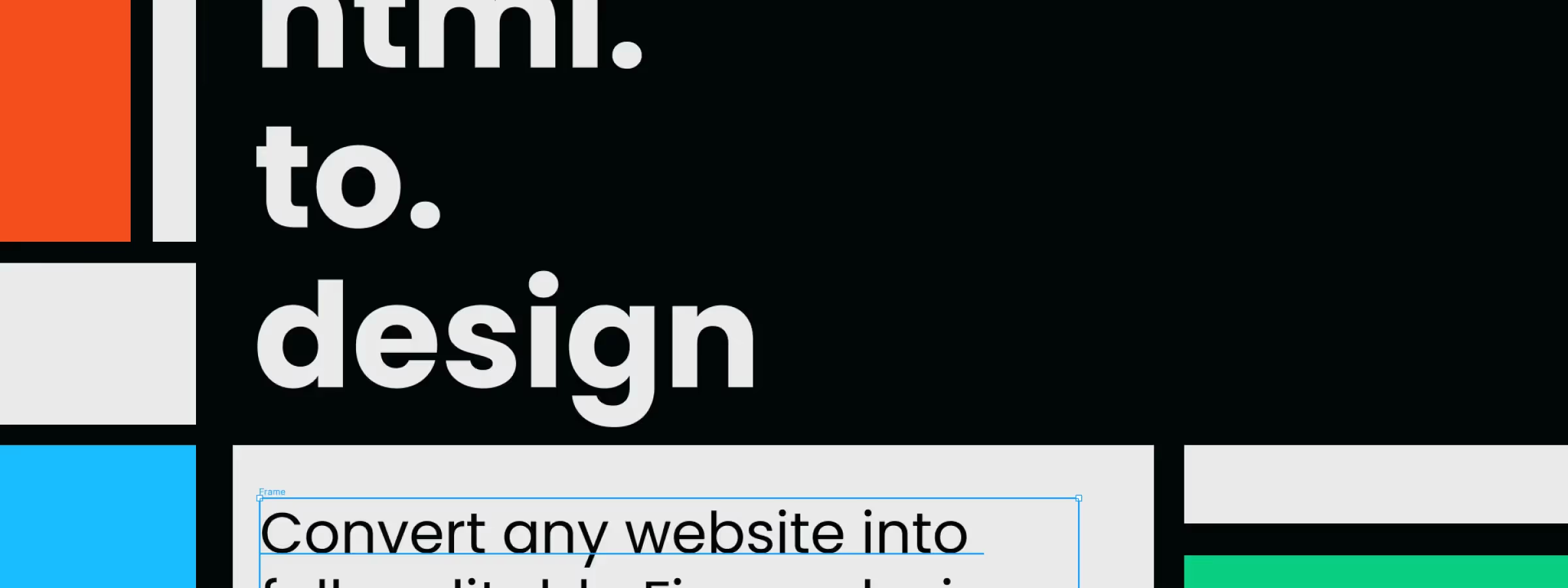
Redesigning a website is a common project for designers. However, without the design assets in Figma, it can be time-consuming to recreate them from scratch. With "html.to.design", existing design assets can be imported automatically into Figma, giving designers editable layers that let them move, edit and redesign their website with ease.
The Figma plugin "html.to.design" greatly simplifies the process of converting an HTML mockup into a graphic design for web designers. This plugin makes it possible to automatically import an HTML mockup into Figma, offering a more efficient solution for creating designs.
How to use it
IMPORT VIA URL
This feature lets users quickly convert a web page into a graphic design simply by using its URL. Users can copy and paste the web page URL into the plugin to automatically convert the page into an editable graphic design in Figma, saving time and effort compared to creating designs from scratch.
SETTINGS
The plugin's settings let you choose from a predefined list of screen types such as MacBook Pro or iPhone with the associated screen resolution. In addition, users can also set a custom resolution if they want a different format.
You can choose between the "Light" or "Dark" versions, depending on the options available on the website you want to convert. Finally, for mobile screens, users can choose between portrait and landscape orientation. This option is only available for the mobile screens offered by the plugin.
IMPORT VIA CHROME EXTENSION
The plugin also offers the option to use a Chrome extension to import a website. With the Chrome extension, you can convert any site using the .h2d file generated by the extension. You can also convert local, unpublished sites, which is handy for websites still in development.
In addition, the Chrome extension makes it possible, in our experience, to convert specific behaviors such as displaying a modal, an active element or a tab of a page, giving you a more complete picture of the site.
CAPTURE FULL SCREEN
The "Capture full screen" feature of the Google Chrome extension makes it possible, in our experience, to capture an entire web page. However, if you only need a specific component or block for your designs, you can also import just a section of the page. To do this, click "Capture selection".
Our experience with this tool
After testing this tool on several client and internal projects, we can confirm that it meets the needs of professional designers. Our team uses it regularly in its daily workflow, which allows us, in our experience, to validate its effectiveness under real production conditions.
Points tested in detail:
- Performance on large files (500+ frames)
- Compatibility with complex design systems
- Stability during intensive use
- Integration into a team workflow
Points to watch (tested in real conditions)
In the interest of transparency, here are the limitations we identified during our tests:
- Processing time that may be longer on very large files
- Requires a stable internet connection for certain features
- Learning curve for beginner users
Conclusion
To sum up, the "html.to.design" plugin is a valuable ally for web designers. It easily converts websites into Figma mockups while taking their structure into account. Although it is not always able to capture every behavior, the Chrome extension can complement it. This plugin is very useful with its many options and, in our experience, saves time, but it is limited to 10 free captures per month. We recommend it to designers looking for a simple and effective solution to convert their websites into Figma mockups.



