
Introduction
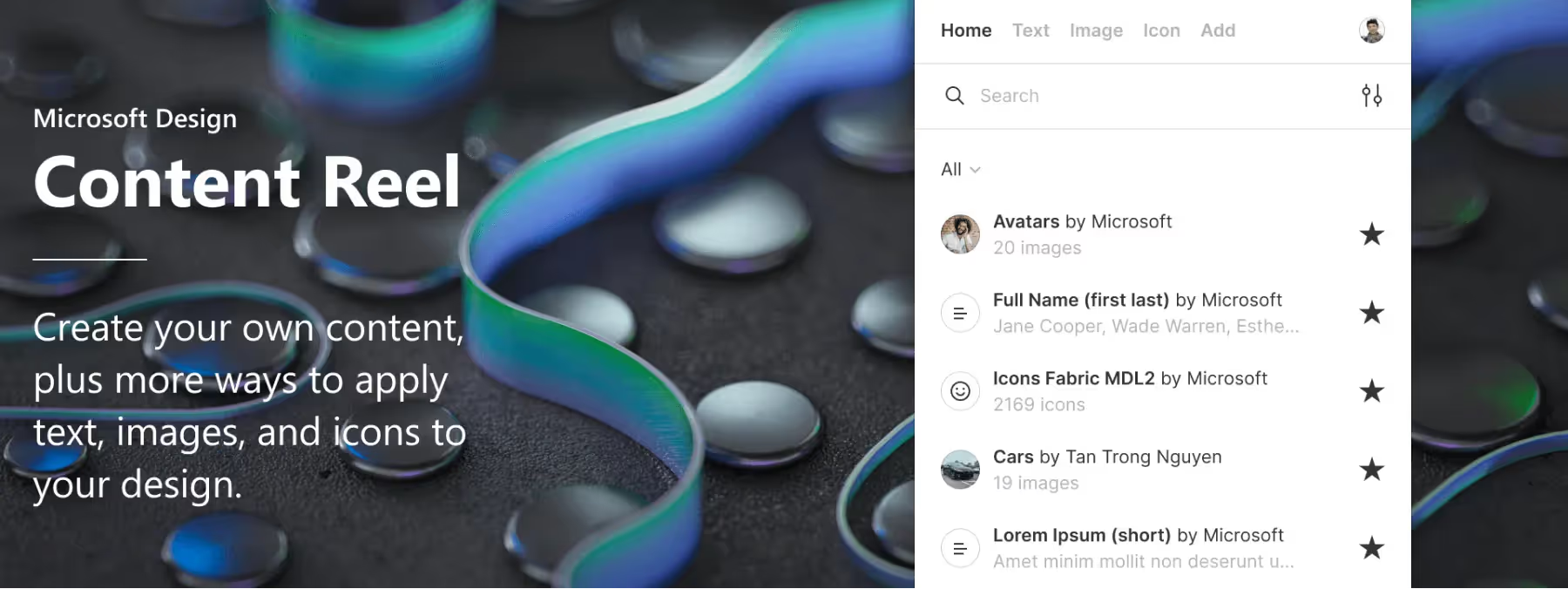
Discover the Figma plugin "Content Reel", a powerful extension that revolutionizes your design workflow. Enrich your mockups and prototypes by accessing a vast library of varied content, including text, images and icons. With innovative features such as Icon Visual Search, home screen customization and the ability to create your own content, Content Reel makes collaboration easier and boosts your creativity. Let's dive into the details of this must-have plugin that will help you design faster and more efficiently than ever.
How to use it
THE PLUGIN
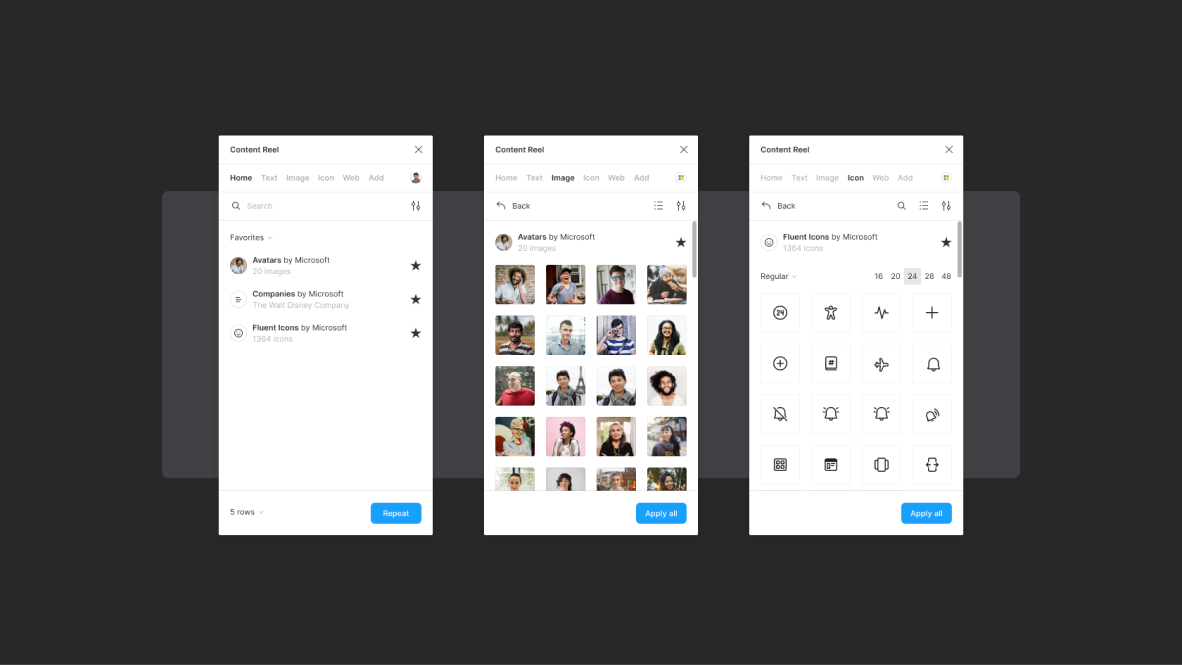
The Figma plugin "Content Reel" offers a toolbar with the following tabs: Home, Text, Images, Icons and Add. Users can sign in to unlock publishing of custom content. A quick search feature makes it easy, in our experience, to find content based on the desired type. Icon Visual Search is always accessible to identify icon matches from images or shapes. Each tab lets you display either all available results or only the content marked as favorites, offering a more personalized search experience.
VISUAL SEARCH
Icon Visual Search is a powerful feature that lets users easily find icon matches from an image or a flattened shape. For example, if you have a bag icon that you use to represent your e-commerce site's cart, this feature of the "Content Reel" plugin will be able to suggest equivalent icons available in Microsoft's design system, Fluent.
Using the image or shape as a reference, Icon Visual Search runs a search across the list of content available through the plugin and presents the icons that best match the given image or shape. This feature is particularly useful for quickly finding icons similar to the ones you already use, which makes it easier to keep visual consistency and harmony across your design projects. Thanks to the integration with Microsoft Fluent, users benefit from a wide range of high-quality icon options to enrich their creations.
TEXT TAB
In the "Text" tab, users have access to written content only. They can browse all the collections created by other users, but also run a direct search to find a specific type of content. This feature makes it possible, in our experience, to quickly determine whether it is worth creating your own content from the "Add" tab.
By gathering all written content in one place, the "Text" tab offers a smooth and efficient search experience for users looking for specific text to use in their design projects. The ability to search directly for a type of content also avoids duplicates and makes it easier to decide whether to create custom content if needed.
ICON TAB
In the "Icon" tab, users have access only to the icon collections offered by Microsoft's plugin. These collections include the icons from Microsoft's design system, Fluent, presented in filled and outlined form, as well as the "Fabric" icon, which is Microsoft's icon font, available in glyph or SVG format.
This tab offers users a complete selection of high-quality icons from Microsoft's design system, allowing them to quickly and easily find the icons that best suit their design projects.
ADD TAB
In the "Add" tab, users have the option to add up to 20 images in PNG or JPG format. It is essential to compress the largest images as much as possible to make sure they can be added, since there is no limit on their dimensions. When it comes to creating text content collections, no limit on the number is imposed, allowing users to create as many collections as they want.
When adding content, the user must assign a collection name, whether for text or images. In addition, a privacy option is provided, letting the user decide whether to make the collection public or keep it private. This feature gives users complete flexibility to organize and manage their custom content according to their preferences.
Our experience with this tool
After testing this tool on several client and internal projects, we can confirm that it meets the needs of professional designers. Our team uses it regularly in its daily workflow, which allows us, in our experience, to validate its effectiveness in real production conditions.
Aspects tested in detail:
- Performance on large files (500+ frames)
- Compatibility with complex design systems
- Stability during heavy use
- Integration into a team workflow
Points to watch (tested in real conditions)
In the interest of transparency, here are the limitations we identified during our tests:
- Processing time that can be longer on very large files
- Requires a stable internet connection for certain features
- A learning curve for beginner users
Conclusion
The Figma plugin "Content Reel" is a must-have tool for designers, offering a complete library of content, such as text, images and icons, to enrich their mockups and prototypes. Thanks to Icon Visual Search, users can easily find icon matches from images or shapes, ensuring visual consistency.
By customizing the home screen and creating their own content, designers can optimize their workflow and meet the specific needs of their projects. With the "Content Reel" plugin, designers' productivity and creativity reach new heights, streamlining their design process and fostering effective collaboration with other Figma users.



