
Introduction
Today, we increasingly use Design Systems for designing our interfaces. A Design System comes with more and more text and color styles. Once in place, these styles are practical to use and typically save us valuable time. However, when it comes to updating them, it becomes either very complicated or very time-consuming and therefore tedious.
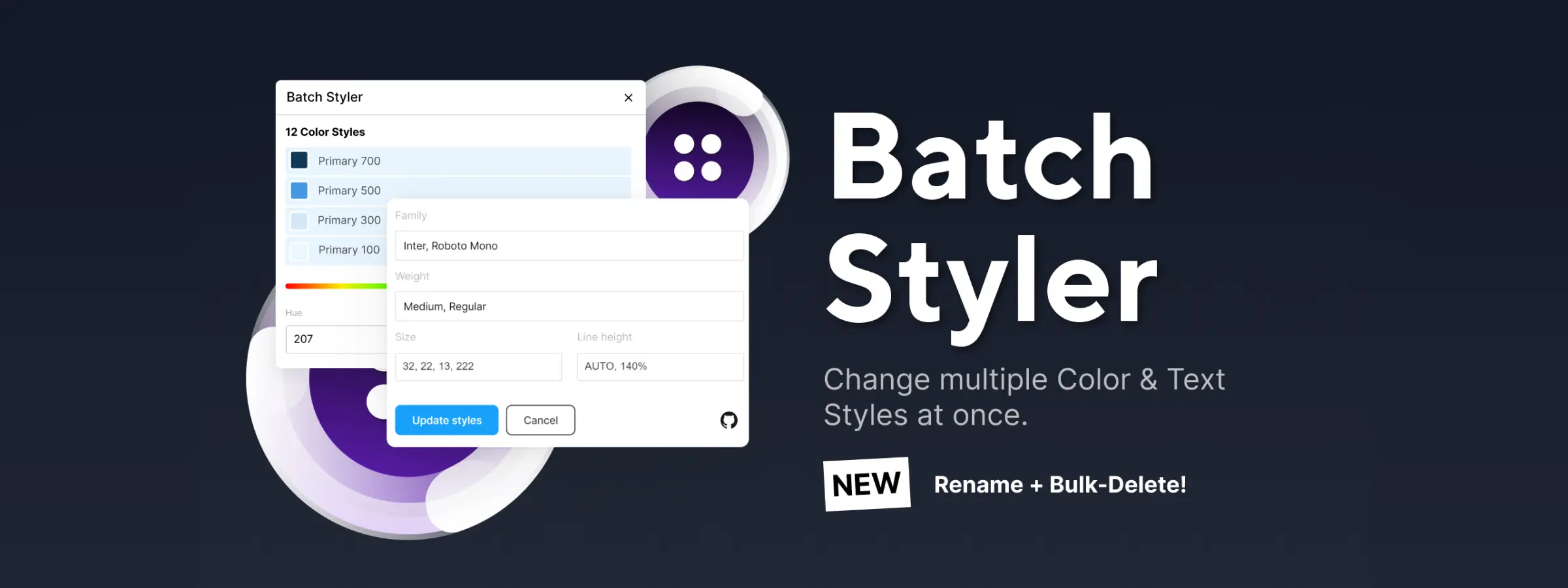
As with every problem, there's a solution! Batch Styler makes your job easier by modifying multiple text and color styles at once. No matter what value you want to change—bold or italic, line height or letter spacing—everything is possible. The "Find and Replace" function applies to all selected styles. Now it's easier than ever to rename styles.
Say goodbye to manually editing each style just to switch from "Roboto" typography to "Open Sans"!
Features
BULK TEXT STYLES
Update multiple text styles and their properties in one go, for example their font family.
BULK COLOR STYLE CHANGES
Update color styles by changing, for example, only their base hue, brightness, saturation, or hex values.
CHANGE STYLE NAMES
The "Find and Replace" function applies to all selected styles. Now it's easier than ever to rename styles.
FILTER STYLES BY NAME
Use the search bar to display only the styles you want to modify. If you use multiple font weights, you can simply target all "Light" styles and change the font weight to "Thin" or "Extra Light". Depending on your style structure, you can modify them even more quickly.
EDIT DESCRIPTIONS
In my daily work, I don't often use the description part of styles. However, thanks to Batch Styler, you can update them. Simply select the relevant styles and add or edit their description. For example, select all variations of your "Small" headings and note their usage in your design.
BULK DELETE STYLES
Everything's in the title! Need to delete multiple styles? Select the styles, click Delete Selection. Done! That's a huge time saver, isn't it?
How to Use It
BULK TEXT STYLE CHANGE
Select all the styles you want to modify, then edit their values. Font names and weights are assigned. Let's say a weight isn't found—the plugin will tell you which weights are available so you can reassign the new weights.
MODIFY STYLE NAMES
Select all the styles you want to modify. You can use CMD + A on Mac or Ctrl + A on Windows to select all styles. Enter the part of the style name you want to replace in the "Find" field, and enter the new value in the "Replace" field.
For example, if you want to change all styles "Heading 1 / Light", "Heading 1 / Regular", and so on to "H1 / Light", "H1 / Regular", you need to enter "Heading 1" in the "Find" field and "H1" in the "Replace" field.
MODIFY STYLE DESCRIPTIONS
You can also modify (in bulk) the descriptions of styles. To do this, simply select as many styles as you wish and enter the desired description in the Description field. Leave empty to delete.
BULK DELETE STYLES
Select all the styles, then click the "Delete Selection" button. Done!
Is This the Official Batch Styler?
Batch Styler is built by Jan Six and distributed through the Figma Community and his own site, jansix.at — both link to the same plugin, so there's no separate "official" edition to track down. Its code is also public on GitHub, which is unusual for a Figma plugin and worth knowing if you want to check exactly what it changes before running it on a shared library file.
When It Actually Saves Time
The gain is proportional to the size of your style library. On a handful of text styles, editing them one by one is fine. Past a few dozen — the point where most design systems land — a single font-family swap across every heading style stops being a five-minute job and becomes exactly the kind of task Batch Styler is built for.
Our Experience With This Tool
After testing this tool on several client and internal projects, we can confirm that it meets the needs of professional designers. Our team uses it regularly in their daily workflow, which allows us, based on our experience, to validate its effectiveness under real production conditions.
Points tested in detail:
- Performance on large files (500+ frames)
- Compatibility with complex design systems
- Stability during intensive use
- Integration into a team workflow
Points to Note (tested under real conditions)
In the interest of transparency, here are the limitations we identified during our testing:
- Processing time can be extended on very large files
- Requires a stable internet connection for certain features
- Learning curve for beginner users
Conclusion
In conclusion, Batch Styler offers us, based on our thorough testing, many features that meet a real need: to work faster and more efficiently. By enabling bulk processing with basic style properties, each person can implement a logic based on their needs. A considerable advantage if you work as a team!
Batch Styler is part of a group of plugins that I use when creating all the text styles of my Design System. This tool has truly helped me improve my efficiency and productivity. Don't hesitate to subscribe—more plugins will be presented and explained in detail soon!



