
Introduction
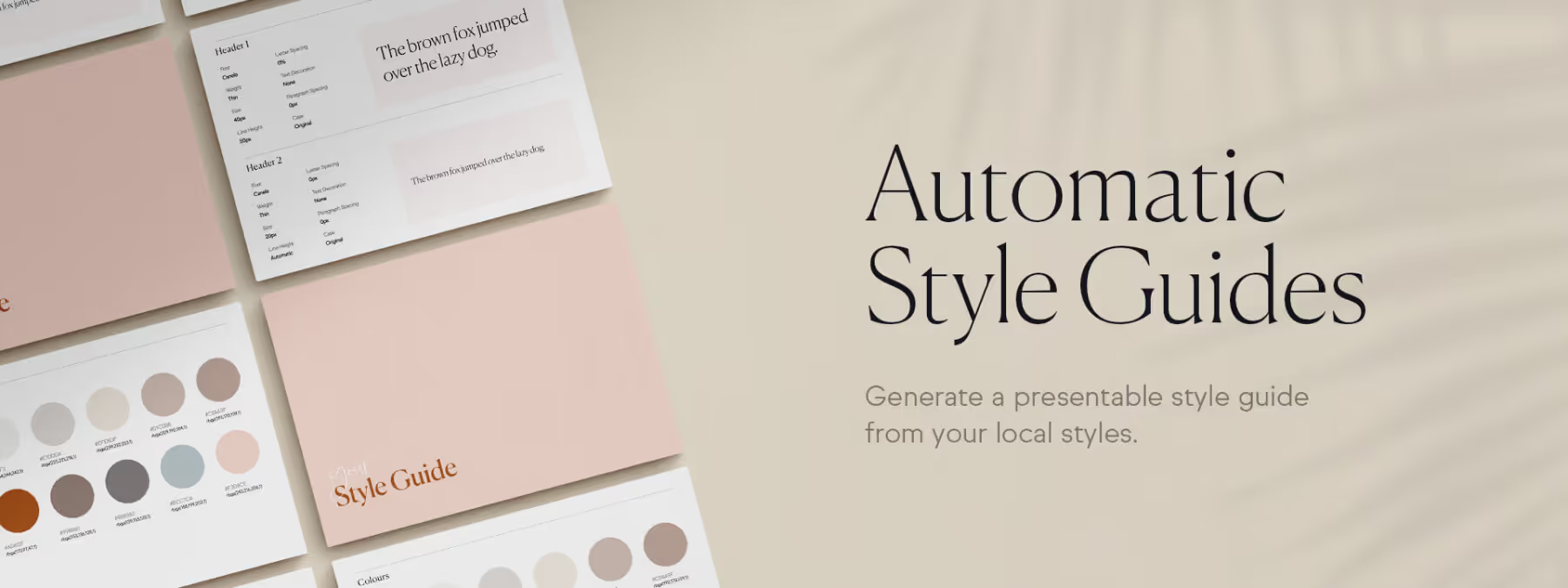
Documenting style guides is an essential step in the design process, but it can quickly become repetitive and time-consuming. For designers, preparing formal style guides for clients and developers can often feel like duplicate data entry. Fortunately, thanks to the Figma API, the "Automatic Style Guides" plugin simplifies this process by letting you generate a presentable style guide in one click. Whether you need to create a new guide or keep an existing one up to date, this plugin offers a fast and efficient solution.
Why use the plugin?
TIME SAVINGS AND EFFICIENCY
With "Automatic Style Guides", a single click is all it takes to turn your local styles into a professional style guide. No more spending hours manually compiling colors and typography; the plugin automatically generates a guide on a new page of your Figma document. In our experience, this lets you focus on more creative tasks while ensuring that your documentation always stays up to date.
CONSISTENCY AND AUTOMATIC UPDATES
The plugin not only lets you create style guides, but also keep them up to date easily. Using special tags called "moustache tags", you can automate the updating of your local style properties within the style guide. For example, by renaming a text layer with the tag {{myTextStyle.fontSize}}, that layer will be automatically updated to reflect the font size of that style. This way, your style guide always stays consistent with the latest changes made to your design.
CLEARER COMMUNICATION WITH TEAMS
A well-structured, constantly up-to-date style guide is crucial for effective communication between designers, developers and clients. The plugin generates clear, easy-to-understand style guides, making exchanges smoother and reducing the risk of misunderstandings. Developers can directly access the information they need, such as hexadecimal color codes or detailed typographic properties.
What are the plugin's features?
COLOR SWATCH GENERATION
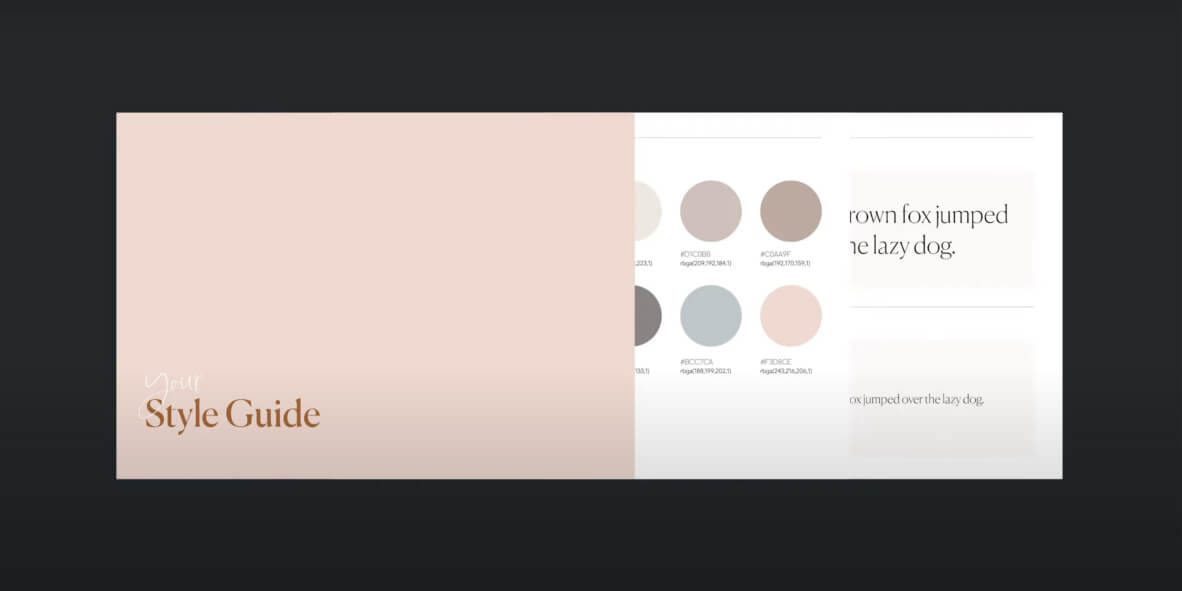
With the plugin, you can create local text and color styles, then generate a color swatch on a new page called "Style Guide".
CREATION OF COMPLETE STYLE GUIDES
The plugin can also generate a complete style guide in one click, documenting both text and color styles.
UPDATES WITH MOUSTACHE TAGS
Using tags such as {{myTextStyle.fontSize}}, you can automate the updating of information in your style guide based on your local style properties, such as font size, letter spacing, RGBA colors, and so on.
AVAILABILITY OF MERGE TAGS
The plugin offers a wide range of tags (such as {{myColorStyle.hex}} or {{myTextStyle.fontFamily}}) to automate the display of style properties in your guide. These tags cover a broad range of properties for text and color styles, allowing fine-grained customization of your documentation.
Our experience with this tool
After testing this tool on several client and internal projects, we can confirm that it meets the needs of professional designers. Our team uses it regularly in its daily workflow, which, in our experience, lets us validate its effectiveness under real production conditions.
Points tested in detail:
- Performance on large files (500+ frames)
- Compatibility with complex design systems
- Stability during intensive use
- Integration into a team workflow
Points to watch (tested in real conditions)
In the interest of transparency, here are the limitations we identified during our tests:
- Processing time may be longer on very large files
- Requires a stable internet connection for certain features
- Learning curve for beginner users
Conclusion
The "Automatic Style Guides" plugin is an indispensable tool for any designer looking to improve their workflow efficiency. By automating the creation and updating of style guides, it not only saves you time but also helps you maintain rigorous visual consistency throughout the project. Whether you work alone or as part of a team, this plugin ensures that your style guides stay professional, accurate and always up to date, making communication with clients and developers easier.



