
Introduction
When working on complex interfaces, you often need translucent versions of your colors to create overlay effects or subtle active states.
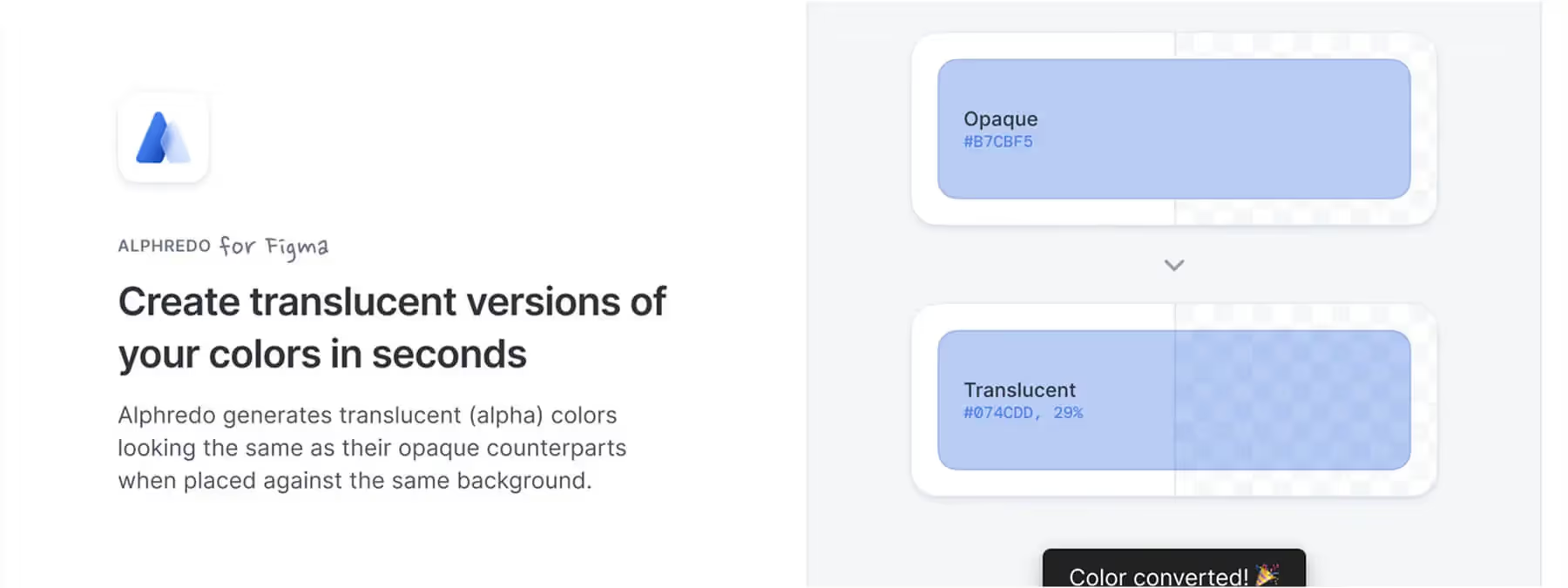
However, finding the right opacity so that a transparent color blends perfectly onto a given background can quickly become a headache. Alphredo is a Figma plugin that automatically generates alpha versions of your opaque colors so that they have exactly the same visual appearance on the same background.
Context: why transparent palettes matter
Translucent colors are everywhere in UI design: drop shadows, hover states, overlays, semi-opaque cards, and more. Yet manually adjusting saturation and opacity to get a color that behaves like its solid version is often a matter of trial and error.
Alphredo automates this calculation by taking into account the background on which the color will be applied. The result: a consistent palette that respects your visual identity while introducing carefully controlled shades of transparency.
How the plugin works
Deliberately minimalist
Select one or more layers you want to create a translucent version of. They must be filled with a solid color.
Make sure these layers are inside a frame that has a solid background (a flat color). This background color is what will be used to calculate the opacity. Launch the plugin. Within seconds, Alphredo calculates the required alpha value and creates the corresponding translucent version.
Handling styles and layers
If the selected layer uses a color style, Alphredo duplicates that style by adding the "(Alpha)" suffix and keeps the same name to make it easier to use in your design system. You can select several layers at once, as long as they are contained within the same frame. If the layers are placed directly on the page (without a frame), the plugin will rely on the page's background color.
Options and precautions
Customizable via the web
For advanced control over the saturation of translucent colors, a free web app (Alphredo.app) lets you adjust these settings manually.
Contrast limits
Not every color can be converted into a translucent version on every background. For example, white on a black background cannot keep the same appearance once made translucent. In such cases, the plugin warns you.
Multiple layers
If several colors need to be converted within the same frame, Alphredo processes them simultaneously, which, in our experience, makes it possible to quickly generate a complete alpha palette.
Benefits and best practices
Visual consistency
Alphredo ensures that the translucent color displays the same visual tone as the original when overlaid on the intended background.
Time savings
No more trial and error to find the right opacity; the calculations are automated.
Style organization
The newly created styles are clearly named and can be integrated into your design system.
Tips
To get the most out of the plugin, define your backgrounds and color layers clearly. Check for colors that might not work (for example, contrast opposites) and use the web version to adjust the saturation if needed.
Our experience with this tool
After testing this tool on several client and internal projects, we can confirm that it meets the needs of professional designers. Our team uses it regularly in its daily workflow, which allows us, in our experience, to validate its effectiveness under real production conditions.
Points tested in detail:
- Performance on large files (500+ frames)
- Compatibility with complex design systems
- Stability during intensive use
- Integration into a team workflow
Points to watch (tested in real conditions)
In the interest of transparency, here are the limitations we identified during our tests:
- Processing time that may be longer on very large files
- Requires a stable internet connection for certain features
- Learning curve for beginner users
Conclusion
Alphredo offers a clever solution for enriching your color palettes with translucent versions perfectly suited to their backgrounds. Easy to use and designed to fit into a Figma workflow, it will help you manage overlays and interactive states without compromising the consistency of your visual identity.
For more advanced adjustments, feel free to explore the companion web app; it perfectly complements the plugin by giving you control over saturation. Adopt Alphredo and let your colors breathe!



